Image to video
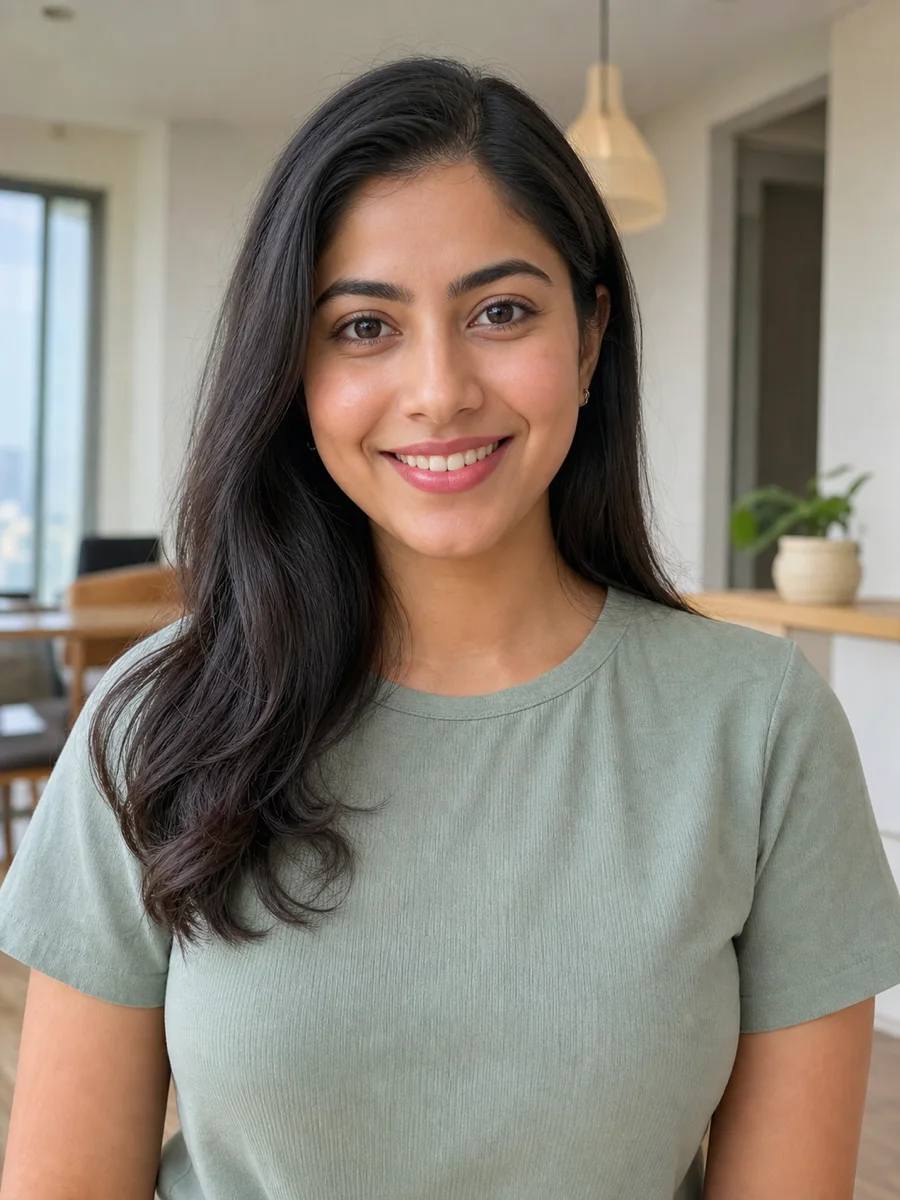
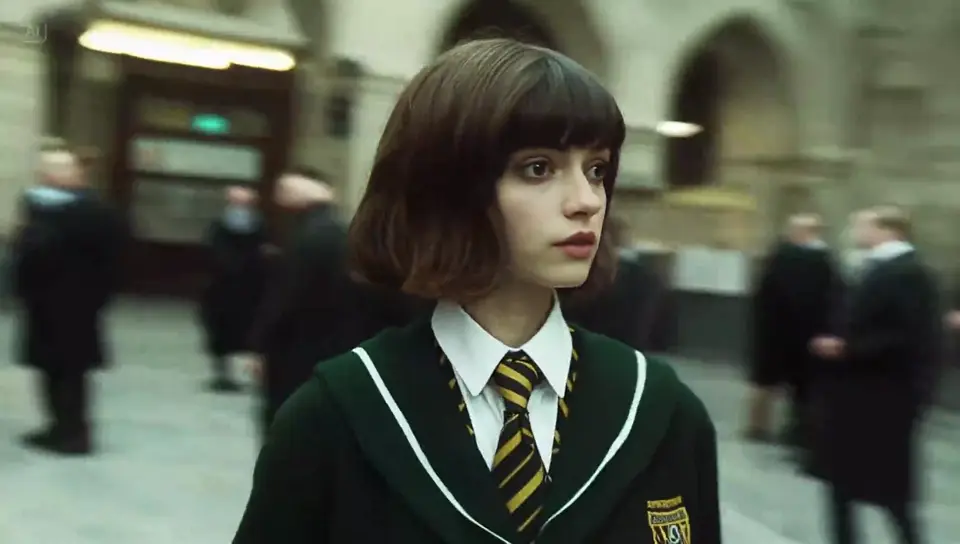
Cinematic Portrait Video
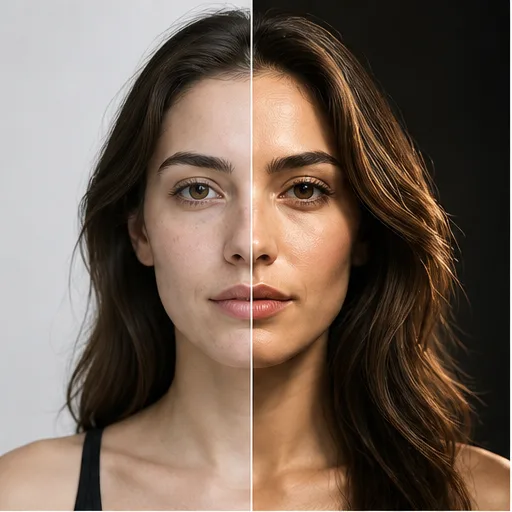
Upload a portrait and add natural facial expressions, subtle body movement, cinematic lighting, and a smooth camera move.
 Flow Studio
Create Grok Imagine videos from a text prompt or image. Describe the action, camera movement, lighting, dialogue, and sound, then generate your AI video.
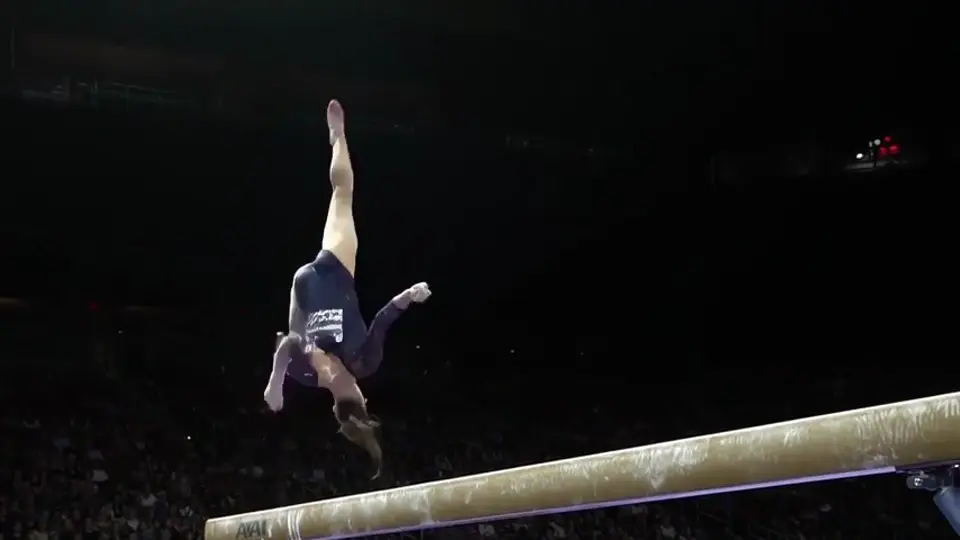
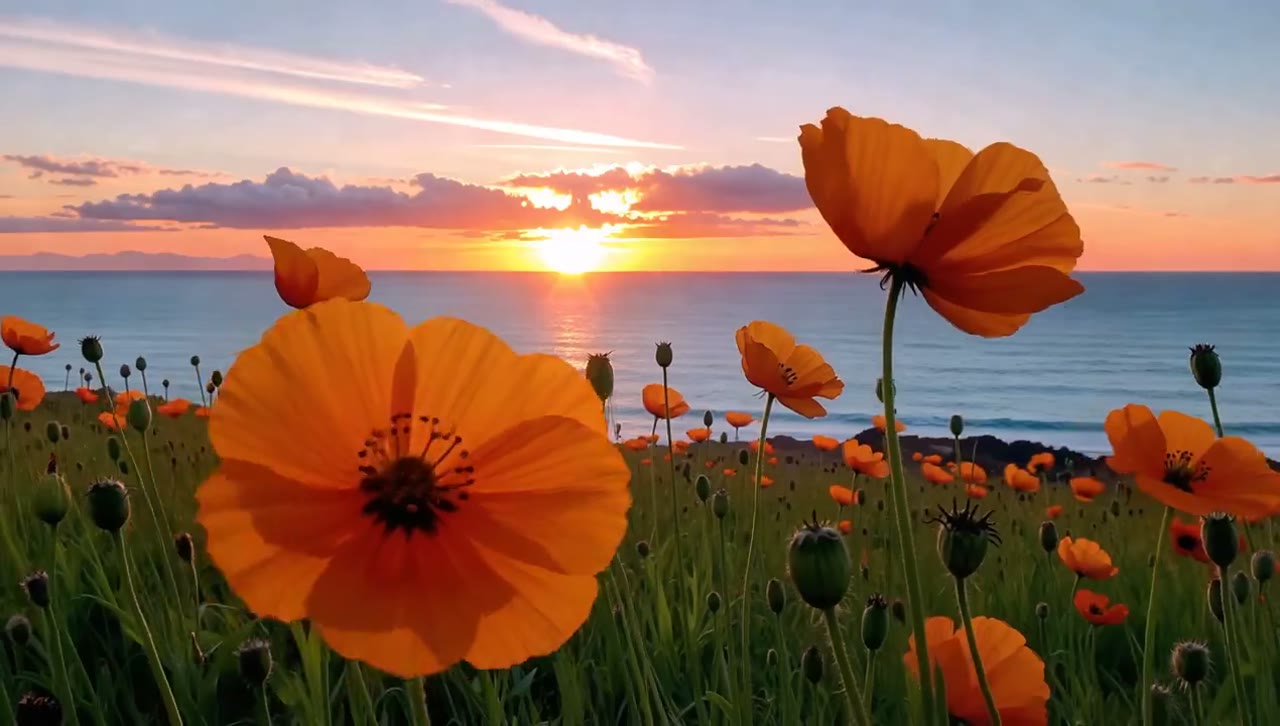
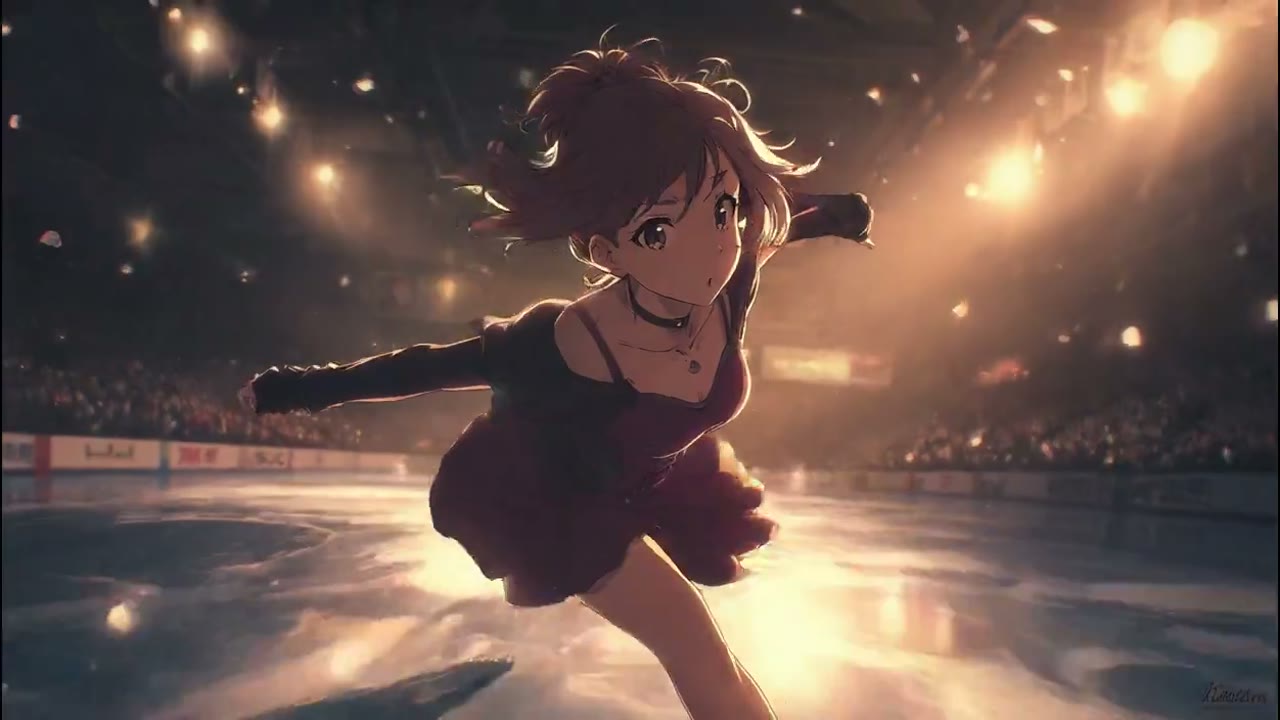
Grok Imagine video examples
Explore cinematic portraits, camera moves, character performances, and imaginative scenes you can create from a text prompt or image.
Use these examples to plan the motion, framing, lighting, and sound for your own Grok Imagine video.
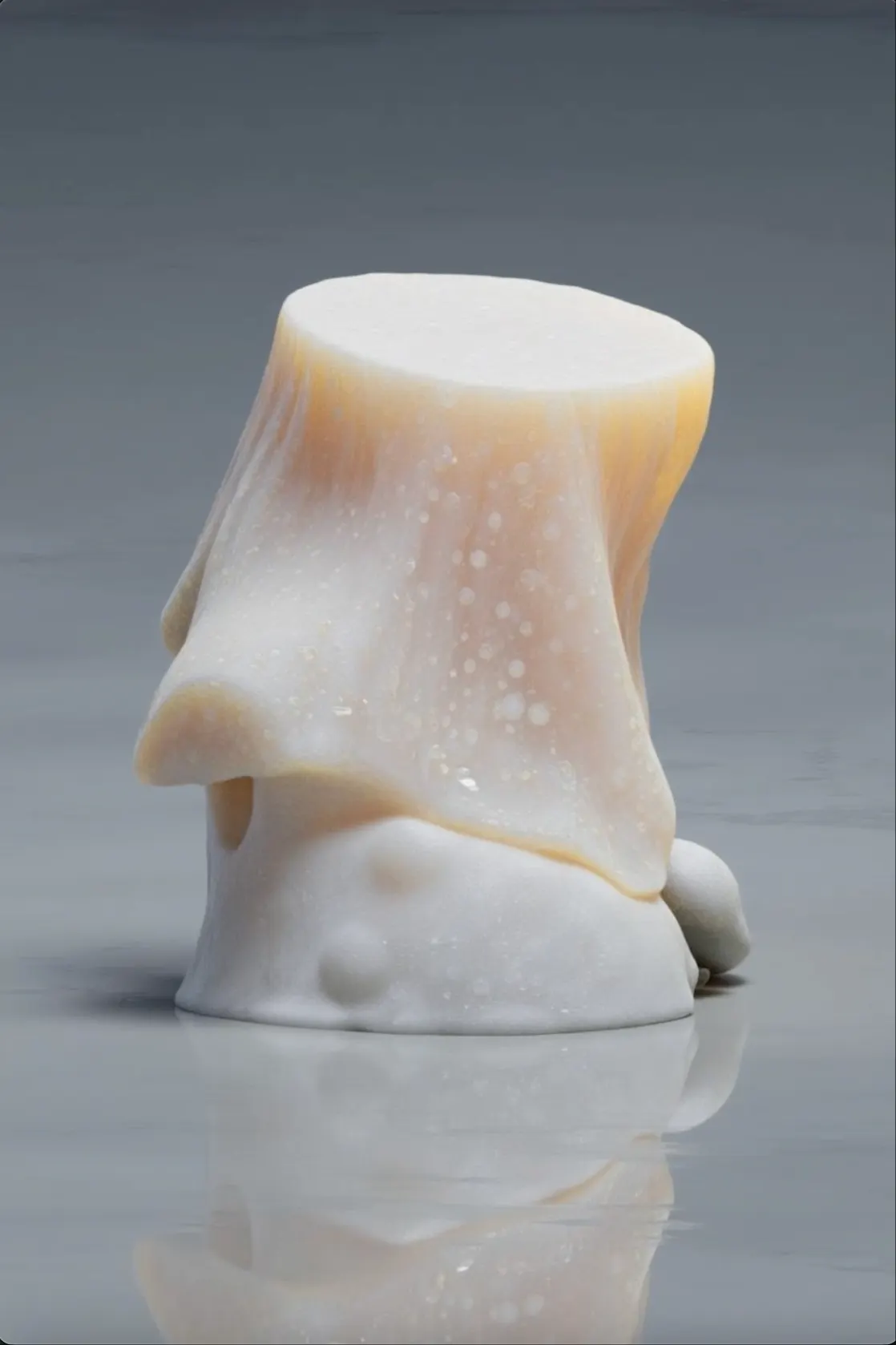
Upload a portrait and add natural facial expressions, subtle body movement, cinematic lighting, and a smooth camera move.
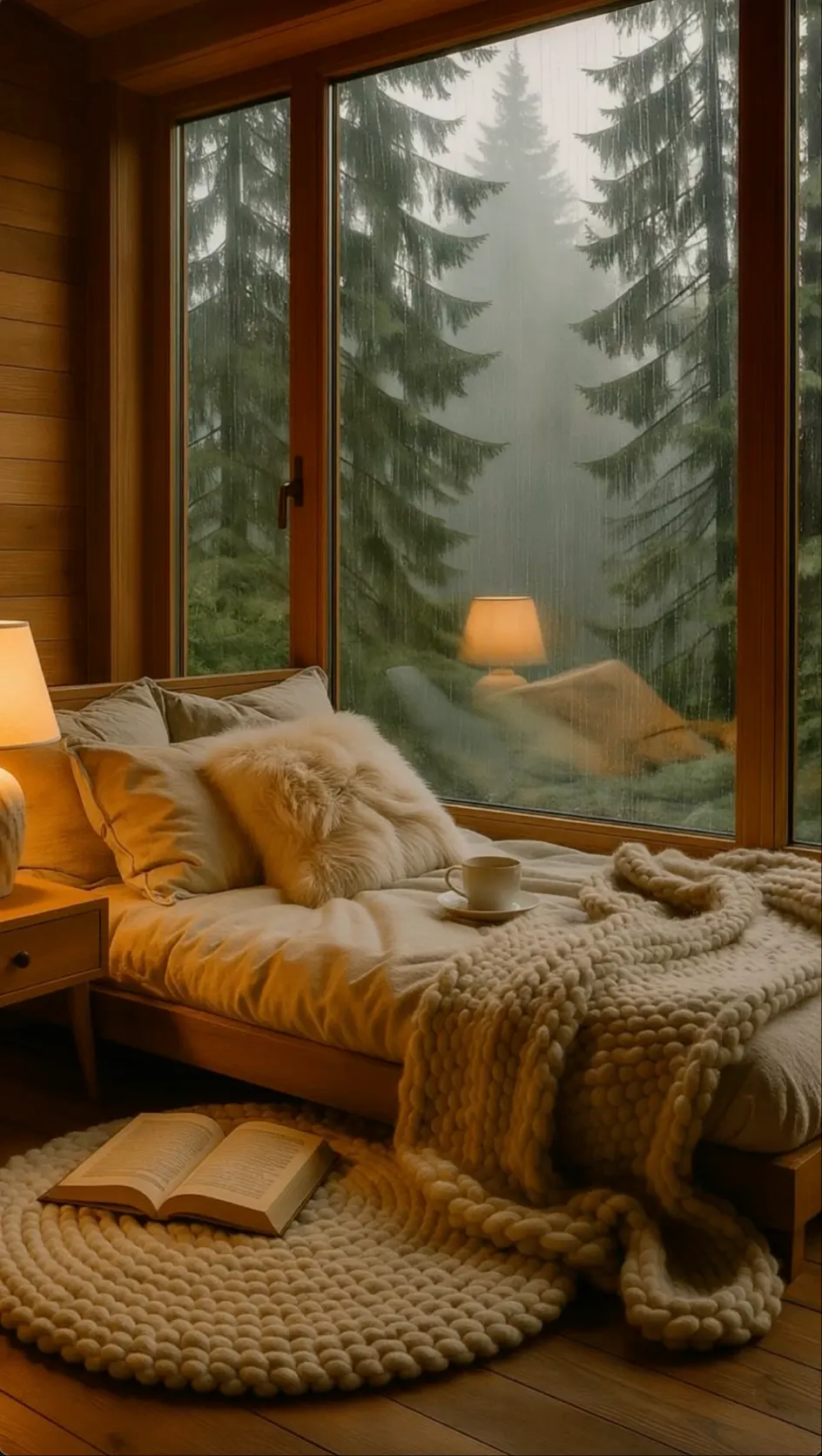
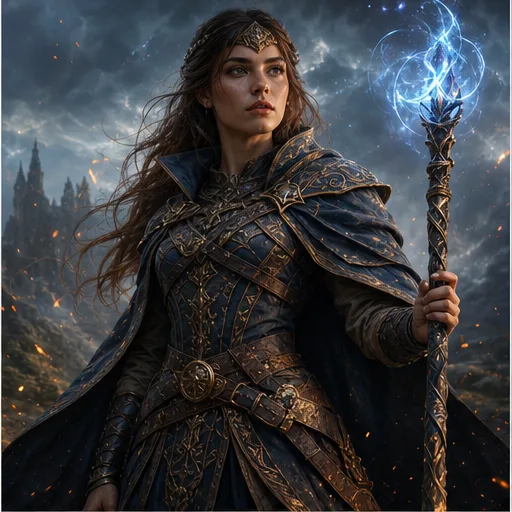
Turn a still scene into a cinematic reveal with a slow camera push, moving light, and atmospheric details.
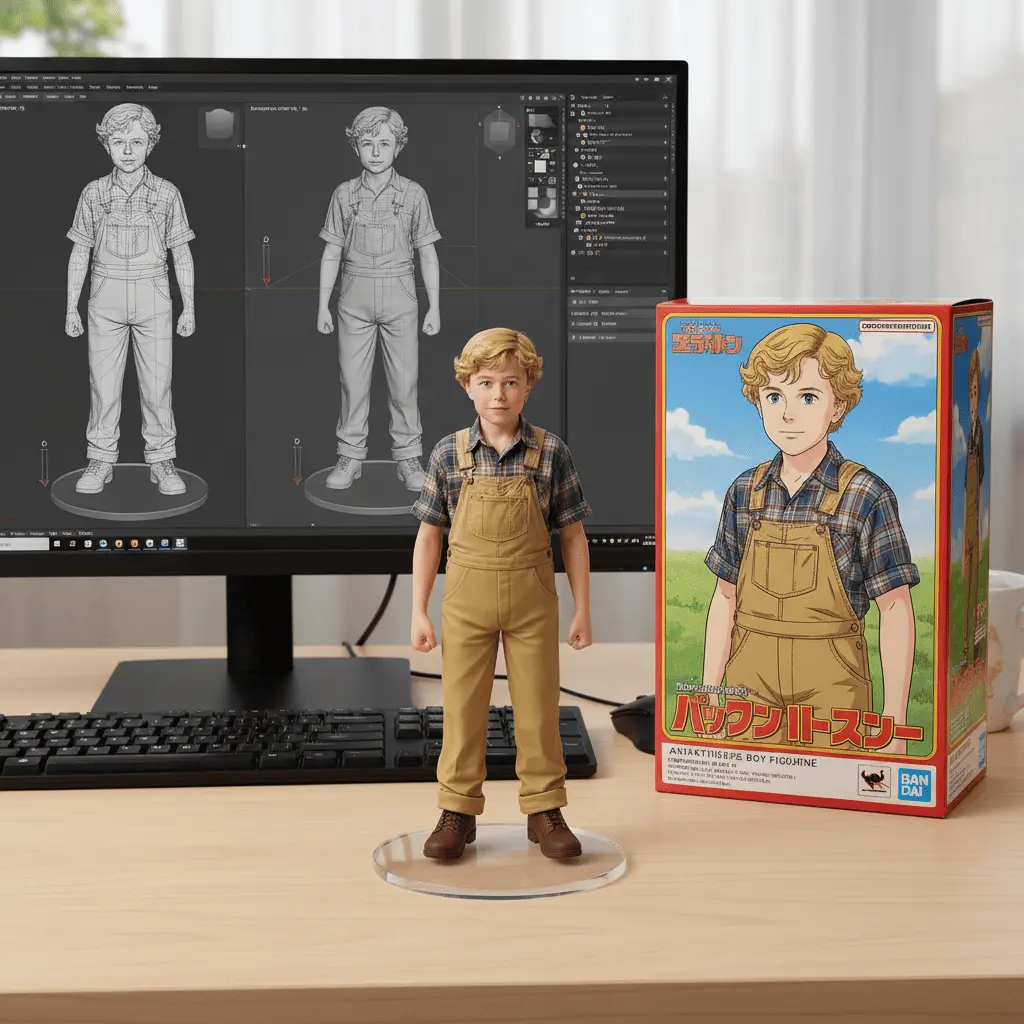
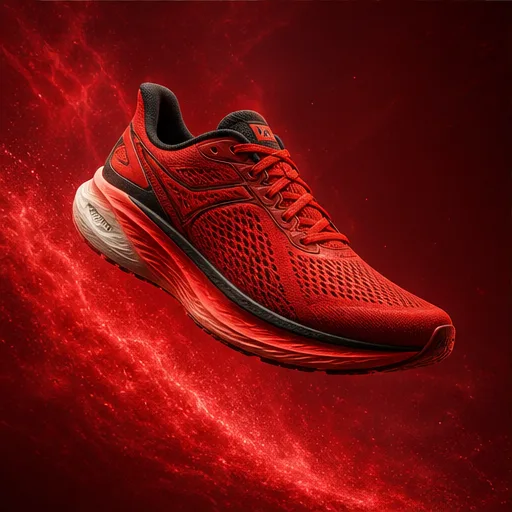
Create a focused character performance with a clear expression, spoken line, natural movement, and matching sound.
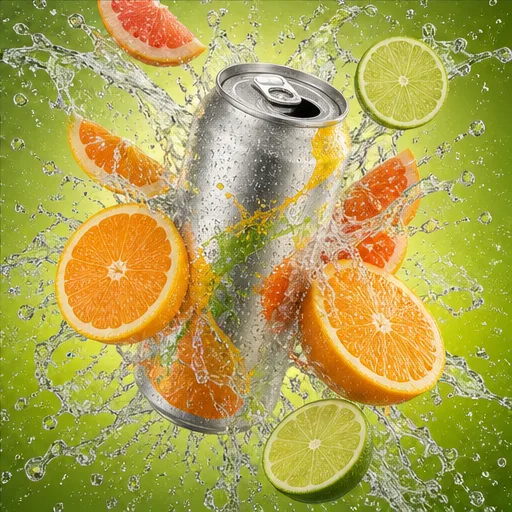
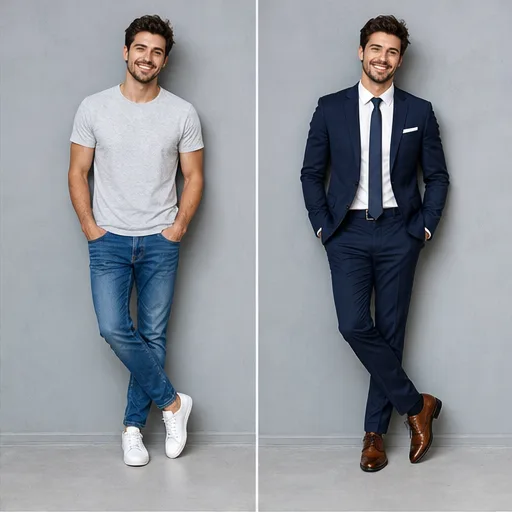
Describe a visual transformation from the first frame to the final shot to create an imaginative short video.
Grok Imagine use cases
Use Grok Imagine for short ideas that depend on clear motion, camera direction, visual style, and sound working together.
Text to video
Turn a written idea into a focused scene by describing the subject, action, setting, camera movement, lighting, and final shot.
Image to video
Bring a portrait, product image, illustration, or keyframe to life while keeping the original look as the visual anchor.
Audio generation
Plan what viewers should hear at the same time as the action, including spoken lines, environmental sound, and key effects.
Social media
Create a reveal, transformation, reaction, or visual surprise that communicates quickly in a vertical social feed.
Ads and campaigns
Test product reveals, lifestyle scenes, and different camera directions before investing in a longer production.
Creative storytelling
Build a distinctive world with clear art direction, weather, lighting, camera movement, and a simple story beat.
Why Grok Imagine
Create Grok Imagine videos from text or images in one simple workspace. Choose your video settings, control the motion and camera, then preview and download the result.
No editing experience needed. Start with a prompt or image and keep every video setting in one place.
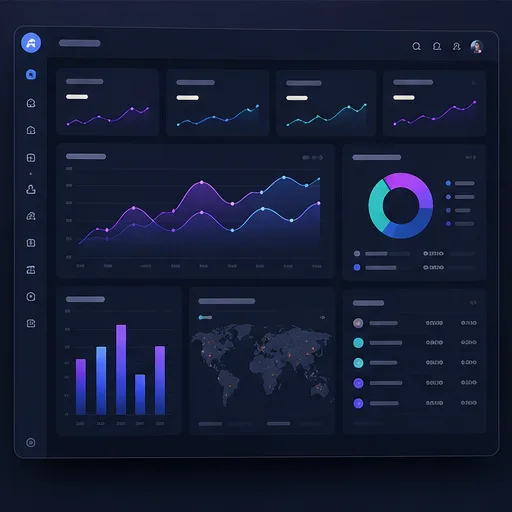 Organized creation
Text and image input
Enter a text prompt to create a new scene, or upload an image to turn a portrait, product, artwork, or photo into a video.
Easy to use
Describe what you want in everyday language. The Grok Imagine AI video generator keeps the prompt, settings, generation, and preview in one easy workflow.
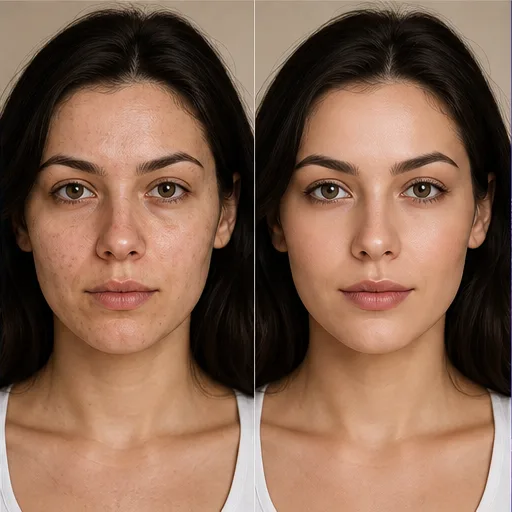 Controlled iteration
More control
Tell Grok Imagine how the subject should move, where the camera should go, how the scene should feel, and what viewers should hear.
Video settings
Set the aspect ratio, duration, resolution, and audio options before you generate, so the video fits your project.
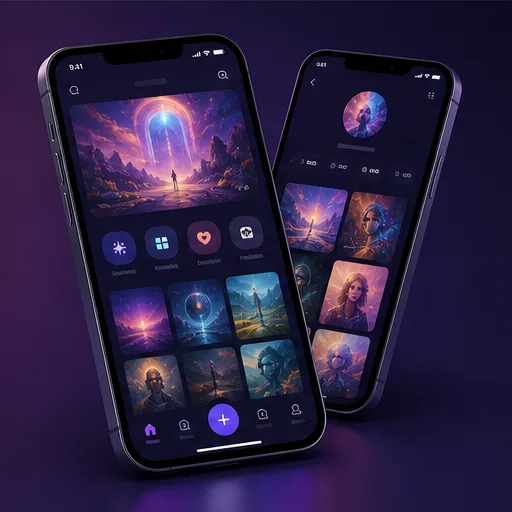 Responsive workflow
More variations
Reuse your prompt and try a different action, camera move, pace, or visual style without starting the whole project again.
Any device
Generate and review your Grok Imagine videos from a phone, tablet, or computer with the same responsive workflow.
Grok Imagine workflow
Turn a prompt or image into a Grok Imagine video in four simple steps, from entering your idea to downloading the finished clip.
Step 1
Add your idea
Type what you want to see, or upload an image you want to animate. Include the subject, action, setting, and visual style.
Step 2
Choose video settings
Choose the aspect ratio, duration, resolution, and audio settings that match where you plan to use the video.
Step 3
Generate your video
Review your prompt and settings, then click Generate. Grok Imagine turns your text or image into a video with motion and sound.
Step 4
Preview and download
Play the generated video, check the motion and sound, then download the result or update the prompt to create another version.
Who Grok Imagine is for
Grok Imagine is for people who want to create social videos, ads, story concepts, or animated visuals from a prompt or image.
Social media managers
Turn campaign ideas, product photos, and visual trends into social videos for content calendars, launches, and Instagram Reels.
Marketers and brands
Create product reveals, campaign concepts, lifestyle scenes, and video ad variations without arranging a new shoot for every idea.
TikTok video creators
Create scroll-stopping hooks, trend-inspired clips, product moments, transformations, and short visual stories for TikTok.
YouTube creators
Generate intros, B-roll, story scenes, channel visuals, and YouTube Shorts from a prompt or image without filming every shot.
Compare monthly, annual, and one-time credit options for occasional Grok Imagine video ideas or ongoing AI video creation.
Your local currency and applicable taxes are shown at checkout.
$118.80 charged yearly
Perfect for hobbyists and beginners
Everything you need to start:
$598.80 charged yearly
For teams and businesses
Everything in Professional, plus:
$238.80 charged yearly
For creators and professionals
Everything in Basic, plus:
Related AI video tools
Explore more ways to create videos from text, animate still images, and use visual references to guide characters, products, and style.
Grok Imagine FAQ
Find answers to common questions about Grok Imagine text-to-video, image-to-video, audio, prompts, video length, and output settings.
Grok Imagine is xAI's image and video creation system. Current official materials describe text-to-video and image-to-video workflows, with video generation that can include motion and audio.
Yes. xAI describes a text-to-video workflow in Grok Imagine. A useful prompt identifies the subject, action, environment, camera, timing, and sound in a clear order.
Yes. Image-to-video is a core Grok Imagine workflow. The source image establishes the visual anchor while the prompt directs motion, camera movement, performance, and audio.
Official xAI materials describe generated dialogue, ambience, and sound effects alongside video. Exact controls and availability may vary by model version and product surface.
Grok Imagine Video 1.5 is a current xAI video model. xAI highlights improvements to motion, physics, speech, synchronized sound, and generation speed compared with its previous video model.
Duration and resolution depend on the current Grok product, model, API, and account. Check xAI's current documentation rather than assuming one limit applies everywhere.
A good prompt clearly describes the subject, action, setting, camera movement, lighting, timing, and sound. Keep the scene focused and write events in the order they should appear.
No. This Grok Imagine AI video page is independent and is not affiliated with, endorsed by, or sponsored by xAI. Grok and Grok Imagine are referenced for informational purposes.
Create with Grok Imagine
Enter a prompt or upload an image, choose the video settings, and create a Grok Imagine video with an available AI video model.
Open the AI Video Generator