
Free AI Video
Turn a prompt or image into a short AI video preview.
Muse Image by Meta
Use Muse Image AI to generate new visuals or edit your own photos in one clean workflow.
Muse Image Generator
Use Muse Image AI to turn a text prompt into an image, or upload a reference photo and tell AI what to change. Muse Image Generator works for product shots, social posts, thumbnails, concept art, and first frames for video.
Click to upload or drag an image here
JPG, PNG, or WEBP, up to 20MB
Your generated or edited image will appear here.
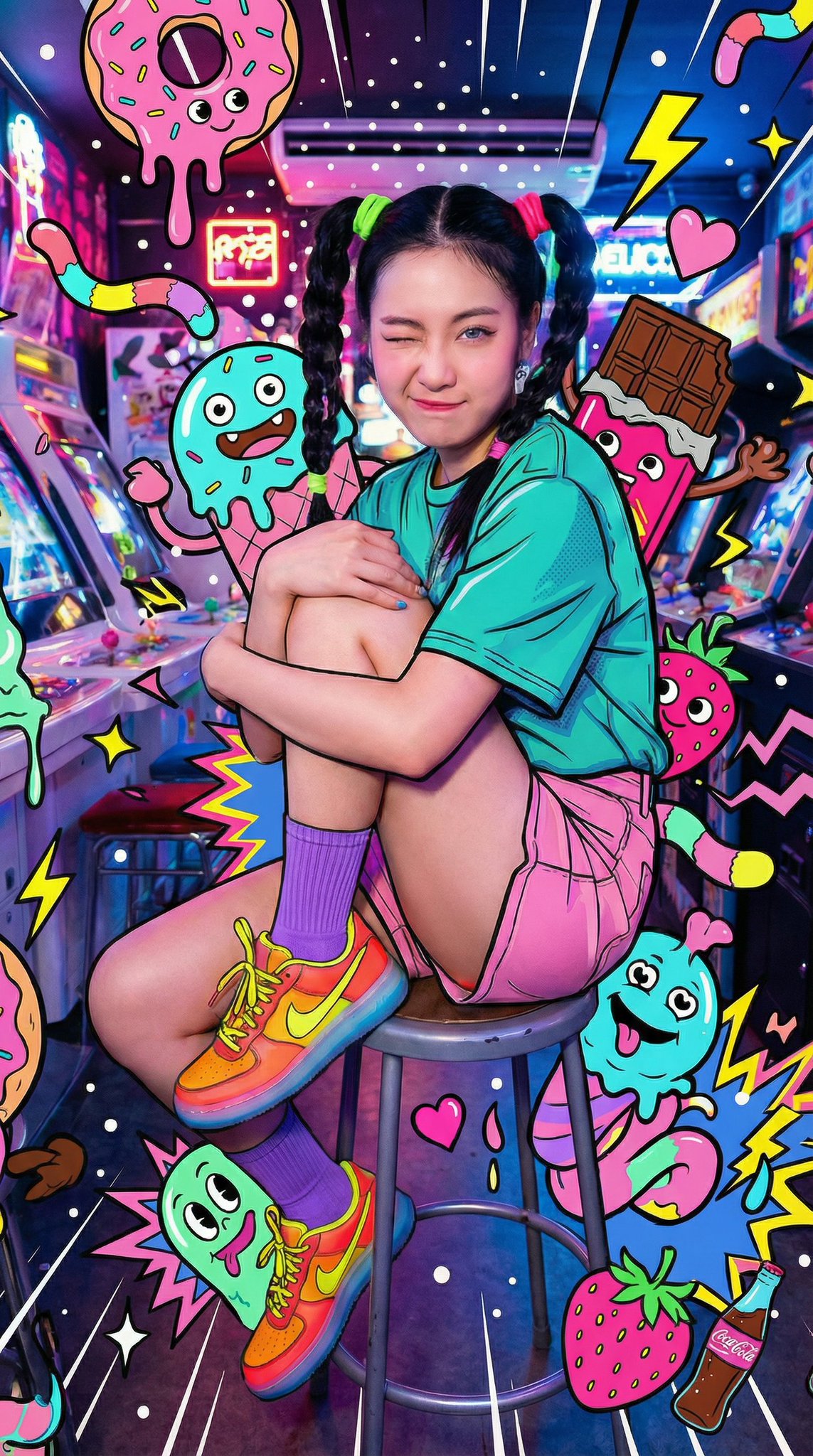
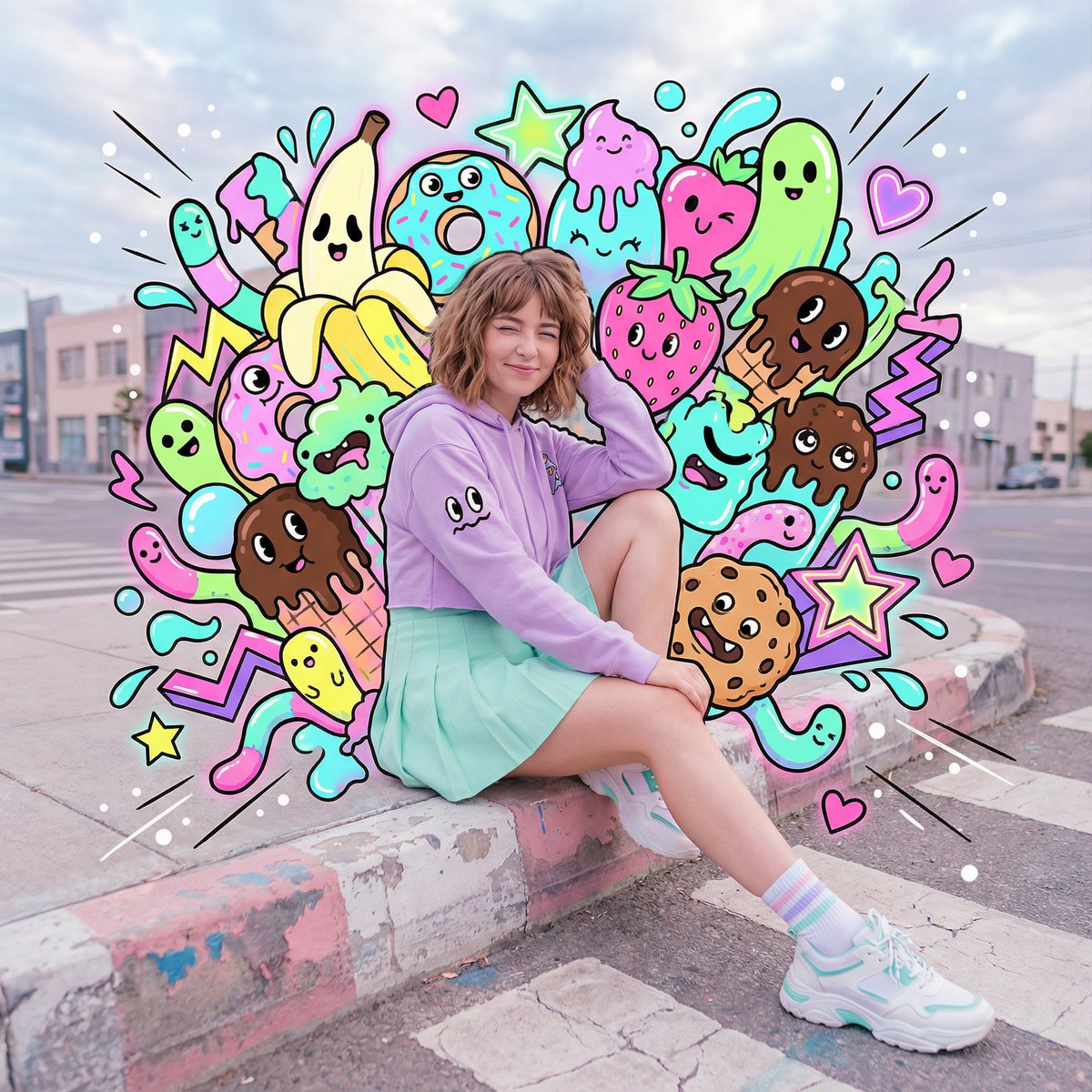
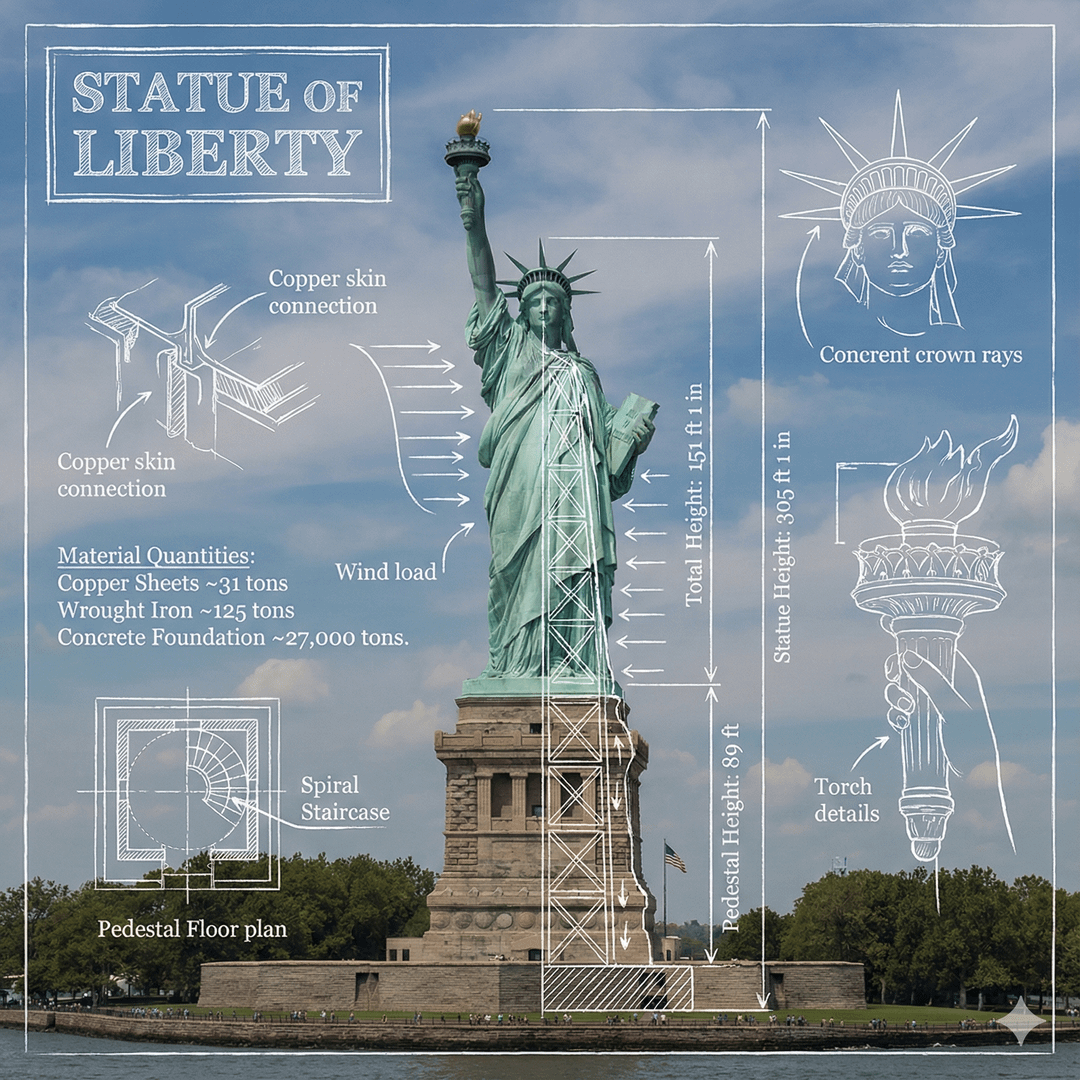
Click to view full size. Use arrows to compare results.
What you can do here
You do not need a perfect design brief to make a useful image. Muse Image AI by Meta helps you start with a rough idea, add a reference photo when accuracy matters, and shape the result into something you can publish.
Muse Image AI generates images from text prompts for ads, social posts, thumbnails, product concepts, and storyboards — all from a single sentence.
Upload a reference image when you need to change the background, style, lighting, or composition. Muse Image AI edits what you want without affecting the rest.
Use simple controls like aspect ratio, prompt details, and image count instead of a complex design tool. No Photoshop or Figma needed.
Download the finished visual or reuse it as a first frame for an image-to-video workflow. One tool for both generation and export.
Muse Image is a Meta model name. Flow AI Video is not affiliated with Meta and provides its own AI image workspace for creative projects.
Muse Image AI keeps the entire image workflow in one place. Generate from a prompt, edit with a reference image, and prepare the result for posts, ads, or video without switching between tools.
Write what you want in plain language. Muse Image AI uses the subject, style, background, and format you describe to create a usable first draft — no technical terms required.
Upload a photo, sketch, or product image when you need a controlled edit. Muse Image AI keeps the parts you want and changes the background, mood, or style without starting from scratch.
Use repeatable prompt details like colors, lighting, camera angle, and composition. Muse Image AI makes it easier to keep social posts, ads, and thumbnails on brand across every channel.
A strong generated image can become a thumbnail, storyboard frame, or first frame for video. Muse Image AI gives you a cleaner source asset before you move into motion generation.
Use Muse Image AI at the top of this page. Start from text, edit with an uploaded image, then download the result or continue into video creation.
Describe the subject, scene, style, and output format. Instead of 'perfume ad,' write 'a clean product photo of a glass perfume bottle on marble, soft studio lighting, premium ad style, 1:1.' Specific prompts produce better results.
Upload a photo when you want to preserve a product, face, pose, or layout. Then tell Muse Image AI what to change — background, lighting, clothing, color, or composition — while keeping the core subject intact.
Review the result against your goal. If it is close, refine one detail at a time. If it is ready, download it for ads, social media, presentations, or image-to-video creation.
Use these Muse Image AI prompts as starting points for product visuals, editorial images, social posts, and video-ready frames.
A clean product photo of wireless earbuds on a matte black table, soft rim light, subtle reflection, premium ecommerce style, 1:1.
An editorial portrait of a founder in a modern studio, natural skin texture, soft window light, calm confident expression, LinkedIn-ready crop, 4:3.
A mobile app launch image showing a phone on a designer desk, warm lamp light, organized notes, modern SaaS brand colors, 16:9.
A cinematic first frame for a travel video, mountain road at sunrise, light fog, wide angle lens, realistic color grading, 16:9.
A social media carousel cover for a coffee brand, iced latte close-up, clean typography space on the left, bright morning light, 4:5.
Use Muse Image AI when you need a finished visual faster than opening a full design workflow. These are the most common scenarios.
Create clean product scenes without scheduling a photoshoot. Upload a reference product image, then test different backgrounds, surfaces, and lighting styles until it fits your brand.
Generate square, portrait, or landscape visuals for daily posts. Keep prompt templates for each platform so new content stays consistent without rebuilding each time.
Test multiple angles before spending budget. Create variations by changing the hook, product placement, background, or color palette — all from one base prompt.
Build strong first impressions for videos, articles, or landing pages. Use clear subject focus and leave space for text overlays.
Explore campaign moods, packaging ideas, or art direction quickly. Save the strongest images before turning them into formal design references.
Generate a stable frame before using image-to-video. A clear first frame helps guide camera movement, subject placement, and scene mood in the final clip.
Try another no-sign-up creative tool.
Turn a prompt or image into a short AI video preview.
Common questions about using Muse Image AI by Meta to generate images, edit photos, and create visuals for real projects.
Muse Image AI is a new image generation model by Meta that creates and edits images from text prompts and reference photos. Unlike traditional generators, it plans the composition first, understands the subject and scene, then produces visuals you can further refine.
Write a prompt describing what you want to create — include the subject, setting, style, and format. For example, instead of 'product photo,' write 'a clean product photo of a perfume bottle on marble with soft studio lighting, 1:1.' Muse Image AI creates a first draft you can review and adjust.
Yes. After generating an image, upload a reference photo and describe what you want to change — background, lighting, color, or composition. Muse Image AI updates only what you ask while keeping the rest intact.
You can start with free credits on this page. Create your first image from a text prompt or reference photo without upgrading. Paid plans are available for higher volume and advanced features.
Product photos, social media posts, ad creatives, thumbnails, portraits, campaign visuals, backgrounds, and design drafts. The workflow supports both text-to-image generation and reference-based editing in one place.
Muse Image AI by Meta uses an agent-based approach that analyzes your prompt, plans the composition, and self-corrects details. Combined with the ability to edit images after generation, it gives you more control than a generator-only tool.
Start with the purpose, then describe the subject, setting, style, lighting, and format. Specific prompts produce better results — for example, 'a vertical product shot for Instagram, minimalist background, soft natural lighting' rather than a short list of random objects.
Yes. Upload a product photo, portrait, or brand visual as a reference. Muse Image AI uses it to maintain shape, color palette, layout, and style while applying the changes you describe in your prompt.
Yes. Upload a reference product image to guide shape and color, then describe the scene, background, or lighting. This works well for ecommerce listings and ad creatives without scheduling a photoshoot.
No. Flow AI Video is not affiliated with Meta. This page provides an independent AI image generation and editing workflow. For Meta's official release, visit Meta AI, Instagram, or WhatsApp.
Yes. After generating and refining your image, download it and use it directly in your content, ads, social posts, product listings, or design drafts.
Start with one prompt, upload a reference if you have it, and let Muse Image AI turn the result into a usable image for your next post, ad, or video.
Generate with Muse Image AI