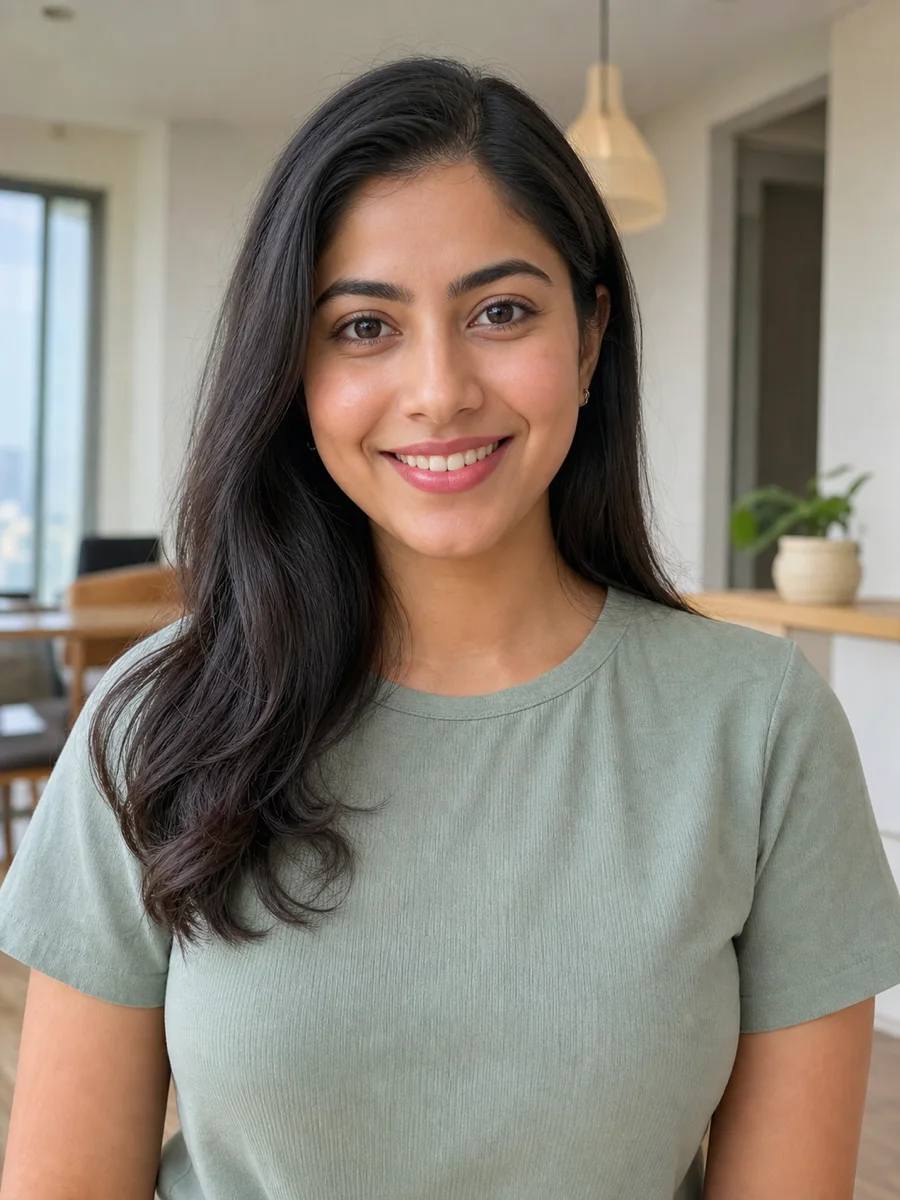
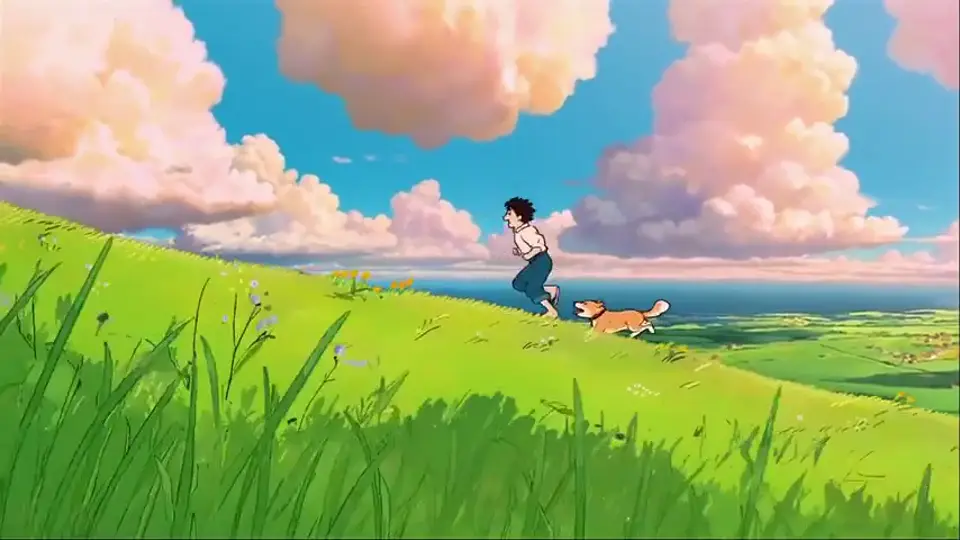
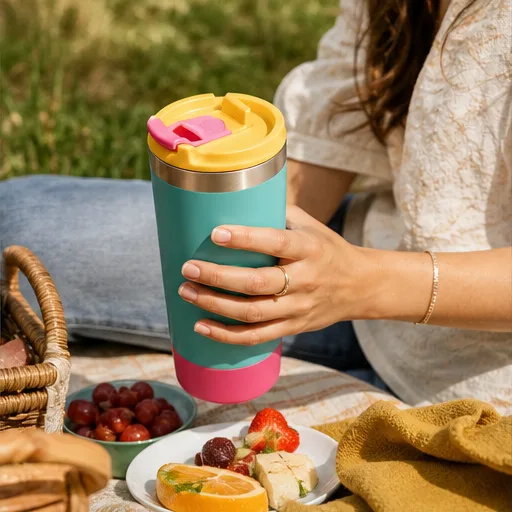
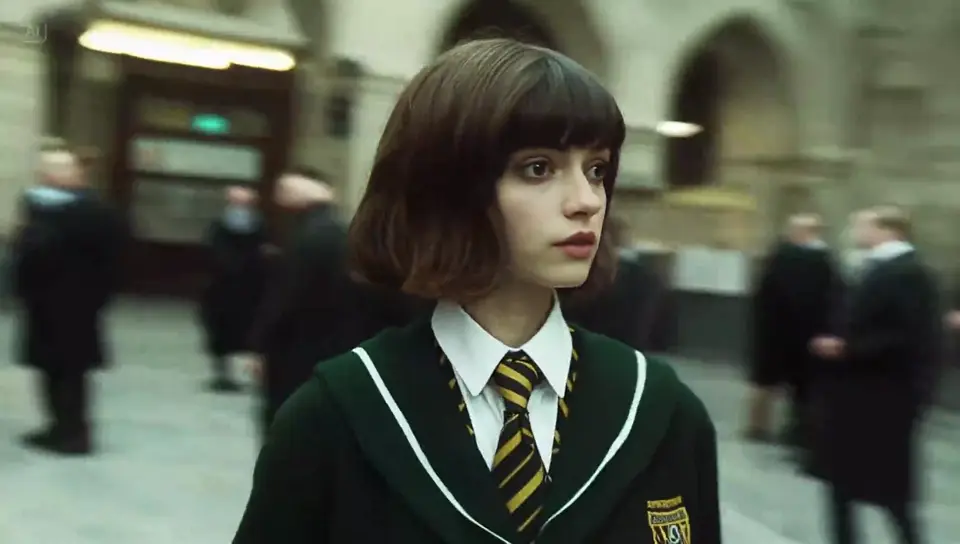
Text to video
Text-to-Video Stories from a Prompt
Describe the people, action, location, camera, and look to turn a simple idea into a complete moving scene.
 Flow Studio
Turn a prompt or starting image into a clear video idea for social content, product stories, and creative scenes. Explore the Dreamina tools, then create online.
WHAT YOU CAN CREATE WITH DREAMINA AI
Use text to video or image to video to make product ads, social media videos, animated stories, and moving artwork.
Text to video
Describe the people, action, location, camera, and look to turn a simple idea into a complete moving scene.
Image to video
Bring a portrait, product photo, poster, or illustration to life with clear subject and camera movement.
Social marketing
Make vertical promos, product showcases, and quick branded stories for social campaigns and creator channels.
Dreamina AI video demos
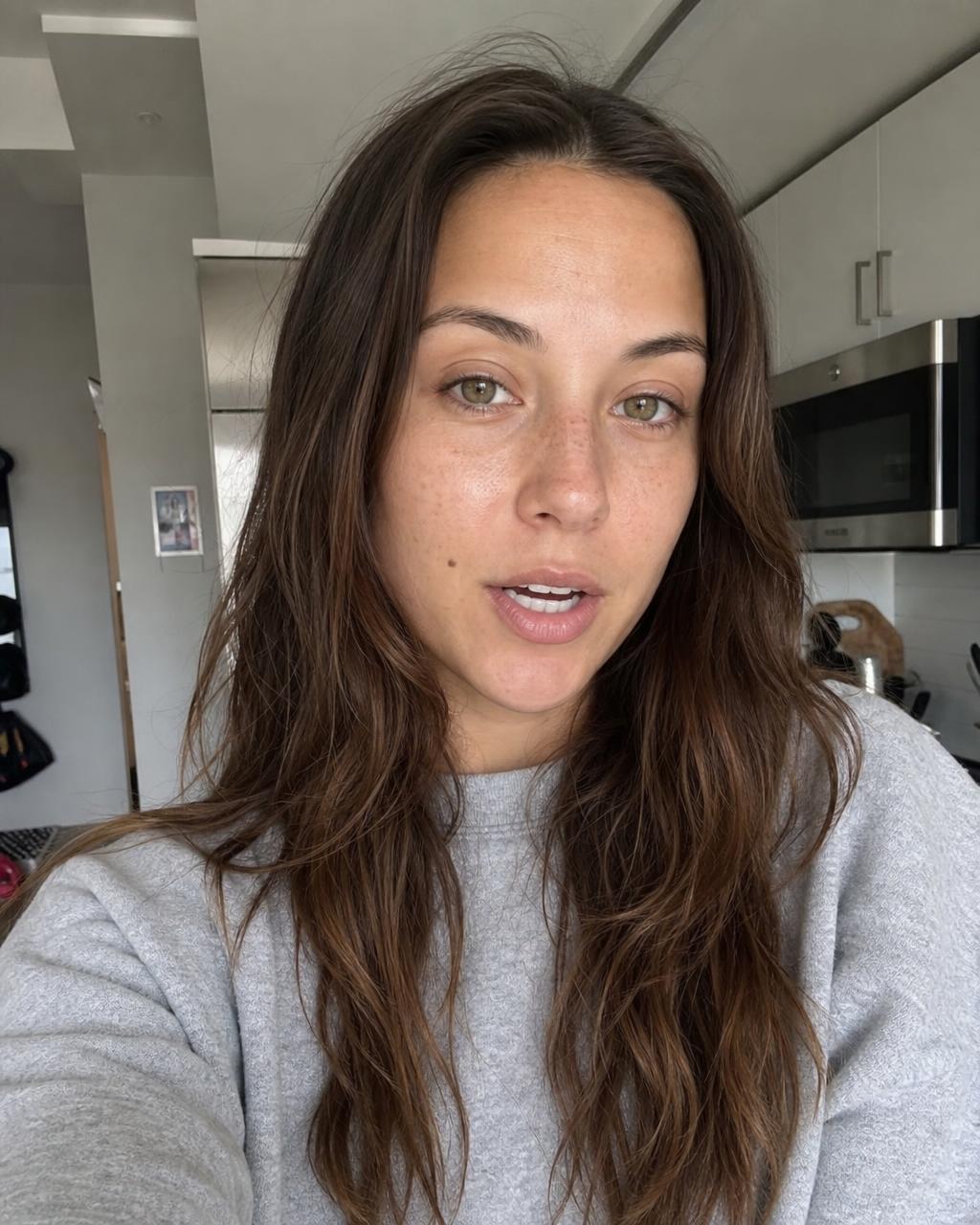
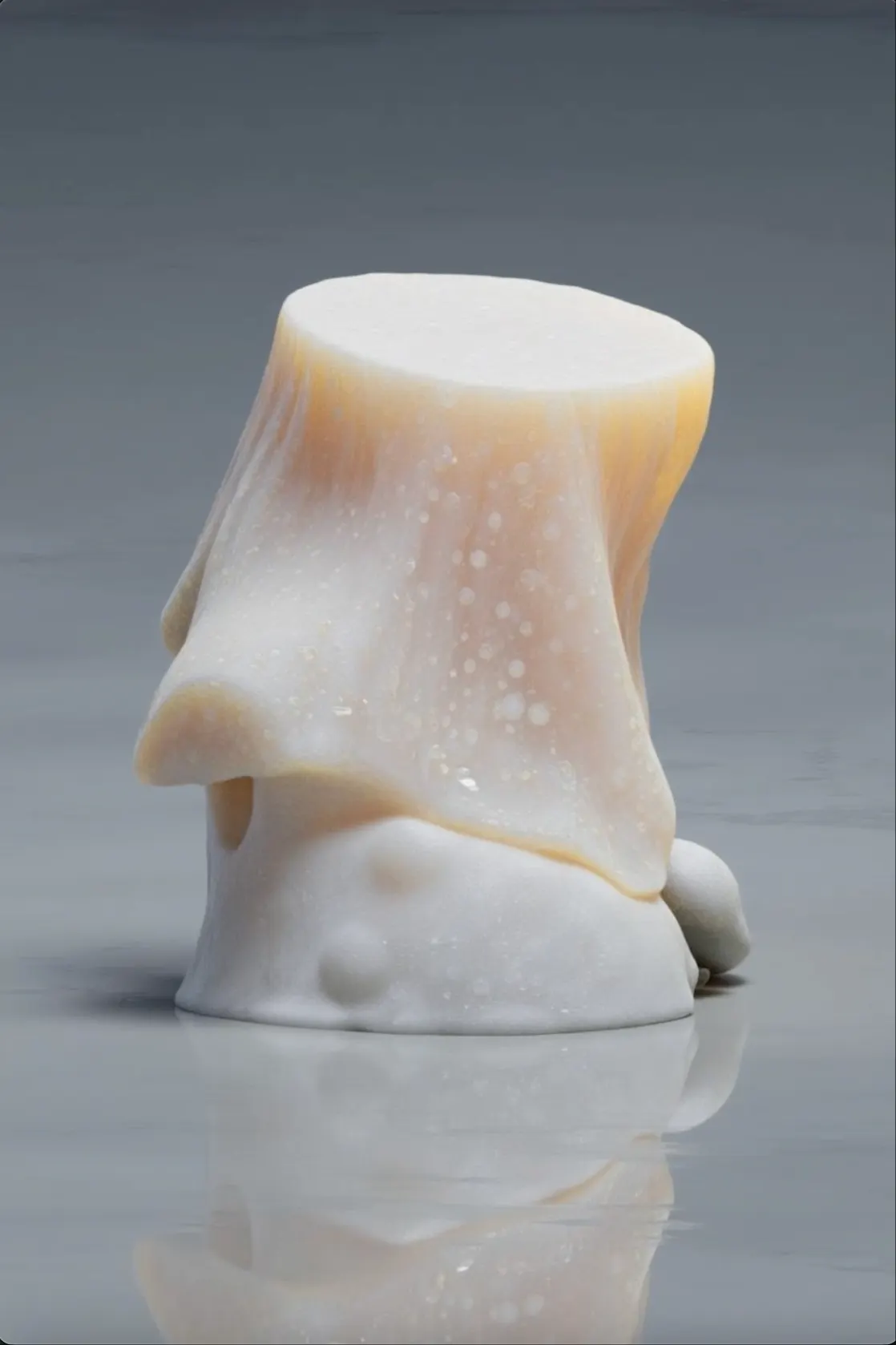
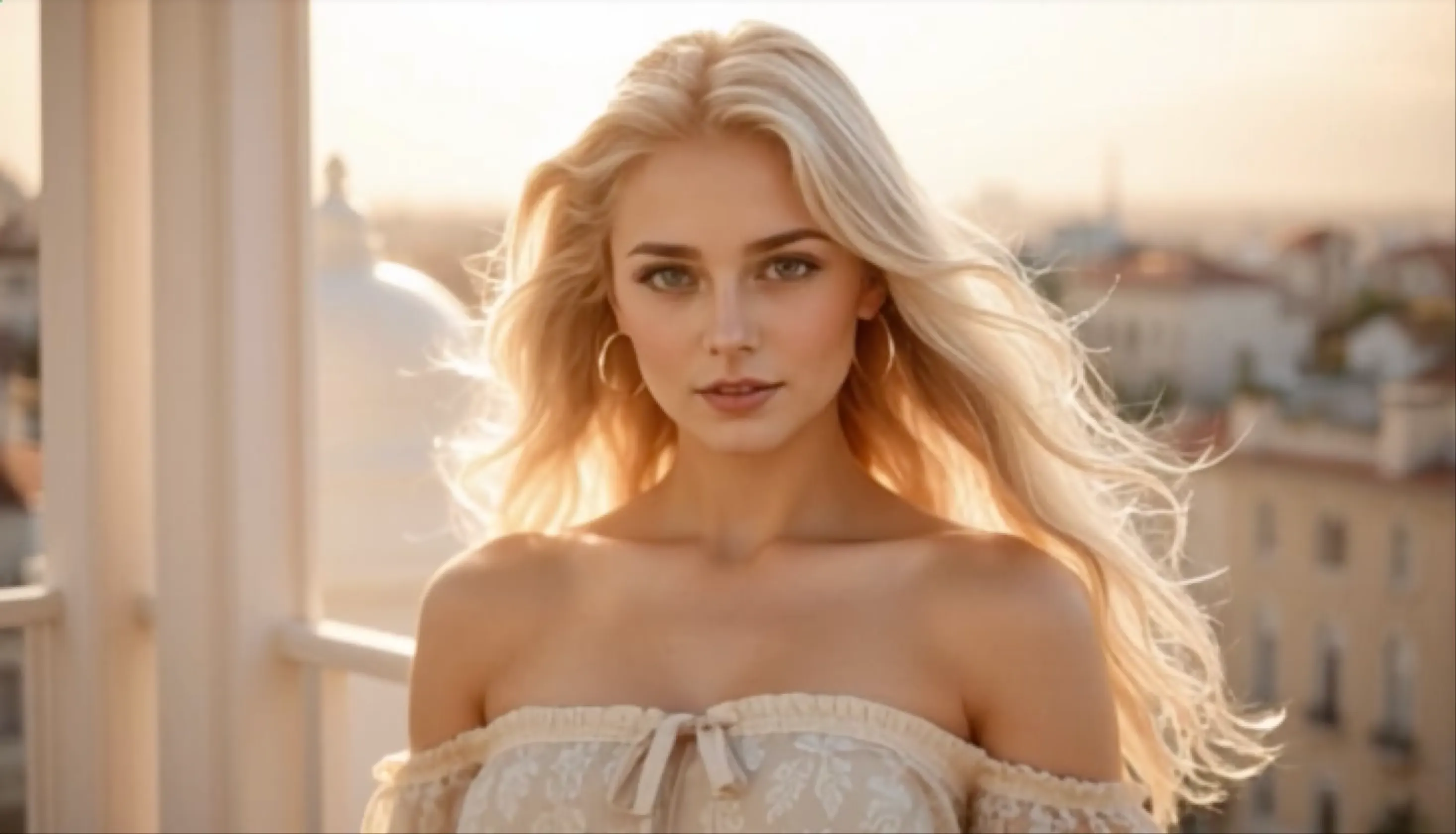
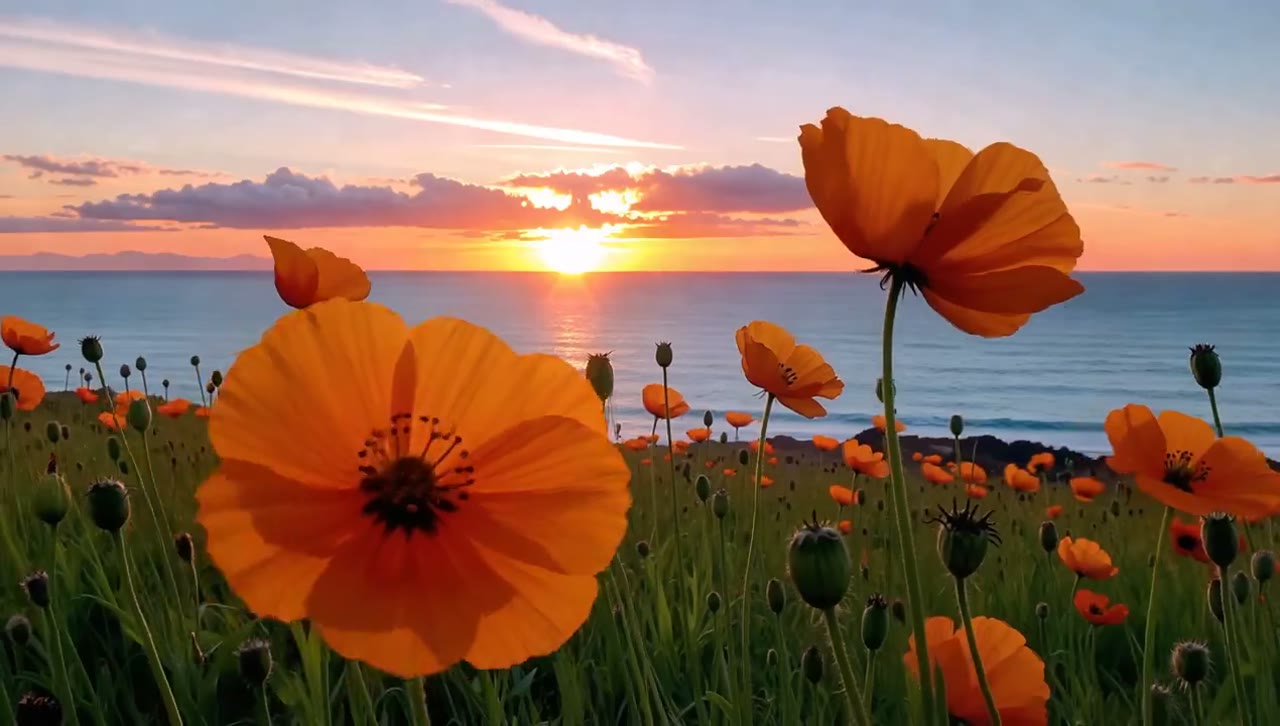
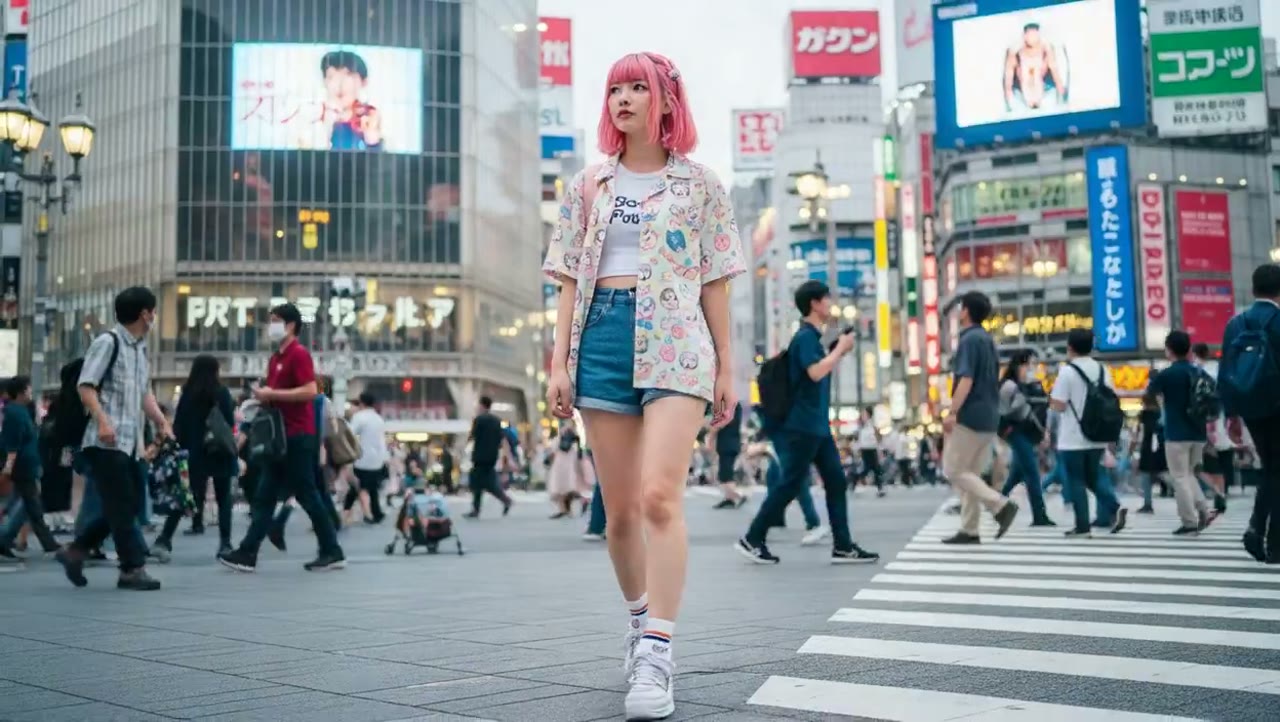
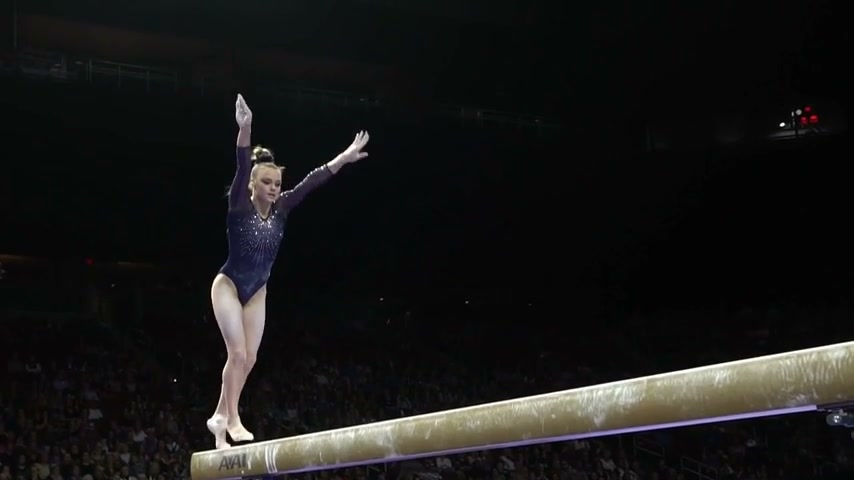
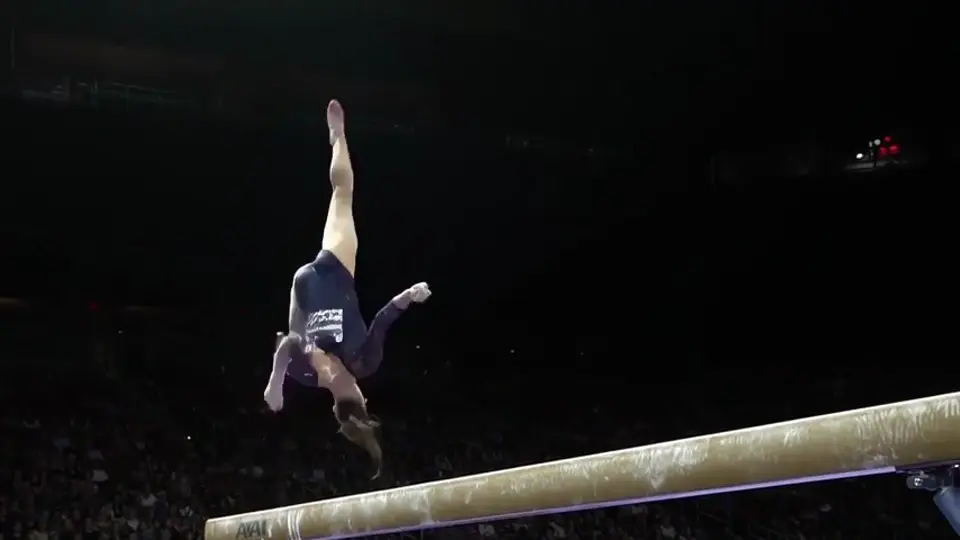
Watch a selection of text-to-video and image-to-video examples with different subjects, camera movement and visual styles.
Cinematic Story Scene
Text to video
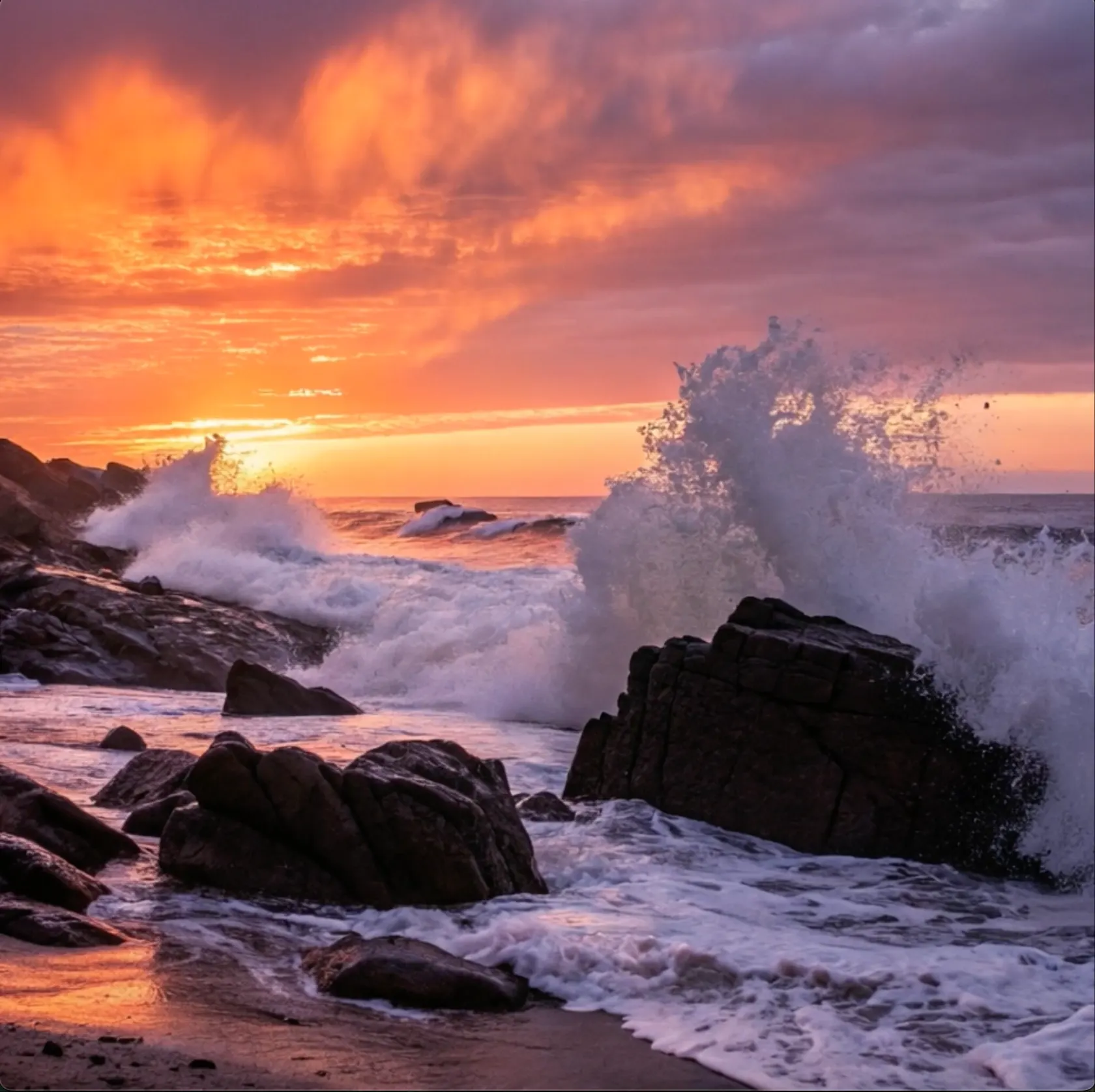
Landscape in Motion
Image to video
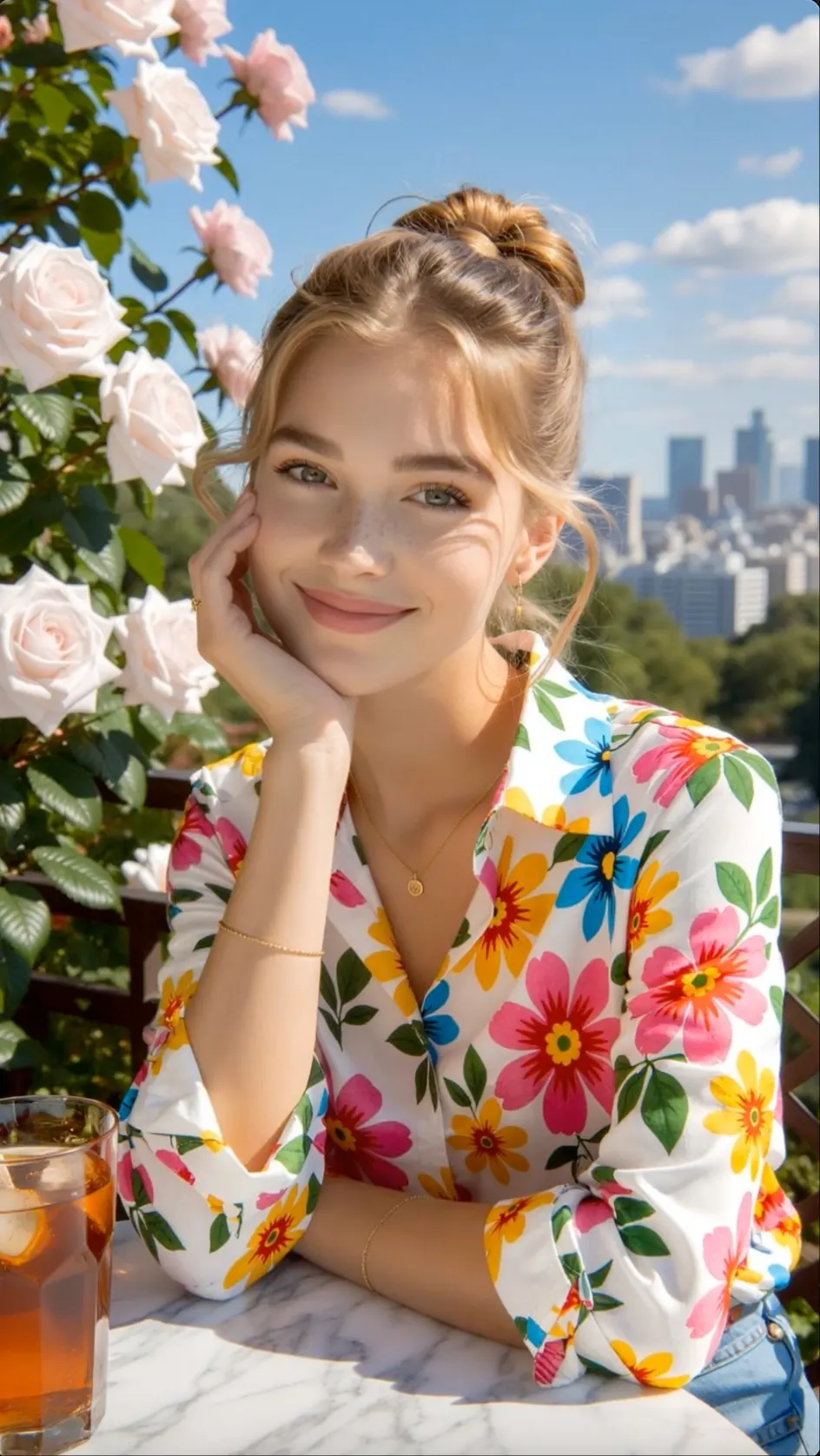
Expressive Character Motion
Character video
Stylized Visual Sequence
Creative video
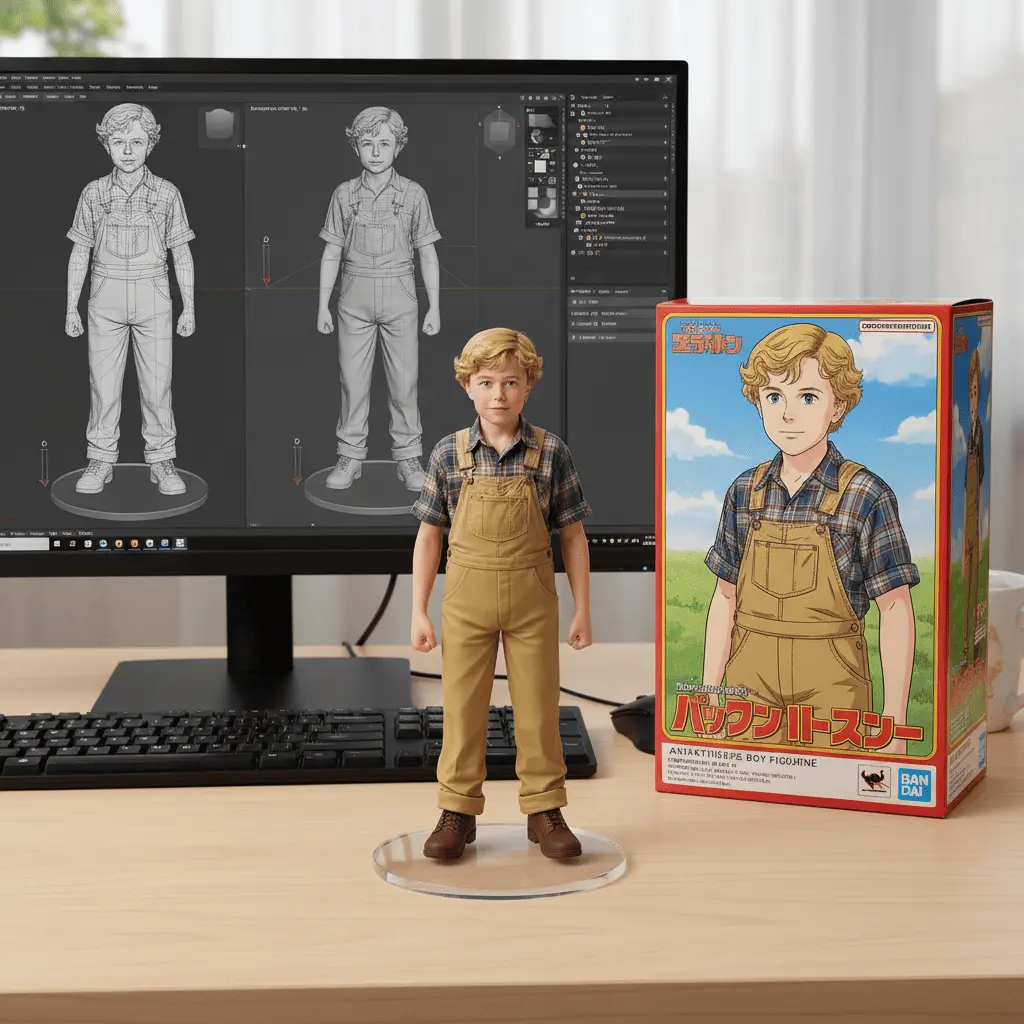
Product Reveal Shot
Product video
Directed Camera Movement
Camera motion
Short-Form Visual Hook
Social video
Atmospheric Story Moment
Storytelling
Dreamina AI users
Dreamina AI works well for everyday video creation, especially product promotions, social posts, animated artwork and small-business campaigns.
Animate product photos for store listings, product demos, seasonal promotions and lifestyle videos that show an item in use.
Create a steady mix of TikTok posts, Instagram Reels and YouTube Shorts from simple prompts and existing brand images.
Make launch announcements, service promos and event videos without hiring a production crew for every update.
Bring posters, character art and still images to life for mood pieces, portfolio work and short visual stories.
How to use Dreamina AI
Open the AI video tool, add a prompt or image, choose the output, and finish your Dreamina video online.
Select text to video for an original idea, or choose image to video when a photo, product shot, or illustration should lead the scene.
Describe the subject, action, camera angle, lighting, and mood. Upload a starting image when you want its look to stay recognizable.
Pick an aspect ratio and clip length for TikTok, YouTube Shorts, an ad, a product video, or a cinematic story.
Create the video, watch the full result, and use the available enhancement or audio tools before exporting the finished file.
Dreamina AI video benefits
Turn a script, prompt or image into social-ready video without setting up a camera crew or learning a complex editor.
Create different versions of the same concept so you can compare the story, style and visual direction before choosing one.
Add movement to product photos and create simple promotional clips for online stores, launches and campaigns.
Prepare short-form content in mobile-friendly formats for TikTok, Instagram Reels and YouTube Shorts.
Build useful video content from existing ideas and images without arranging locations, actors or a full production setup.
Dreamina user reviews
Read how creators use Dreamina AI for text to video, image to video, product marketing, animated artwork, and short-form social content.
Dreamina AI fits the way I plan short-form video. I can start with a text prompt, test a few visual directions, and quickly see which opening shot works best for Reels or TikTok.
Review credit options for occasional experiments, regular social production and ongoing creative work.
Perfect for hobbyists and beginners
Everything you need to start:
For teams and businesses
Everything in Basic, plus:
For creators and professionals
Everything in Basic, plus:
Dreamina AI FAQ
Useful answers about Dreamina AI, CapCut, text-to-video, photo animation, prompts, free credits and social video formats.
Dreamina is CapCut's online AI creative platform. It combines image generation and editing with text-to-video and image-to-video tools.
Yes. Dreamina is a CapCut product, but it runs as a separate web creative platform with its own workspace, credits, and available AI models.
Upload a clear image, describe how the subject and camera should move, choose the available video settings, and generate the clip. A simple image with one main subject is easier to control.
Write the subject, action, setting, camera angle, camera movement, lighting, and style in plain language. Use one main scene instead of asking for several unrelated events.
Yes. Choose a vertical format when it is available, keep the subject near the center, and make the first action easy to understand on a phone screen.
Dreamina may provide free credits or limited trial use after sign-up. Credit costs and paid plans can change by model, video length, quality, and region, so check the current account page before generating.
Discover more AI video tools
Explore related workflows for cinematic direction, image animation, social video and talking characters.
Enter a prompt or upload an image, choose the video size and duration, then create a clip for stories, products, or social content.