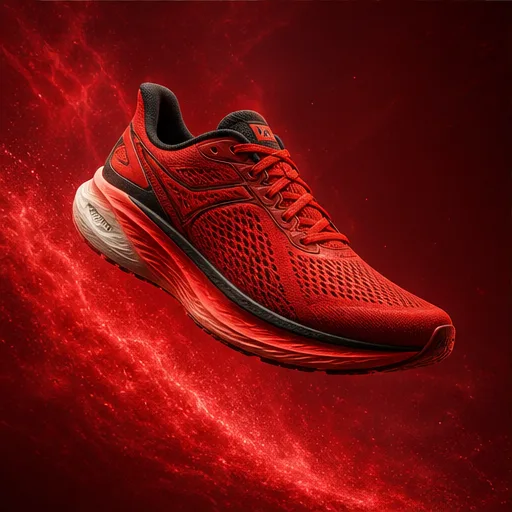
Poster generator
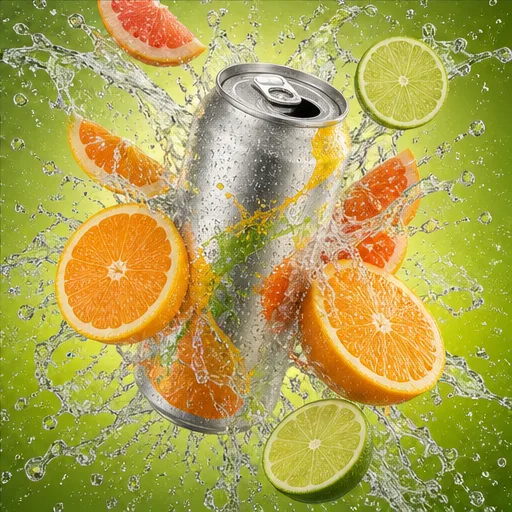
AI Product Poster
Create a product poster with a hero image, exact headline, supporting copy, brand colors, and a clear advertising layout.
 Flow Studio
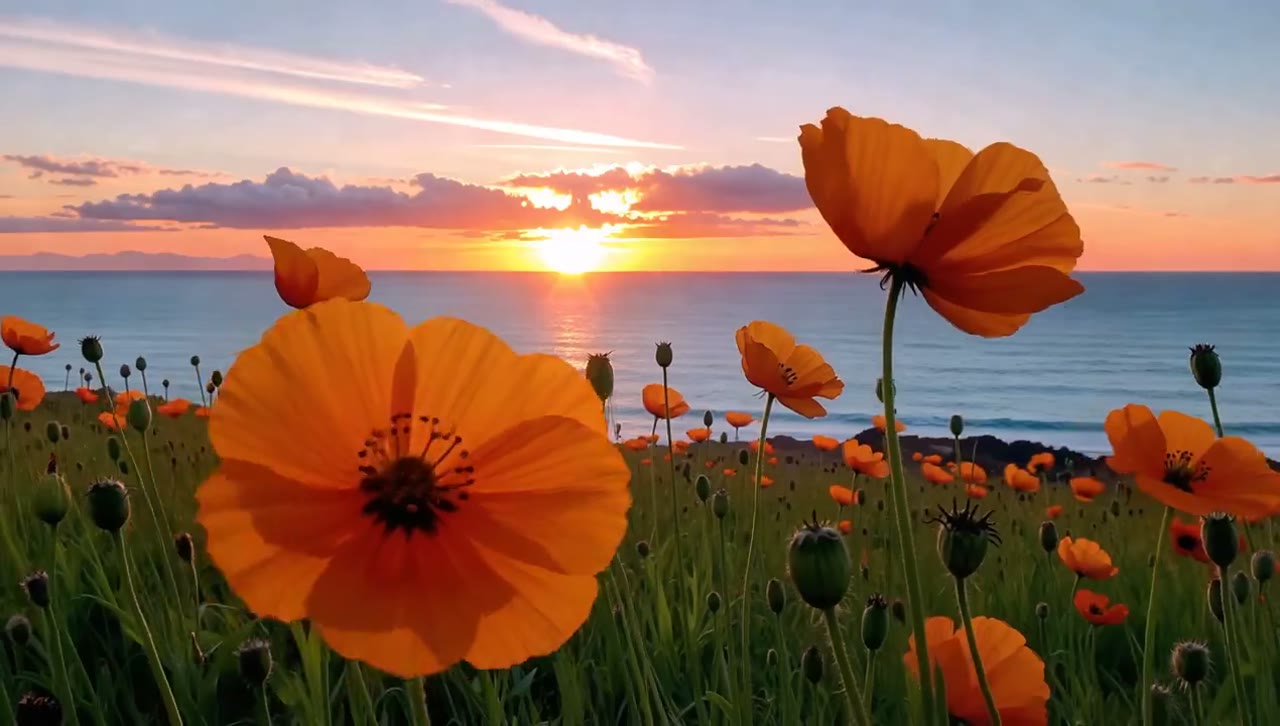
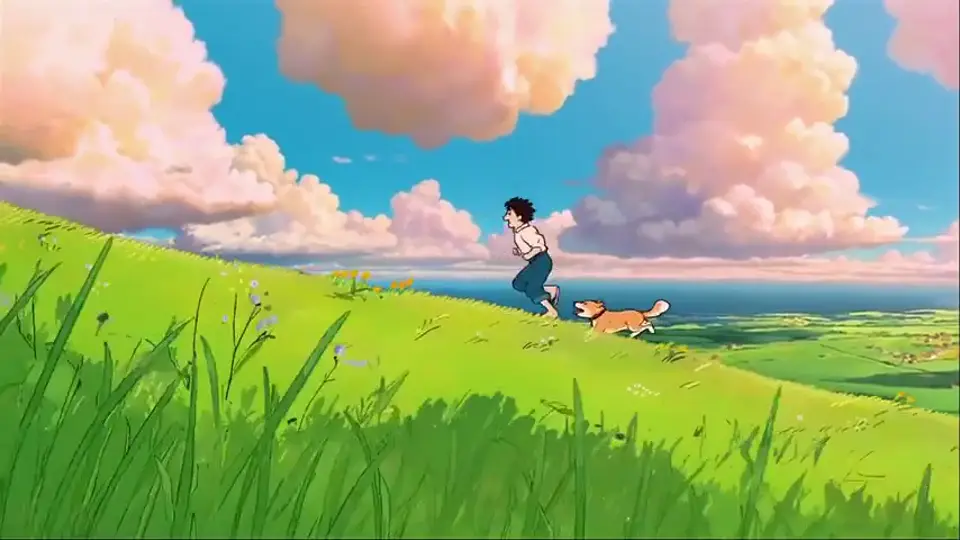
Generate an image from text or use reference images to guide an edit. Build product visuals, posters, illustrations, and layouts with clear creative direction.
GPT Image 2 examples
See how GPT Image 2 handles the image types people create most often, including product photos, posters, ads, packaging, UI concepts, and infographics.
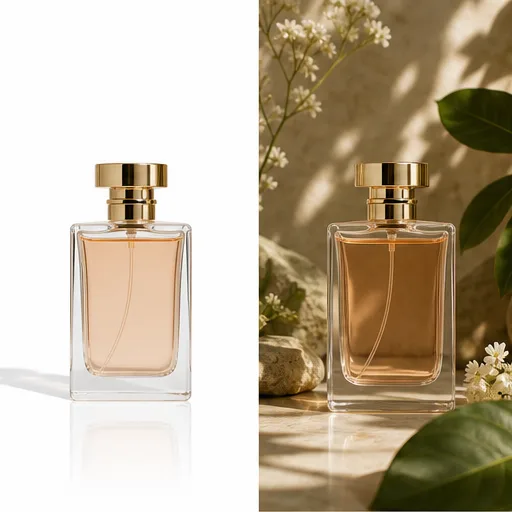
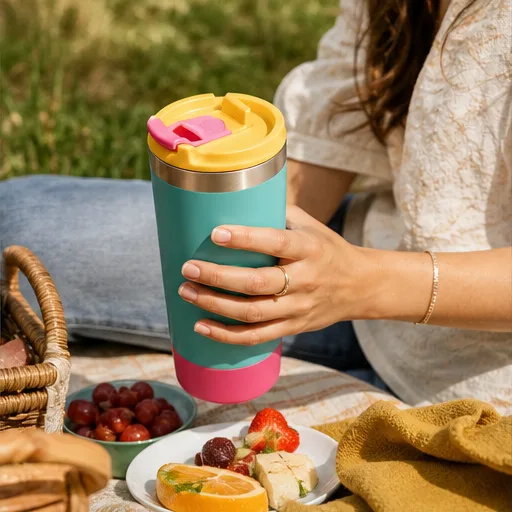
Create a product poster with a hero image, exact headline, supporting copy, brand colors, and a clear advertising layout.
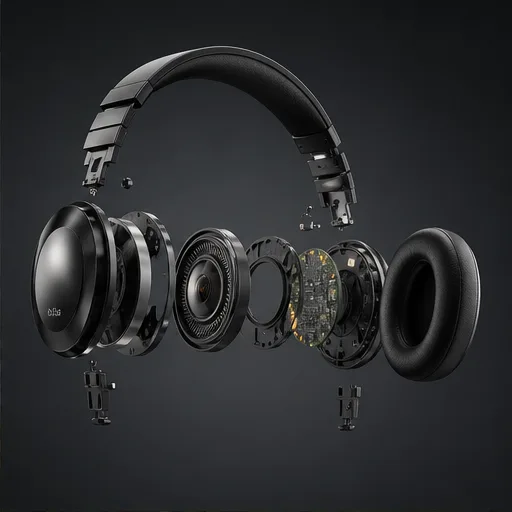
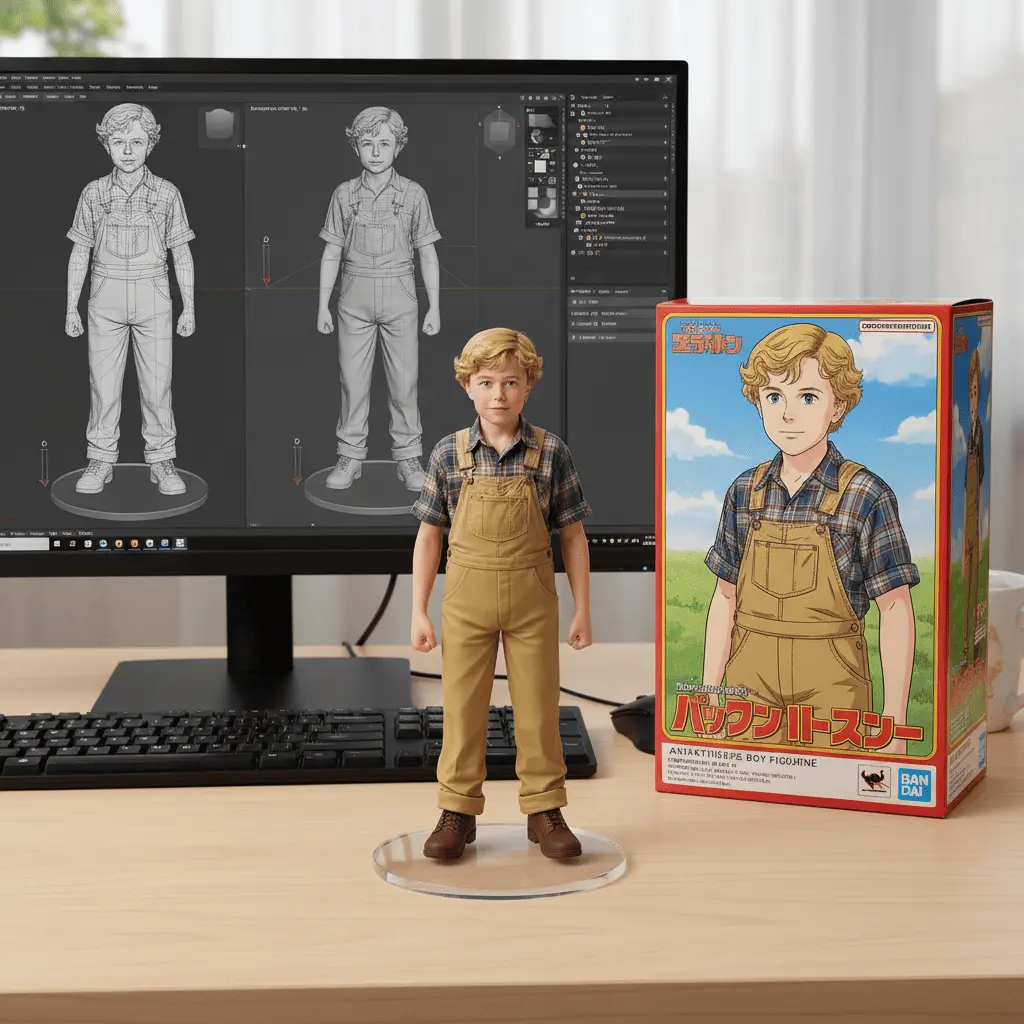
Show product parts, materials, labels, and assembly relationships in a structured technical image.

Generate a packaging concept with coordinated typography, colors, materials, logo placement, and presentation views.
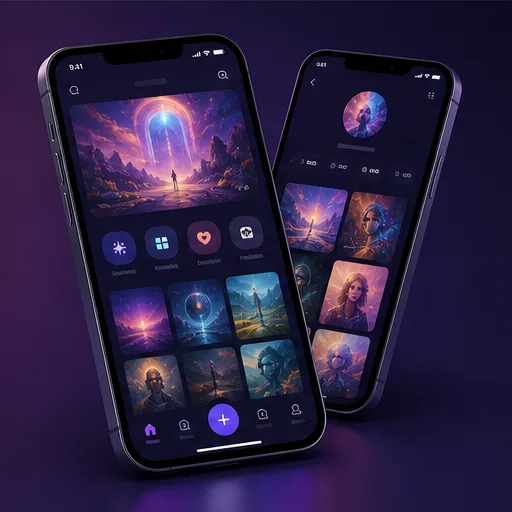
Visualize a mobile interface with a clear screen hierarchy, navigation, labels, components, and design direction.
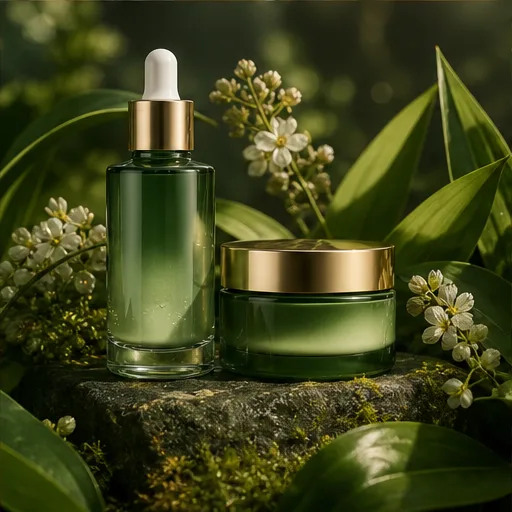
Turn a campaign brief into a focused ad image built around the product, audience, offer, and visual message.
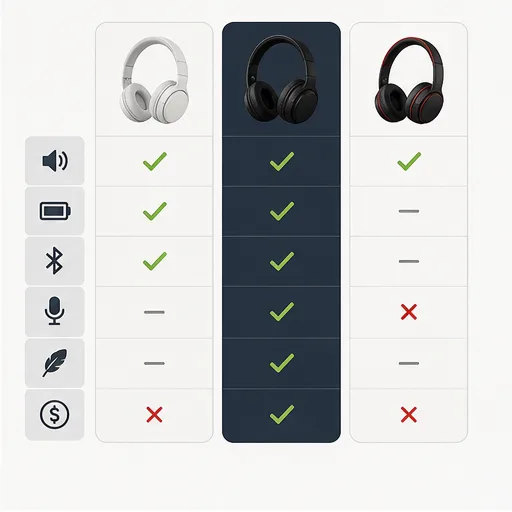
Organize products, features, labels, and key differences into a visual comparison that is easy to scan.
Why choose this image generator
Turn detailed prompts and reference images into new visuals or precise edits, with built-in controls for text-rich designs, formats, styles, and model comparison.
Prompt Control
Write the subject, layout, lighting, style, and exact content in natural language. Use the full brief to guide the composition instead of reducing your idea to a short keyword list.
Create with GPT Image 2Step-by-step guide
Use this four-step workflow to generate a new image or edit an existing one with a more precise prompt.
Describe the image type, subject, scene, composition, style, lighting, and any exact words that should appear.
Upload references when you want to preserve a product, person, character, visual style, or existing composition.
Match the aspect ratio to the final channel, select a visual style, and choose how many versions to generate.
Create the image, check the text and details, then revise one instruction at a time before downloading your preferred result.
Who uses GPT Image 2
GPT Image 2 is designed for teams and professionals who turn detailed briefs, reference images, and written content into structured visual assets.
Translate campaign briefs into ads, launch graphics, product announcements, and social assets with specified headlines, offers, and brand direction.
Draft posters, packaging concepts, editorial compositions, and typography-led directions before refining the strongest idea in a design tool.
Organize labels, comparisons, diagrams, covers, and presentation graphics when written information needs to become easier to scan and understand.
Turn feature notes and product requirements into interface concepts, mockups, storyboards, and stakeholder-ready visual directions.
Creator feedback
Read creator feedback on making text-rich graphics, revising product visuals, comparing layouts, and editing images with GPT Image 2.
I use it to test poster layouts where the headline, product, and background all need clear instructions before I refine the strongest version.
Review monthly, yearly, and one-time credit options to find a GPT Image 2 plan for occasional image tasks or ongoing creative production.
Your local currency and applicable taxes are shown at checkout.
$118.80 charged yearly
Perfect for hobbyists and beginners
Everything you need to start:
$598.80 charged yearly
For teams and businesses
Everything in Professional, plus:
$238.80 charged yearly
For creators and professionals
Everything in Basic, plus:
GPT Image 2 FAQ
Get clear answers about GPT Image 2 prompts, reference images, photo editing, text in images, aspect ratios, credits, and model switching.
GPT Image 2 is OpenAI's image generation and editing model. It accepts text prompts and image inputs for creating new visuals and making instruction-based edits.
Enter a prompt, optionally upload reference images, choose the aspect ratio, style, and output count, then select Generate. Review the result and revise one instruction at a time.
Yes. Upload the source image and describe what to add, remove, replace, restyle, or preserve. Use a clear image and identify the part that must remain unchanged.
GPT Image 2 supports image tasks that include headlines, labels, signs, and layout direction. Put the exact wording in quotation marks and describe its position and typography.
Yes. Reference images can guide the product, person, character, composition, colors, or style. Explain what each reference should control in the final result.
Common uses include product photos, posters, ads, social media graphics, packaging mockups, covers, thumbnails, diagrams, and infographics.
The workspace supports automatic, square, landscape, portrait, and wide ratios, including common formats for social posts, ads, posters, and presentation graphics.
Yes. GPT Image 2 is selected by default on this page, but the model selector remains active so you can compare another image model with the same prompt.
Keep creating
Explore related generators and editing tools for AI images, product content, videos, animation, lip sync, and other creative projects.
Start with a prompt or reference image, choose the format, and generate your next GPT Image 2 visual in the workspace above.