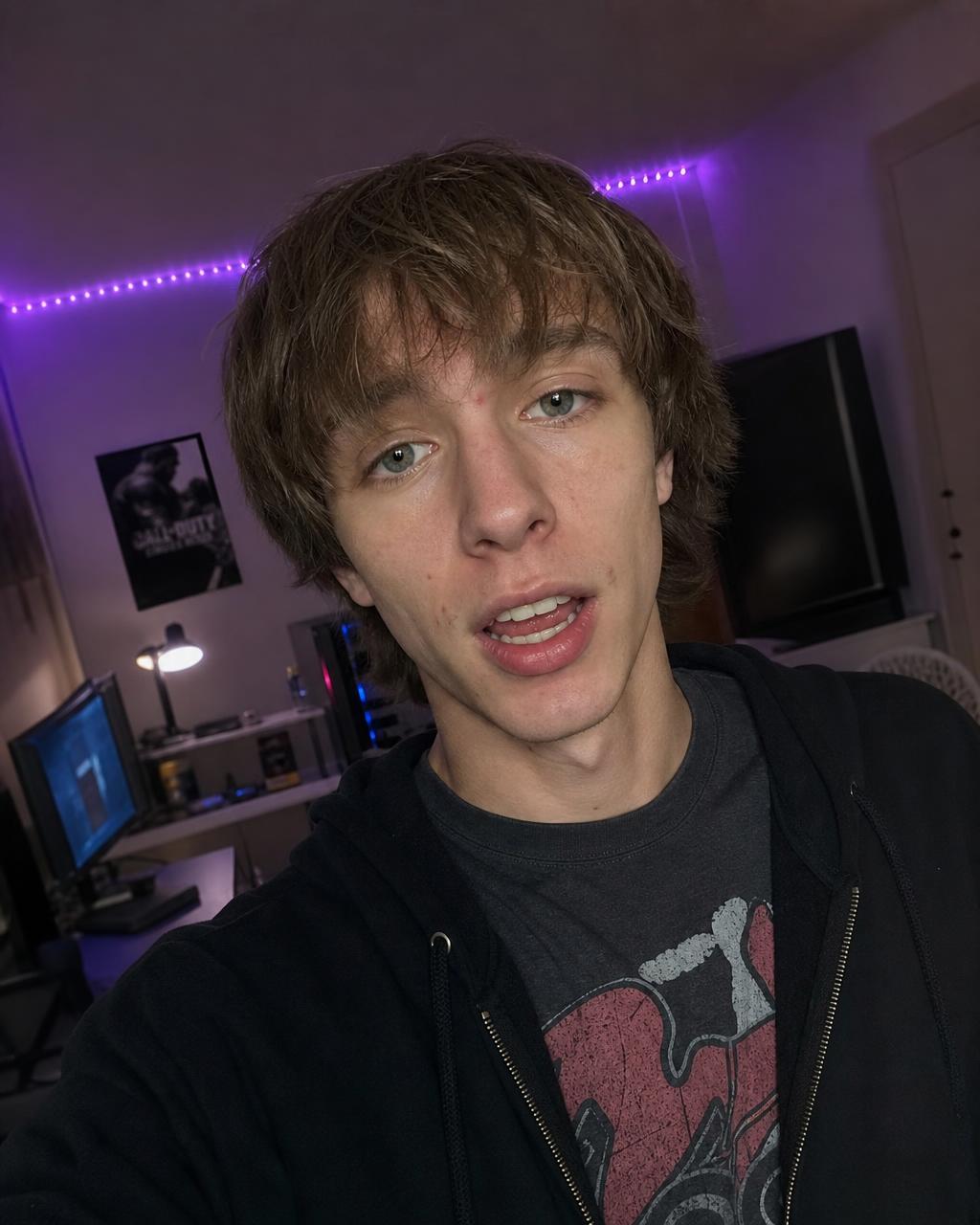
Add dialogue
Write the Words the Character Should SayUse a short, natural sentence and identify the speaker clearly in the prompt.
 Flow Studio
Create a talking video from a portrait or character reference. Add the dialogue to your prompt and direct the lip movement, facial expression, delivery, and camera framing.
AI lip sync examples
See how Flow AI Video turns portraits, scripts, and spoken dialogue into presenter clips, creator hooks, product explainers, and social-ready talking videos.
What is AI lip sync
AI lip sync is technology that matches a speaker's mouth movements and facial expressions to dialogue, turning a portrait or character image into a talking video.
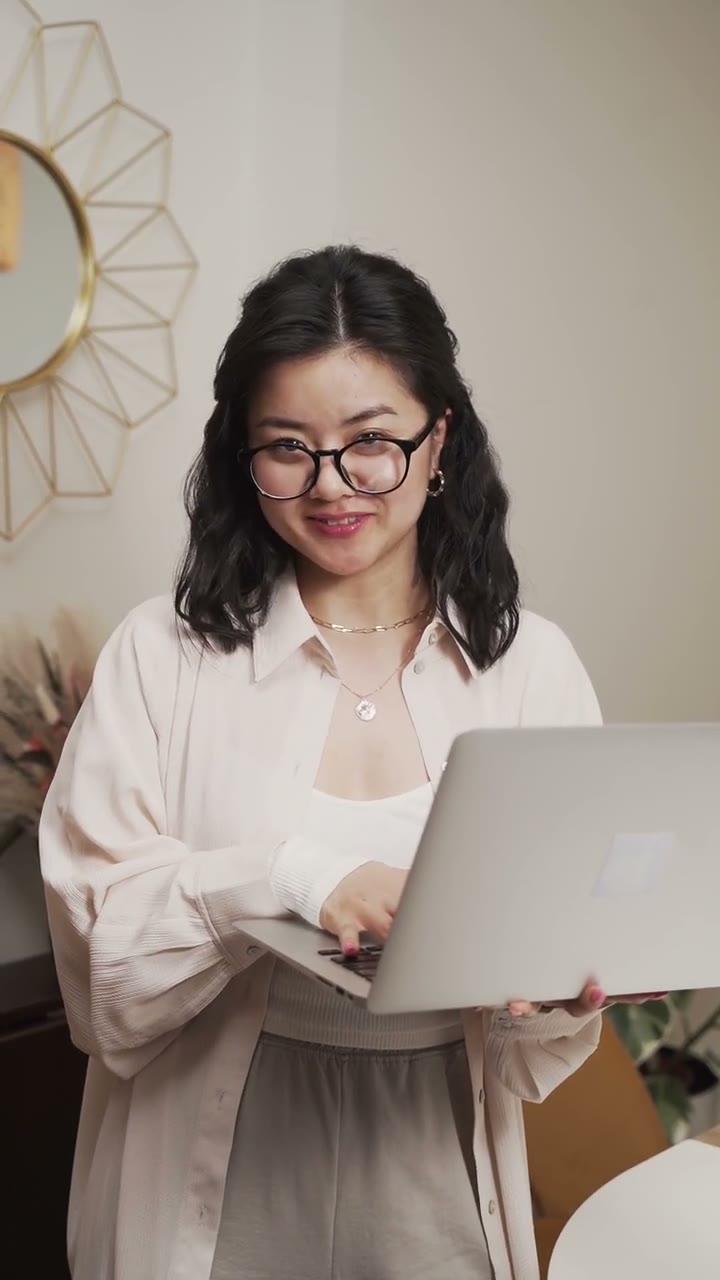
Talking presenter preview
Add dialogue
Write the Words the Character Should SayUse a short, natural sentence and identify the speaker clearly in the prompt.
Direct performance
Describe the Expression and DeliveryAdd the mood, eye contact, head movement, gestures, and camera framing you want.
Generate and review
Check the Lip Sync and Facial MovementPreview the result and review the mouth movement, face stability, timing, and framing.
Talking video example
Use one clear face, a short line of dialogue, and simple expression or camera direction to generate a focused talking-head video.
How to use the generator
Choose a clear speaker image, write a short line of dialogue, direct the performance, and review the generated result before publishing.
Upload
Choose a portrait or character image with one visible face, clear lips, balanced lighting, and enough room around the head and shoulders.
Write
Write a short spoken line, identify who is speaking, and keep the wording natural enough for one video clip.
Direct
Add simple direction such as friendly eye contact, calm delivery, a confident smile, or subtle head movement.
Generate
Select an available model and format, generate the video, then inspect lip movement, face stability, delivery, and framing.
Who AI lip sync is for
AI lip sync is suited to creators and teams who need an on-screen speaker for new scripts, social hooks, product messages, lessons, character scenes, or localized content.
Turn a portrait and short script into direct-to-camera hooks, reactions, announcements, explainers, and recurring character clips.
Create vertical talking videos for TikTok, Reels, Shorts, and other channels without recording every variation on camera.
Create brief presenter segments for product stories, offers, feature explanations, campaign concepts, and landing-page videos.
Use an on-screen presenter for short learning modules, onboarding messages, internal updates, and lesson summaries.
Add short dialogue and directed expression to a suitable illustrated, stylized, realistic, or fictional character portrait.
Create approved dialogue in another language when the selected model supports it, then review the speech and visible mouth movement before publishing.
AI lip sync use cases
Create talking photos, avatar videos, product explainers, social clips, training videos, and character content from a portrait and dialogue.
Talking photo
Turn a portrait, avatar, or illustrated face into a talking video for introductions, announcements, reactions, and recurring presenter content.
AI spokesperson
Create an on-screen presenter for product launches, feature explanations, offers, landing pages, and short promotional videos.
Social video
Make direct-to-camera hooks, creator-style clips, commentary, and vertical talking videos for short-form social media.
Education
Build talking-head lessons, onboarding videos, course introductions, internal updates, and concise instructional content.
Localization
Adapt approved dialogue for another audience or language when the selected model supports it, then review the speech and lip movement before publishing.
Character content
Give an illustrated character, fictional host, or brand mascot a speaking role for stories, campaigns, explainers, and social posts.
Why creators choose us
Create polished talking videos faster with simple creative controls, flexible generation settings, and one streamlined online workflow—without cameras, reshoots, or complex editing software.
Faster production
Produce new talking-video variations without arranging a camera crew, recording every line, or scheduling another shoot.
Creative control
Use plain-language prompts to guide expression, eye contact, head movement, camera framing, and the overall feel of the performance.
Flexible settings
Select the available AI video model, aspect ratio, quality, and output options that fit your content and publishing channel.
One workspace
Add your reference, write the dialogue, adjust the settings, generate, preview, and download without switching between separate tools.
Creator feedback
Read creator feedback on testing presenter clips, social hooks, character performances, and different ways to deliver the same message.
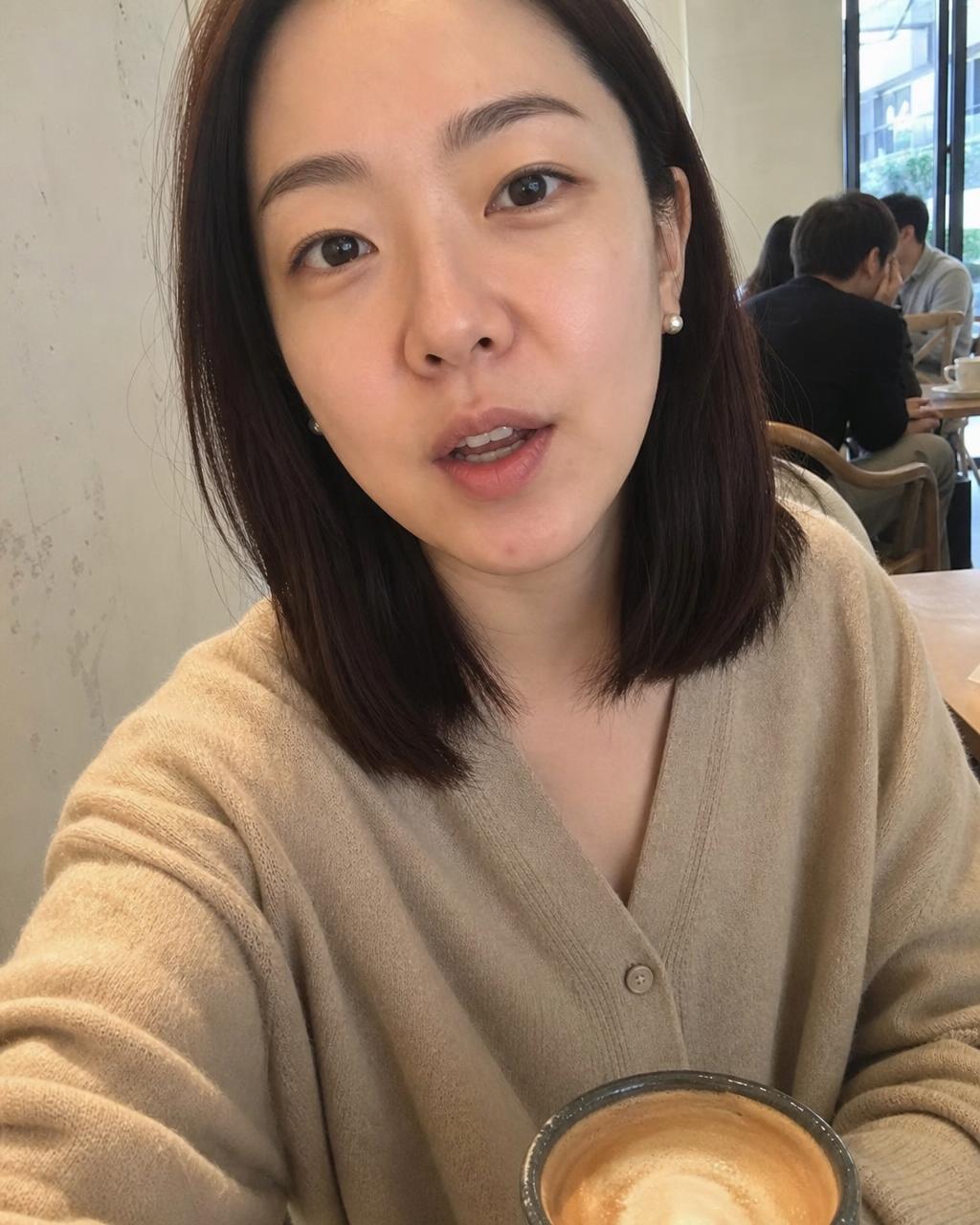
I can turn one portrait and a short script into several presenter takes without recording every version again.
Compare monthly subscriptions, annual billing, and one-time credit packs for occasional talking videos or ongoing content production.
Your local currency and applicable taxes are shown at checkout.
$118.80 charged yearly
Perfect for hobbyists and beginners
Everything you need to start:
$598.80 charged yearly
For teams and businesses
Everything in Professional, plus:
$238.80 charged yearly
For creators and professionals
Everything in Basic, plus:
AI lip sync FAQ
Get clear answers about portraits, dialogue prompts, model support, talking characters, and ways to improve visible lip movement.
An AI lip sync generator creates visible mouth and facial movement for spoken dialogue. Add a portrait or character reference, write the dialogue and performance direction, and generate a new talking video with a supported model.
Upload a clear portrait or character image, write a short line of dialogue in the prompt, describe the expression and delivery, choose an available video model and format, then generate and review the talking video.
Use a sharp, front-facing portrait with one visible face, unobstructed lips, balanced lighting, and a natural head-and-shoulders crop. Extreme angles, covered mouths, tiny faces, or heavy blur can reduce stability.
Keep the line short, conversational, and easy for one speaker to deliver. Put the exact dialogue in quotation marks, identify the speaker, and separate the spoken words from expression, gesture, and camera instructions.
Audio input and native sound support depend on the selected AI lip sync model and its available controls. If audio upload is unavailable, write the dialogue and delivery directly in the video prompt.
Available resolutions depend on the selected AI video model. Check the resolution control in the generator before submitting; model options, duration, output quality, and credit requirements can change by workflow.
A clearly drawn, front-facing character portrait may work, but results depend on facial structure, style, mouth visibility, and the connected model. Review the generated output before publishing.
Language and speech support vary by model. Write the dialogue clearly in the intended language, avoid mixing multiple speakers in one short prompt, and review pronunciation and mouth movement before publishing.
Common causes include a long or complex line, an angled or obstructed face, exaggerated motion direction, multiple speakers, or a low-quality portrait. Try a clearer reference, shorter dialogue, simpler movement, and another supported model if needed.
Only upload and generate media you have the rights and permission to use. Do not impersonate people deceptively, violate privacy or publicity rights, or present generated speech as authentic when disclosure is required.
Related AI video tools
Explore related tools for reference-led videos, image animation, prompt-first generation, model-specific workflows, and short-form social content.
 Multiple anchorsReference to VideoGuide characters, products, objects, and visual style with several reference inputs.
 Still to motionImage to VideoAnimate one source image with clear subject, environmental, camera, and motion direction.
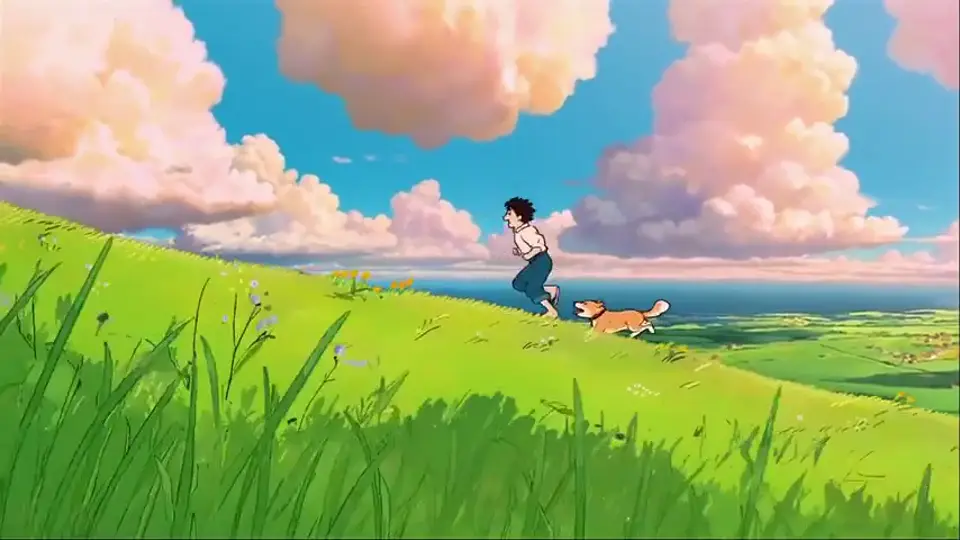 Prompt firstText to VideoCreate a new AI video scene directly from a written prompt when no source image is needed.
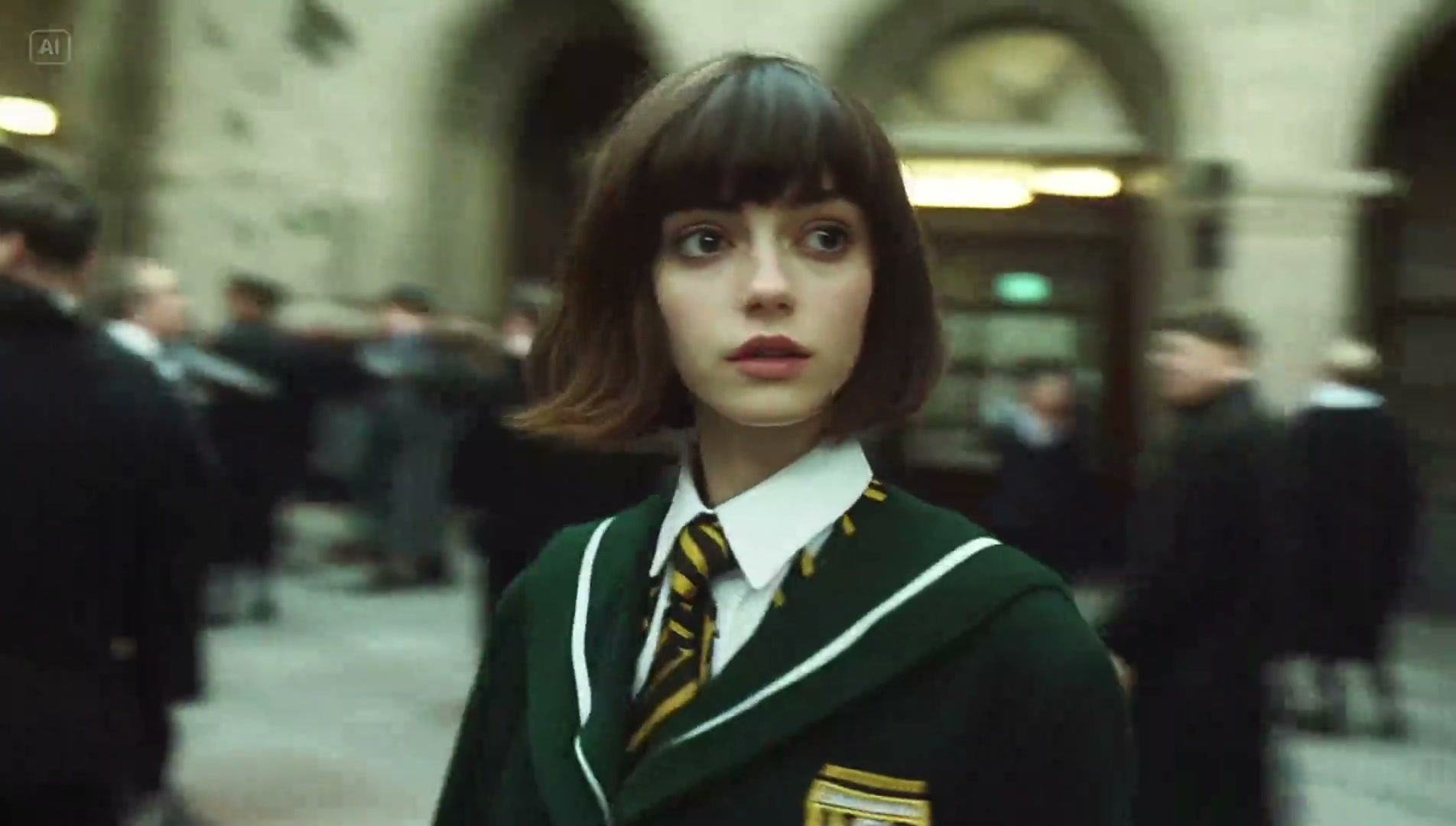 All-in-one studioAI Video GeneratorKeep AI lip sync prompts, character references, model selection, video settings, previews, and generation in one workspace.
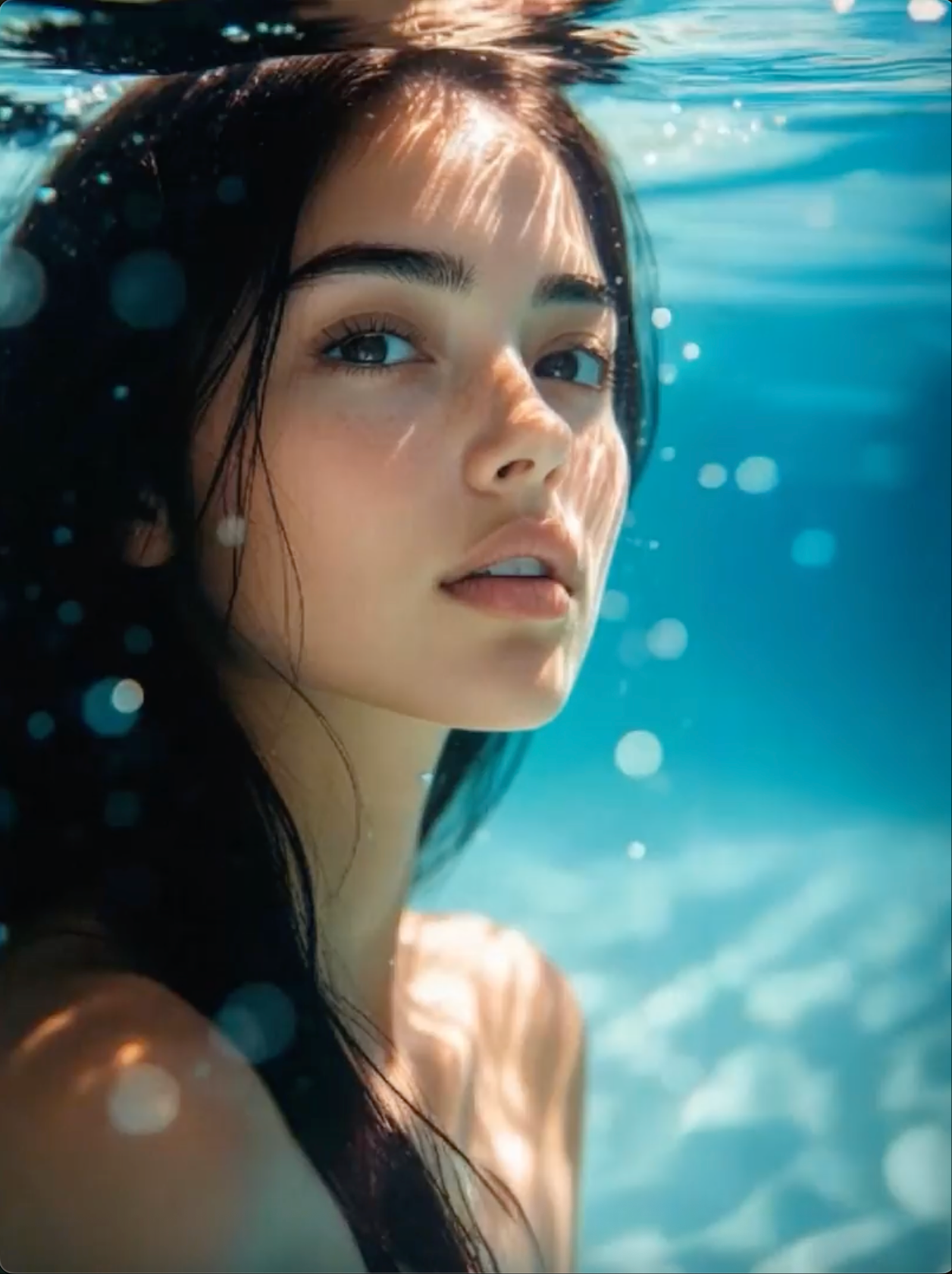 Creative videoGrok ImagineExplore cinematic portrait motion, character performance, and imaginative AI video concepts.
 AI video modelKling 3.0Use a dedicated model page for prompt-led character shots, motion, and cinematic scene direction.
 AI video modelWan 3.0Create model-specific video concepts from text and visual inputs using the available Wan workflow.
 Social videoAI TikTok Video GeneratorBuild vertical hooks, talking clips, product moments, and short-form video concepts.
Add a clear portrait or character reference, write the dialogue and performance direction, then generate and review your talking video.