UGC video
UGC Product Hook
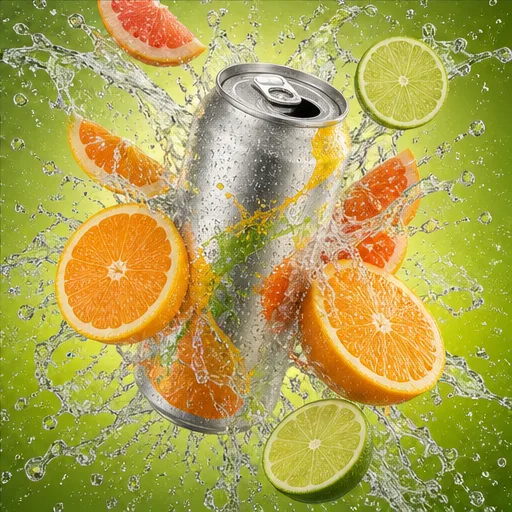
Open with the problem or result, show the product in use, and finish with one clear takeaway or call to action.
 Flow Studio
Turn a prompt or image into a short-form video concept for TikTok. Create a 9:16 hook, direct the action and camera, then download the result for captions, music, and final editing.
AI TikTok video examples
Explore UGC-style product videos, fast transformations, creator clips, and faceless stories made for a vertical short-form feed.
Use these examples to plan your opening hook, 9:16 framing, pacing, transitions, and final shot.
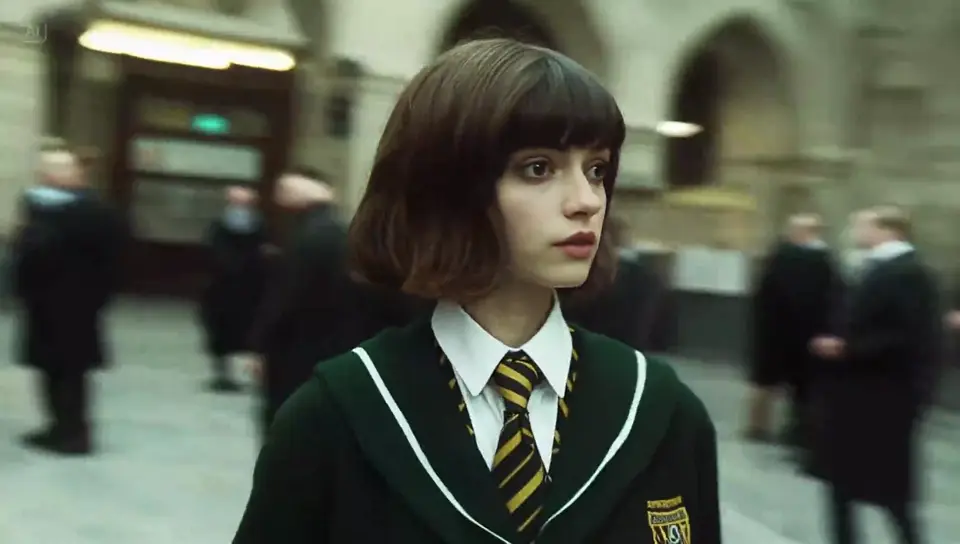
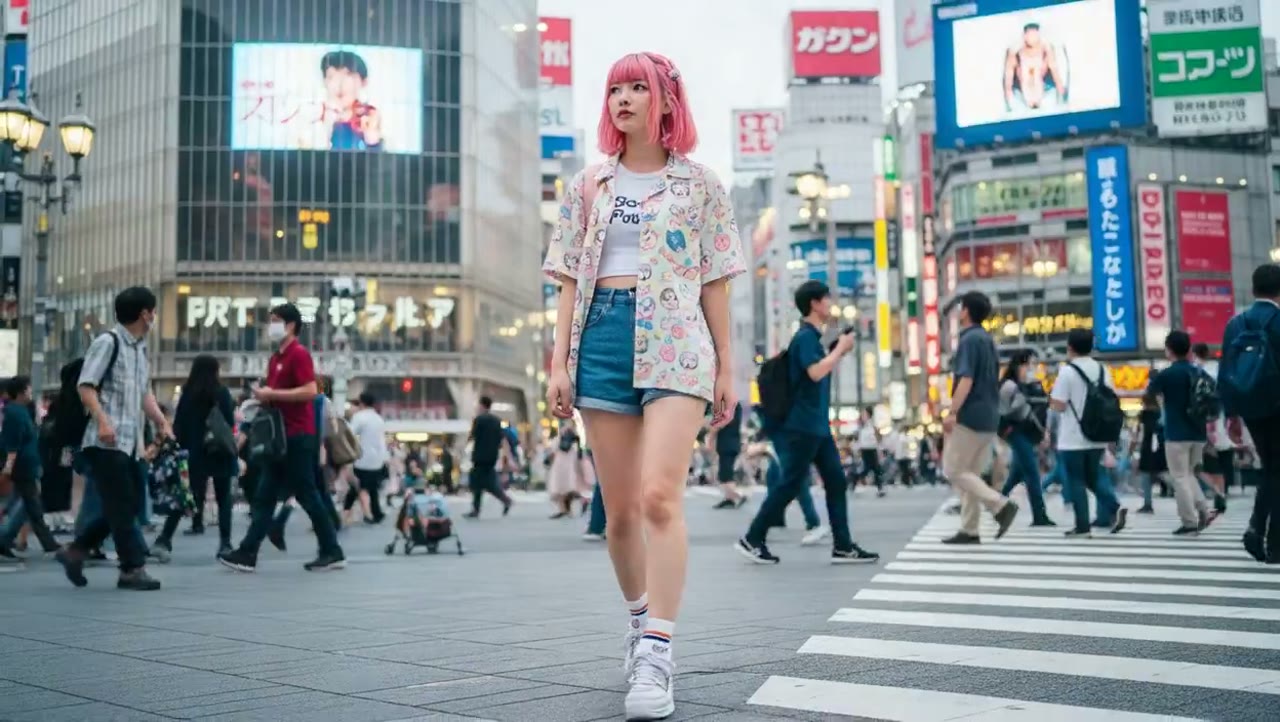
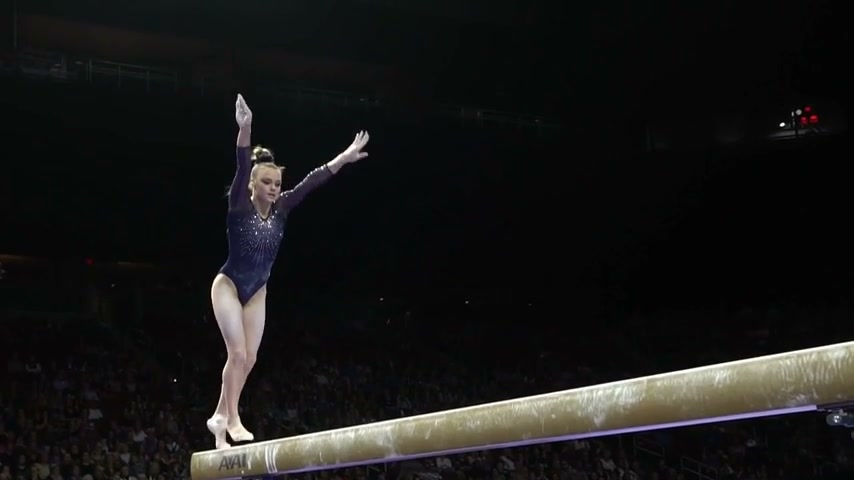
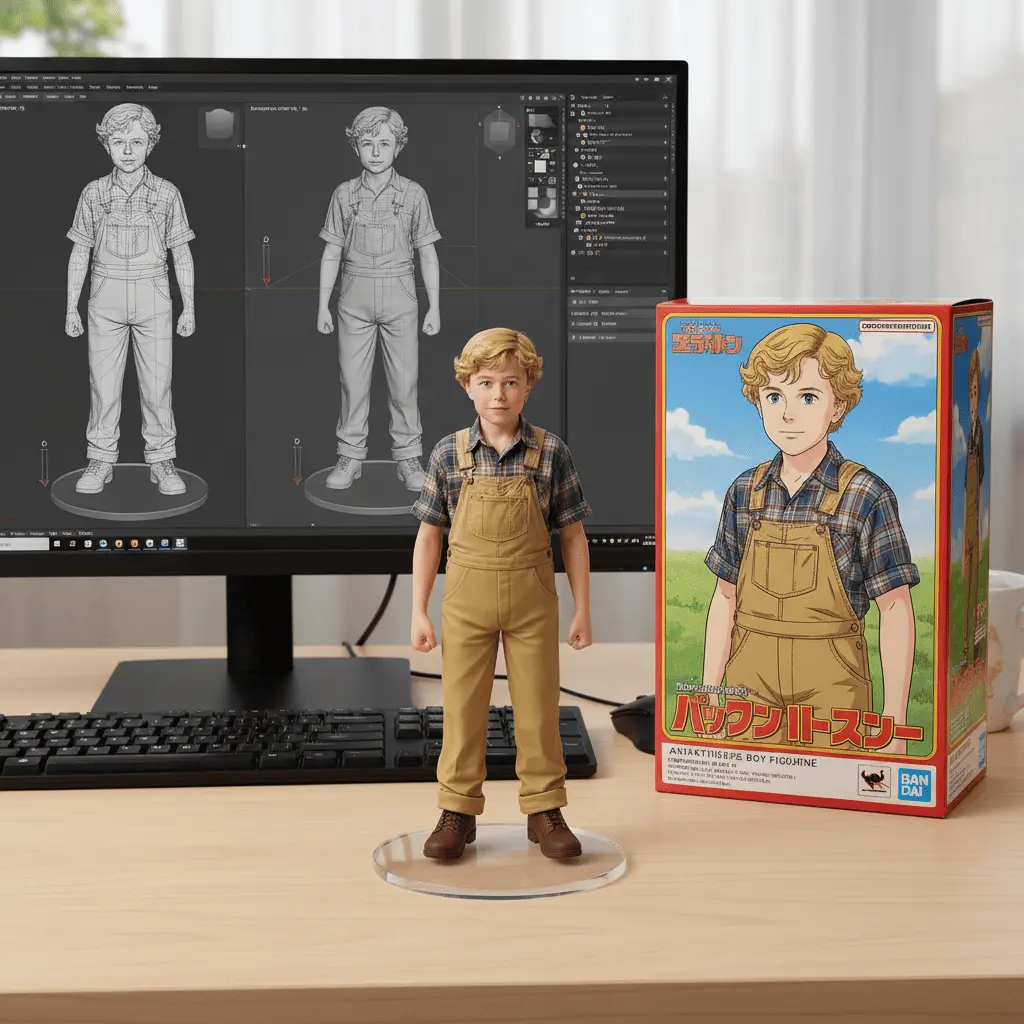
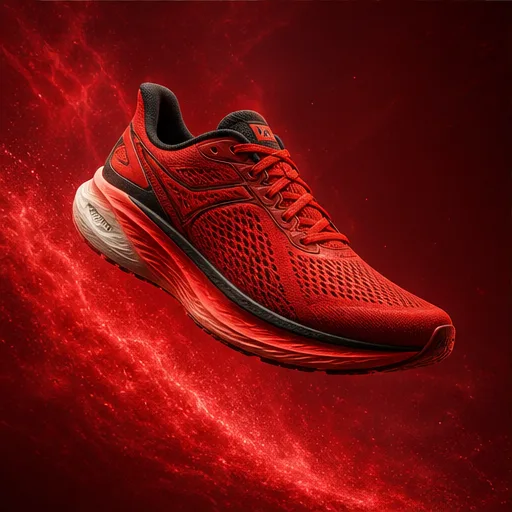
Open with the problem or result, show the product in use, and finish with one clear takeaway or call to action.
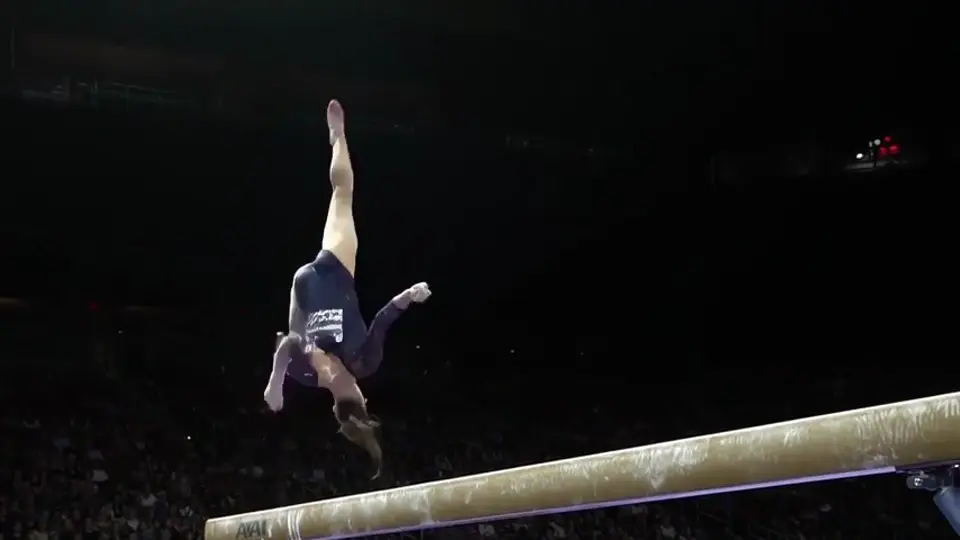
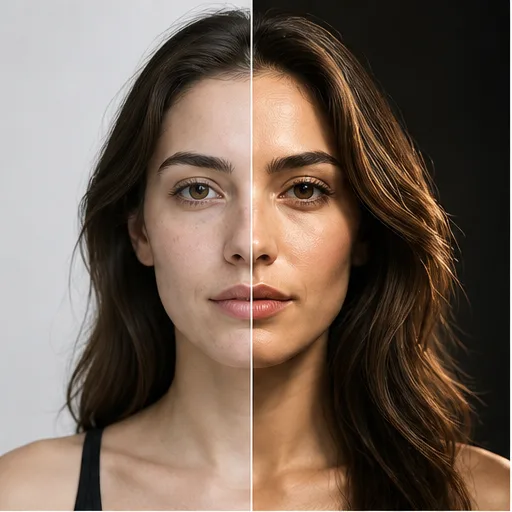
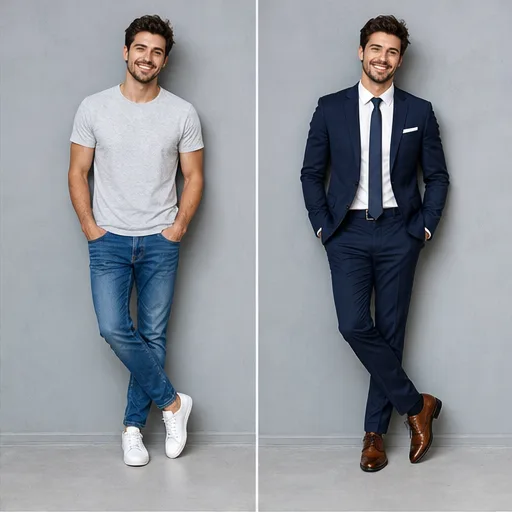
Use one repeatable movement to connect each outfit change, keeping the transition clear, quick, and easy to follow.
Frame the creator for a mobile screen, keep the delivery natural, and use close-ups or cutaways to support the main point.
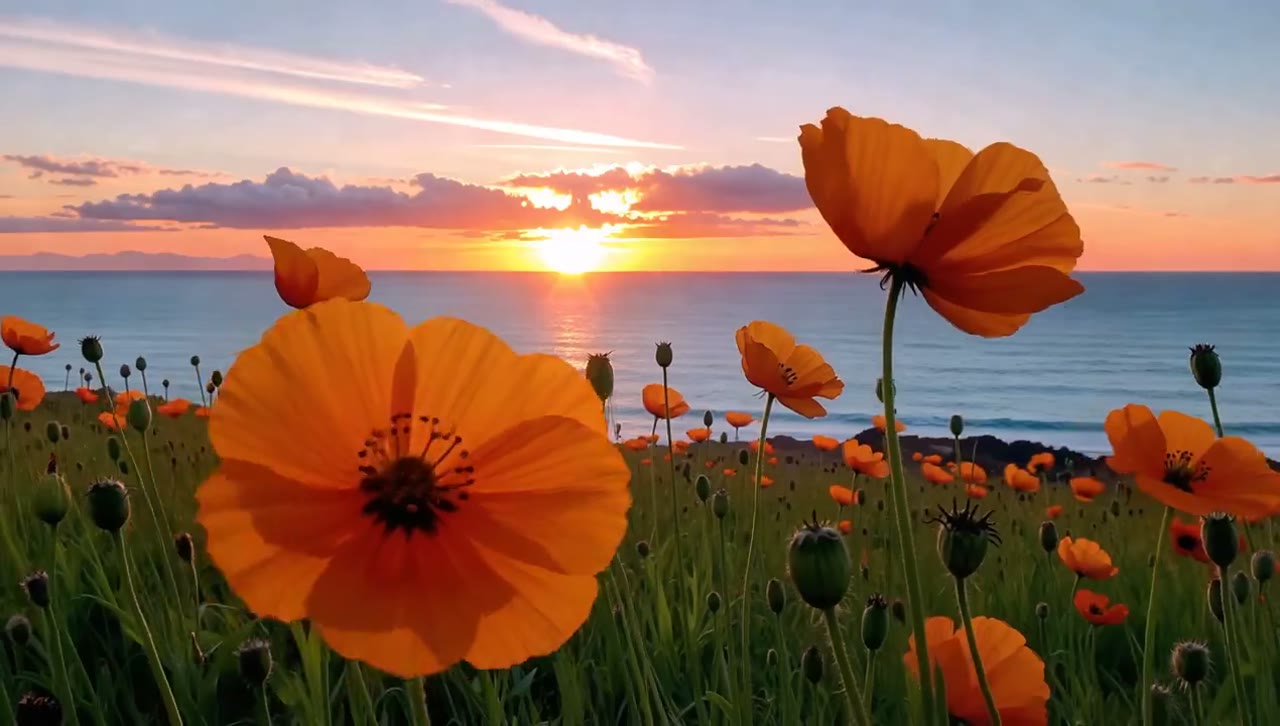
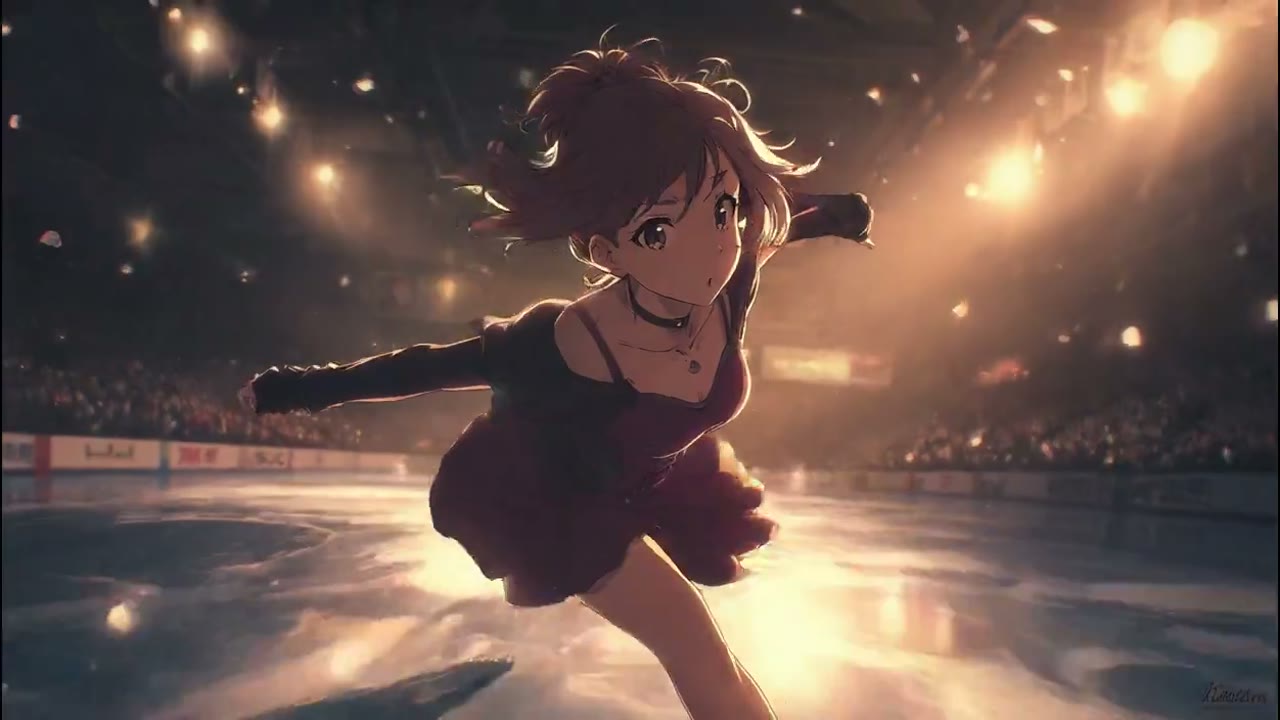
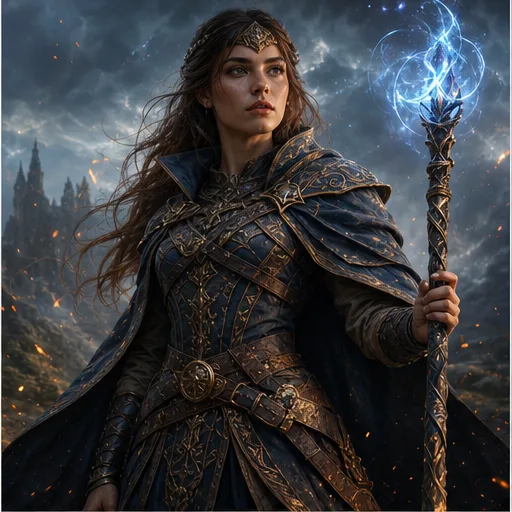
Build a simple beginning, change, and ending around one mood, product, place, or idea without putting a presenter on camera.
TikTok video ideas
Choose the type of video first, then shape the hook, scenes, pacing, and final action around what the viewer needs to understand or do next.
UGC content
Create a natural direct-to-camera setup with handheld movement, product close-ups, a personal reaction, and a conversational call to action.
Product marketing
Show the problem, demonstrate the product, make the benefit visible, and finish with a clear product shot or next step.
Faceless content
Tell a story with generated visuals, products, places, or characters, then add captions and voiceover during the final edit.
Educational content
Open with the question, show two or three useful points, and end with a takeaway the viewer can remember or save.
Lifestyle content
Use vertical framing, coordinated scenes, camera movement, and clean transitions to turn a routine or makeover into a short visual story.
Creative testing
Test different openings, audiences, product benefits, objections, and endings while keeping the same campaign idea.
AI TikTok video benefits
Create vertical TikTok videos from a prompt or image without filming. Choose a 9:16 format, generate the clip, and download it for captions, music, and posting.
No editing experience needed. Create UGC videos, product demos, faceless clips, and social ads from one simple workspace.
 Mobile-first creation
Text and image input
Write a TikTok video prompt from scratch, or upload a product photo, portrait, or campaign image and turn it into motion.
Easy for beginners
Create the main video clip in a few clear steps without filming, setting up a timeline, or learning complicated editing software.
 Social-ready format
Vertical video
Choose a portrait layout made for mobile screens, so faces, products, and important actions stay easy to see in the feed.
Model choice
Compare available models and pick the option that fits your preferred motion, video length, resolution, and audio settings.
 Clear creative control
Clear credit cost
See the model, aspect ratio, duration, resolution, audio option, and credit cost before starting your TikTok video.
Any device
Write prompts, upload images, generate clips, and preview the result from your phone, tablet, or computer.
TikTok video workflow
Make a vertical TikTok video in four simple steps, from choosing the content type to downloading a clip ready for final editing.
Step 1
Choose a video type
Start with one format, such as a UGC video, product demo, faceless story, tutorial, transformation, or short video ad.
Step 2
Add your content
Describe the opening hook, subject, action, camera style, and ending, or upload an image you want to bring to life.
Step 3
Set and generate
Select a vertical aspect ratio, video model, duration, resolution, and audio setting, then click Generate to create the clip.
Step 4
Finish and post
Preview and download the video, then add captions, licensed music, your call to action, and any required disclosure before posting.
Who this TikTok video maker is for
This AI TikTok video generator is built for creators, business owners, and marketing teams that need vertical videos without filming every scene or editing from scratch.
TikTok content creators
Turn fresh ideas into trend videos, transformations, mini stories, tutorials, and other vertical content for a consistent posting schedule.
UGC creators
Build natural product demos, reviews, unboxings, and testimonial-style clips with a clear hook, benefit, and call to action.
Small business owners
Use product photos and simple prompts to create launch videos, limited-time offers, before-and-after clips, and TikTok ads.
Social media marketers
Compare different openings, product angles, audience messages, and calls to action before choosing the strongest campaign creative.
Creator feedback
See how creators use our AI TikTok video generator to plan, create, and compare short-form video ideas.
I can explore variations for different formats while keeping the prompt, model, and preview in one place.
 Lisa K.Social media manager
Text-to-video and image-to-video make it easier to explore several concepts for one campaign direction.
 Sophie BrownCreative marketer
The reference workflow makes it easier to compare creative directions and communicate what should stay consistent.
 James T.Creative director
The text-to-video workflow helps me test motion and framing ideas before I move into a full production.
 David L.Independent filmmaker
The AI TikTok video generator helps me test several hooks and visual directions before choosing the strongest short-form concept.
 Tom WilsonChicago, IL
I can create TikTok video variations while keeping the brand style, subject, and closing frame consistent.
 Jessica LeeSan Diego, CA
Compare monthly, annual, and one-time credit options for occasional TikTok videos, weekly content, or ongoing social campaigns.
Your local currency and applicable taxes are shown at checkout.
$118.80 charged yearly
Perfect for hobbyists and beginners
Everything you need to start:
$598.80 charged yearly
For teams and businesses
Everything in Professional, plus:
$238.80 charged yearly
For creators and professionals
Everything in Basic, plus:
Related AI video tools
Explore more tools for product ads, text-to-video creation, and image animation when your next social post needs a different workflow.
AI TikTok video FAQ
Find answers to common questions about prompts, image-to-video, 9:16 format, UGC videos, faceless content, captions, music, and publishing.
It is a video creation workflow that uses generative AI to turn prompts or images into short-form video concepts suitable for vertical social editing. The final video may still need captions, audio, disclosures, and platform-specific finishing.
Yes. Start with a concise prompt that defines the hook, subject, ordered action, setting, vertical framing, camera movement, pacing, and final beat.
Yes. Upload a supported reference image to anchor the person, product, composition, or style, then describe what moves and how the camera should behave.
A vertical 9:16 composition is a common choice for full-screen short-form viewing. Keep important subjects and action away from the edges so interface overlays and later crops do not cover them.
Do not assume generated footage includes reliable captions or licensed trending audio. Add accurate captions and properly licensed music or sound in your editing and publishing workflow.
Yes. Describe a natural creator setting, direct-to-camera performance, handheld camera texture, product use, relevant cutaways, and a believable closing moment.
Download and review the AI-generated TikTok video, then finish it for your account and publish through the platform workflow you normally use. This page does not provide automatic direct publishing to TikTok.
No. This AI TikTok video generator is an independent service and is not affiliated with, endorsed by, or sponsored by TikTok. TikTok offers its own separate creative products and policies.
Platform rules and local requirements can change. Review TikTok's current synthetic media, branded content, advertising, and disclosure policies before publishing.
Start your short-form concept
Write the hook, describe the scene, choose a vertical format, and generate a focused clip ready for captions, audio, and final editing.
Create Your TikTok Video