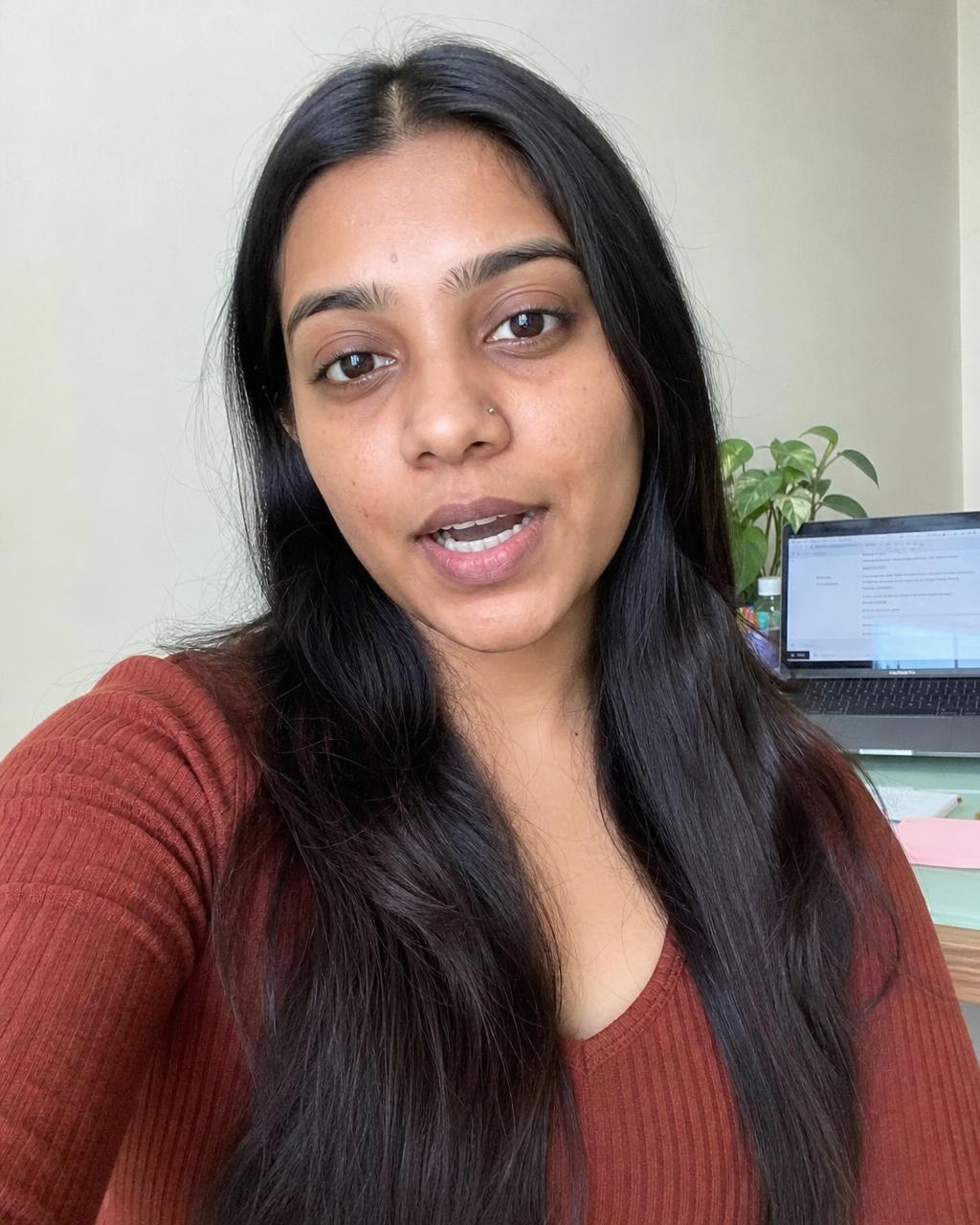
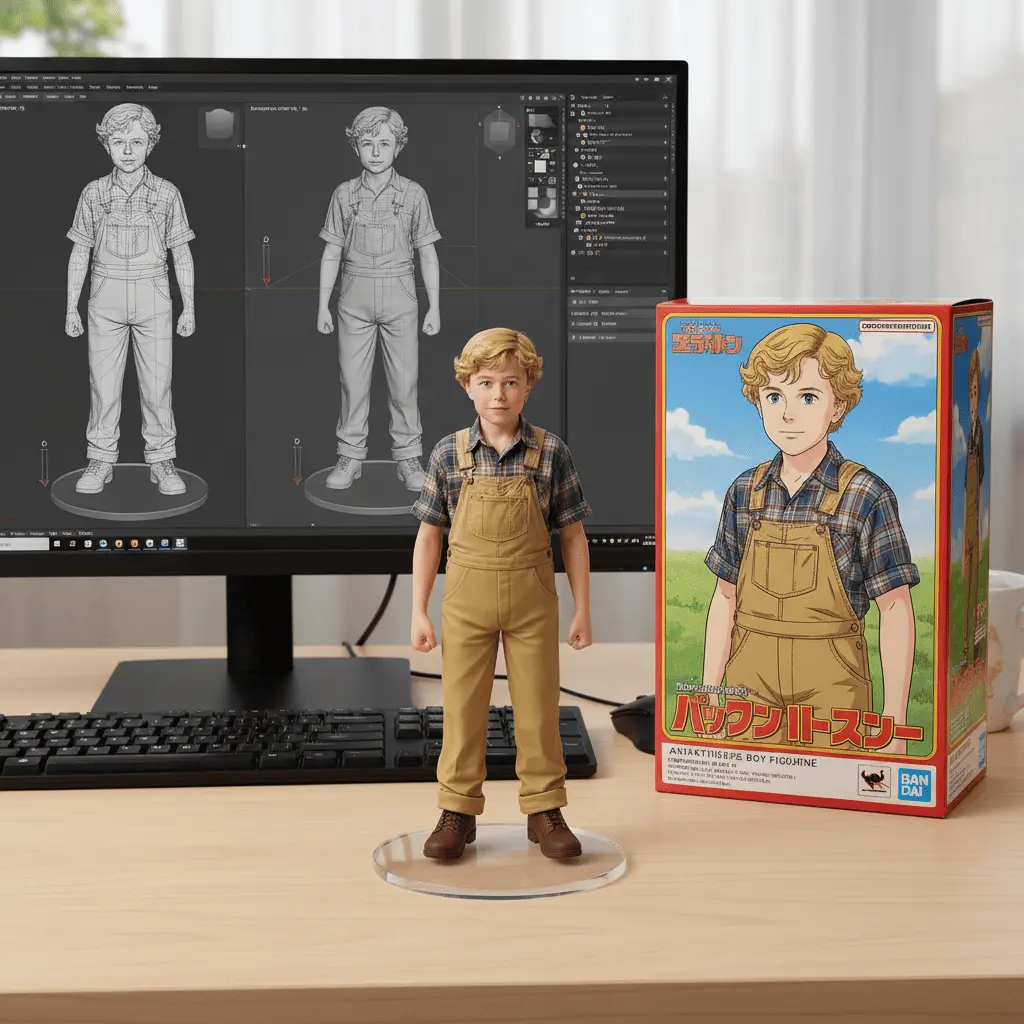
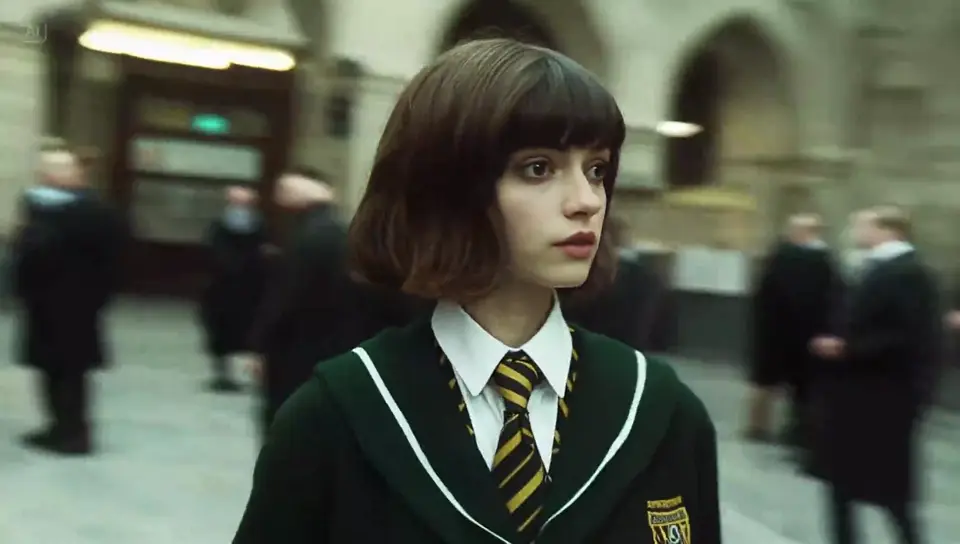
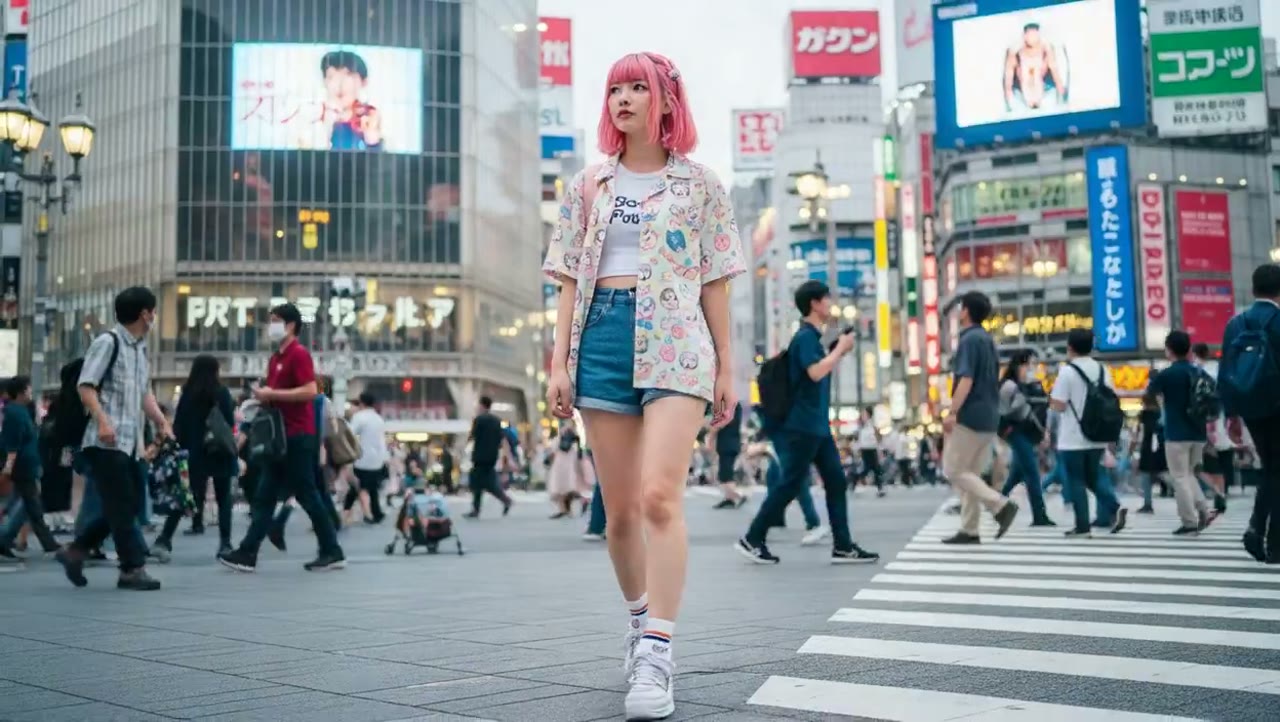
 Outfit change01
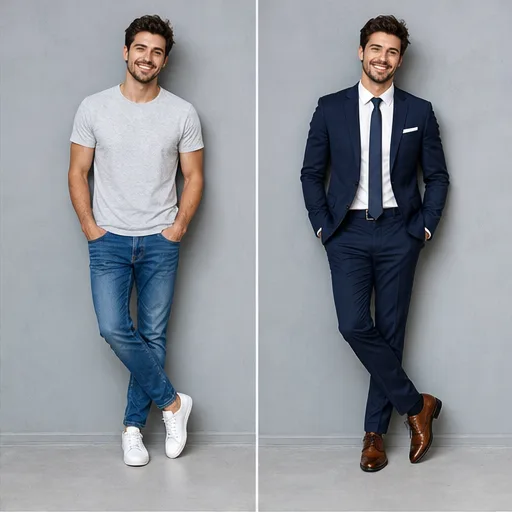
AI Outfit Changer
Upload a portrait, describe the new clothing, and tell Nano Banana which face, pose, lighting, and background details to preserve.
 Flow Studio
Create an image from a prompt or upload references and describe the change. Control the subject, scene, style, composition, and aspect ratio in one workspace.
Nano Banana examples
Explore the image tasks people use Nano Banana for most often, from product scenes and portraits to outfit changes, relighting, restoration, and style transfer.
Outfit change01Upload a portrait, describe the new clothing, and tell Nano Banana which face, pose, lighting, and background details to preserve.
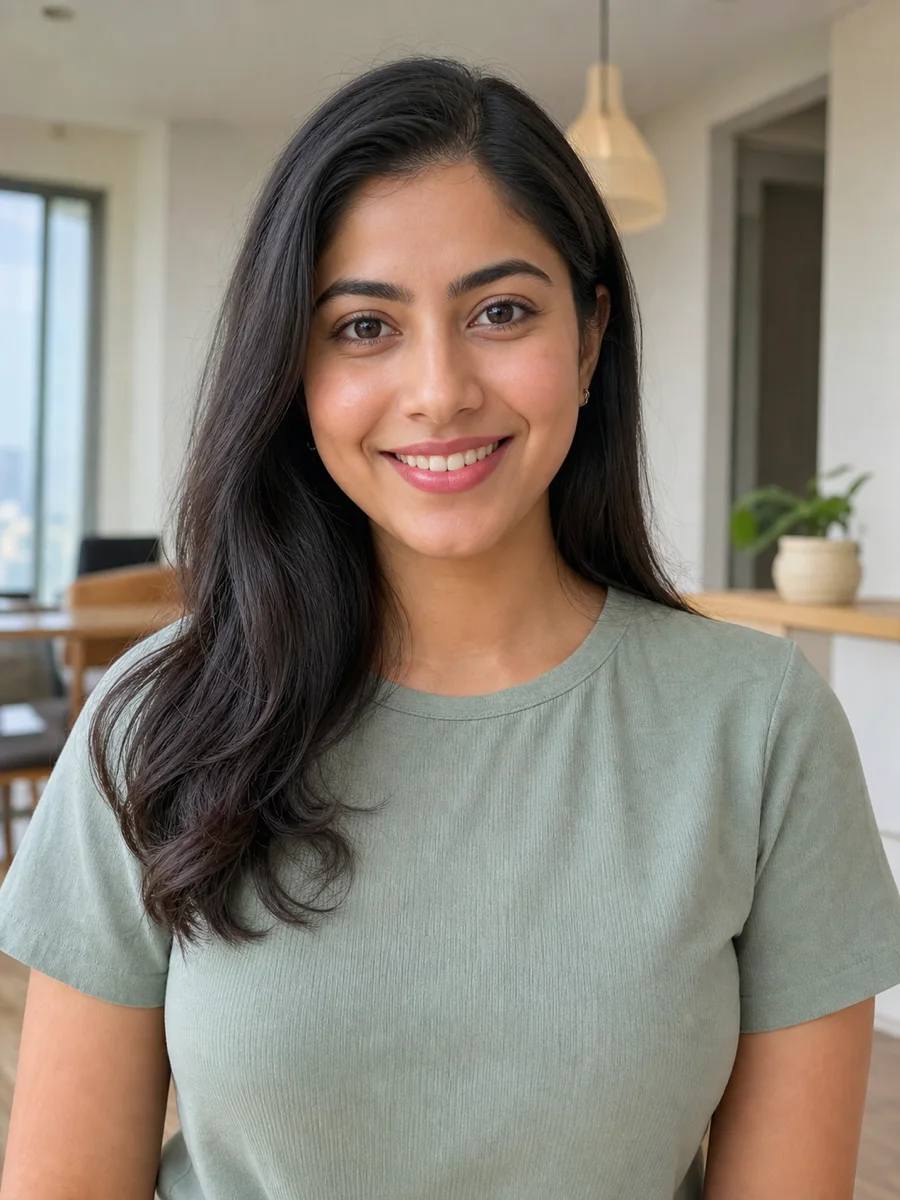
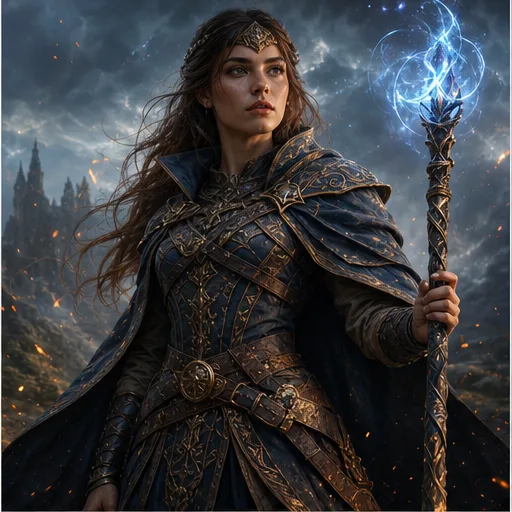 Character design02
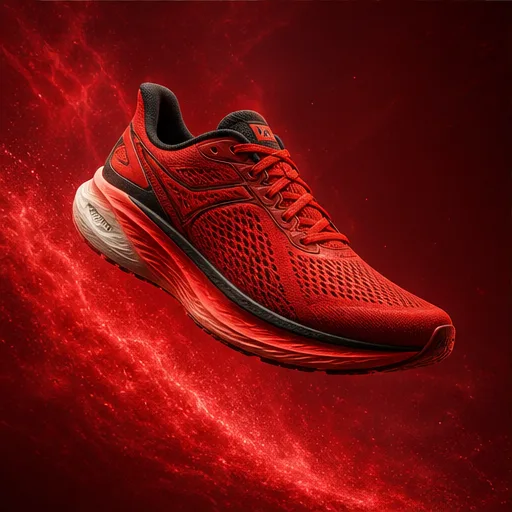
Create a character portrait with specific facial features, wardrobe, mood, lighting, and camera framing guided by references.
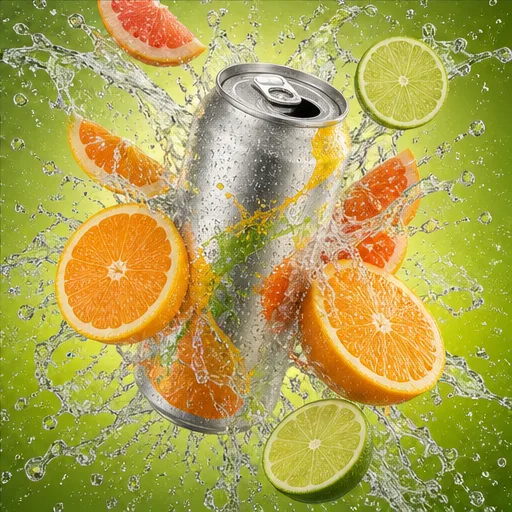
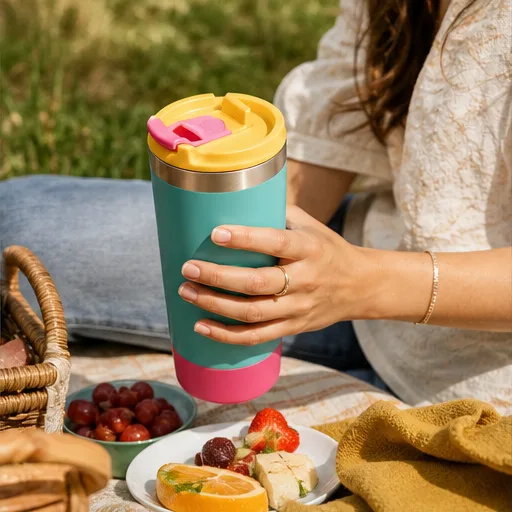 Product photo03
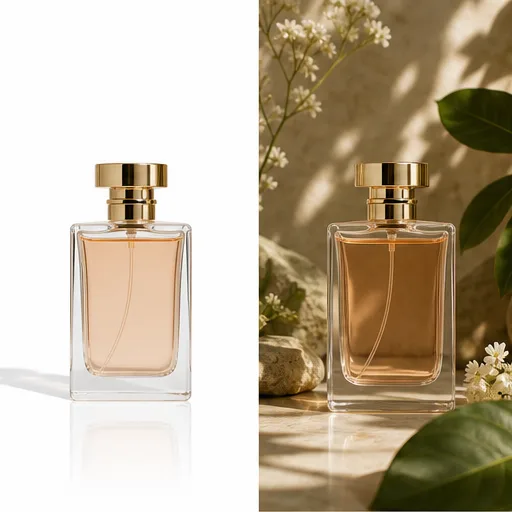
Turn a clean product image into a studio photo, lifestyle scene, seasonal campaign, or social media visual.
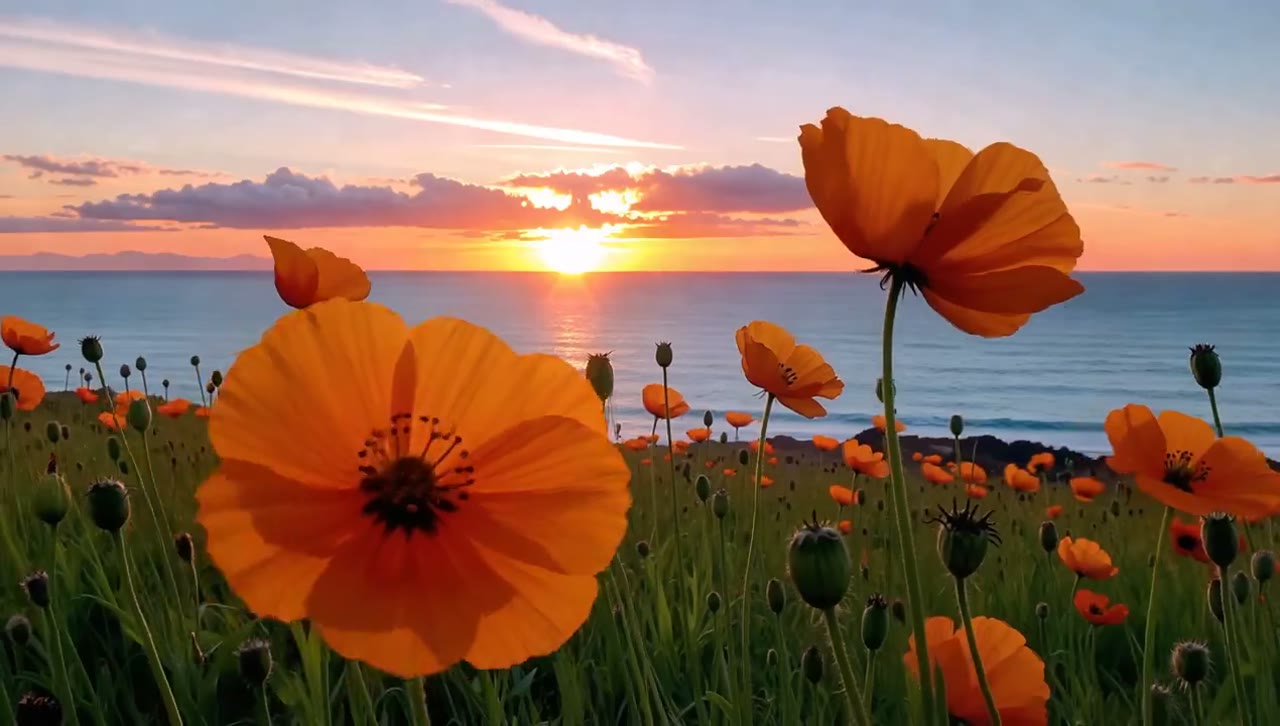
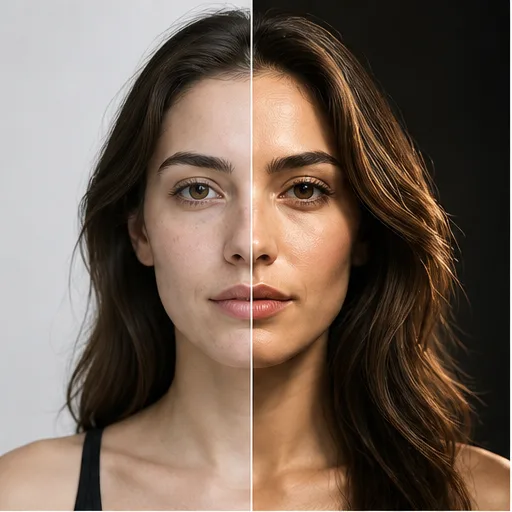 Photo relighting04
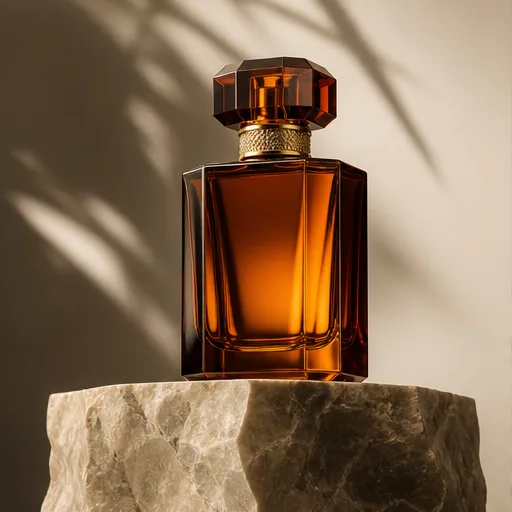
Change the time of day, light direction, color temperature, or studio setup while preserving the main composition.
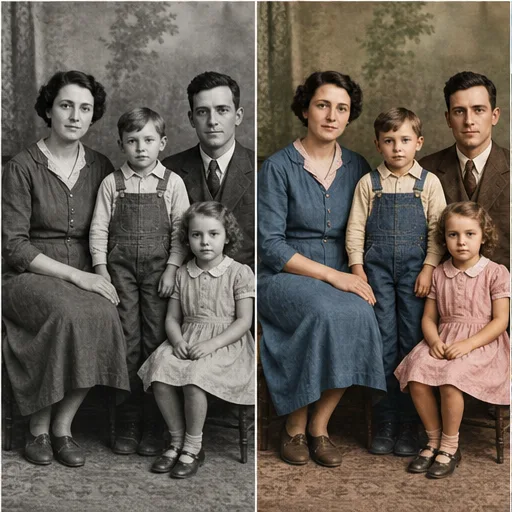 Photo restoration05
Add a natural color palette to a black-and-white photo and describe the skin tones, clothing, setting, and period details.
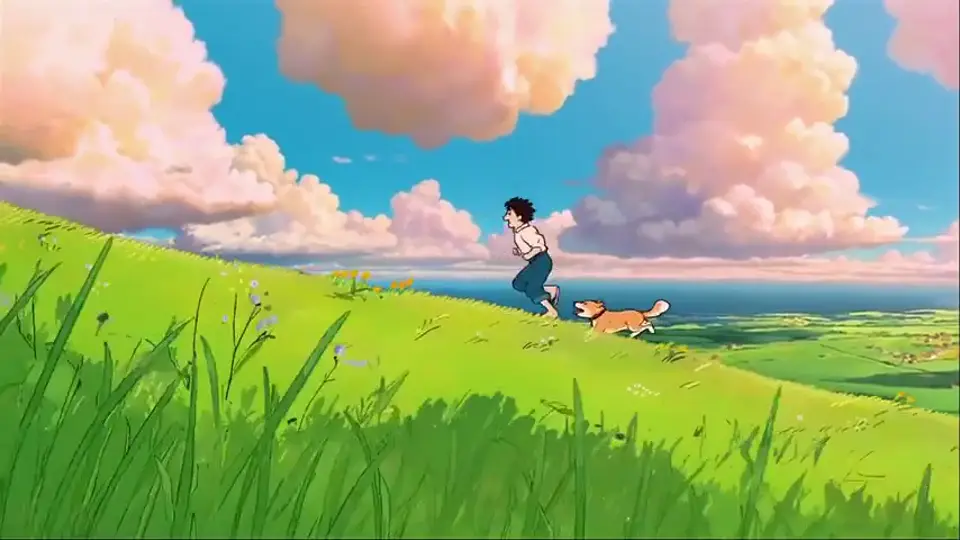
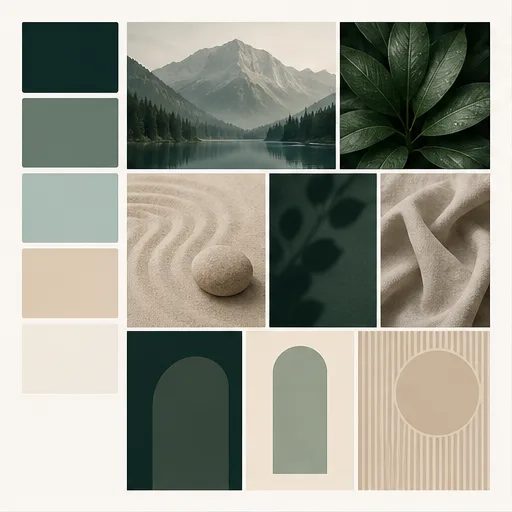 Style transfer06
Use a reference style to change the color, texture, illustration treatment, or art direction while preserving the subject.
Why choose this image generator
Create new images and edit existing photos with plain-language prompts, reference images, flexible formats, and a multi-model workspace built for creative iteration.
Natural Language
Describe the scene you want or the change an existing photo needs. Add, remove, replace, relight, or restyle visual details without learning layers, masks, or complex editing controls.
Create with Nano BananaStep-by-step guide
Follow these four steps to create a new image or make a prompt-based edit with Nano Banana.
Describe the subject, action, scene, composition, lighting, camera view, and visual style in plain language.
Add references when you want to edit a photo, preserve a subject, combine visual ideas, or guide a specific style.
Select the aspect ratio for the final placement, choose a style, and decide how many versions to generate.
Create the image, review what changed, then make one clear prompt adjustment at a time before downloading.
Who Nano Banana is for
Nano Banana suits people who need product visuals, social content, photo edits, or design concepts without building every image from scratch.
Turn a product reference into studio shots, lifestyle scenes, seasonal campaigns, and marketplace images without arranging a new photoshoot for every concept.
Explore attention-grabbing thumbnails, vertical posts, channel graphics, and visual variations sized for the platforms where you publish.
Change a background, outfit, lighting setup, color palette, or mood while describing the people and visual details that should remain recognizable.
Preview materials, room directions, product presentations, and visual styles before committing time to a finished mockup or presentation.
Creator feedback
See what ecommerce designers, content creators, and creative teams say about generating images, editing photos, and working with visual references in Nano Banana.
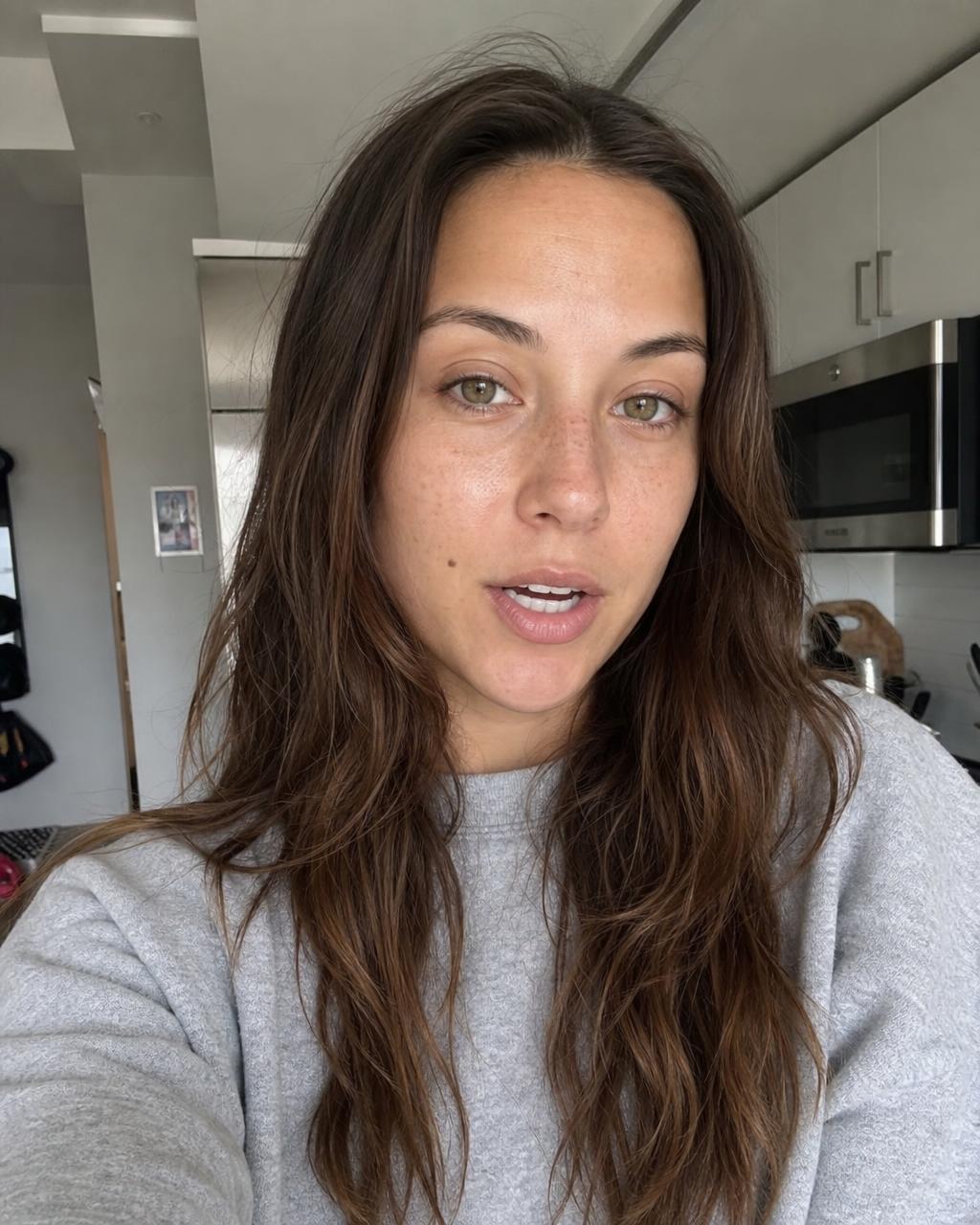
I can start with one product photo, test several backgrounds, and explain exactly which colors and product details need to stay unchanged.
Compare monthly subscriptions, annual billing, and one-time credit packs, then choose a Nano Banana plan based on how often you generate or edit images.
Your local currency and applicable taxes are shown at checkout.
$118.80 charged yearly
Perfect for hobbyists and beginners
Everything you need to start:
$598.80 charged yearly
For teams and businesses
Everything in Professional, plus:
$238.80 charged yearly
For creators and professionals
Everything in Basic, plus:
Nano Banana FAQ
Get clear answers about Nano Banana prompts, reference images, photo editing, aspect ratios, output options, and model switching.
Nano Banana is the common name for Google's Gemini 2.5 Flash Image model. It supports text-to-image generation and instruction-based edits with image inputs.
Enter a prompt, optionally upload reference images, choose the aspect ratio, style, and output count, then select Generate. Review the result and refine one instruction at a time.
Yes. Upload the source image and describe what to add, remove, replace, relight, recolor, or restyle. State which subject and composition details must stay unchanged.
Reference images and explicit preservation instructions can guide consistency. Use clear source images and name the facial features, product details, colors, or shapes that must remain.
Yes. The workspace accepts multiple references. Explain whether each image should guide the subject, product, background, pose, composition, or visual style.
Describe the subject, action, setting, composition, camera view, lighting, color palette, style, and required details. For an edit, also state what must not change.
The workspace supports automatic, square, landscape, portrait, and wide ratios for product photos, social posts, ads, thumbnails, posters, and other placements.
Yes. Nano Banana is selected by default on this page, but the model selector remains active so you can compare another image model with the same prompt.
Keep creating
Discover more tools for AI image generation, photo editing, product visuals, video creation, animation, and lip sync in one creative workflow.
Start with a prompt or reference image, choose the format, and generate your next Nano Banana image in the workspace above.