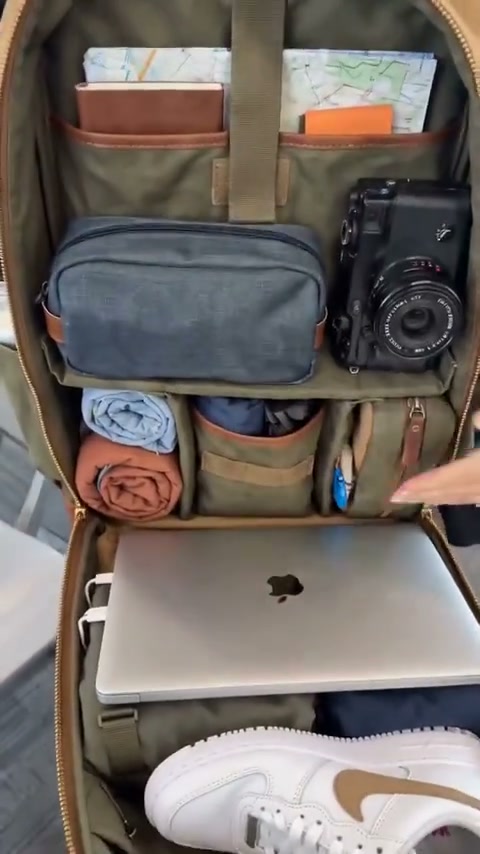
UGC Ads
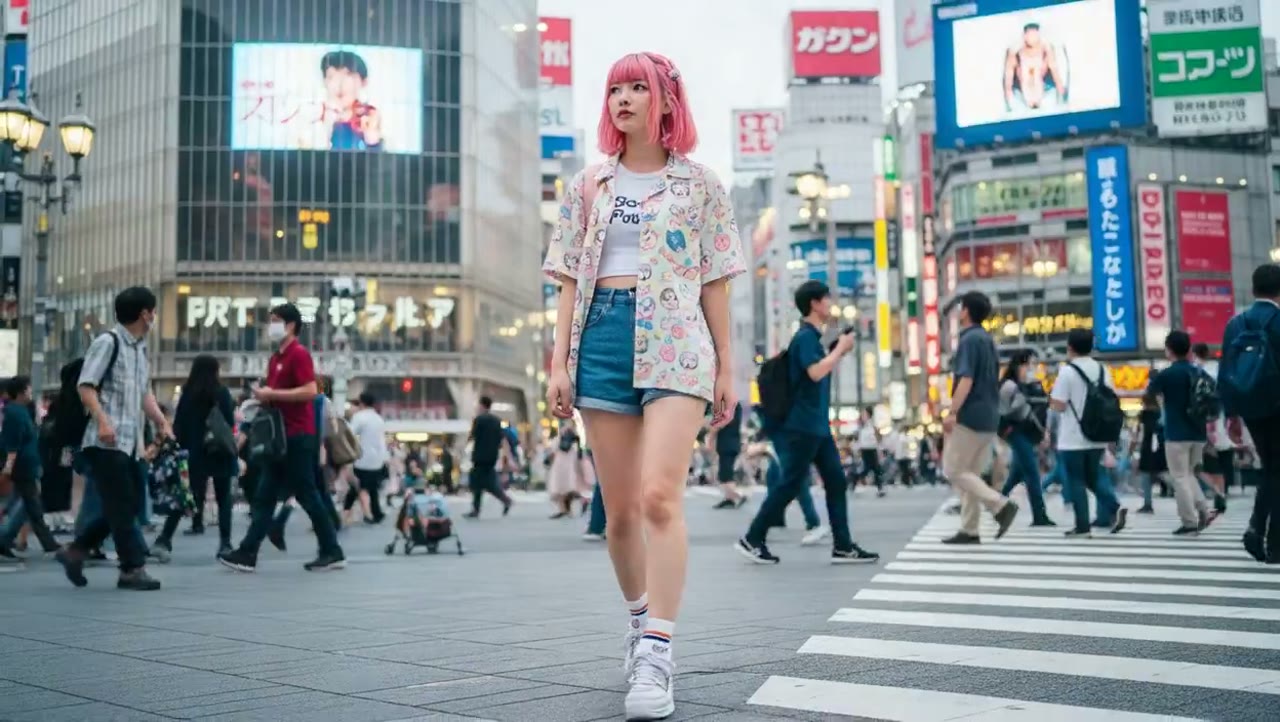
Airport Carry-On Product Tip
Open with a quick travel tip that puts the product at the center of the story.
 Flow Studio
Plan cinematic AI videos with a prompt, a starting image, and clear camera movement. Explore the Higgsfield tools, then create your next video online.
WHAT YOU CAN CREATE WITH HIGGSFIELD AI
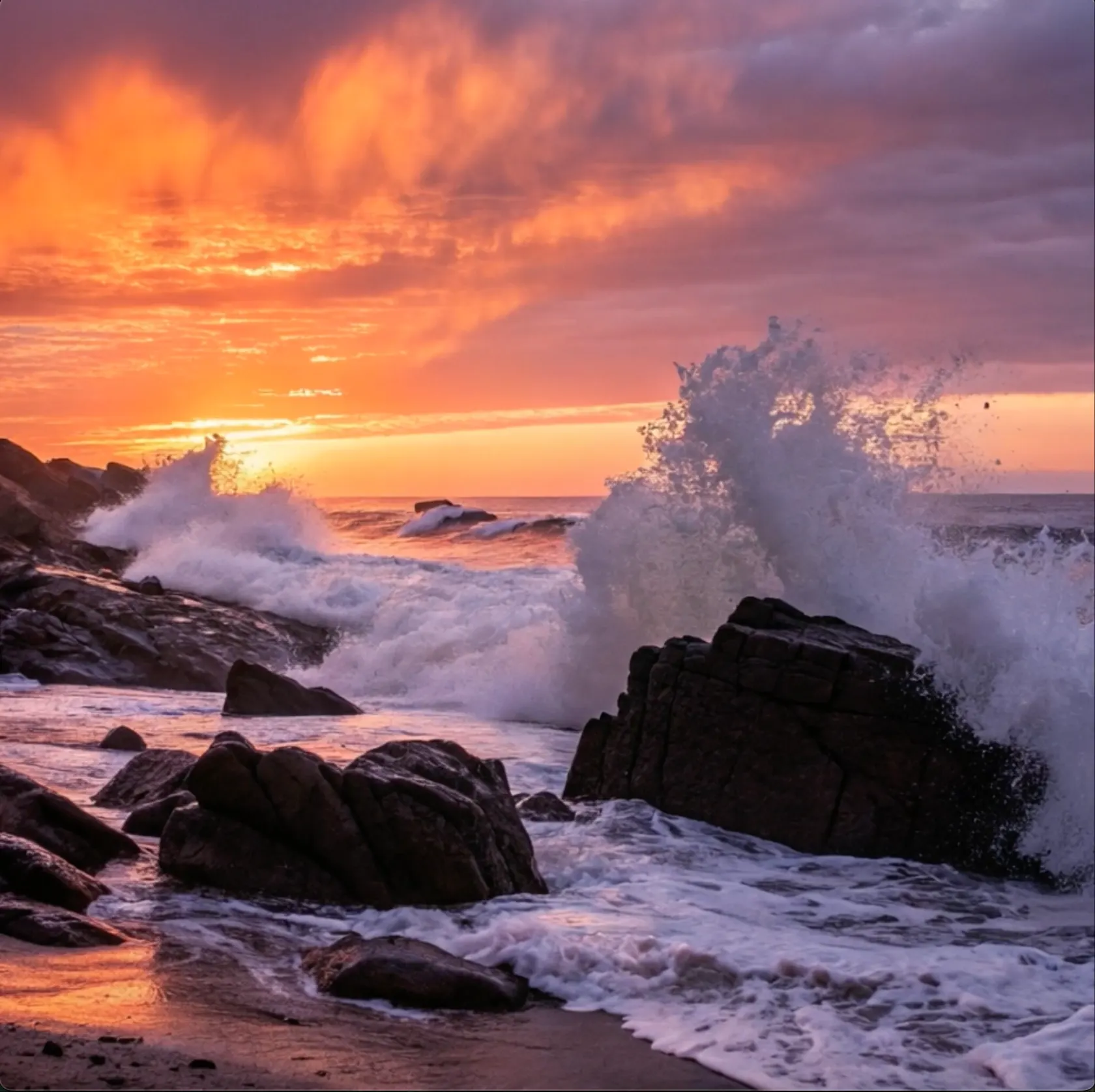
Create cinematic AI videos with camera movement for product ads, fashion videos, music videos, social media clips, and short films.
Open with a quick travel tip that puts the product at the center of the story.
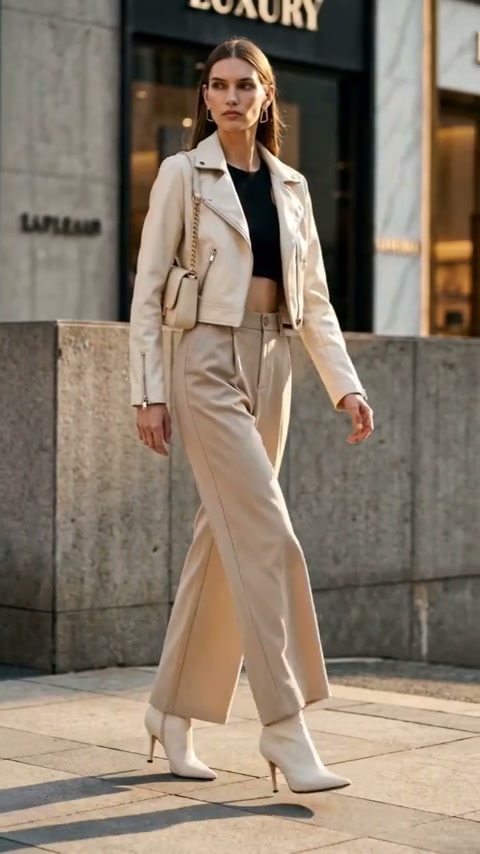
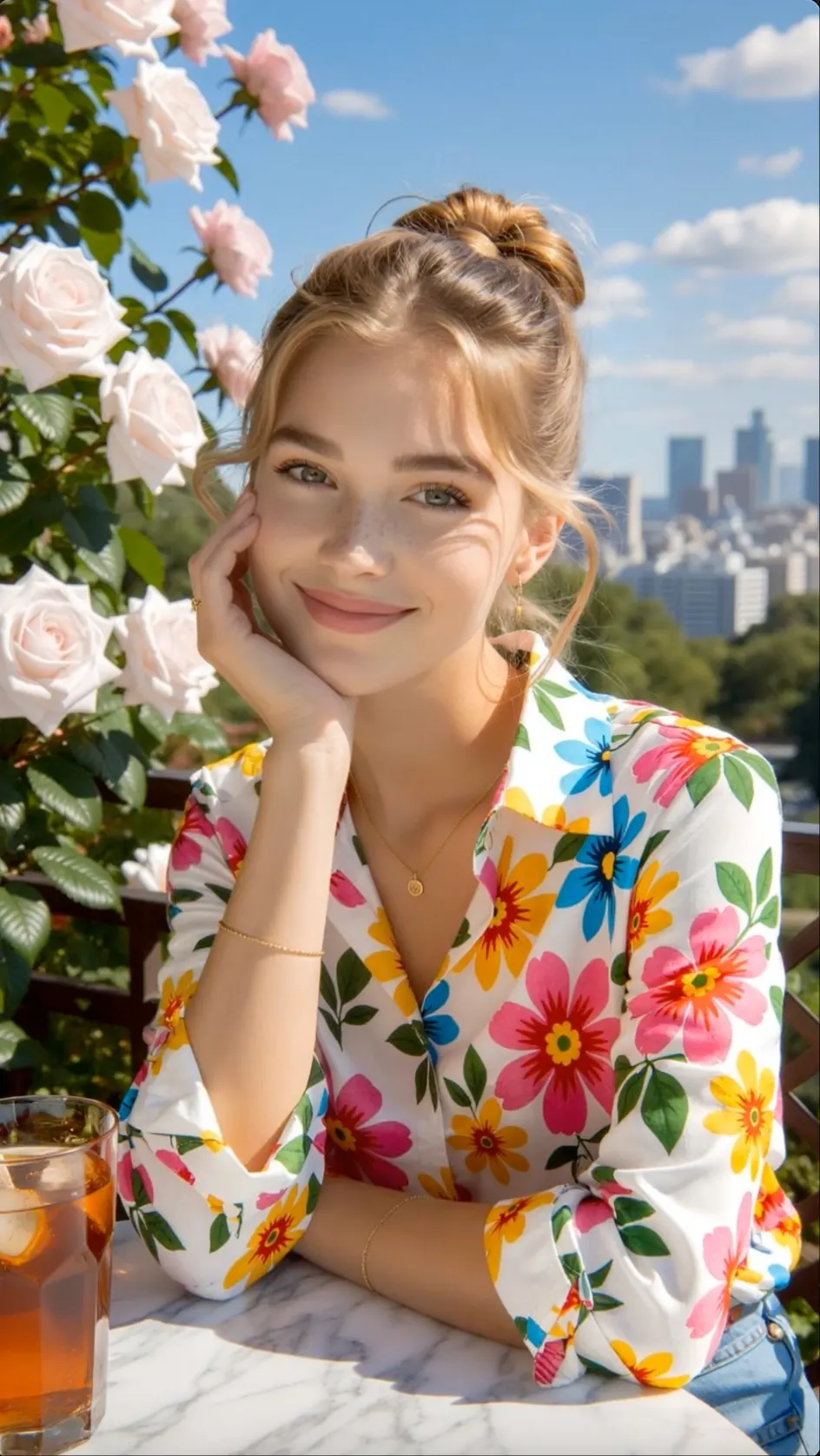
Show how an outfit looks and moves in a clear product-to-look sequence.
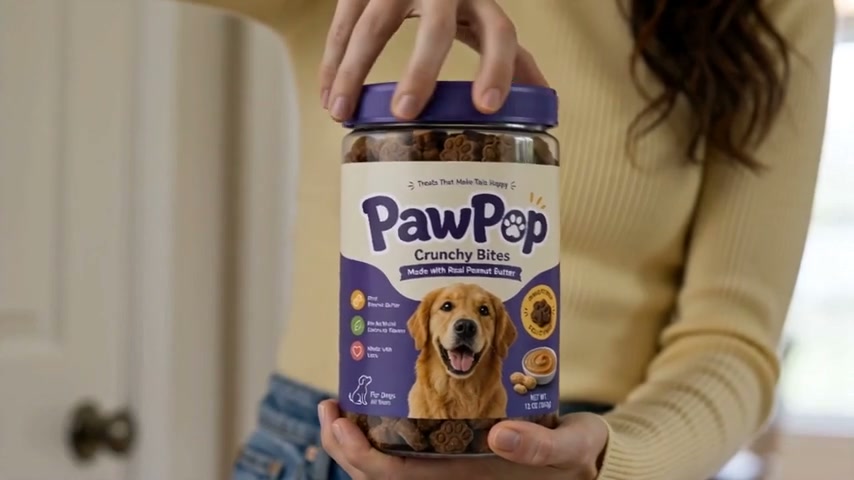
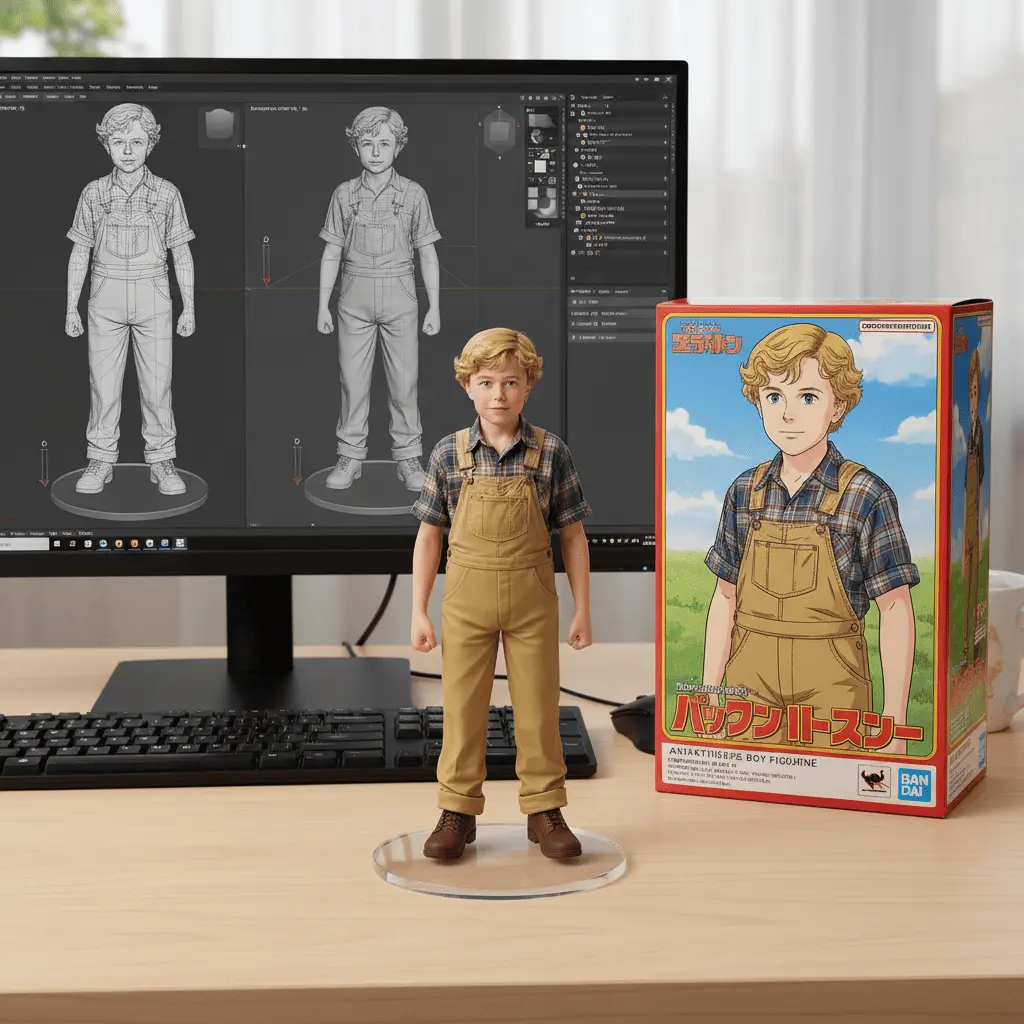
Build a polished launch scene from one product image or a focused prompt.
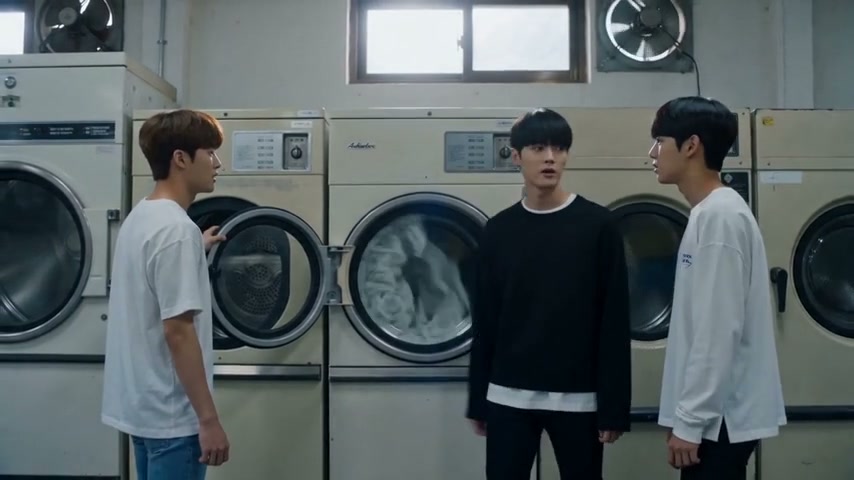
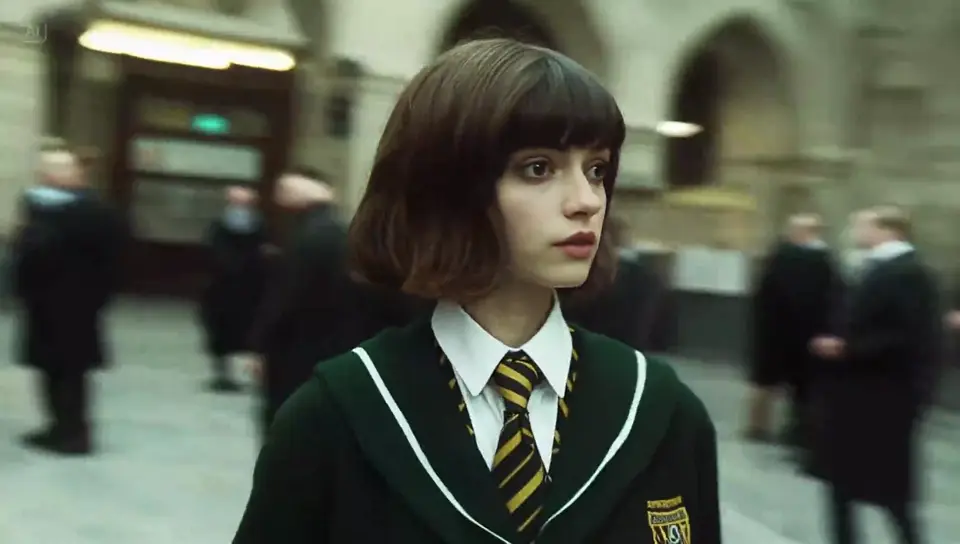
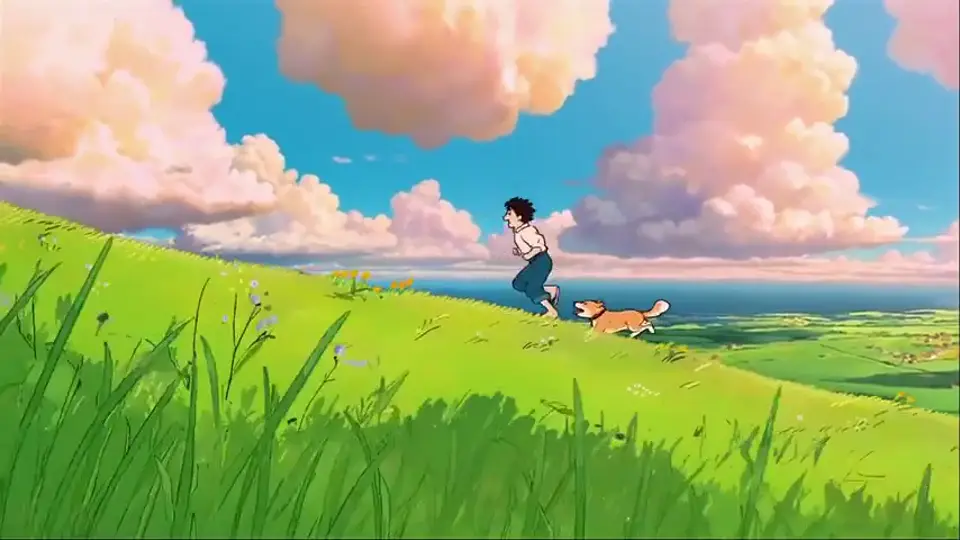
Tell a short story with a clear setting, characters, and camera movement.
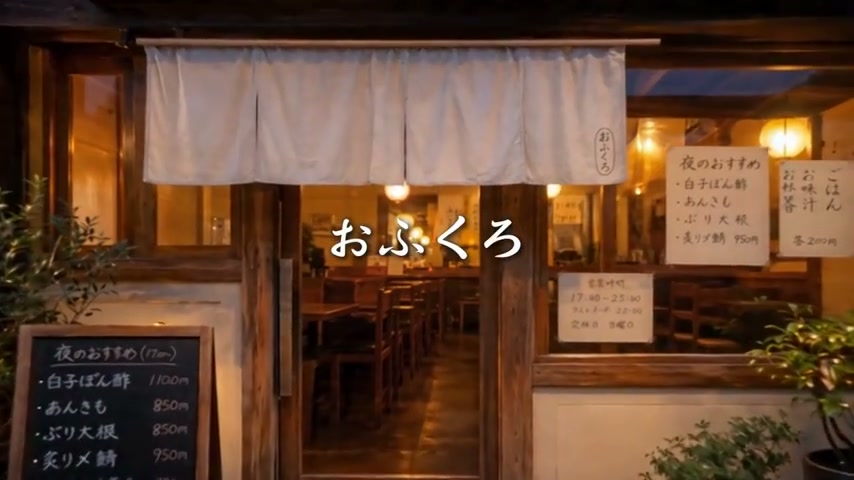
Introduce the food, location, and atmosphere in one fast video.
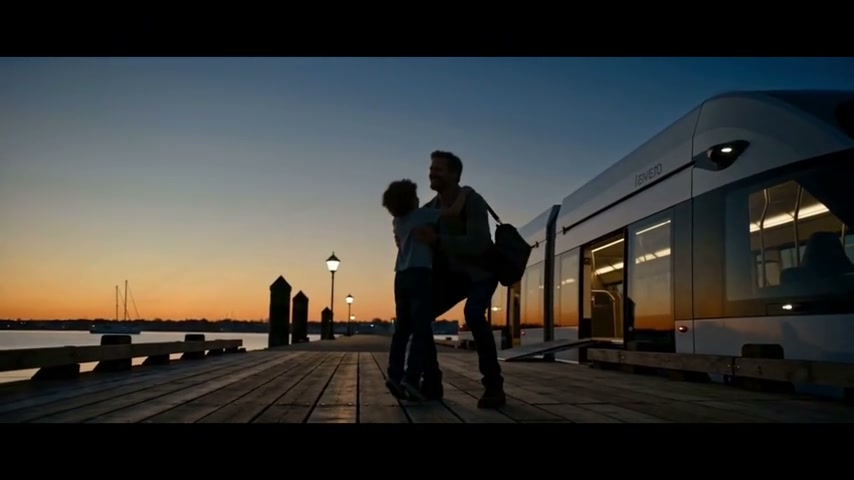
Turn a product or reference image into a larger brand story.
Why choose Higgsfield AI
Plan camera moves before you generate, combine different movements in one shot and compare leading video models in the same creative studio.
Camera presets
Choose familiar moves such as dolly, crane, orbit and handheld shots instead of describing every camera action from scratch.
Motion control
Use an image or reference video to guide the pace, gesture, and direction of the action.
First and last frames
Set opening and ending images to shape a transition, reveal or product sequence with a clearer path.
Multiple video models
Try the same idea with available models and choose the version that best fits the look and movement you want.
How to use Higgsfield AI
Start with a photo or text idea, choose a camera move, set the format, and generate a cinematic AI video.
Upload a clear image to keep the main subject and framing, or enter a text prompt when you want to build a new scene.
Choose a move such as a dolly zoom, orbit, crash zoom, pan, or handheld shot, then describe one clear subject action.
Select the video model, aspect ratio, duration, and quality that fit your ad, social post, music visual, or film scene.
Preview the camera motion, subject movement, and framing. Change one direction if needed, create another take, and save the best clip.
Who uses Higgsfield AI
Higgsfield AI is a strong fit for people making cinematic ads, social videos, music videos and film concepts with planned camera movement.
Cinematic filmmaking
Explore tracking shots, close-ups, crane moves and dramatic lighting before filming a short film, trailer or music video.
Advertising
Turn a campaign idea or product image into polished video concepts for launches, paid ads, and brand films.
Short-form video
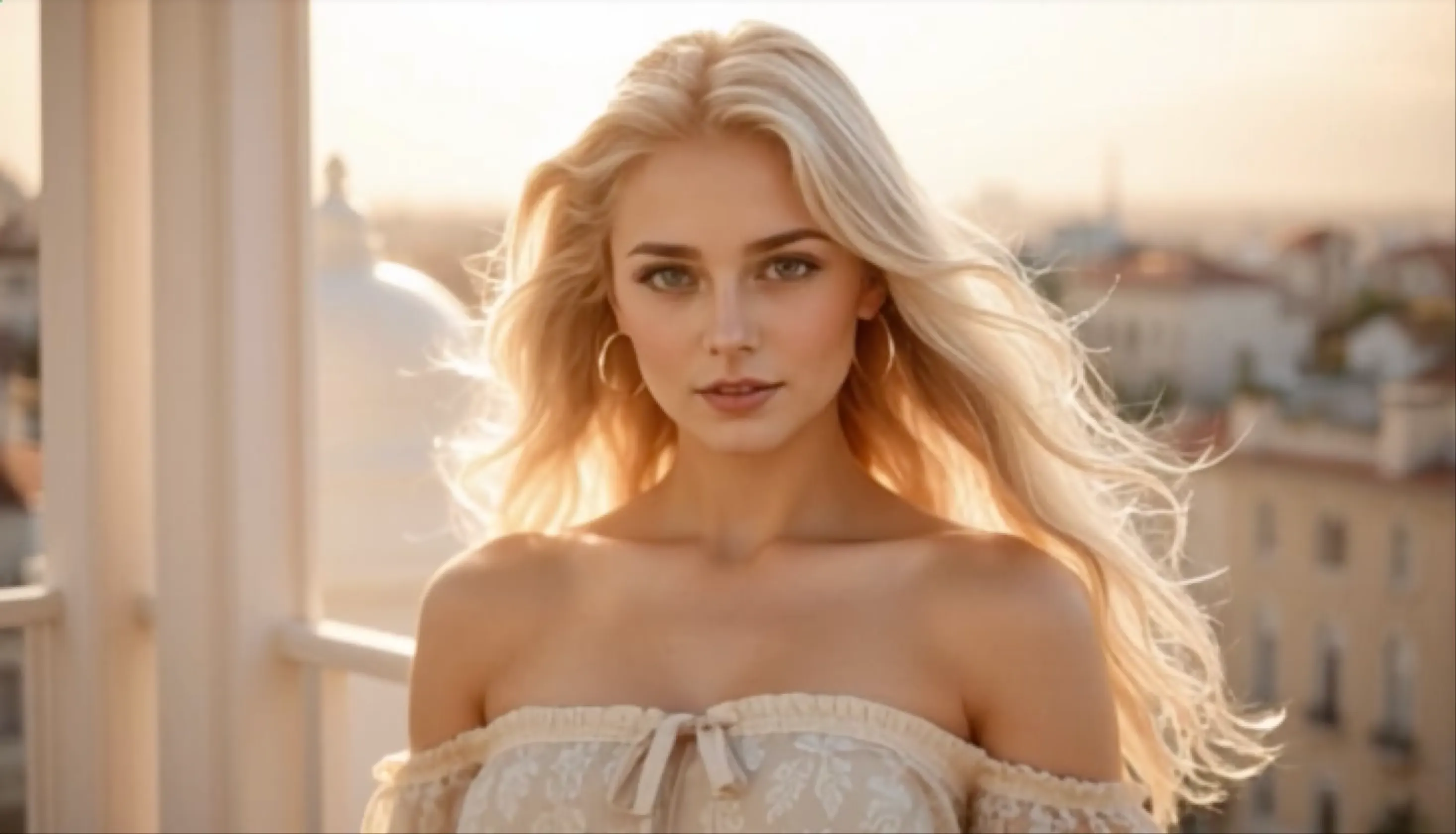
Build fast hooks, fashion edits, creator clips and cinematic social posts designed for vertical feeds.
Campaign production
Develop several visual directions for pitches, client feedback and campaign testing without arranging a new shoot for each idea.
Higgsfield creator reviews
Hear how creators use Higgsfield AI for cinematic AI video, camera motion, image-to-video scenes, social content, and production planning.

Higgsfield AI gives our team a practical way to test camera movement before production. We can turn a storyboard frame into several cinematic video directions and review the strongest shot together.
Choose a credit option based on how often you generate, compare and refine AI video concepts.
Perfect for hobbyists and beginners
Everything you need to start:
For teams and businesses
Everything in Basic, plus:
For creators and professionals
Everything in Basic, plus:
Higgsfield AI FAQ
Common questions about Higgsfield AI video models, Cinema Studio, camera movement, image inputs, video quality and free access.
Higgsfield is an AI video creation platform with several video models, cinematic camera controls, image and video inputs, and tools for creators, filmmakers, and brands.
Higgsfield brings several leading video models into one workspace. The available list changes as new models arrive, so check the model menu before starting a project.
Cinema Studio is Higgsfield's filmmaking workspace. It lets you choose camera and lens settings, guide depth of field, combine camera moves, and keep a character more consistent across shots.
Yes. You can use images to guide the subject, style, or composition, and supported tools can edit existing video. First- and last-frame inputs also help define where a shot begins and ends.
Describe one shot in a clear order: subject, action, setting, shot size, camera movement, lighting, and mood. Keep the main action simple when precise motion matters.
Higgsfield offers free access for getting started. Some video models, advanced tools, and higher usage levels require a paid plan.
Higgsfield supports HD video and standard social formats, while Cinema Studio also offers a cinematic 21:9 frame. Final quality and format options depend on the model you select.
Explore more AI video tools
Compare related tools for prompts, images, references, talking videos and model-focused creation.
Create cinematic AI video
Upload an image or enter a text prompt, choose the camera movement, and generate a polished shot for film, ads, or social media.