FACELESS YOUTUBE VIDEO
Narrated YouTube Videos without Filming
Turn a topic or prepared script into a structured video with scene visuals, voiceover, music and subtitles.
 Flow Studio
Turn an idea, script or article into a complete video with visuals, AI voiceover, music and captions. Create YouTube videos, explainers and social media clips in one workflow.
WHAT YOU CAN CREATE WITH FLIKI AI
Convert scripts, blog posts, presentations and simple ideas into complete videos with AI voiceover, visuals, music and captions.
WHAT YOU CAN CREATE WITH FLIKI AI
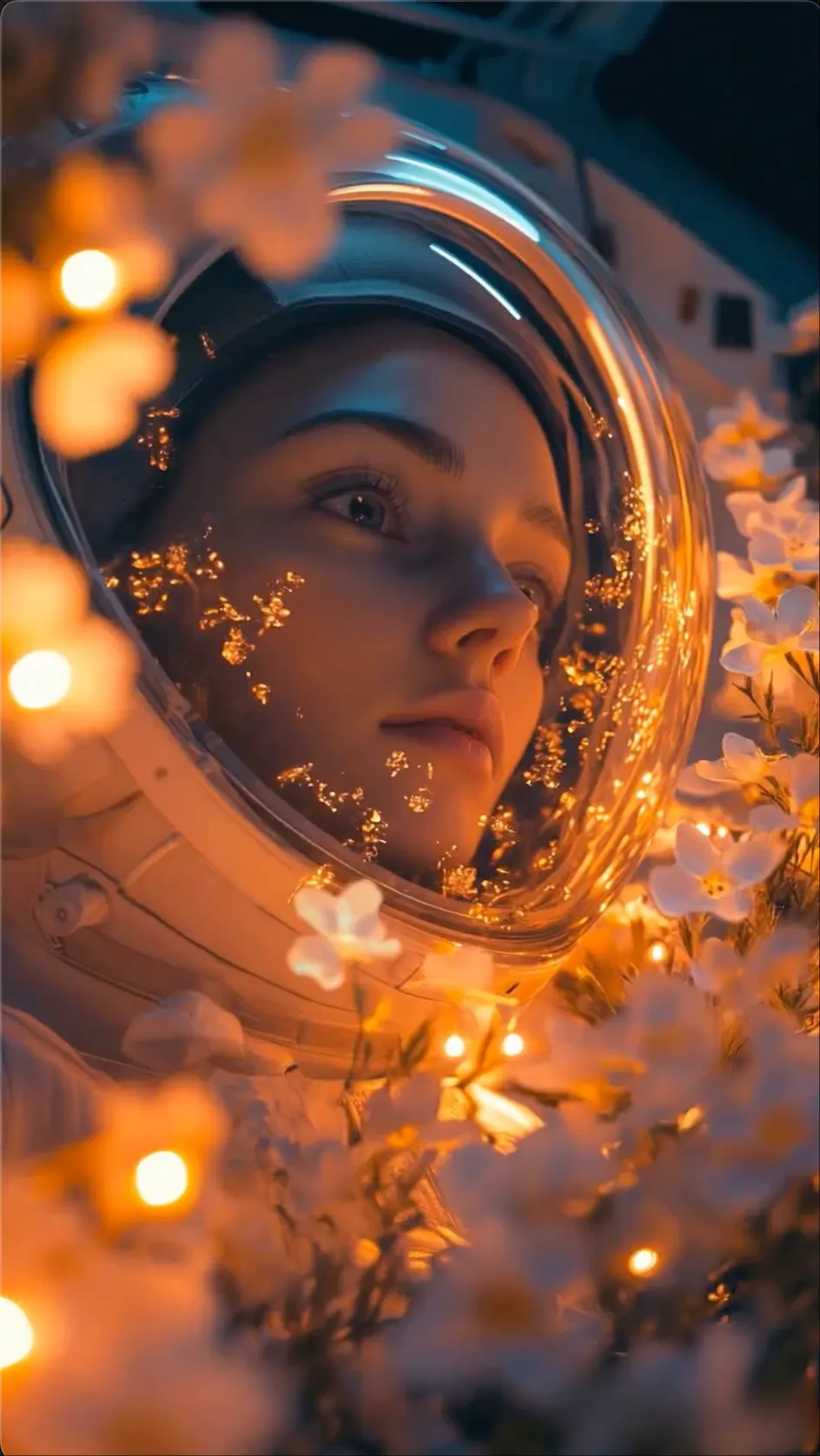
FACELESS YOUTUBE VIDEO
Turn a topic or prepared script into a structured video with scene visuals, voiceover, music and subtitles.

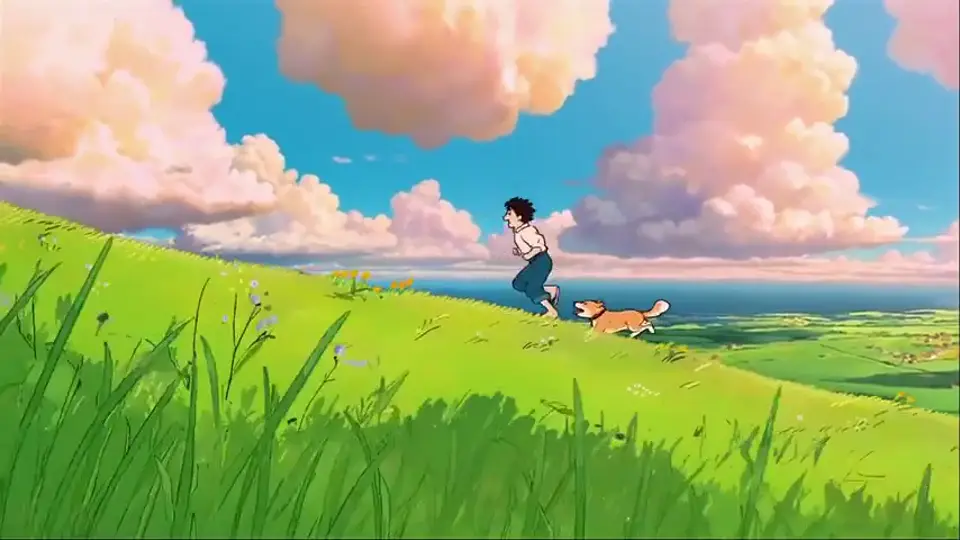
BLOG TO VIDEO
Reuse written content as a shorter script and narrated scene sequence for YouTube, websites or social channels.

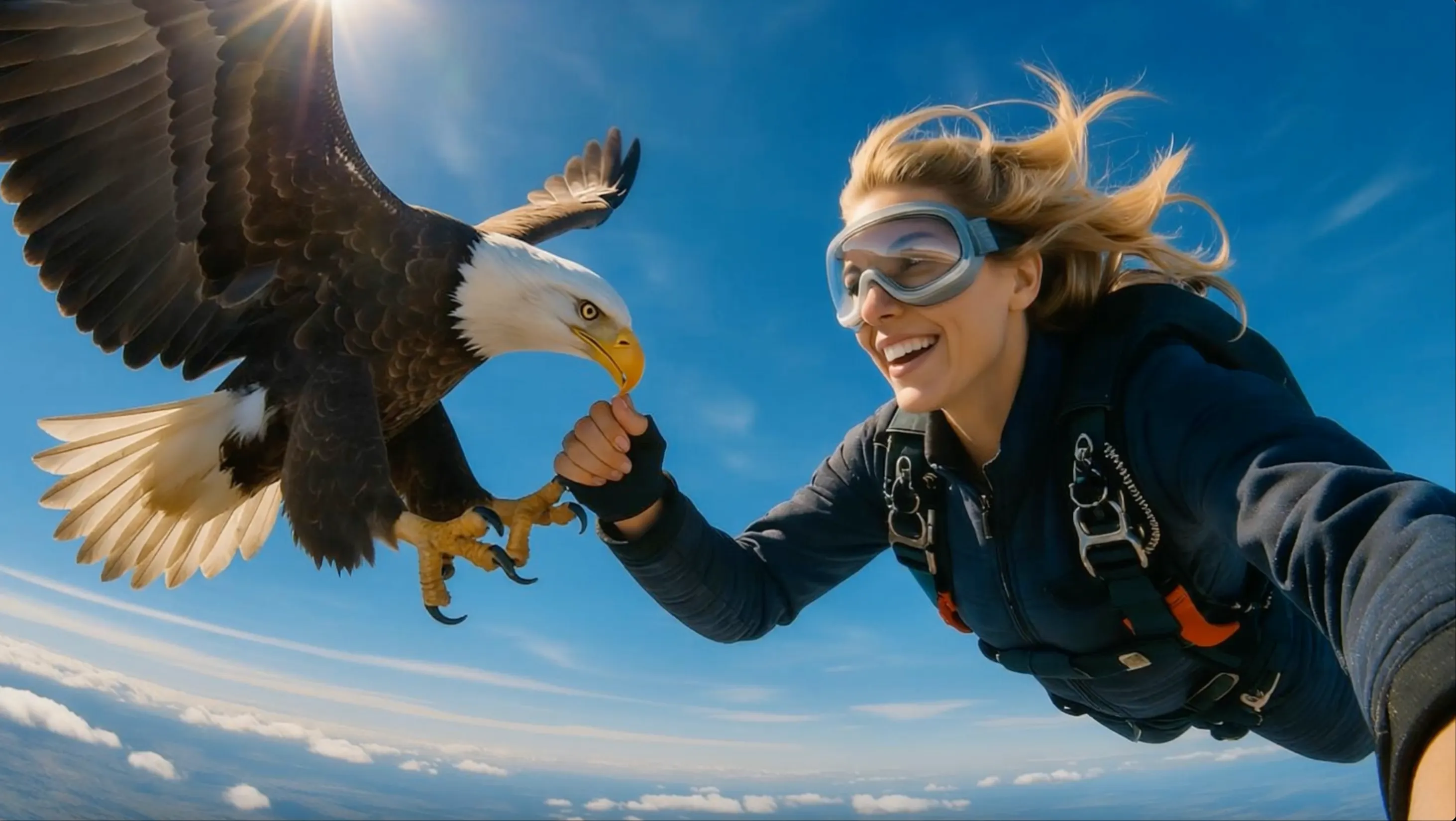
TRAINING VIDEO
Present a process or topic in clear sections with a consistent AI voice, readable captions and supporting media.
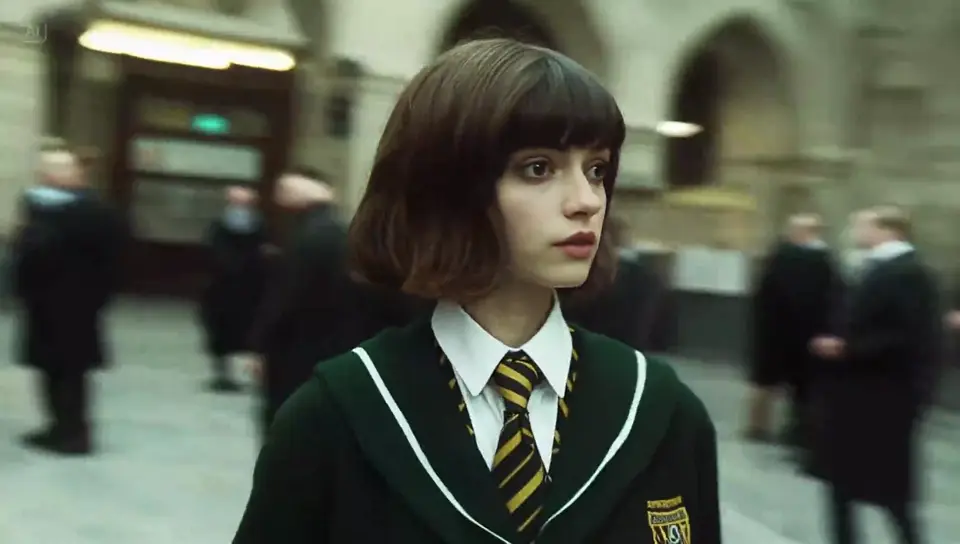
SHORT-FORM VIDEO
Create quick tips, list videos and promotional clips in vertical formats for TikTok, Reels and YouTube Shorts.
FLIKI AI VIDEO DEMOS
See how scripts can become narrated scenes for YouTube, training, social media and product communication.
FLIKI AI VIDEO BENEFITS
Turn a blog post, script, or idea into a narrated video with scenes, visuals, music, and captions already organized for editing.
BLOG AND SCRIPT IMPORT
Paste existing written content and convert its main points into a clear sequence of narrated scenes.
MULTILINGUAL VOICES
Choose a voice, language, and delivery style that fits the topic and the audience you want to reach.
FACELESS VIDEO
Combine narration, stock or generated visuals, music, and captions without appearing on camera.
SCENE-BY-SCENE EDITING
Change the wording, media, timing, or captions in a scene while the rest of the video stays organized.
HOW TO USE FLIKI AI
Paste a script, choose an AI voice and video format, review the automatically created scenes, and export the finished video.
ADD YOUR TEXT
Start with written content and decide whether Fliki should use your exact script or turn the main points into a shorter video.
SET THE NARRATION
Select the narrator, language, and voice style that suit the audience, then listen to a sample before moving on.
BUILD THE SCENES
Check how the script was split into scenes, replace the stock media or AI visuals, and correct the captions and timing.
EXPORT THE VIDEO
Create the full video, watch it from beginning to end, make final voice or scene edits, and download the version you want to publish.
WHO USES FLIKI AI
Fliki AI is useful for people who want to turn scripts, articles, and lesson material into narrated videos without learning complex editing software.
FACELESS YOUTUBE
Turn a script into documentaries, list videos, explainers, and narrated stories without appearing on camera.
ONLINE EDUCATION
Convert lesson plans and course notes into clear educational videos with scenes, narration, and captions.
BLOG TO VIDEO
Repurpose blog posts, guides, and campaign copy as videos for websites, email newsletters, and social channels.
WORKPLACE TRAINING
Create onboarding, compliance, and process videos that employees can watch in a consistent narrated format.
Compare options for occasional videos, regular YouTube publishing, training content and ongoing marketing production.
Perfect for hobbyists and beginners
Everything you need to start:
For teams and businesses
Everything in Basic, plus:
For creators and professionals
Everything in Basic, plus:
FLIKI AI FAQ
Helpful answers about Fliki ideas, scripts, articles, AI voices, captions, scenes, YouTube videos and project review.
Fliki can start with a short idea, a finished script, an article or other written content. It builds the material into scenes with visuals, voiceover, music and captions.
Idea-to-video starts with a short topic and drafts the script for you. Script-to-video uses wording you already wrote, giving you more control over the message and narration.
Yes. Add the written content, then review how Fliki divides it into scenes. Shorten long sections and replace any visual that does not match the point being spoken.
Choose a voice that matches the language, audience and tone of the script. Preview key names and difficult words, then adjust pronunciation or wording before the final export.
Yes. Review the caption text, line breaks, position and timing for each scene. Match the subtitles to the voiceover and leave enough time for viewers to read them.
Fliki can combine a script, narration, visuals, music and captions for YouTube content. Check every fact and media choice, and edit the pacing before you publish.
Yes. Upload your own media or choose a different image or video for a scene. Replacing generic visuals can make the final video fit the script and brand more closely.
A project may rely on still images when its media choices do not include enough motion. Replace key scenes with video clips or generated motion, then check transitions and scene length again.
MORE AI VIDEO GENERATORS
Find text-to-video, image-to-video, AI voice and short video tools for YouTube, TikTok, explainers and marketing content.
BUILD A FULL VIDEO FROM WORDS
Paste an idea, article, or script, then add scenes, narration, captions, and music in one video draft.