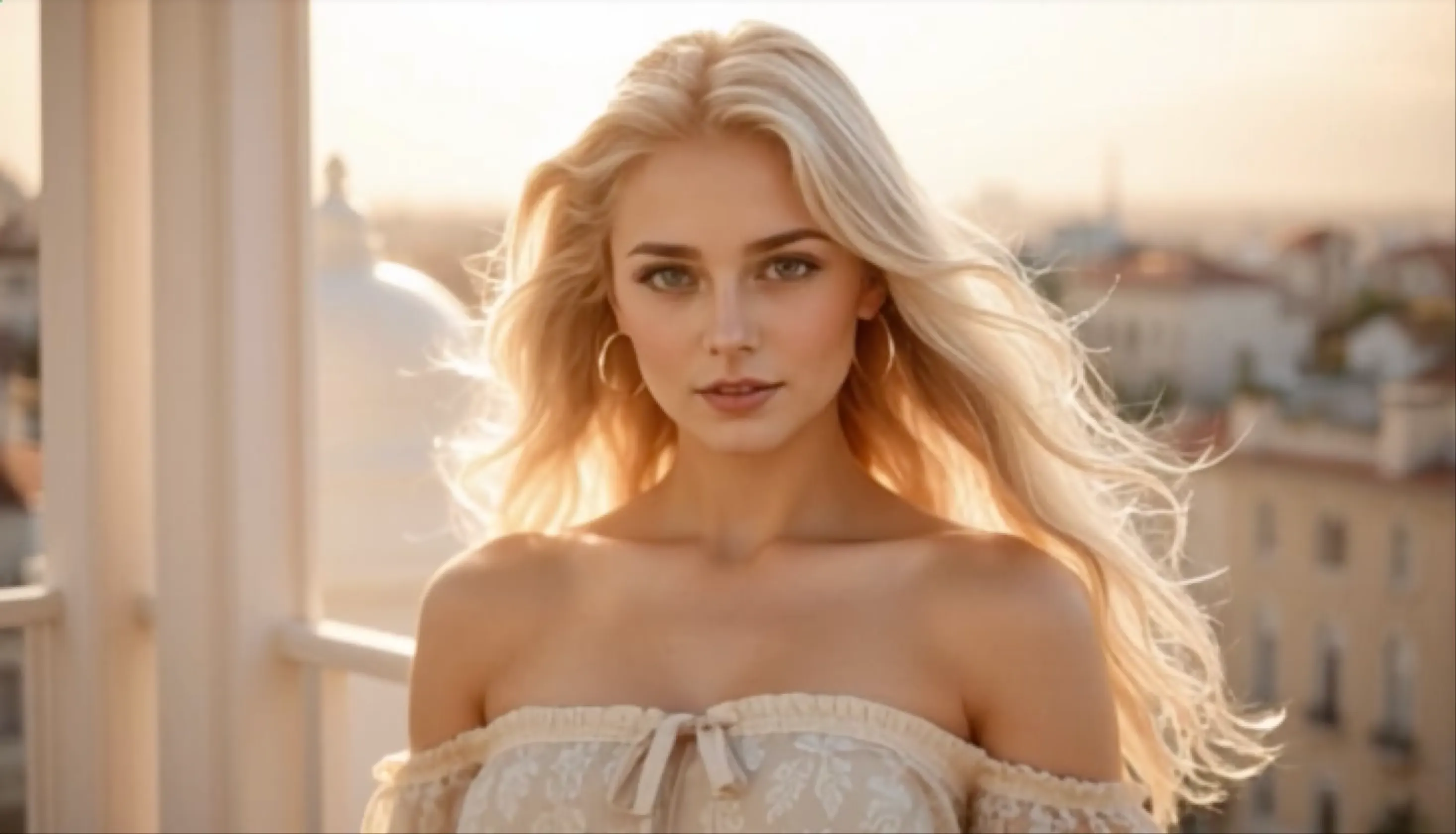
AI presenter
Presenter-Led Explainer Video
Use an AI avatar and voice to present a product, service, lesson, or company message.
 Flow Studio
Turn a script into an AI avatar video with voice, scenes, and a format made for marketing, training, presentations, or social media.
Vidnoz AI video examples
Explore presenter videos, product explainers, training lessons, and short social videos built around a clear script and visual story.
AI presenter
Use an AI avatar and voice to present a product, service, lesson, or company message.
Product marketing
Turn a product script into a concise video for landing pages, sales, or social campaigns.
Learning and development
Explain a process step by step with an on-screen presenter, narration, and supporting scenes.
Social media
Adapt one message into a vertical video with a fast hook, clear voiceover, and captions.
Why choose Vidnoz AI
Create avatar-led sales, training, and explainer videos from a script, then localize the same message without hiring presenters or recording every version.
AI PRESENTERS
Choose a presenter for product explainers, company updates, lessons, and training videos without arranging a studio shoot.
BUSINESS TEMPLATES
Pick a layout for sales, education, marketing, or internal communication, then replace the script and visuals.
VOICE LIBRARY
Choose a voice and speaking style that fits the presenter, subject, and people watching the video.
EASY LOCALIZATION
Change the words, voice, or language when a message needs a new version for another team, market, or customer.
How to use Vidnoz AI
Choose an AI avatar or template, add your script, select a voice and language, then generate a presenter video online.
Select a presenter and layout that match a training video, product explainer, sales message, or social media post.
Add the words the avatar should say and divide longer messages into short scenes that are easy to watch.
Choose a voice for the audience, check the pronunciation, and add images, text, music, or captions to the scenes.
Review the avatar, voice, scene timing, and subtitles, then generate the final video and download or share it.
Who uses Vidnoz AI
Vidnoz AI is designed for teams that need presenter-led sales, training, education, or multilingual videos without recording an on-camera speaker.
Sales videos
Create product pitches, personalized outreach, service introductions, and follow-up videos from a written sales message.
Employee learning
Produce onboarding, safety, policy, and workplace learning videos with the same presenter and narration style.
Online teaching
Build lessons, course introductions, language practice, and how-to videos around an AI presenter and clear voiceover.
Global campaigns
Adapt one campaign message for different regions with translated scripts, multilingual voices, and presenter videos.
What you can create
Use AI presenters, product avatars, voiceover and templates to make business, training, sales and multilingual videos from a script.
Put an AI presenter on screen for company introductions, announcements, pitches and internal updates.
Explain a process or lesson with a presenter, clear narration, captions and supporting visuals.
Show an avatar holding or presenting a product for ecommerce pages, social ads and marketing campaigns.
Walk viewers through the main benefit, key steps and next action with a script-led presenter video.
Adapt one message for different markets with translated scripts, matching voices and on-screen presenters.
Create vertical talking videos with a direct hook, concise message and readable captions for mobile viewers.
Choose a credit option for the number of avatar videos, social clips, and script revisions you plan to create.
Perfect for hobbyists and beginners
Everything you need to start:
For teams and businesses
Everything in Basic, plus:
For creators and professionals
Everything in Basic, plus:
Vidnoz AI questions
Answers about Vidnoz scripts, avatars, templates, voices, pronunciation, PowerPoint files, business videos and editing skills.
Add a topic or finished script, choose an avatar and voice, then arrange the message into scenes. Preview the full video and fix the wording, timing or media before download.
Match the presenter and layout to the audience and purpose. A training lesson may need a clear, simple frame, while a sales or social video may need a stronger product focus.
Vidnoz offers tools for creating an AI avatar from pictures. Follow the current upload guide, use clear source images and confirm that you have permission to use the person's likeness.
Choose the right language and voice, then preview names, numbers and technical words. Shorter sentences, punctuation and spelling changes can help the narration sound clearer.
Vidnoz includes a PowerPoint-to-video workflow. Import the deck, review how slides become scenes, then add or adjust the avatar, voice, script and timing.
Common projects include product explainers, sales messages, onboarding, training, support answers and company updates. A direct script and one goal per scene make them easier to follow.
You can create versions with different language and voice choices. Translate the meaning, not only the words, and review pronunciation, captions and on-screen text in every version.
The avatar and template workflow does not require advanced editing skills. You still need to check the script, scene order, voice, captions, brand details and final call to action.
AI AVATAR AND VIDEO CREATION TOOLS
Find AI avatar, text-to-video, image-to-video and lip sync tools for training, presentations, product marketing and social media.
PUT AN AI PRESENTER ON SCREEN
Choose an avatar, voice, language, and template, then turn the message into a video for sales, training, or support.