LONG-FORM VIDEO
Documentaries, Explainers, and Top 10 Videos
Start with a topic or script and shape it into a researched story with narration, chapters, supporting footage, and on-screen text.
 Flow Studio
Turn a topic or script into a long-form YouTube video with research, narration, footage, music, captions, and editing in one place.
WHAT YOU CAN CREATE
Use an AI YouTube video generator to make documentaries, explainer videos, Top 10 videos, and faceless videos from a topic or script.

LONG-FORM VIDEO
Start with a topic or script and shape it into a researched story with narration, chapters, supporting footage, and on-screen text.
AI VIDEO SCENES
Create the script, narration, footage, music, captions, and timeline, then replace any part that needs a better fit.
HOW TO USE VIDRUSH AI
Choose your channel style, enter a topic or add a script, check the video plan, then create and edit the full video.
STEP 01
SET YOUR STYLE
Select the language, voice, visual style, and channel rules you want VidRush to follow throughout the video.
STEP 02
ADD YOUR CONTENT
Add the topic, title, video type, length, audience, and key facts, or upload your own script, voiceover, or talking-head footage.
STEP 03
CHECK THE VIDEO
Review the video details, model, thumbnail option, and credit estimate before creating the complete video.
STEP 04
EDIT AND PUBLISH
Create the first version, then replace visuals or change the narration, music, captions, and timing before downloading it.
WHY CHOOSE VIDRUSH AI
Turn one topic into a complete YouTube video with research, a script, narration, footage, music, and editing in one process.
END-TO-END PRODUCTION
Start with a topic and create the script, narration, scene plan, footage, music, captions, and final edit in one place.

YOUR CONTENT
Bring existing material into the project when you already have the words, narration or clips you want the video to use.
BUILT-IN EDITING
Change the script, voiceover, footage, captions, music, or timing without making the whole video again.
WHO IT IS FOR
VidRush AI is designed for long-form YouTube production, including faceless documentaries, Top 10 videos, explainers and narrated channels.
FACELESS YOUTUBE
Turn a topic into a narrated video with matching footage, AI visuals and B-roll without appearing on camera.
DOCUMENTARY CHANNELS
Build research-led stories with an opening hook, voiceover, stock footage and custom scenes when the right clip is missing.
TOP 10 AND EXPLAINERS
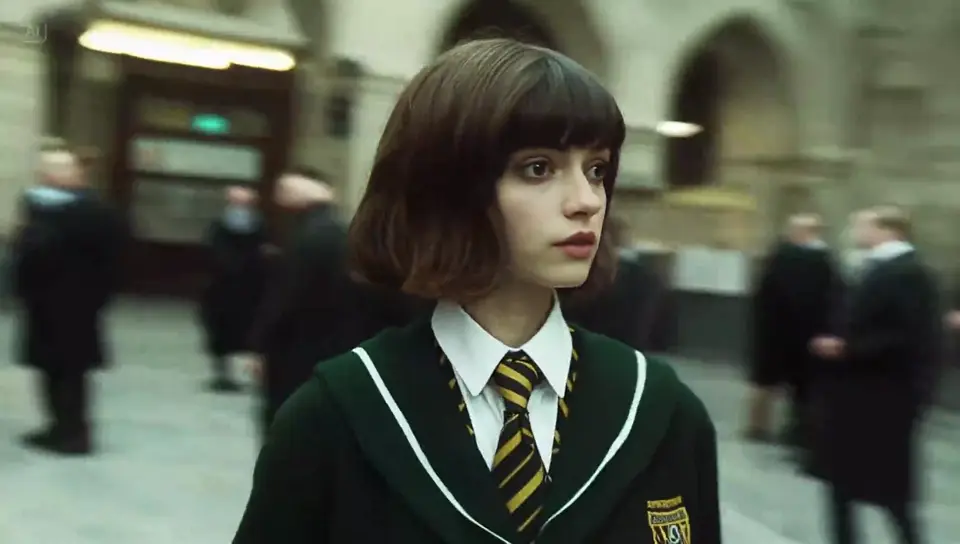
Organize ranked sections, topic changes and on-screen examples into a clear long-form video built around a script.

VIDEO WORKFLOW
Replace weak supporting footage, adjust individual scenes, and keep the script, voiceover, and visuals together during editing.
VidRush creator reviews
Read how YouTube teams use VidRush AI for long-form video, faceless channels, documentaries, explainers, scripts, voiceover, B-roll, and scene editing.
VidRush AI keeps the script, voiceover, and visuals in one workflow. I can build a complete faceless YouTube video and still replace individual scenes when the B-roll does not fit.
Compare plan credits and the estimated cost per finished minute before starting a long-form video.
Perfect for hobbyists and beginners
Everything you need to start:
For teams and businesses
Everything in Basic, plus:
For creators and professionals
Everything in Basic, plus:
RELATED VIDEO WORKFLOWS
Move between text prompts, visual references, dedicated video models, and social formats without adding these pages to the sidebar.

Generate an individual scene directly from written visual and camera direction.
Create from Text
Use reference images to guide the subject, style, and movement in a specific video shot.
Guide a Video Shot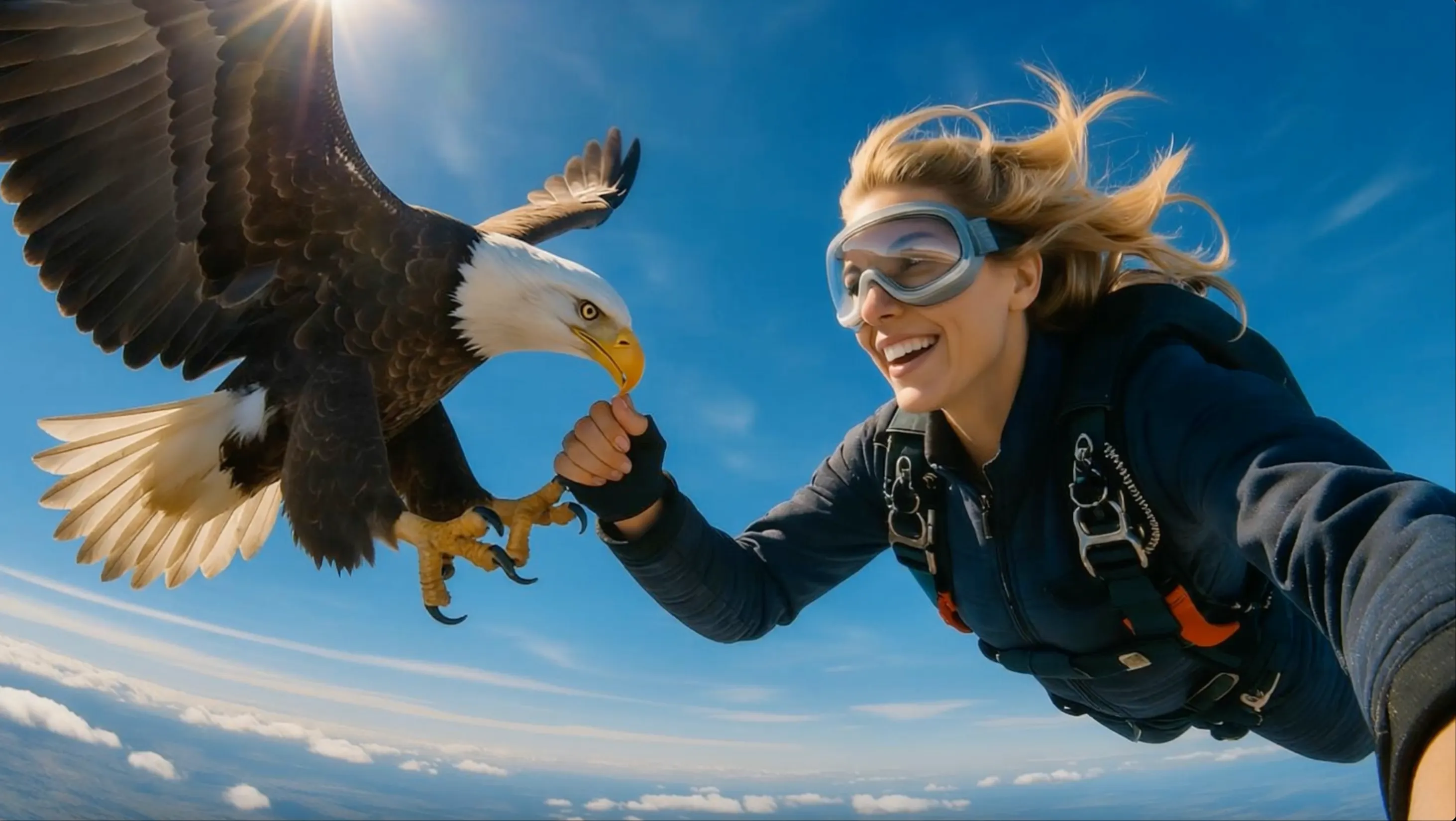
Explore a dedicated model page for character motion and cinematic shot ideas.
Open Kling 3.0
Plan and generate short AI video scenes for social media and creator workflows.
Explore Viewmax AIVIDRUSH AI FAQ
Practical answers about VidRush long-form generation, supported YouTube formats, scripts, voiceovers, footage, editing, production time and cost.
VidRush is an AI video creation tool that turns a topic or script into a long-form YouTube video. It can handle research, writing, narration, footage, music, captions, a thumbnail, and the first edit.
Yes. VidRush is designed to build a complete first draft rather than isolated clips. Available duration depends on the selected workflow, source material, and plan.
VidRush focuses on documentaries, Top 10 videos, and explainers about topics with plenty of usable footage, such as history, finance, true crime, science, nature, world events, and transportation.
No. VidRush says it is not designed for vertical Shorts, vlogs, gaming, reactions, or software tutorials. It performs best when enough relevant real-world footage exists for a long-form story.
Yes. You can paste a finished script, upload narration, provide talking-head footage, or generate those parts in the workflow. Supported script length depends on the current plan and project settings.
VidRush says it can produce the first long-form version in under an hour. More time may be needed to review facts, replace footage, adjust pacing, and render the final edit.
Yes. The built-in editor lets you swap clips, change timing, fix captions, replace audio, and keep the parts that already work instead of starting the whole video again.
VidRush plans and per-minute costs depend on current pricing and project settings. Review the latest price, allowance, and estimated usage before purchasing or generating.
CREATE A LONG-FORM YOUTUBE VIDEO
Add a topic, script, voiceover, or footage, choose your channel style, and generate the narration, visuals, music, captions, and edit.
Create a YouTube VideoReview the script, thumbnail, voiceover, source footage, and final timeline before downloading your finished video.