AI ADS & UGC
Creator-Style UGC Ads with Product Demos
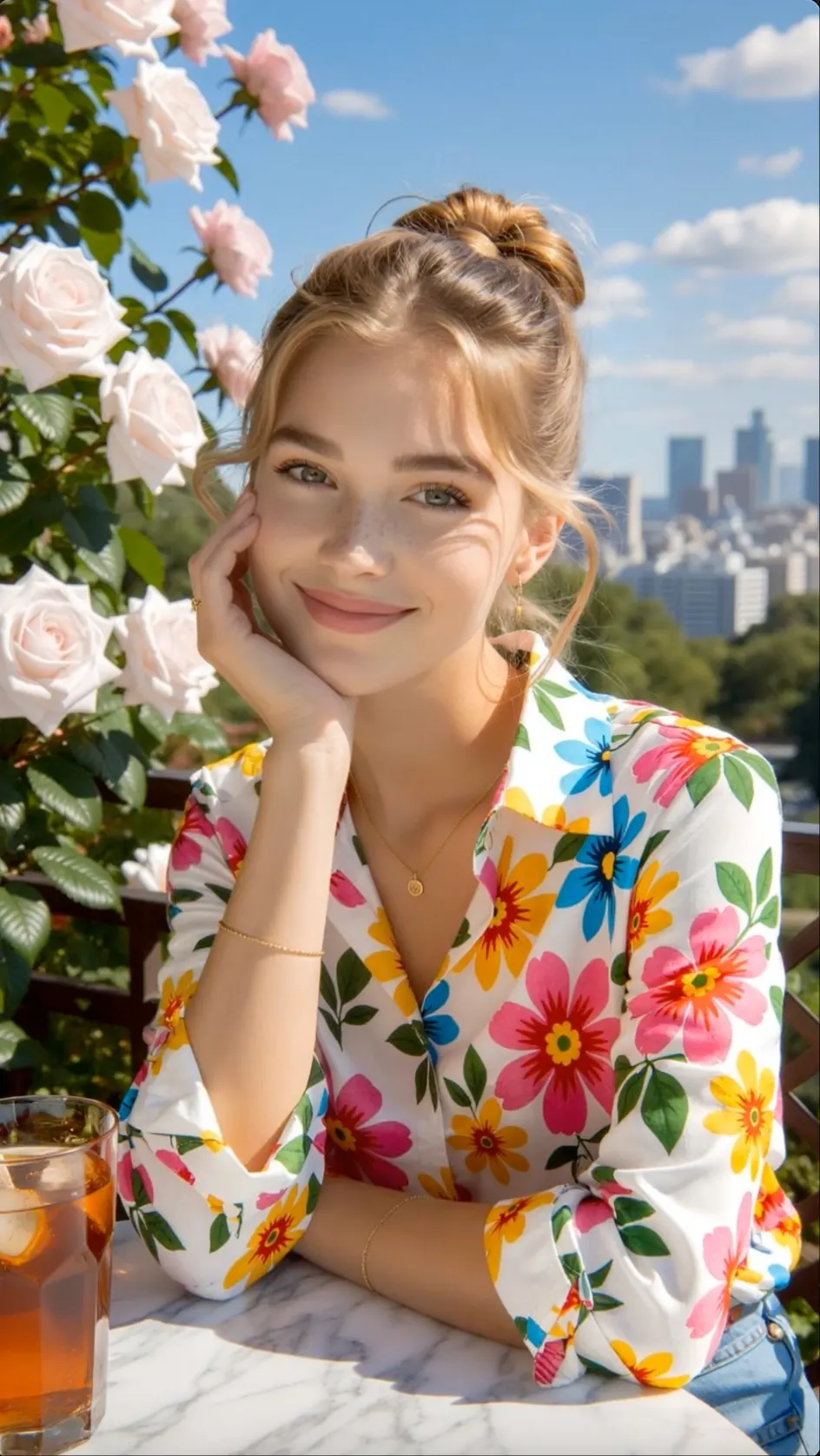
Combine an attention-grabbing opening, spoken benefit, product demonstration, and closing offer for paid or organic campaigns.
 Flow Studio
Create short AI clips from a prompt or reference image. Direct the subject, camera, pacing, and format for ads, UGC, Shorts, and Reels.
WHAT YOU CAN CREATE
Create AI UGC videos, product ads, YouTube Shorts, TikTok videos, Instagram Reels, and faceless videos from one idea or product.
Combine an attention-grabbing opening, spoken benefit, product demonstration, and closing offer for paid or organic campaigns.

Turn an item image or product page into demonstrations, feature clips, unboxings, and launch-ready ad variations.

Build a vertical story with an opening hook, generated scenes, narration, on-screen text, and a clear finish.
VIEWMAX SHORT-FORM VIDEO BENEFITS
Create YouTube Shorts, UGC ads and product clips with scripts, voiceovers, captions and ready-to-use vertical formats in one short-form workflow.
Turn a topic or hook into a vertical short with a clear structure, visual pace and format for mobile viewing.
Create an AI VideoHOW TO USE VIEWMAX AI
Choose a short-video format, add your content, set the voice and layout, and export a video made for social media.
STEP 1
ADD YOUR IDEA
Start with the type of content you need, such as a YouTube Short, TikTok story, product ad, creator video, or viral preset.
STEP 2
DESCRIBE THE SCENE
Enter the hook and key message, paste your own script, or upload product material so the video stays focused on the content goal.
STEP 3
CHOOSE YOUR SETTINGS
Choose the narration and caption style, then use a vertical, square, or landscape layout that matches the publishing channel.
STEP 4
GENERATE AND REFINE
Let Viewmax create the scenes, voiceover, and captions, then review the opening hook, pacing, and final call to action before export.
WHO IT IS FOR
Viewmax AI is made for people producing UGC ads, vertical product videos and ready-to-post content for TikTok, Instagram and YouTube.

SHORT-FORM CHANNELS
Create vertical hooks, story clips, and supporting shots that fit the pace of daily social posting.
UGC ADVERTISING
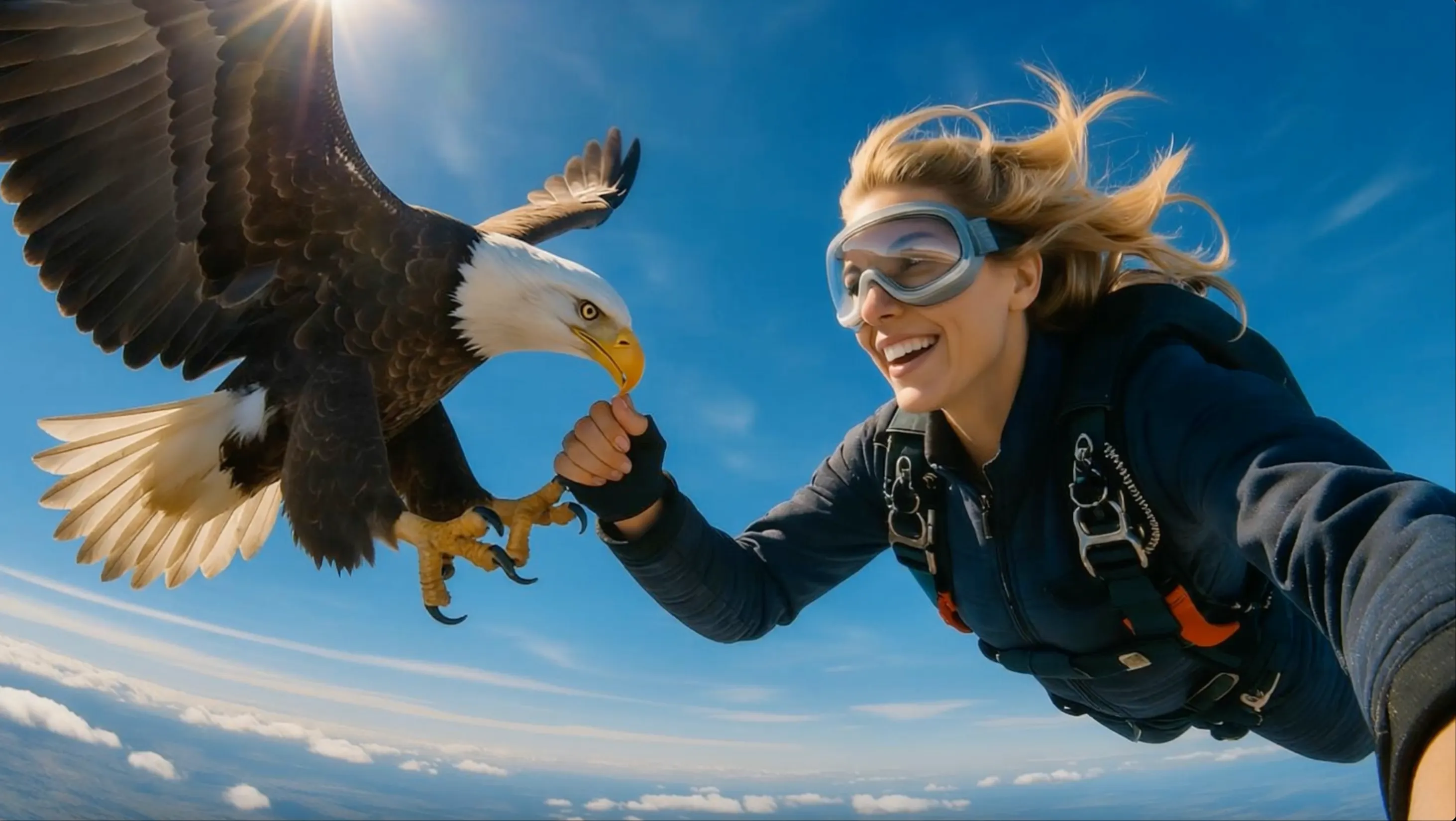
Test new ad angles, creator-style openings and product benefits for Meta, TikTok and YouTube campaigns.
PRODUCT VIDEO
Convert product images into demos, launch clips and listing videos that show the item in motion.

SOCIAL CAMPAIGNS
Prepare multiple video concepts and format variations for client review, creative testing and campaign refreshes.
Viewmax creator reviews
See how creators and marketing teams use Viewmax AI for UGC ads, product videos, TikTok clips, Instagram Reels, YouTube Shorts, and social campaigns.
Viewmax AI helps me turn one idea into several short-form video directions. I can compare the opening hook, visual pacing, and format before I choose the version for YouTube Shorts.
Compare credits and plan options before generating more short-form video concepts and campaign variations.
Perfect for hobbyists and beginners
Everything you need to start:
For teams and businesses
Everything in Basic, plus:
For creators and professionals
Everything in Basic, plus:
RELATED VIDEO TOOLS
Explore text to video, image-guided motion, TikTok tools, and dedicated AI video models for your next project.
Create vertical hooks, creator clips, product moments, and short social scenes.
Create TikTok Videos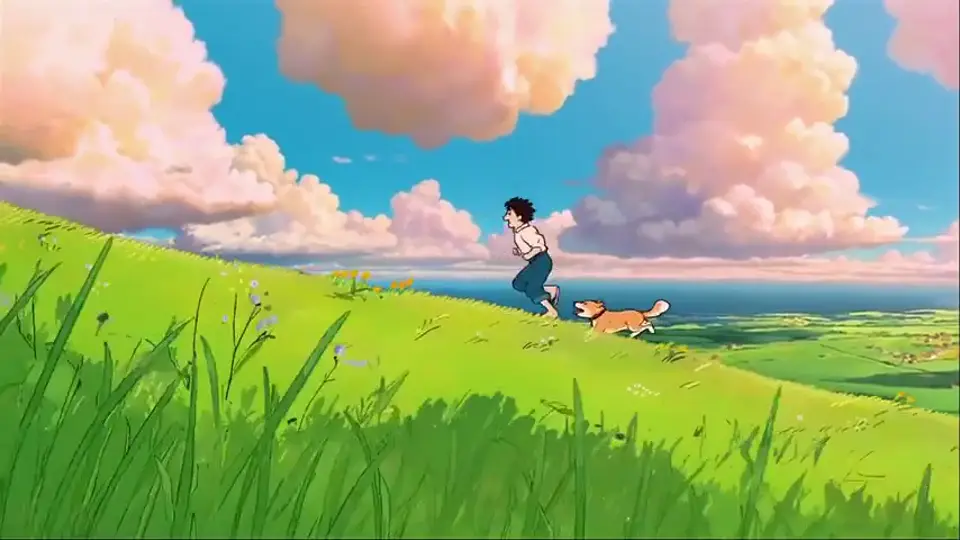
Turn a written scene into an AI video with camera and motion direction.
Try Text to Video
Use visual references to guide the subject, style, framing, and motion.
Use a Reference
Turn scripts and long-form ideas into planned AI video scenes.
Explore VidRush AIVIEWMAX AI FAQ
Direct answers about Viewmax YouTube Shorts, AI ads, video models, scripts, voiceovers, captions, media uploads, downloads and commercial use.
Viewmax is an AI creation suite for YouTube Shorts, UGC ads, product videos, images, scripts, voiceovers, captions, and other short-form content.
Yes. Viewmax offers short-video workflows that can build the script, voiceover, scenes, captions, and vertical export from one idea. Review the hook and pacing before publishing.
Viewmax includes an AI ad generator, ad cloner, influencer video templates, and tools for product-focused UGC ads. You can test different hooks, creators, and campaign angles without a new shoot.
Viewmax brings several video models into one interface, including models from Seedance, Kling, Sora, Veo, and others. The list changes as the platform adds or retires models.
Yes. Viewmax supports user media and also provides tools for downloading supported social content. Only upload or reuse material you have permission to use.
Viewmax promotes downloadable AI videos without its watermark. Check the selected model, account plan, and current export terms because provider rules can differ.
Viewmax says its generated videos can be monetized. You are still responsible for rights to uploaded media, music, brand assets, and any third-party content used in the final edit.
Yes. Viewmax lists caption removal, voiceover, auto captions, and editing tools for rebuilding a clip. A remix still needs enough original work and the right to use its source material.
CREATE SHORT VIDEOS WITH AI
Add a topic, script, or product, choose the voice, captions, and layout, then create a social video ready for your next edit.
Create a Short VideoCheck the opening hook, product details, captions, and final call to action before you export and publish.