Text to video
Turn Chinese Prompts into Short Video Scenes
Write the subject, place, action, and camera direction in everyday Chinese or English to create a new moving scene.
 Flow Studio
Turn Chinese or English prompts and images into directed video ideas. Plan the scene, camera movement, pacing and final frame, then generate and review in one workspace.
WHAT YOU CAN CREATE WITH JIMENG AI
Use text to video, image to video, or start and end frames to make product videos, social media clips, and animated artwork in Chinese or English.
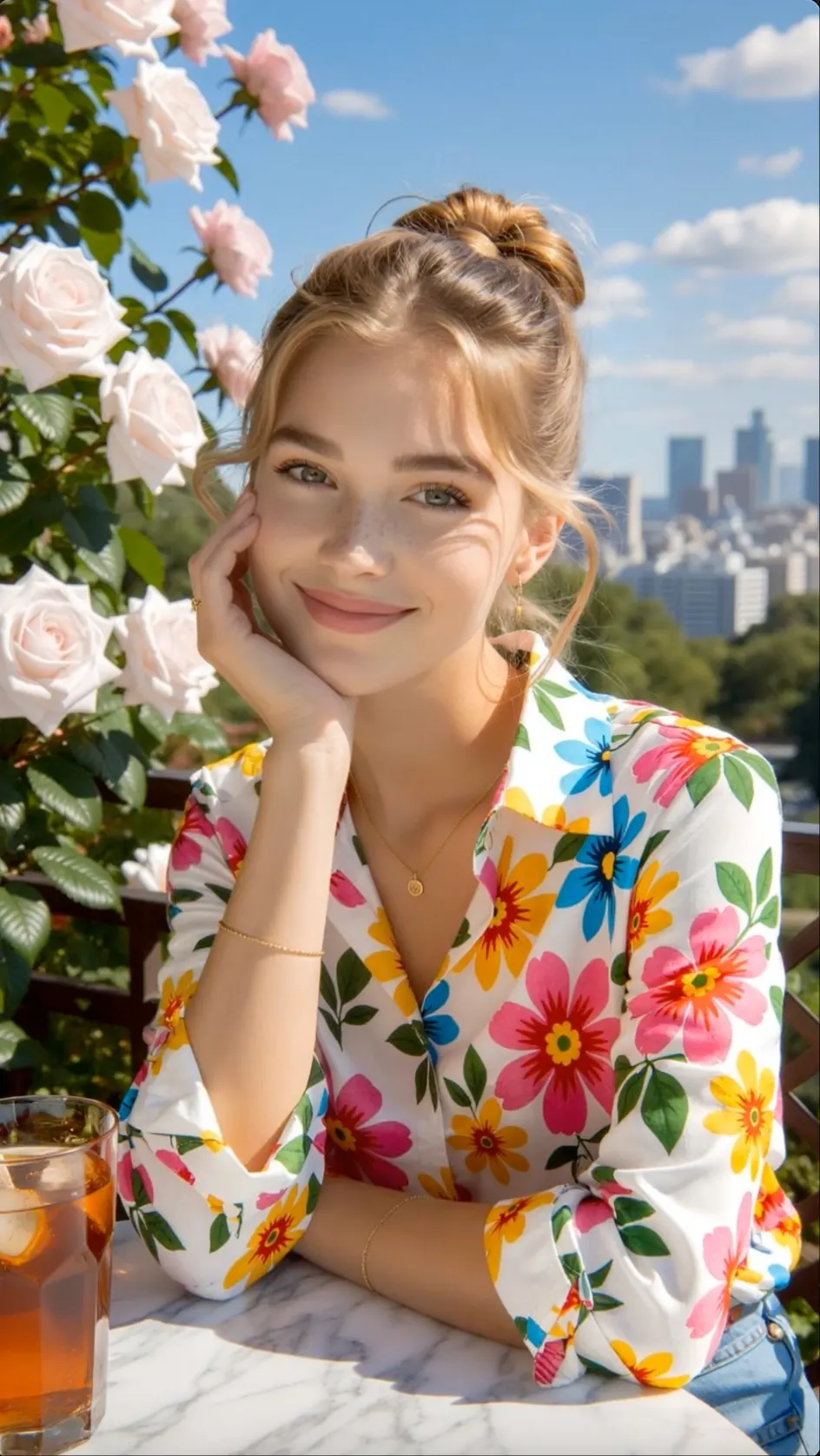
Text to video
Write the subject, place, action, and camera direction in everyday Chinese or English to create a new moving scene.
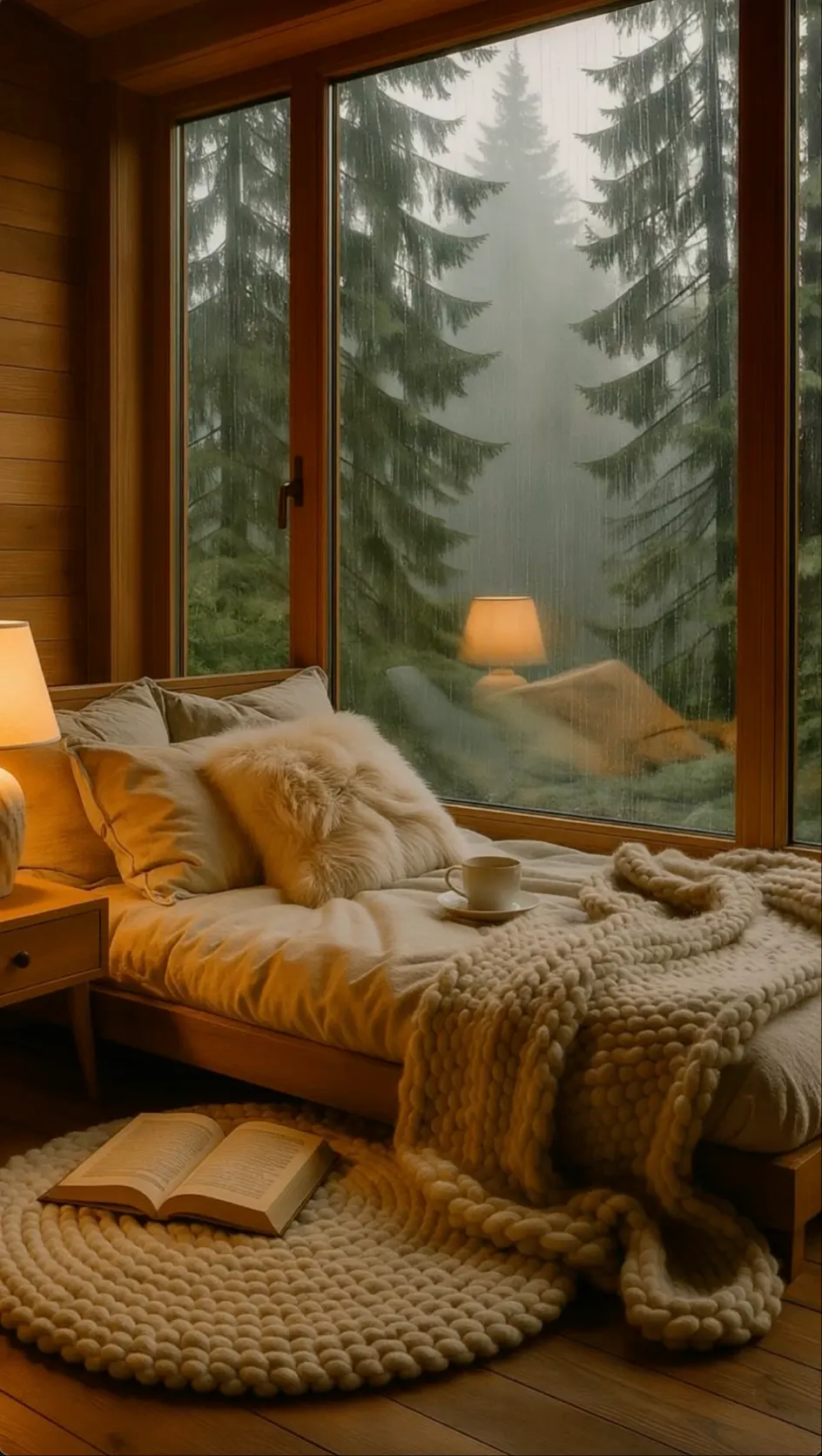
Image to video
Add motion to an item photo, campaign poster, portrait, or illustration for shopping pages and social content.
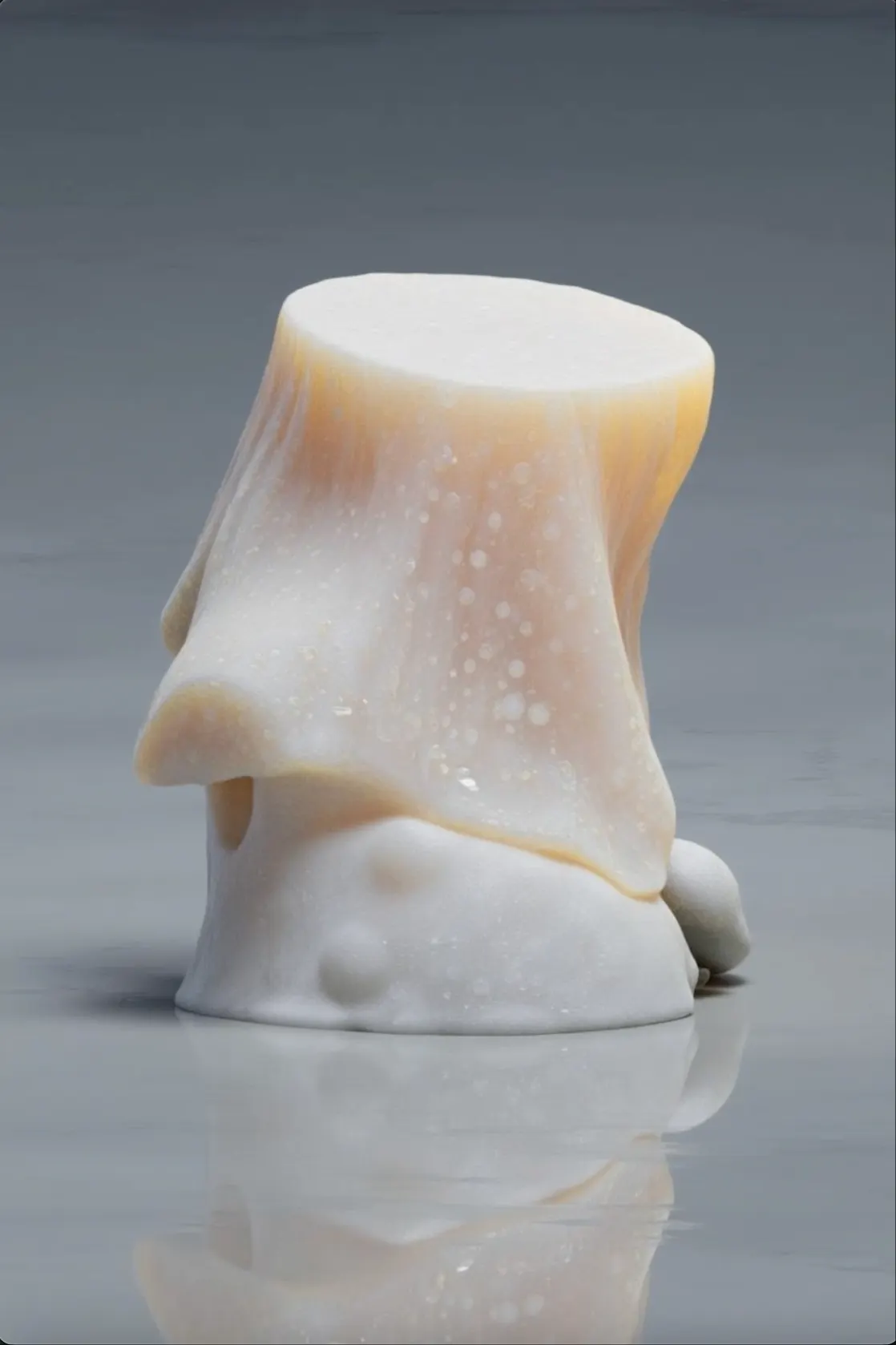
First and last frames
Choose how the shot begins and finishes so a reveal, scene change, or transformation follows a clearer path.
Jimeng AI video benefits
Write prompts in Chinese, guide camera movement and speed, and use first and last frames to control how a short video changes from start to finish.
Chinese prompt support
Describe the subject, action and visual style in familiar Chinese phrases instead of translating the idea into technical language.
Camera and motion control
Add pans, push-ins, pull-backs, slow motion or faster action to give each shot a clearer rhythm.
First and last frames
Choose opening and ending images to guide a reveal, transformation or scene change from one clear point to another.
Chinese social content
Create product stories, lifestyle clips and social posts that begin with Chinese copy, trends and everyday use cases.
How to create a Jimeng AI video
Open AI Video, add a short prompt or picture, guide the movement, and choose the settings before you start generating.
Choose text generation for a new visual idea, or upload a source picture when its person, product, art style, or layout should lead the video.
Explain who is on screen, where they are, what happens first, and what happens next so the movement follows a clear sequence.
Add a camera angle, movement, or speed change, and provide a final frame when the last pose or composition needs tighter control.
Select the model, ratio, and duration, make the clip, then inspect the full sequence before downloading it or changing the prompt.
Who uses Jimeng AI
Jimeng AI is well suited to Chinese prompts, Douyin and Xiaohongshu content, ecommerce promotion and image-led visual design.
Chinese prompts
Write scene direction in Chinese for local campaigns, branded stories and posts aimed at Chinese-speaking viewers.
Douyin and Xiaohongshu
Turn trending topics, photos and opening hooks into vertical content for Douyin, Xiaohongshu and other social feeds.
Social commerce
Animate product images for new-arrival videos, campaign teasers and paid creatives across Chinese shopping platforms.
Visual development
Extend key art into motion, connect a first and last frame and explore transitions for storyboards or campaign visuals.
Jimeng creator reviews
Hear how creators use Jimeng AI for Chinese prompts, text to video, image animation, first-and-last-frame control, ecommerce ads, and short-form content.
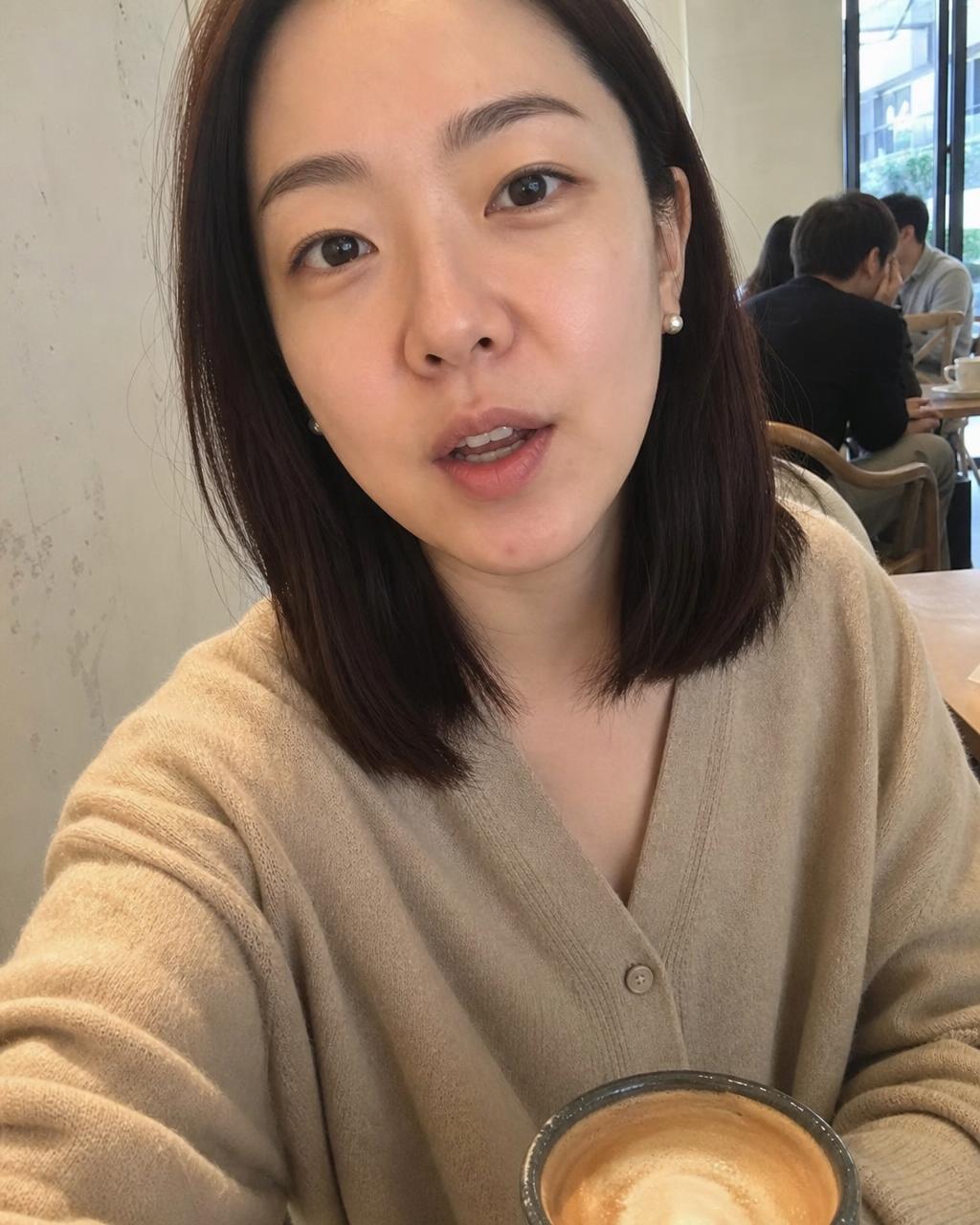
Jimeng AI understands the everyday Chinese scene descriptions our team uses. I can write the subject, camera move, and pace clearly, then turn the idea into a vertical video draft for review.
Review credit options for quick Jimeng AI experiments, social content production and ongoing creative projects.
Perfect for hobbyists and beginners
Everything you need to start:
For teams and businesses
Everything in Basic, plus:
For creators and professionals
Everything in Basic, plus:
Jimeng AI FAQ
Common questions about 即梦 AI, Chinese-language prompts, text and image inputs, start and end frames, Dreamina, account access and downloads.
Jimeng AI, written 即梦 AI in Chinese, is ByteDance's creative platform for AI images, video generation, digital humans, and canvas-based editing.
Jimeng is designed for Chinese-language creation and handles everyday Chinese descriptions well. Clear words for the subject, action, camera, and speed still help it follow the scene.
Upload a photo as the opening visual, then describe the subject movement, camera action, and scene change. Use a sharp image with one clear subject for easier control.
Jimeng can accept English prompts in supported workflows, but its Chinese interface and Chinese-language understanding are a main strength. Keep English instructions short and concrete.
They let you provide the opening and ending images. Jimeng then creates the movement and transition between them, which is useful for planned changes or product reveals.
They are related ByteDance products for different markets. Jimeng is the Chinese platform, while Dreamina is CapCut's global creative site; login methods, models, credits, and features may differ.
Direct Jimeng access can depend on region, language, and account requirements. Dreamina may be easier to access in some markets, while this workspace offers its own supported generation flow.
Flow AI Video does not overlay its own logo on the downloaded video. Model-specific marks and usage conditions depend on the service and plan used.
Explore more AI video tools
Compare related workflows for reference consistency, cinematic camera direction, image animation and short social videos.
 Reference consistencyVidu AICreate from text, images or references while directing motion and visual consistency.Explore Vidu AIGlobal creative workflowDreamina AIBuild social, product and story video ideas from prompts and images.Explore Dreamina AI
 Animate an imageImage to VideoTurn a portrait, product or illustration into a moving scene.Create Image to Video
 Vertical social videoAI TikTok Video GeneratorPlan hooks, product moments and short videos for mobile feeds.Create a TikTok Video
Start a Jimeng AI video
Enter a simple prompt or upload a picture, guide the camera and ending frame, then choose the format and generate your video.