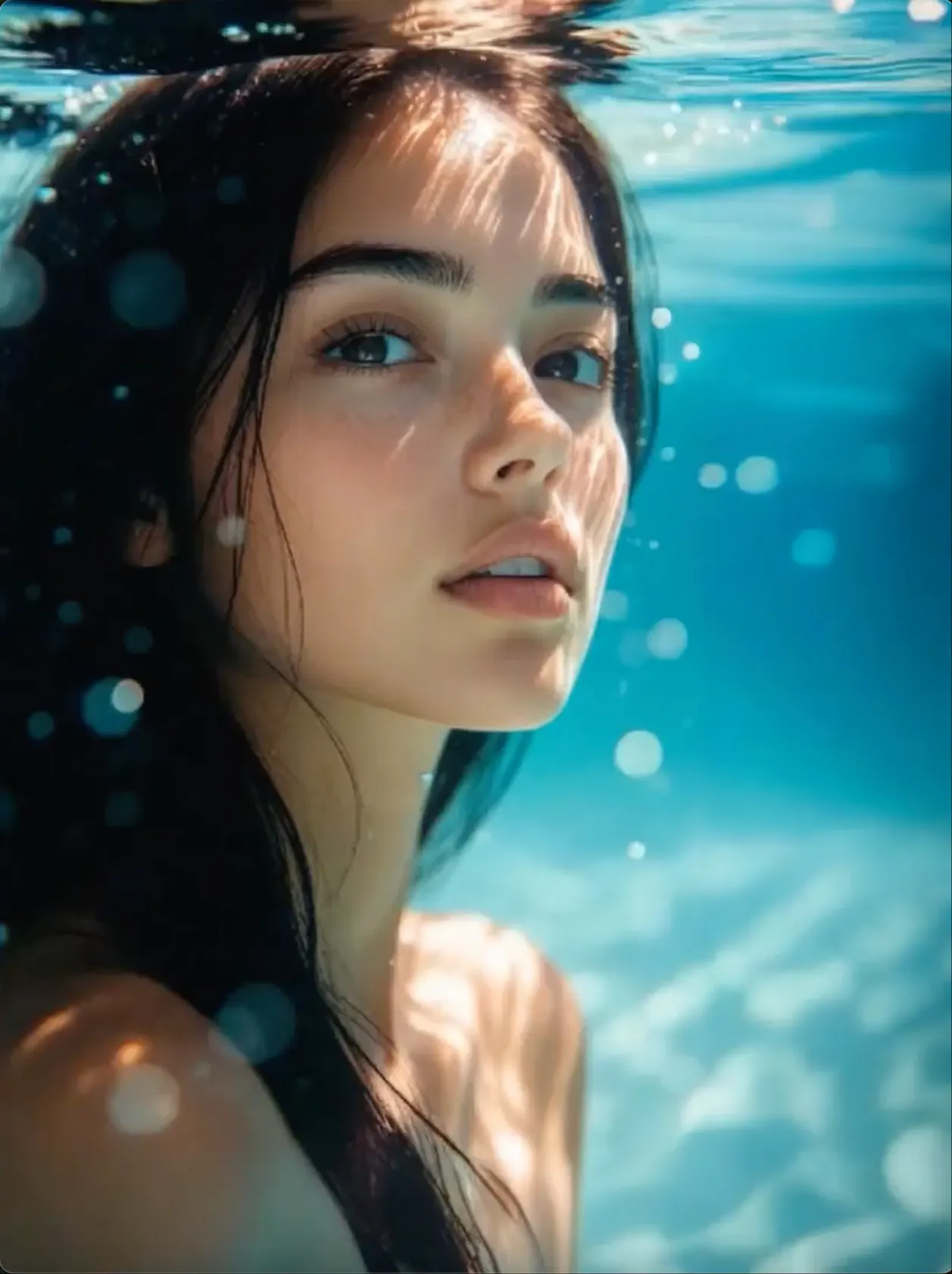
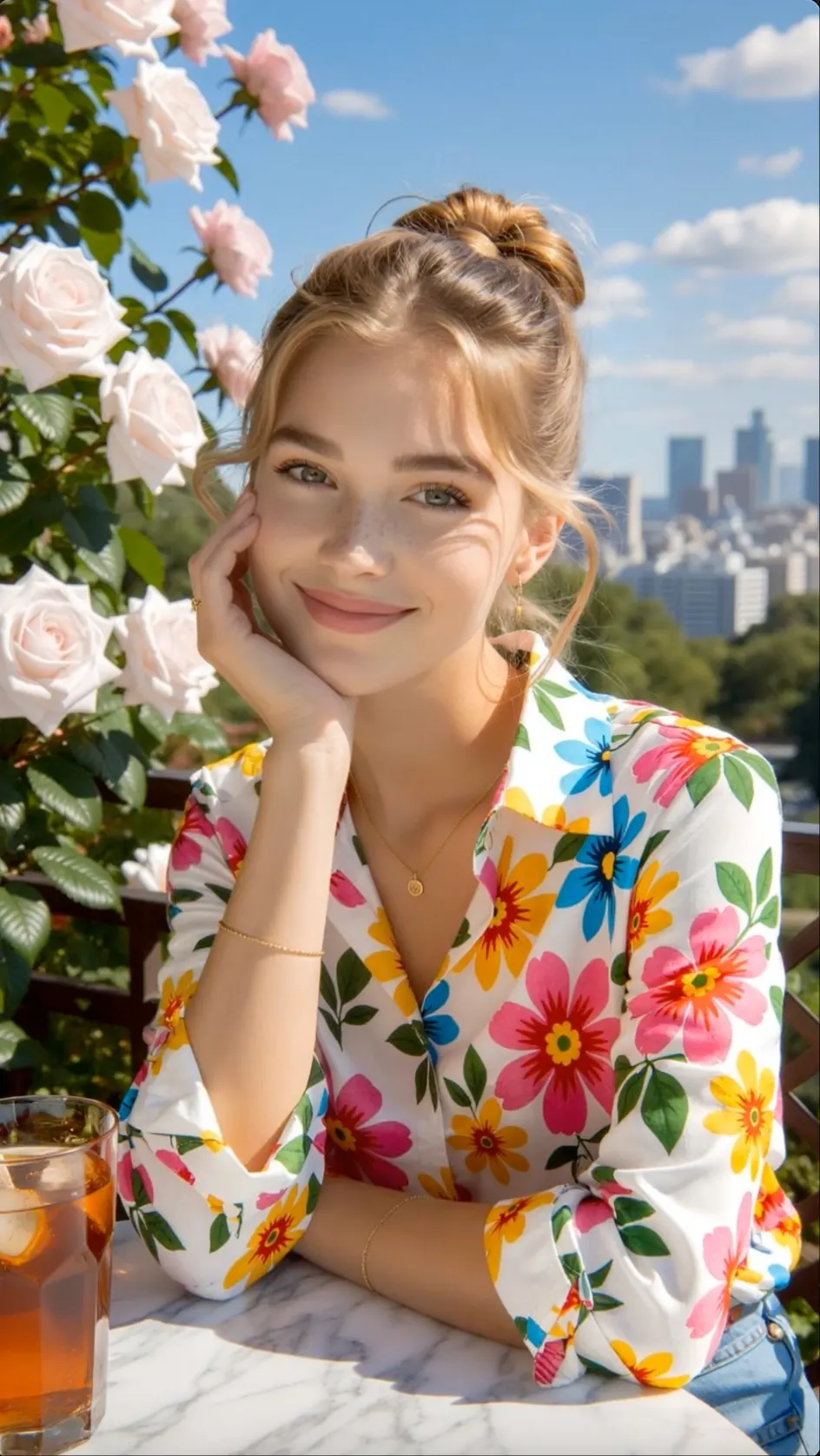
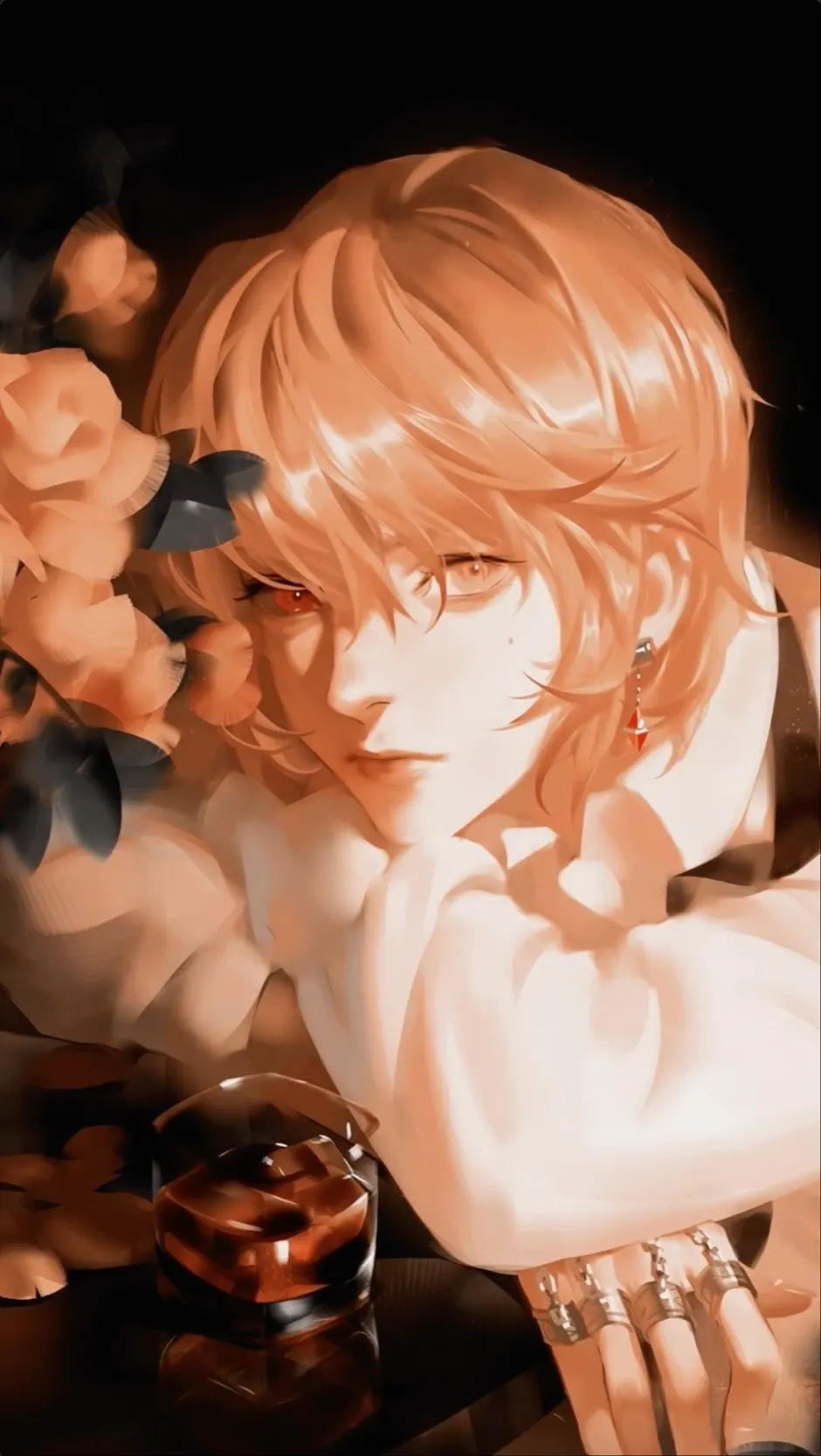
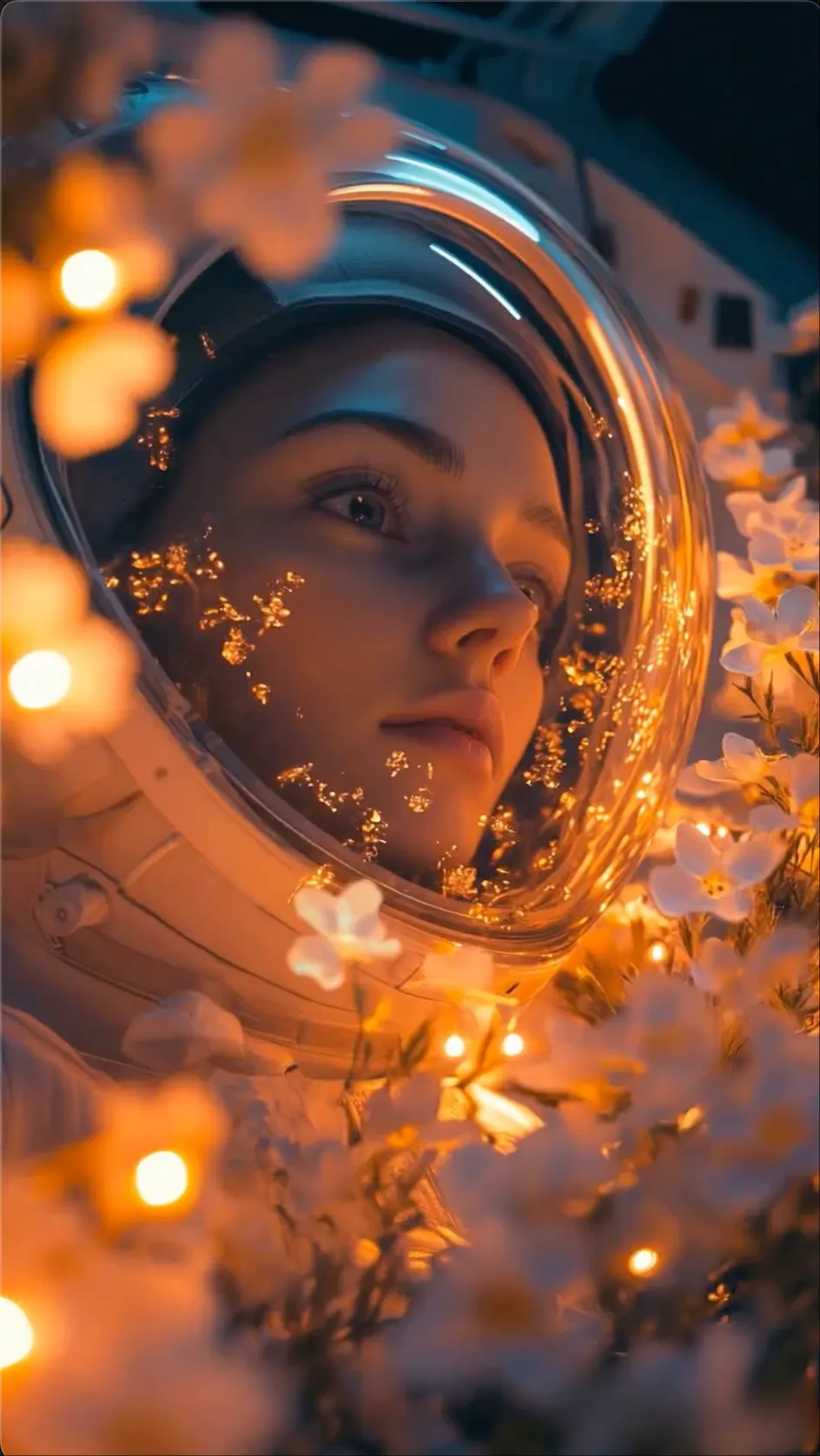
CREATE
Start a Video from a Prompt
Describe a character, setting, action, and mood to create the first scene from scratch.
 Flow Studio
Create and remix AI videos with prompts, images, reusable characters, objects, visual styles, music, voice, and lip sync in one creative workspace.
VIBES AI VIDEO IDEAS
Combine images, motion, characters, visual style, music, and voice to build social videos and short stories around one creative idea.
CREATE
Describe a character, setting, action, and mood to create the first scene from scratch.
ANIMATE
Animate a portrait, product, illustration, or visual idea while keeping the source image recognizable.
AI VIDEO REMIX
Use an existing creation as the starting point, then change the look, action, audio, or story direction.
AI VIDEO AUDIO
Add music, voiceover, dialogue, or lip sync when sound is part of the finished video idea.
WHAT IS VIBES AI
Vibes AI is a creative video workspace for generating, animating, editing, remixing, and sharing AI media. It can combine images, video, text, music, voice, characters, objects, and visual styles in one project.
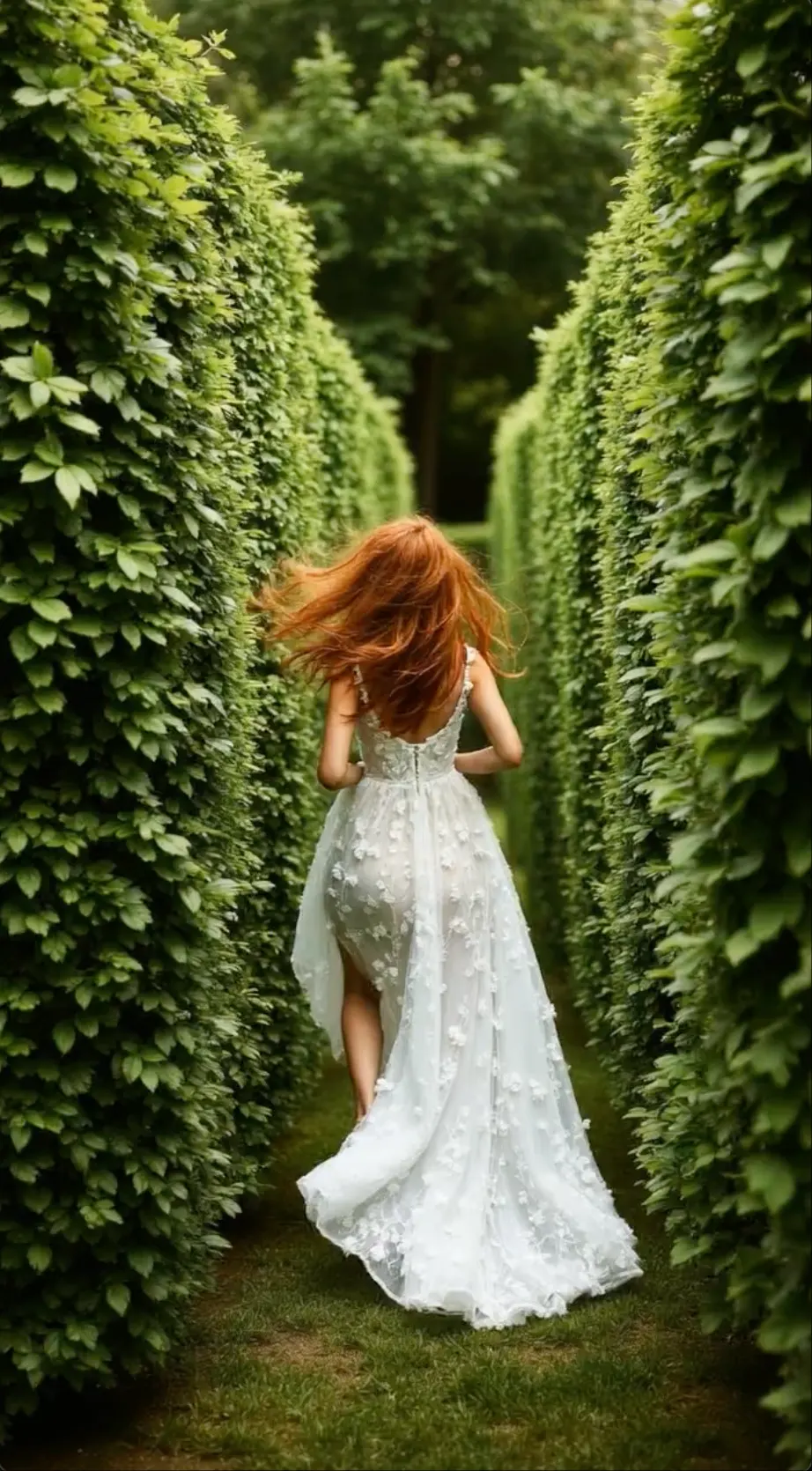 Creative AI video assembled from visual references and motionCREATE + REMIX + SHARE
CREATE FROM SCRATCH
Start with a written idea and generate the people, objects, setting, action, and look you want to explore.
USE REFERENCES
Save visual ingredients from an image or video and bring them into new scenes when the same look needs to continue.
VIBES AI VIDEO BENEFITS
Create short AI videos from text or images, reuse the characters and style you like, remix scenes, and add sound in one creative flow.
PROMPT OR IMAGE
Describe an idea in a few words or animate your own image to build a short video without starting with a full production setup.
CONSISTENT LOOK
Reuse the people, products, objects, and visual style that matter so connected scenes feel like part of the same idea.
EASY REMIXING
Start from an existing scene, then change the style, movement, character, music, or story direction to make a new version.
MUSIC AND VOICE
Complete the video with music, spoken lines, voiceover, text, or lip-synced dialogue when the story needs sound.
HOW TO USE VIBES AI
Start with a prompt, image, or video, generate a new clip or remix one you like, then add sound and share it.
STEP
Describe a new idea, upload an image to animate, or choose an existing video you want to restyle and remix.
STEP
Create a short AI video from scratch, or use a clip you like as the starting point for a different version.
STEP
Change the character, setting, visual style, camera movement, or action until the video matches the story or social post you want.
STEP
Complete the clip with music, spoken audio, on-screen text, or lip-synced dialogue, then preview and share the final video.
WHO CREATES WITH VIBES AI
Vibes AI suits people who want to reuse the same character, object, or visual style across story scenes, music visuals, and social content.
CONSISTENT CHARACTERS
01Keep the same character recognizable across new scenes, outfits, locations, and short story videos.
REFERENCE STYLE
02Carry the colors, mood, subject, and visual style of a reference into new images and video scenes.
AI MUSIC VIDEOS
03Build performance clips, lyric scenes, animated cover art, and short visual loops around a track.
BRAND CONTENT
04Keep a product, mascot, or campaign style consistent across product videos, social posts, and new ads.
WHAT YOU CAN CREATE
Make short AI videos, image-to-video clips, character stories, music videos, lip-sync videos, and remixes with visual references and sound.
SHORT AI VIDEOS
Create quick visual stories, jokes, reactions, and transformations for vertical social media posts.
CONSISTENT CHARACTERS
Keep the same character, outfit, object, or visual style recognizable across every scene in a connected story.
MUSIC AND LIP SYNC
Add music, dialogue, and lip sync to animated characters, performance scenes, and short music clips.
PHOTO TO VIDEO
Animate a portrait, drawing, design, or landscape with natural subject movement, camera motion, and visual effects.
PRODUCT VIDEOS
Use a product reference to make launch clips, product stories, and repeatable scenes for social campaigns.
AI VIDEO REMIX
Remix an existing video by changing the character, visual style, action, music, or story while keeping the parts you like.
Choose a credit option based on how often you create images, generate scenes, remix videos, and add audio to your projects.
Perfect for hobbyists and beginners
Everything you need to start:
For teams and businesses
Everything in Basic, plus:
For creators and professionals
Everything in Basic, plus:
VIBES AI FAQ
Helpful answers about Vibes AI video generation, image animation, references, ingredients, remixing, music, voice, lip sync, and sharing.
Vibes AI is a creative workspace for generating and editing images and videos. It supports prompts, visual references, reusable ingredients, music, voice, lip sync, remixing, and project-based creation.
Yes. Describe the character, action, setting, camera movement, lighting, and visual style, then generate a video scene from the prompt.
Yes. Upload or create an image, then describe what the subject and camera should do. The source image guides the appearance, framing, and style of the animation.
Ingredients are reusable references made from a character, object, or visual style. They help you bring the same recognizable element into new images and video scenes.
Use a clear reference for the character, save it as an ingredient, and reuse that ingredient across scenes. Keep the core identity description stable while changing the action or setting.
Vibes AI supports creative projects that combine video with music, voiceover, text, and supported dialogue or lip-sync workflows.
Remixing means using an existing creation as a starting point and changing part of its visual direction, action, references, audio, or story to make a new version.
Common uses include social media videos, character stories, animated photos, music visuals, lip-synced clips, product videos, brand content, and creative remixes.
AI VIDEO REMIX AND CREATION TOOLS
Create short videos from prompts or images, reuse visual references and add character motion, music, voice or lip sync for social content.
CREATE WITH VIBES AI
Start with a prompt or image, reuse the characters and style that matter, then add motion, music, voice, or lip sync to complete the video.
Create a Vibes AI Video