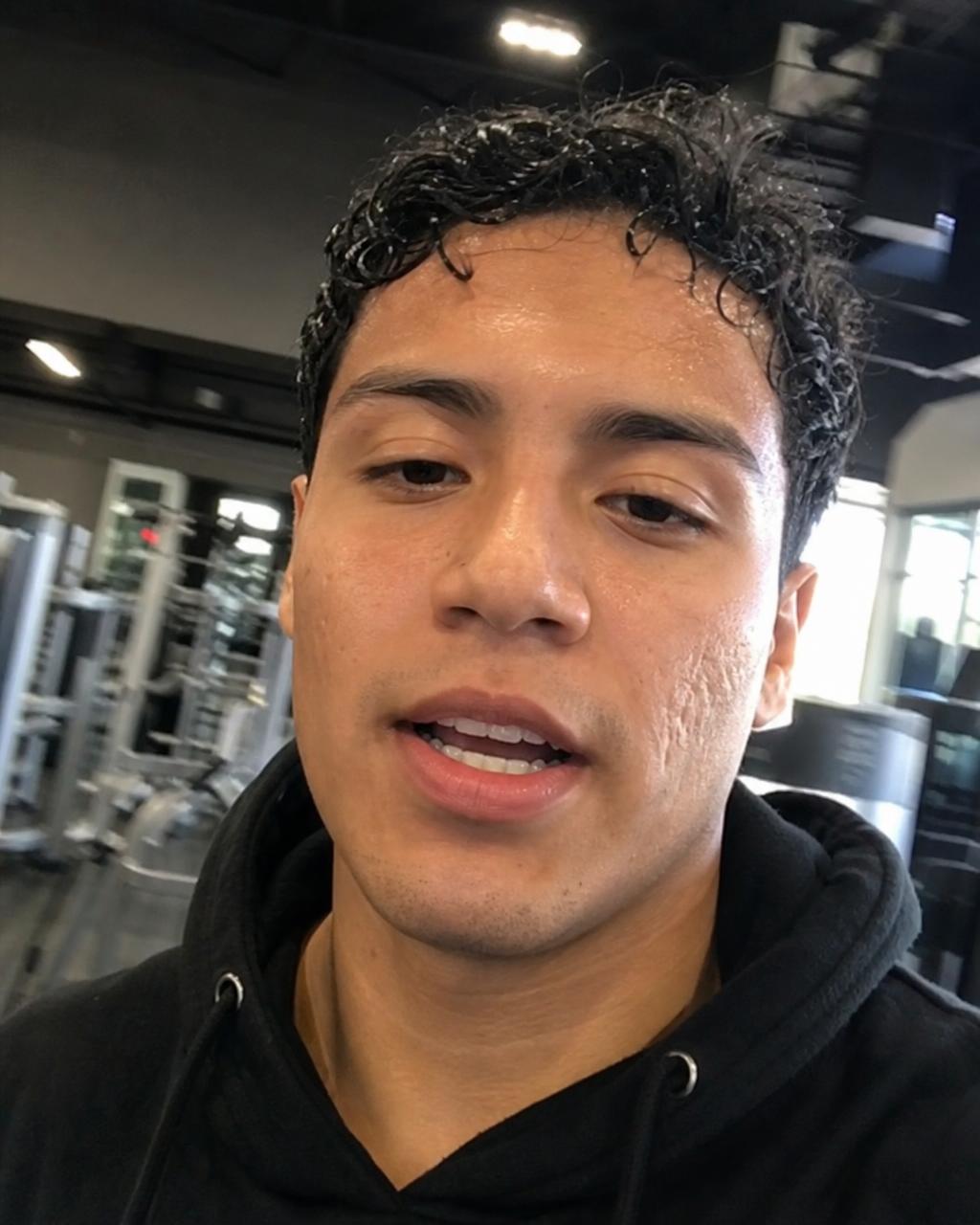
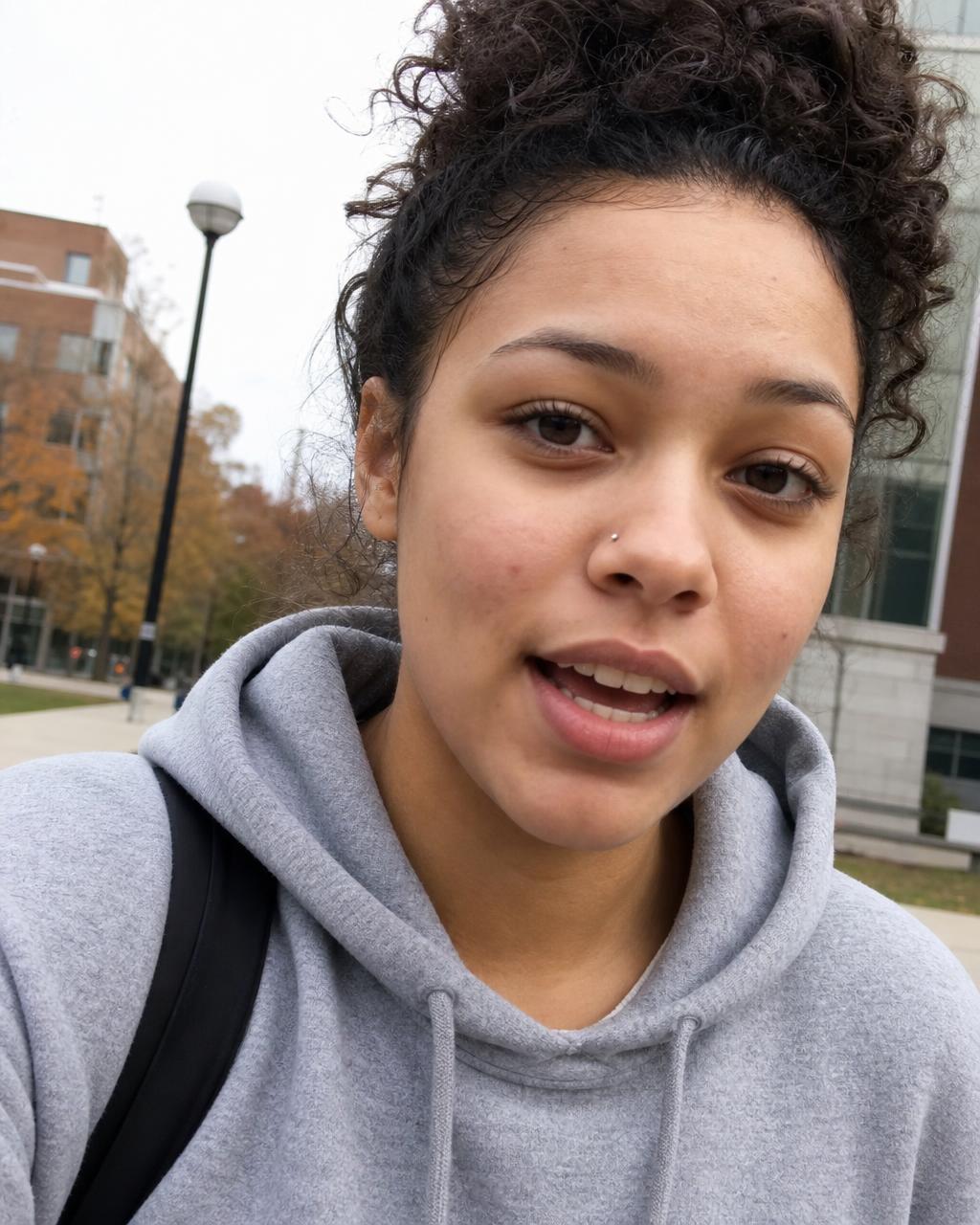
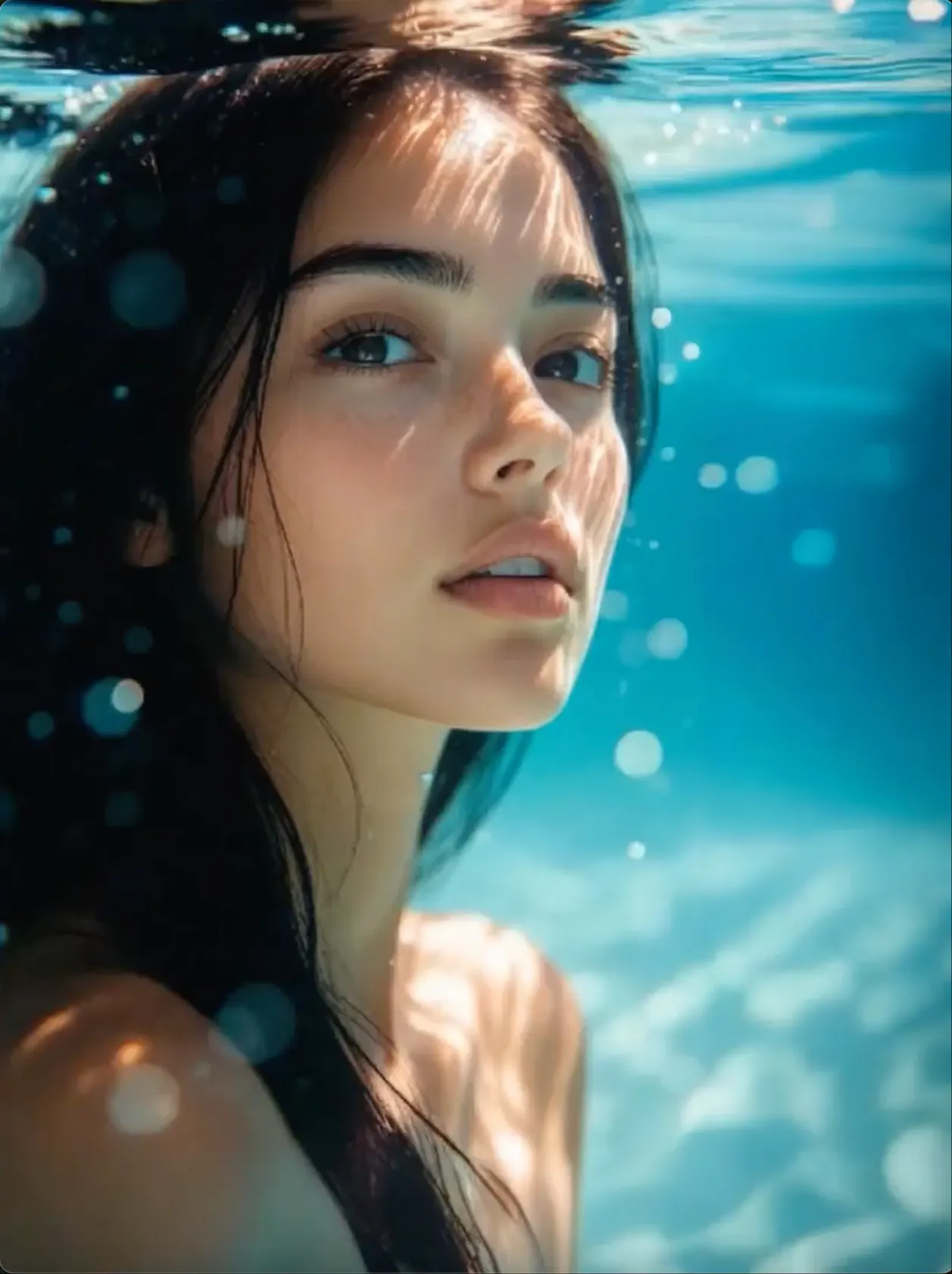
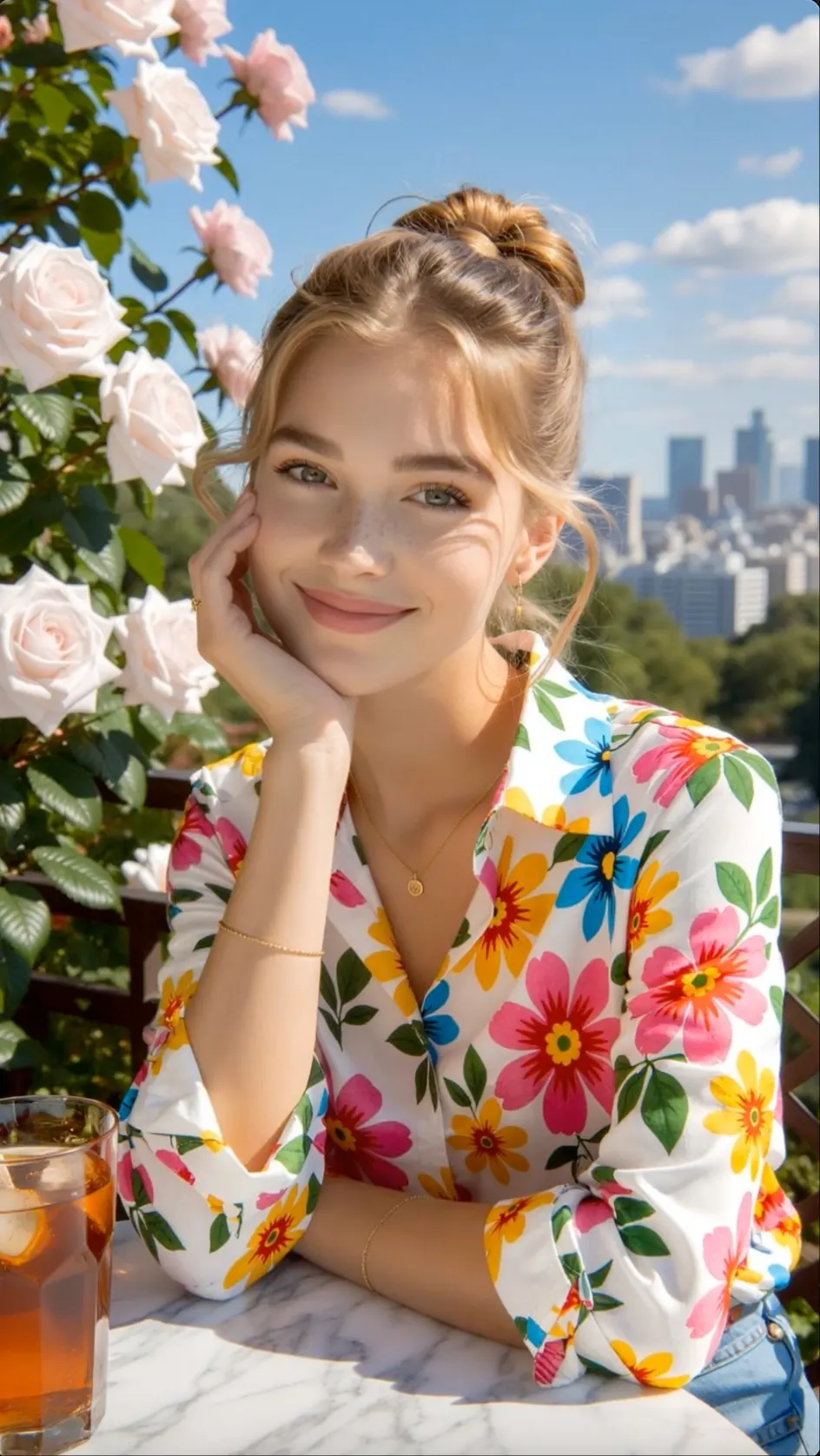
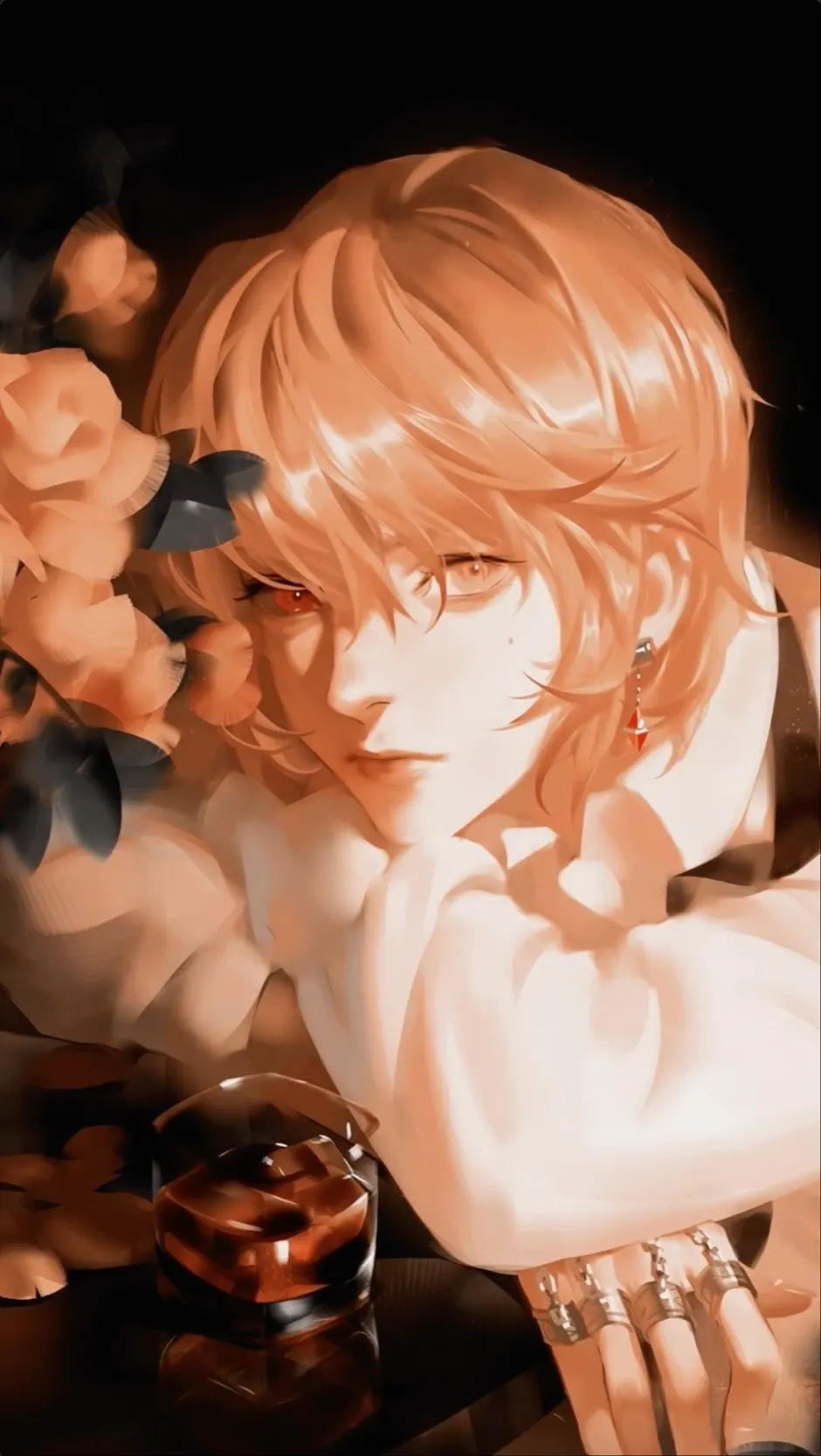
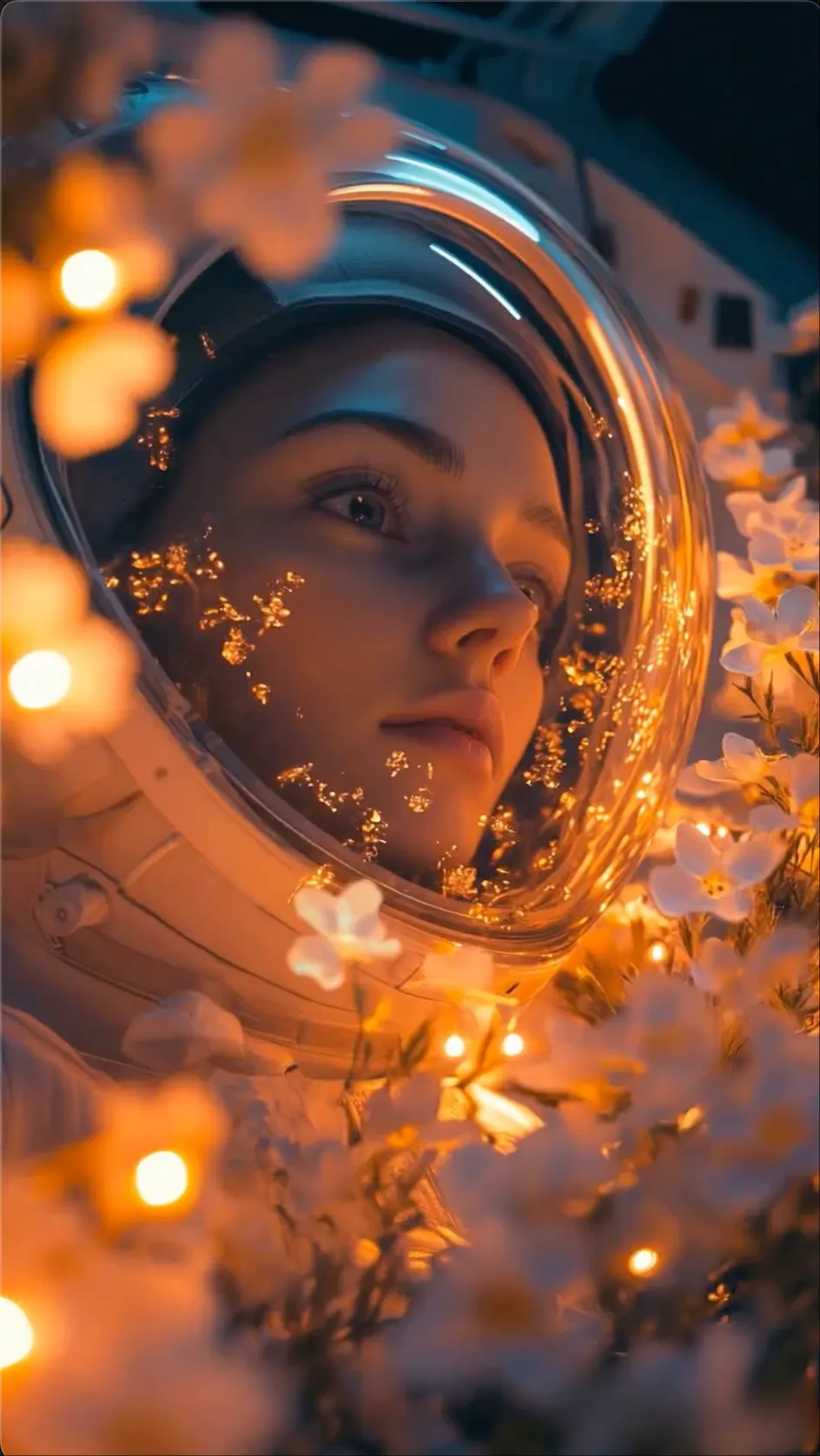
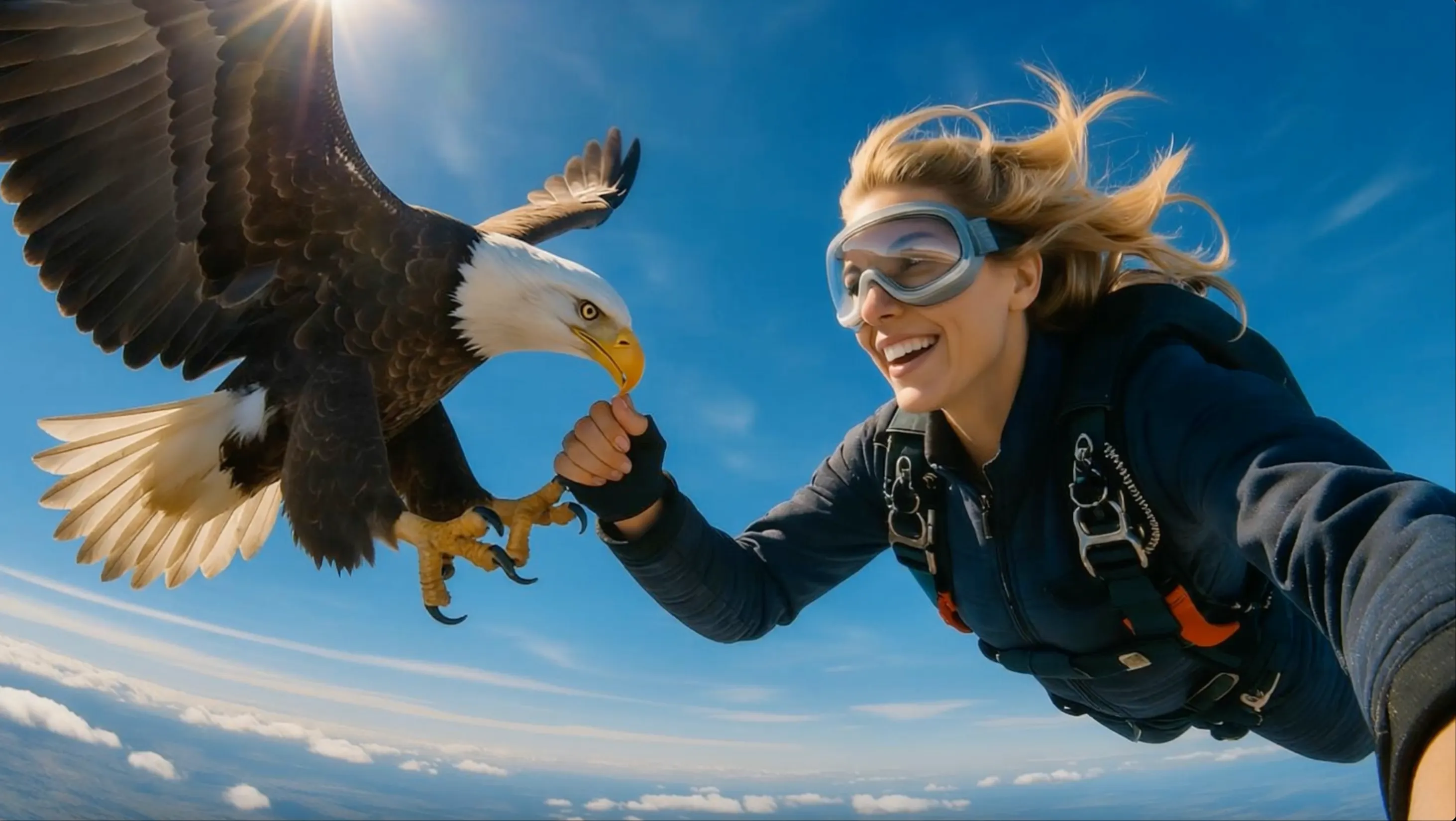
PHOTO TO VIDEO
Portraits with Natural Motion
Add a blink, expression, head turn, gesture, and gentle camera movement to one photo.
 Flow Studio
Turn a photo or text prompt into an AI video with directed motion, creative effects, character performance, and talking-photo controls.
DIGEN AI VIDEO IDEAS
Explore motion ideas for portraits, pets, products, characters, and short social videos.
PHOTO TO VIDEO
Add a blink, expression, head turn, gesture, and gentle camera movement to one photo.
TALKING PHOTO
Build a focused talking-photo clip with dialogue, facial movement, and performance direction.
VIDEO EFFECT
Turn a familiar image into a playful transformation, reveal, or shareable visual moment.
PRODUCT MOTION
Use camera movement, light, and controlled object motion to create a compact promotional shot.
WHY DIGEN AI
Turn portraits, pet photos, product images and illustrations into moving or talking videos without recording new footage.
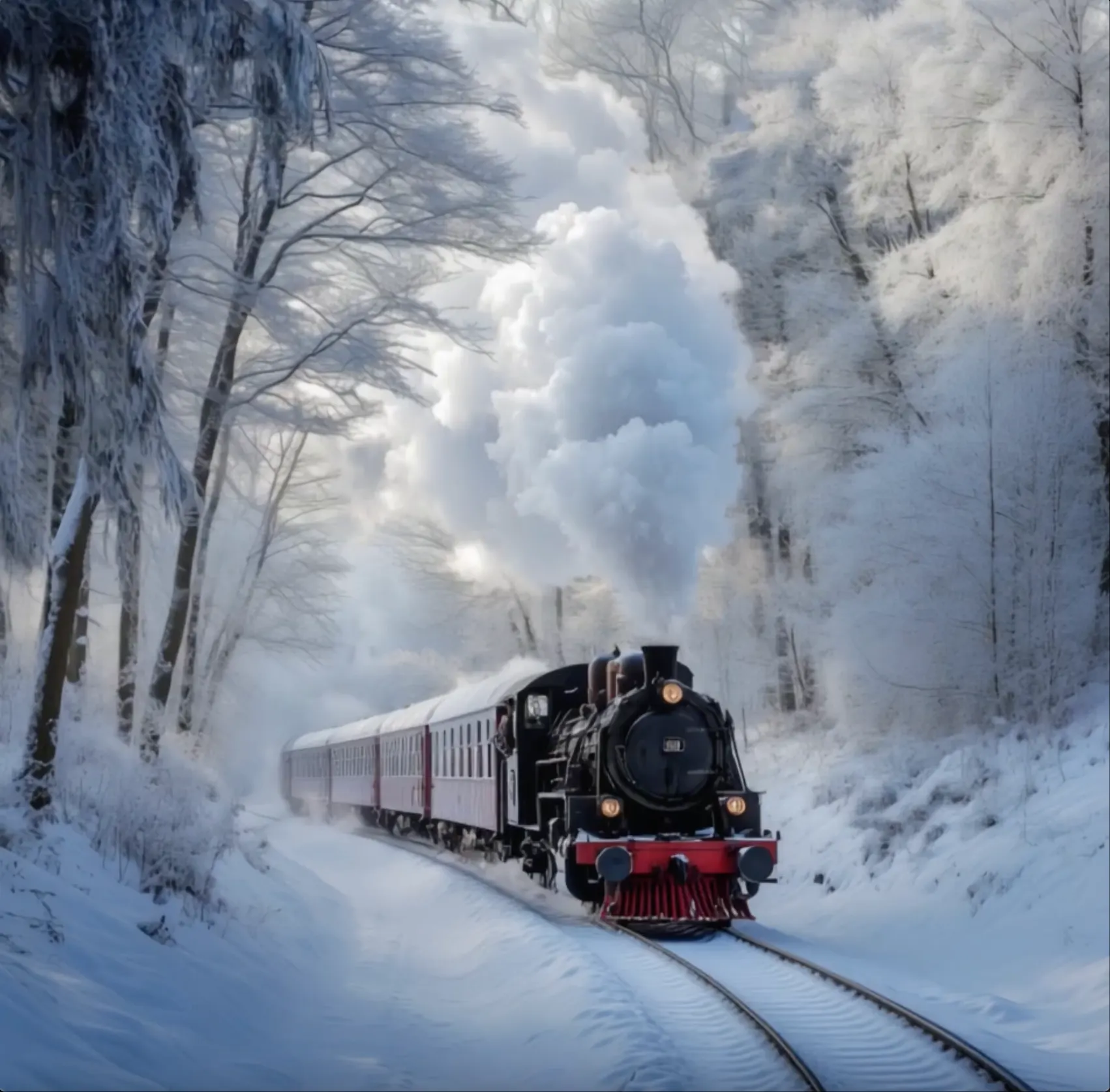 Portrait prepared for an AI talking-photo videoPHOTO TO VIDEO + TALKING PHOTO
TALKING PHOTOS
Add a short spoken line to a clear portrait and create visible lip movement, facial expression and delivery.
ACTMOTION
Use a reference video to guide body movement and turn a static person or character into a short performance.
AI EFFECTS
Apply an effect to a portrait, pet or product photo and turn a familiar image into a quick visual moment.
SIMPLE DIRECTION
Write the action, expression and camera direction you want without animating each frame by hand.
HOW DIGEN AI WORKS
Upload a photo, create the first video, choose a motion tool, and improve the result with a clearer prompt.
Choose a portrait, pet photo, product image, or character picture with a visible subject and enough space for movement.
Create an initial animation from the image so you can see how Digen reads the face, body, background, and natural motion.
Use an Effect for a quick transformation, ActMotion for body movement, or Talk when the person or character should speak.
If the first result misses the action, use a short subject + scene + motion prompt, generate another version, and keep the best one.
WHO USES DIGEN AI
Digen AI is especially useful for animating a single image into a dance, talking character, product clip or playful social video.
DANCE VIDEOS
Make a person or illustrated character follow a full-body dance reference for challenges, fan content and performance posts.
TALKING PHOTOS
Give a portrait visible expression and speech for character introductions, messages and presenter-style clips.
PERSONAL PHOTOS
Animate pet pictures, selfies and favorite portraits into fun moments that are easy to share with friends or followers.
SOCIAL CHANNELS
Create dance trends, reactions, transformations and quick hooks for vertical video feeds.
ONLINE SHOPS
Add movement to a product photo for listing videos, flash-sale posts and simple product showcases.
ILLUSTRATION
Turn drawings, posters and AI portraits into moving character moments without animating each frame by hand.
DIGEN AI USE CASES
Turn photos into talking videos, pet videos, product videos, memes, and social media clips with motion, effects, and lip sync.
IMAGE TO VIDEO
Add a natural expression, head turn, hand gesture, or gentle camera move to one clear portrait.
TALKING PHOTO
Turn a front-facing person or character into a speaking clip with dialogue, mouth movement, and expression.
PET VIDEO
Give a cat, dog, or other pet a reaction, costume, dance, or short spoken line for an easy visual joke.
AI PRODUCT VIDEO
Use rotations, light changes, close-ups, and clean movement for listings, sale posts, and product pages.
AI EFFECT VIDEO
Change a person or illustration with magical reveals, new outfits, stylized entrances, and imaginative scenes.
SOCIAL VIDEO
Make quick visual jokes, reaction videos, and posts built around eye-catching effects for mobile social feeds.
Digen creator reviews
Hear how creators use Digen AI for talking photos, image-to-video animation, AI effects, product videos, and social media content.
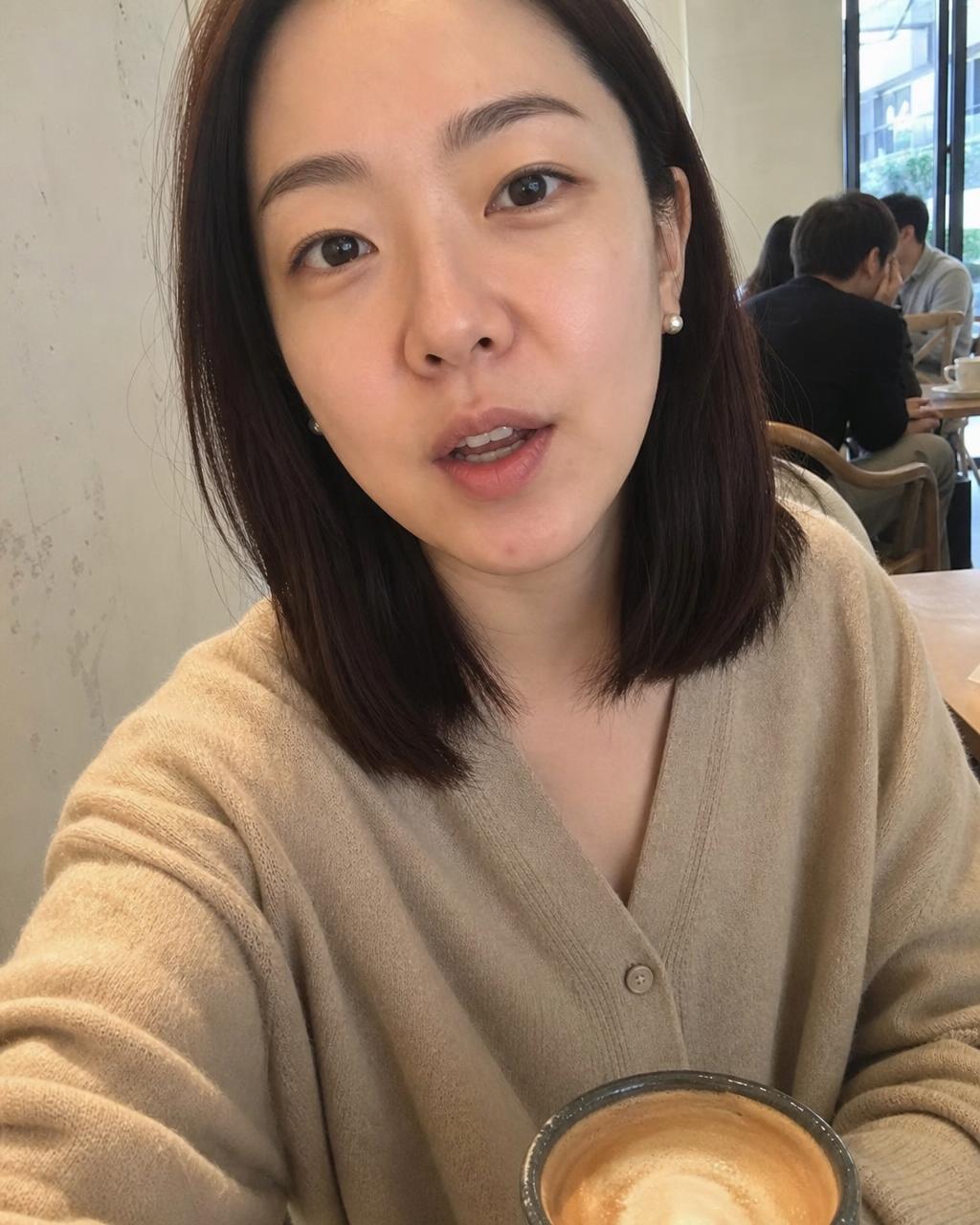
Digen AI makes it easy to turn a portrait into a short talking or movement-focused clip. I can test the expression and action before deciding which version fits the final social post.
Choose a plan based on how often you animate photos, test effects, and refine AI video ideas.
Perfect for hobbyists and beginners
Everything you need to start:
For teams and businesses
Everything in Basic, plus:
For creators and professionals
Everything in Basic, plus:
DIGEN AI FAQ
Helpful answers about Digen image-to-video, talking photos, prompts, supported images, free use, clip length and resolution.
Digen is an AI video platform for turning photos and text prompts into video. Its tools cover image animation, creative effects, and supported talking-photo workflows.
Upload a clear photo, describe the subject movement and camera action, choose a model and output setting, then generate the clip.
Yes. A text prompt can define a new scene, including the subject, action, location, camera angle, lighting, and visual style.
Say what should move, how it should move, and what the camera should do. Add facial expression, shot size, speed, or lighting only when it helps the main action.
Supported tools can turn a portrait or character image into a talking video from dialogue. A front-facing face with a clear mouth area usually gives the model a better source.
Choose a sharp, well-lit image with one easy-to-see subject. Leave space around areas that need to move and avoid hands, hair, or objects blocking the face.
Digen says free users can create 5-second clips in supported modes, while some paid models allow 5- or 10-second output. Limits vary by model.
Resolution depends on the engine. Digen lists 720p for several models and higher-quality output for selected newer models, so check the model details before generating.
Digen offers free and paid services. Free limits, daily benefits, available models, and watermark rules can change, so review the current account and pricing pages before you start.
RELATED AI VIDEO TOOLS
Continue with text-to-video, image animation, character performance, social video, and cinematic generation workflows.
ANIMATE A PHOTO WITH DIGEN AI
Upload a portrait, pet, product, or character image, then add an effect, natural movement, or speech to bring it to life.
Animate Your Photo