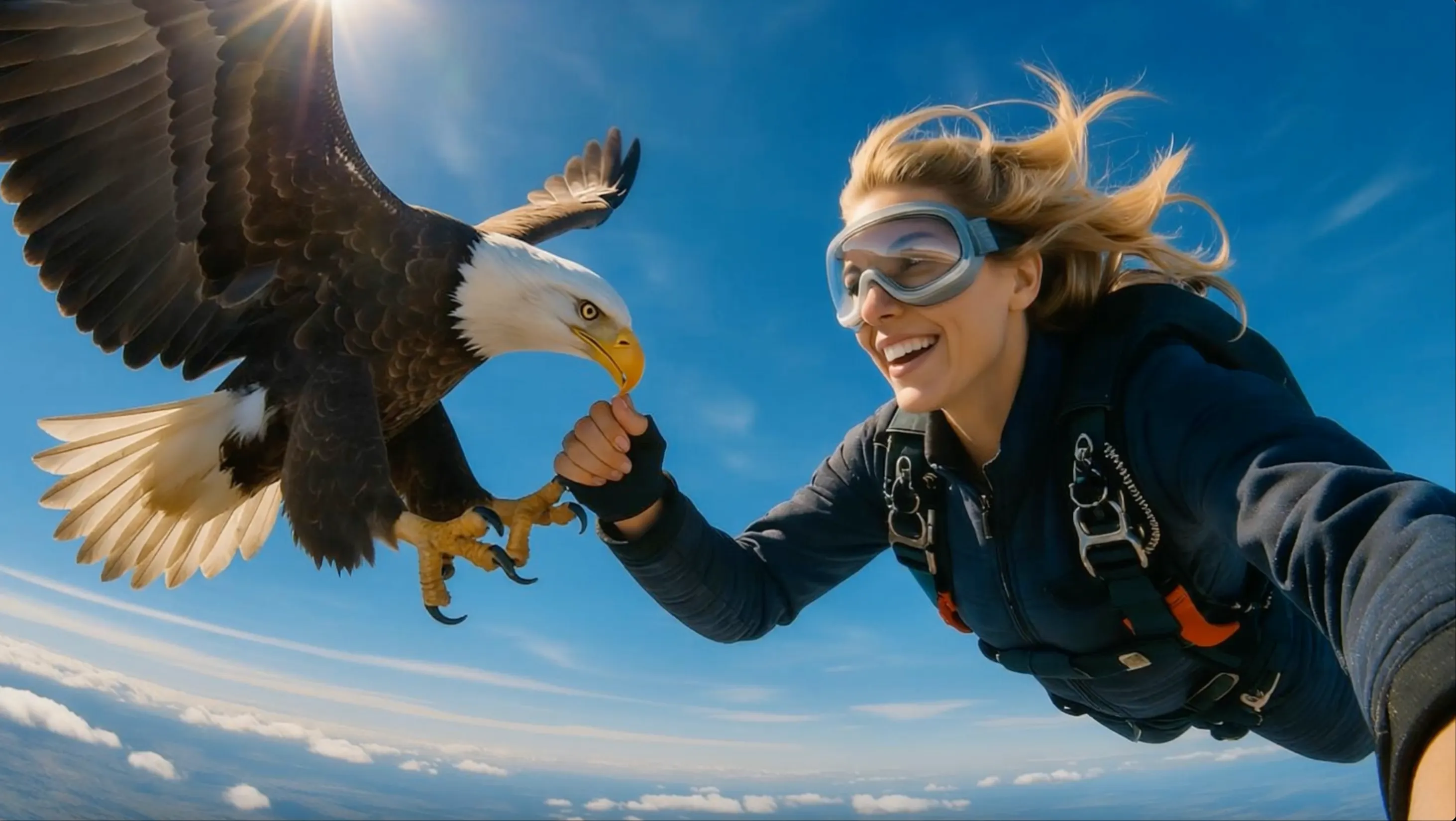
FACELESS VIDEO
Faceless YouTube Videos
Turn a topic into a narrated YouTube video with a script, matching visuals, subtitles, and background music.
 Flow Studio
Turn a text prompt or script into a complete video with scenes, AI voiceover, subtitles, music, and a format made for your chosen platform.
INVIDEO AI VIDEO EXAMPLES
Explore complete video formats built from prompts and scripts for YouTube, marketing, education, and social media.
FACELESS VIDEO
Turn a topic into a narrated YouTube video with a script, matching visuals, subtitles, and background music.
EXPLAINER VIDEO
Break a subject into structured scenes with voiceover, examples, captions, and an easy-to-follow visual sequence.
MARKETING VIDEO
Create a focused promotional video with product benefits, branded visuals, a clear message, and a call to action.
SOCIAL VIDEO
Generate a vertical short with a strong opening hook, quick scenes, captions, and platform-ready pacing.
WHY USE INVIDEO AI
Turn a prompt or script into a complete video with scenes, visuals, voiceover, captions, music, and simple editing tools in one workflow.
 Complete narrated video created from a text promptPROMPT TO PUBLISHED VIDEO
PROMPT TO VIDEO
Describe the topic, audience, platform, and tone, then generate the script, scene plan, and first video draft.
SCRIPT AND VOICE
Paste a finished script or build one from an idea, then add an AI voice and organize the message into clear scenes.
VISUALS AND CAPTIONS
Bring each scene together with relevant media, readable subtitles, transitions, and background music.
SIMPLE EDITING
Replace a visual, shorten a scene, rewrite a line, or change the voiceover by describing the edit you want.
HOW TO USE INVIDEO AI
Enter a prompt or script, choose the video format and voice, generate a complete first draft, then edit and export.
Describe the topic, audience, key message, video length, and tone, or paste the full script you want to turn into a video.
Select a YouTube, TikTok, Instagram, or widescreen format, then choose the language, AI voiceover, subtitles, music, and visual style.
Generate a first video with scenes, AI visuals or stock media, voiceover, background music, transitions, and captions arranged around your script.
Replace media, rewrite a line, change the voice, fix subtitles, adjust the music, and export the finished video in the format you need.
WHO MAKES VIDEOS WITH INVIDEO AI
InVideo AI is useful for people who want to turn a script, idea, product brief, or lesson into a complete video with narration and captions.
FACELESS YOUTUBE
Produce list videos, explainers, documentaries, news recaps, and narrated stories without filming a presenter.
REELS AND SHORTS
Turn one topic into regular TikTok videos, Instagram Reels, and YouTube Shorts with hooks and captions.
ONLINE LEARNING
Convert lesson plans, reports, and difficult topics into clear educational videos with voiceover and subtitles.
SMALL BUSINESS
Create service explainers, local promotions, customer guides, and branded updates from a simple written brief.
VIDEO ADS
Build product demos, customer-style ads, campaign variations, and promotional videos for major social platforms.
AGENCY VIDEOS
Draft scripts, assemble scenes, add voiceovers, and prepare video drafts for several clients and campaigns.
INVIDEO AI USE CASES
Make faceless YouTube videos, YouTube Shorts, explainer videos, video ads, product demos, and training videos from a prompt or script.
YOUTUBE VIDEO
Turn a topic into a complete YouTube video with a script, voiceover, stock footage, music, and subtitles.
YOUTUBE SHORTS
Create vertical videos with a strong opening hook, quick scene changes, readable captions, and a clear ending.
EXPLAINER VIDEO
Break down a product, process, or topic into simple steps with voiceover, examples, and supporting visuals.
PRODUCT VIDEO
Show how a product works, explain its main benefits, and finish with a clear call to action.
VIDEO ADS
Create ad videos for products, services, offers, and launches in the formats used across social platforms.
BUSINESS VIDEO
Convert training notes, reports, documents, and presentation slides into narrated videos for work or learning.
CREATOR FEEDBACK
Creators use the workflow to move from a written idea to a reviewable video draft with fewer production handoffs.
I can start with a topic, review the script and scenes, then fix the weak parts before I export. That makes faceless YouTube production much easier to manage.
The most useful part is having voiceover, captions, music, and visuals in the same draft. I spend my time improving the message instead of assembling the basics.
I turn lesson notes into short explainers, check the narration, and replace any scene that does not support the point. The workflow is clear even without advanced editing skills.
Compare plans for prompt-to-video generation, exports, AI voiceovers, premium media, and ongoing content production.
Perfect for hobbyists and beginners
Everything you need to start:
For teams and businesses
Everything in Basic, plus:
For creators and professionals
Everything in Basic, plus:
INVIDEO AI FAQ
Answers about prompts, scripts, voiceovers, captions, editing, YouTube videos, social media, and video exports.
InVideo AI is an AI video generator and editor that turns prompts or scripts into videos with scenes, visuals, voiceover, subtitles, music, and transitions.
Enter a prompt or script, choose the audience and platform, set the voice and visual style, generate the video, then review and edit each scene before export.
Yes. Paste your script and specify that the video should follow it. You can also add preferences for media, music, subtitles, language, and voiceover.
Yes. A faceless workflow can combine a script, narration, supporting visuals, background music, transitions, and captions without filming an on-camera presenter.
Supported workflows can add AI voiceovers, subtitles, captions, and background music. Review names, numbers, timing, and pronunciation before publishing.
Include the topic, target audience, platform, duration, tone, key points, visual style, language, voiceover preference, and the action you want viewers to take.
Yes. You can revise the script, replace media, adjust music or voiceover, change scenes, and refine the result with text instructions and editing controls.
Common workflows include YouTube videos, explainers, ads, product videos, training videos, presentations, Instagram Reels, TikTok videos, and YouTube Shorts.
SCRIPT-TO-VIDEO AND SOCIAL VIDEO TOOLS
Turn prompts and scripts into YouTube videos, explainers, ads and social clips with AI voiceovers, subtitles, music and ready-made scenes.
CREATE A VIDEO WITH INVIDEO AI
Start with a topic or finished script, choose the audience and platform, then create a video with scenes, narration, captions, music, and simple editing controls.
Create an InVideo AI Video