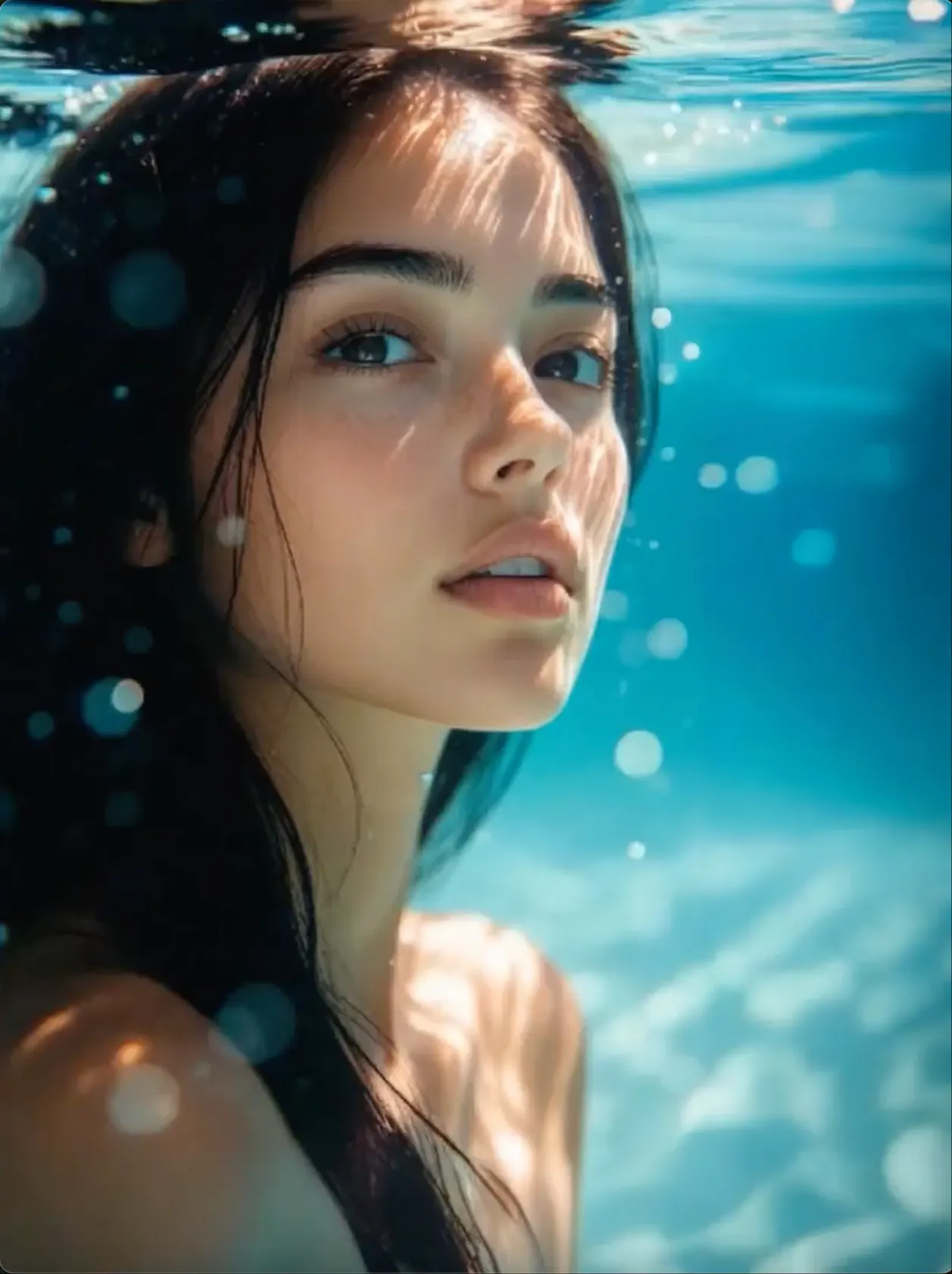
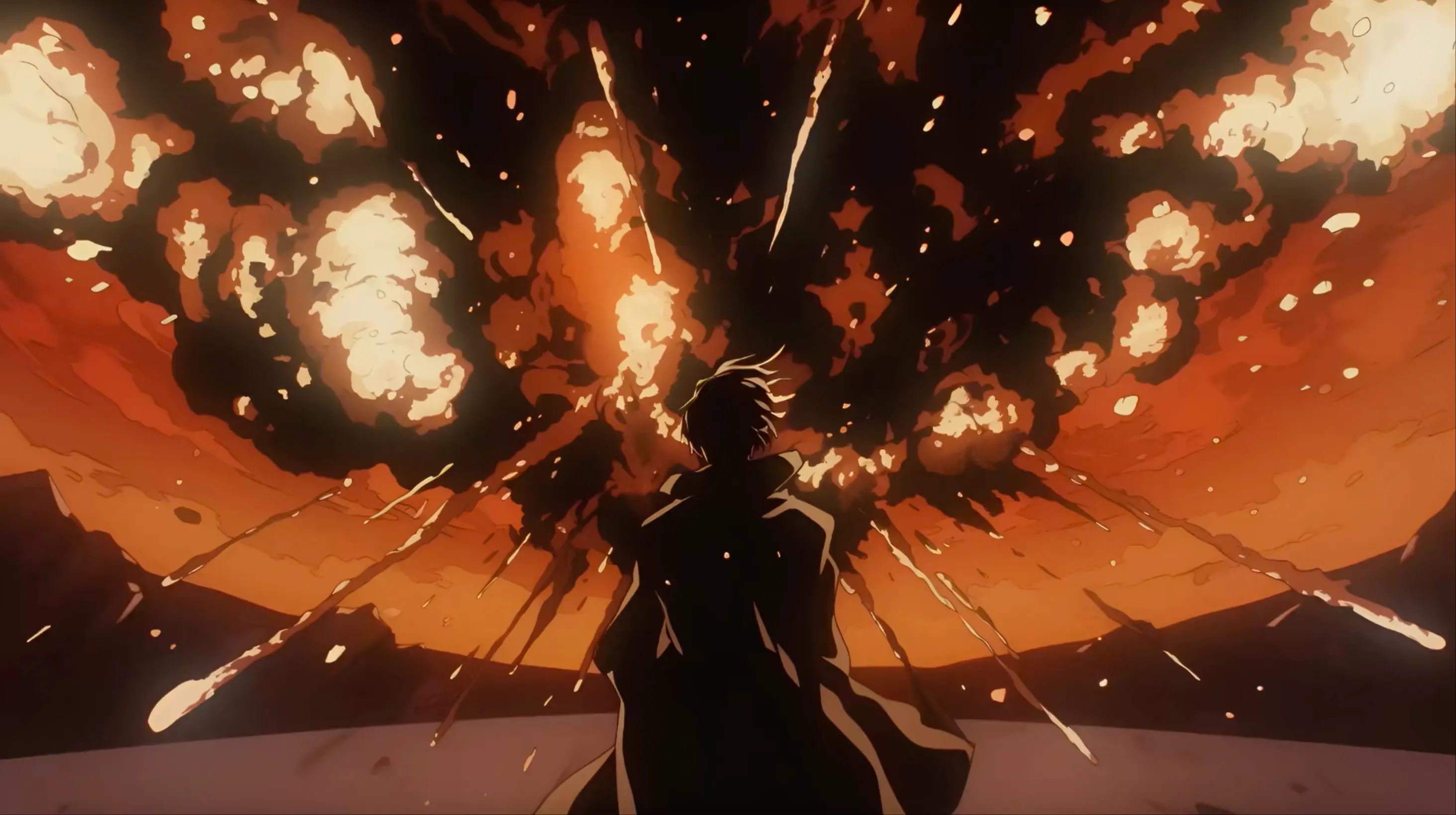
CINEMATIC VIDEO
Story Scenes with Camera Movement
Build the mood and story with clear framing, camera movement, lighting, and a sequence that is easy to follow.
 Flow Studio
Create cinematic AI videos from text, images, and visual references with controlled motion, camera direction, character performance, and audio.
KLING AI VIDEO IDEAS
Explore visual directions for cinematic scenes, character action, product stories, and image-to-video motion.
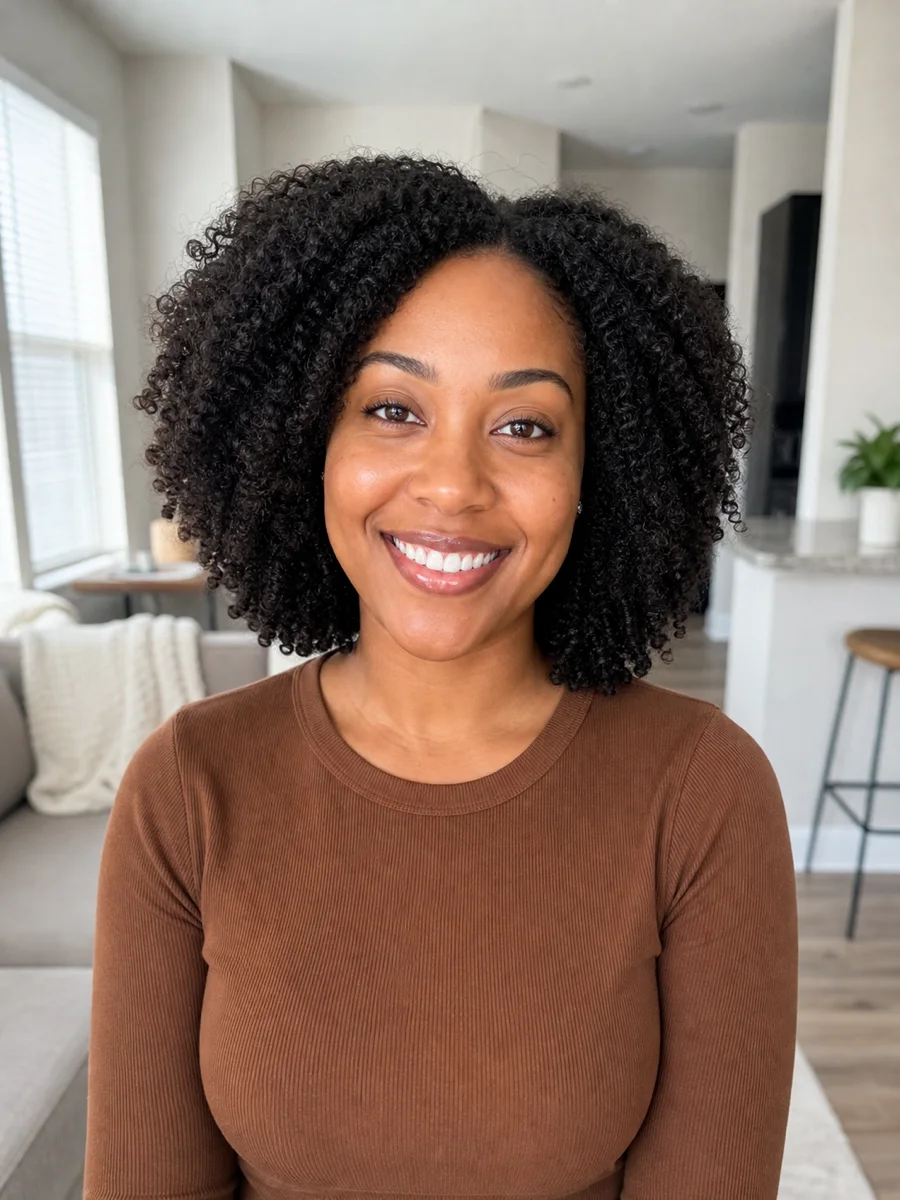
CINEMATIC VIDEO
Build the mood and story with clear framing, camera movement, lighting, and a sequence that is easy to follow.
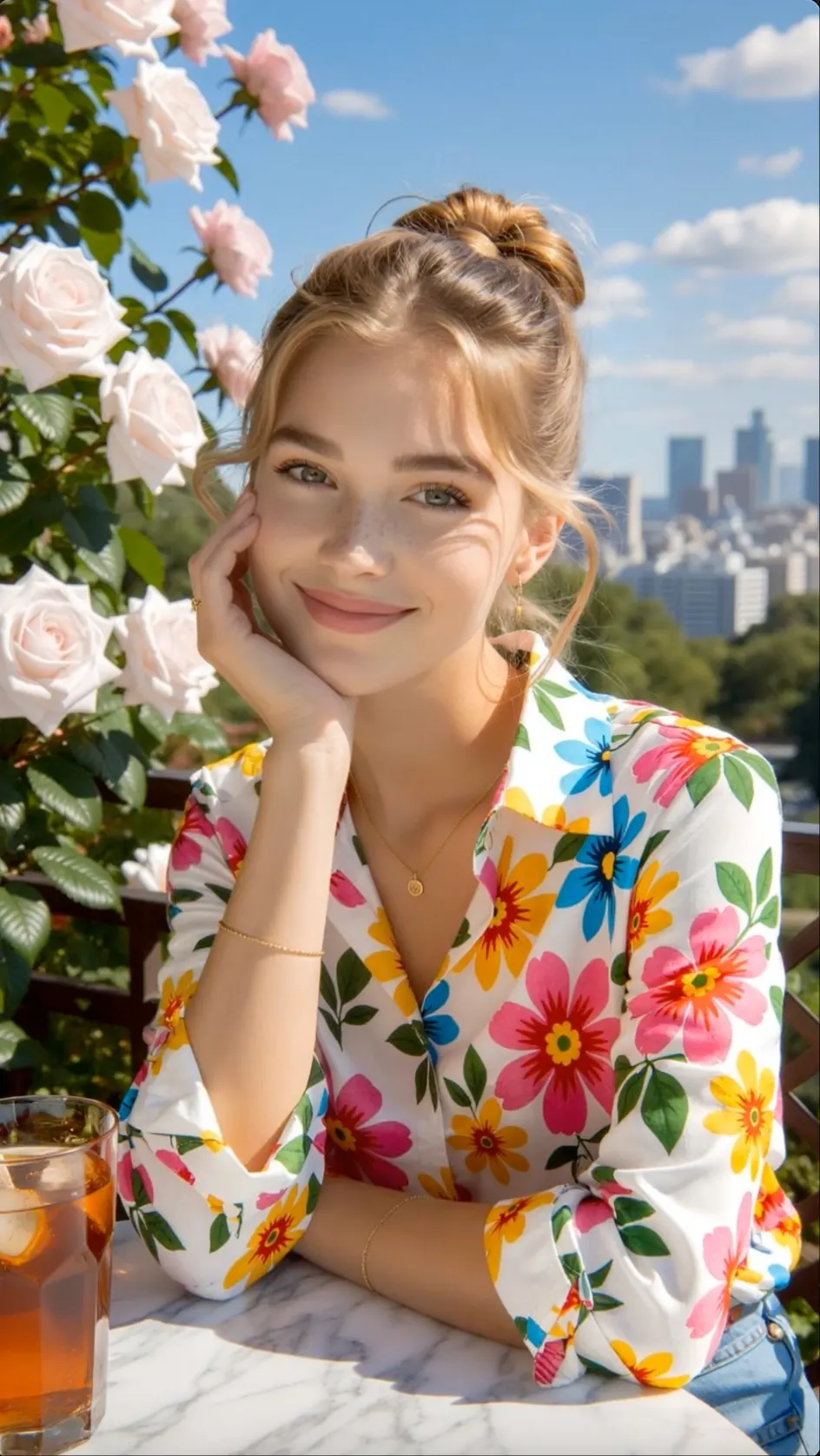
IMAGE TO VIDEO
Preserve the source composition while directing subject movement, depth, and camera behavior.
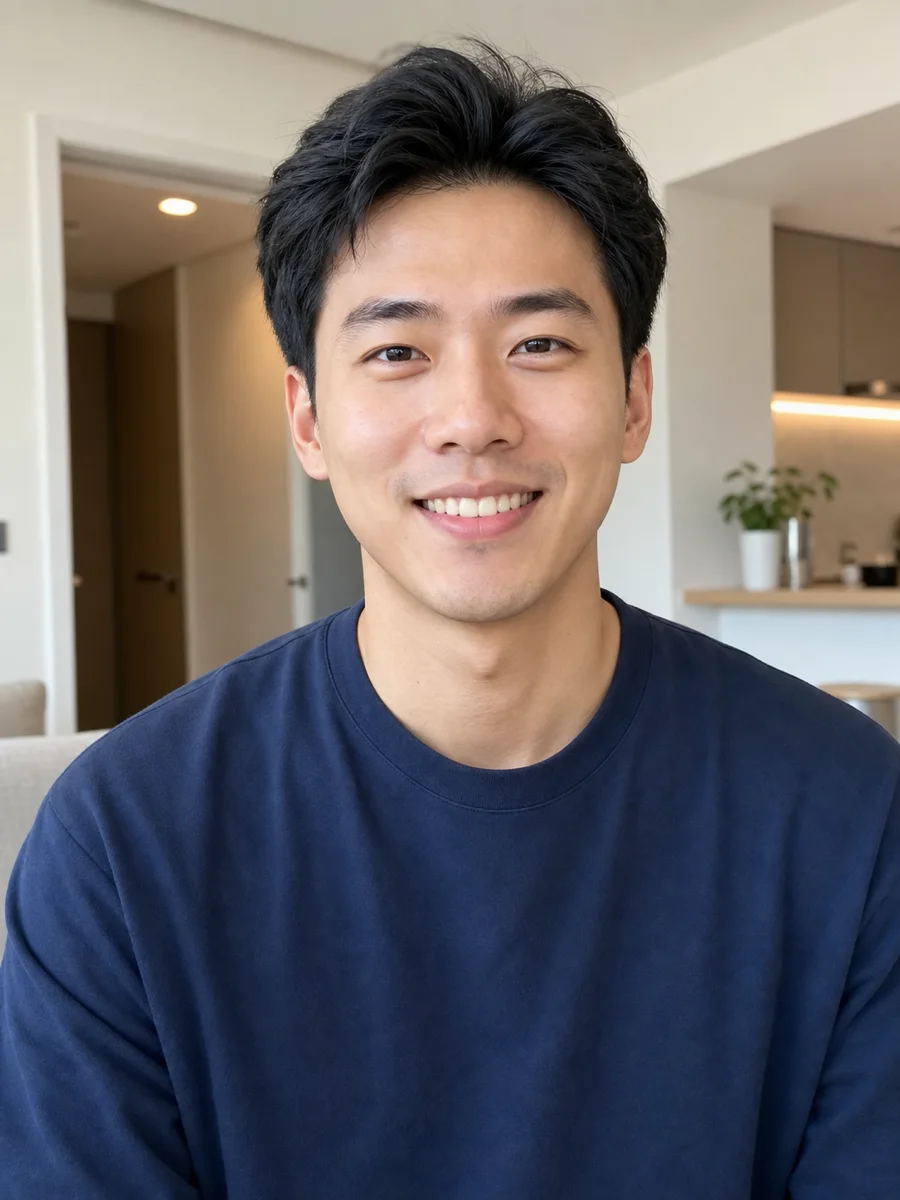
CHARACTER ACTION
Describe body movement, emotion, where the character looks, timing, and interaction within one focused shot.
PRODUCT STORY
Use controlled camera moves, reveals, close-ups, and visual continuity for product-focused clips.
WHY KLING AI
Create text-to-video and image-to-video clips with natural motion, detailed camera direction, synchronized sound and stronger visual continuity.
REALISTIC MOVEMENT
Generate people, objects and environments with convincing weight, timing, facial movement and physical interaction.
PROMPT FOLLOWING
Describe a complex action, shot order or camera path and give the model a clearer plan for the full scene.
VIDEO AND SOUND
Use supported Kling models to create visuals and matching audio together for conversations, action and atmosphere.
ELEMENTS
Use reference images and Elements controls to keep an important person, product or object easier to recognize.
 Cinematic scene prepared for Kling AI video motion
HOW KLING AI WORKS
Choose the right Kling workflow, write one focused scene, set the controls, and generate a video you can refine.
Start from a written scene, use one image as the opening frame, or add visual elements that should stay consistent in the clip.
Name the subject, visible action, location, shot type, and camera movement. Keep the main action simple enough for one video.
Choose the Kling model and available controls for movement, duration, frame size, negative prompts, references, or sound.
Watch for smooth action, a stable subject, and accurate framing, then edit the instruction that needs the most improvement and rerun it.
KLING AI USERS
Kling AI fits projects that need realistic movement, controlled shots, connected scenes, product accuracy or character-led storytelling.
NARRATIVE VIDEO
Plan multi-shot sequences, dialogue beats and character movement while developing a scene from script to screen.
COMMERCIAL VIDEO
Create product close-ups, lifestyle footage and polished ad concepts while keeping key brand details visible.
VISUAL EFFECTS
Create action, fantasy settings, and effects-heavy shots for storyboards, editing tests, and finished videos.
CHANNEL CONTENT
Produce realistic B-roll, narrative hooks and recurring character clips for both horizontal and vertical channels.
ENTERTAINMENT
Build dramatic reveals, performance moments and world-building shots for songs, games and entertainment releases.
CLIENT CAMPAIGNS
Compare text prompts, starting images, and reference images for client pitches, branded content, and larger productions.
WHAT YOU CAN CREATE WITH KLING AI
Create text-to-video scenes, image-to-video clips, multi-shot stories, product ads, and character videos with realistic motion.
CINEMATIC VIDEO
Produce dramatic introductions, chase scenes, background shots, and key moments for a short film or trailer.
IMAGE TO VIDEO
Start from a portrait, landscape, product image, or concept frame and guide both subject and camera motion.
AI PRODUCT VIDEO
Present an item through close-ups, feature details, smooth camera moves, and real-world scenes built around the brand.
SOCIAL VIDEO
Produce creator clips, trend ideas, and quick narrative moments formatted for mobile viewing.
CHARACTER VIDEO
Direct speech, facial expressions, where the character looks, gestures, and body movement in one focused performance.
MULTI-SHOT VIDEO
Plan several camera setups with recurring characters and a clear sequence from opening moment to final beat.
Kling creator reviews
Read how creators use Kling AI for cinematic text-to-video, image-to-video, character motion, product shots, and visual storytelling.
Kling AI is part of my early visual development process. I can describe the shot, camera move, and action in one prompt and quickly see whether the scene reads the way I intended.
Choose a plan for text-to-video, image-to-video, creative testing, and ongoing cinematic video production.
Perfect for hobbyists and beginners
Everything you need to start:
For teams and businesses
Everything in Basic, plus:
For creators and professionals
Everything in Basic, plus:
KLING AI FAQ
Key answers about Kling prompts, image animation, start and end frames, video extension, audio, free use and output quality.
Kling AI is an AI video generator for creating videos from text prompts, images, and supported visual references with motion, camera, character, and audio direction.
Upload a portrait, product photo, or illustration, then describe the motion. You can also add start and end frames in supported modes to guide the transition.
Start with one subject and one action. Add the shot size, camera movement, lighting, mood, timing, and sound in the order they should happen.
Motion Control uses a movement reference to guide how a subject performs. It is useful when a gesture, dance, or body action needs more direction than text alone.
Reference images, Elements, and newer Omni workflows can improve consistency across shots. Use clean references from useful angles and avoid changing too many details at once.
Selected Kling models and tools support native audio, dialogue, sound effects, or lip sync. Check the chosen model because audio options differ between workflows.
Yes. Kling offers tools to extend a clip and change subjects, backgrounds, style, framing, lighting, or other parts of supported videos.
Trial access, resolution, export quality, and credit costs depend on the selected model and plan. Check the current settings shown before you generate.
RELATED AI VIDEO TOOLS
Compare cinematic generation, image animation, reference control, talking characters, and social video workflows.
GENERATE WITH KLING AI
Write one focused scene or upload a starting frame, set the motion and aspect ratio, and generate a new video variation.
Generate a Kling AI Video