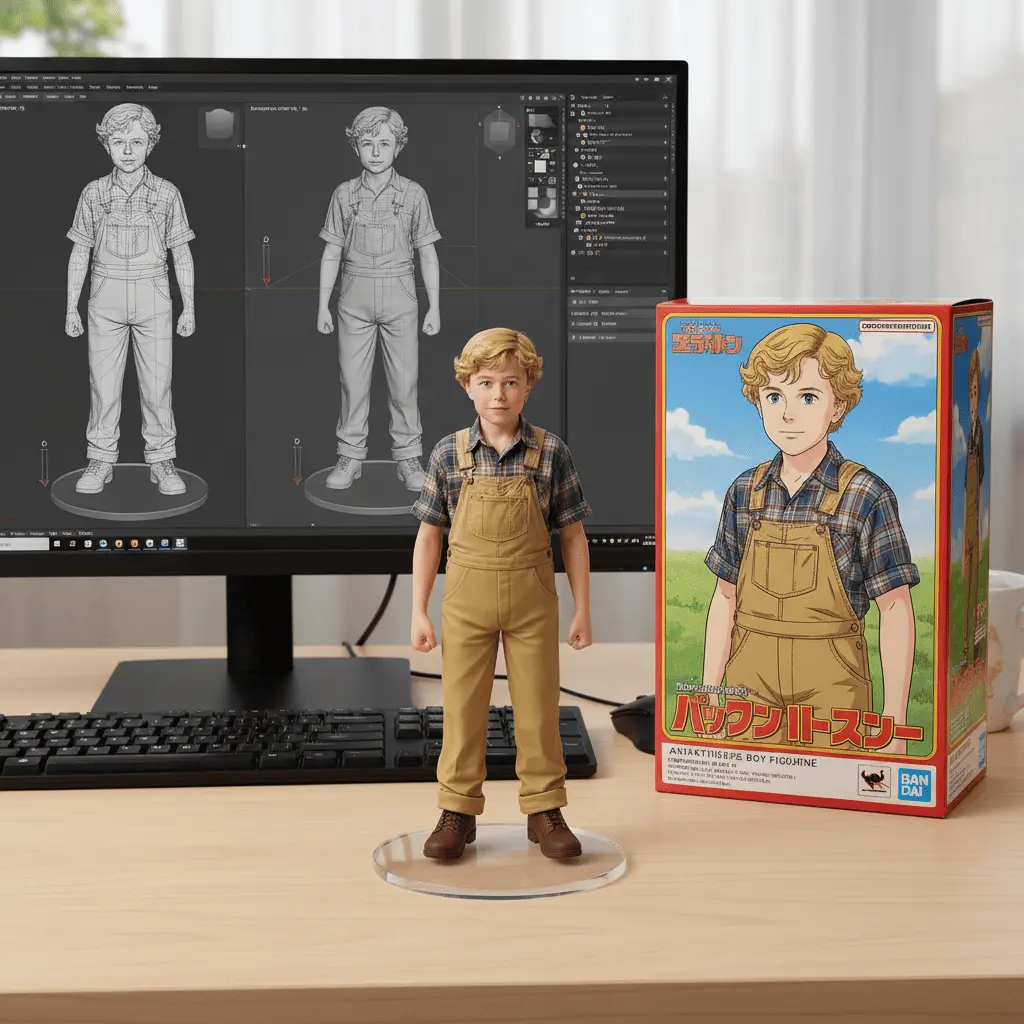
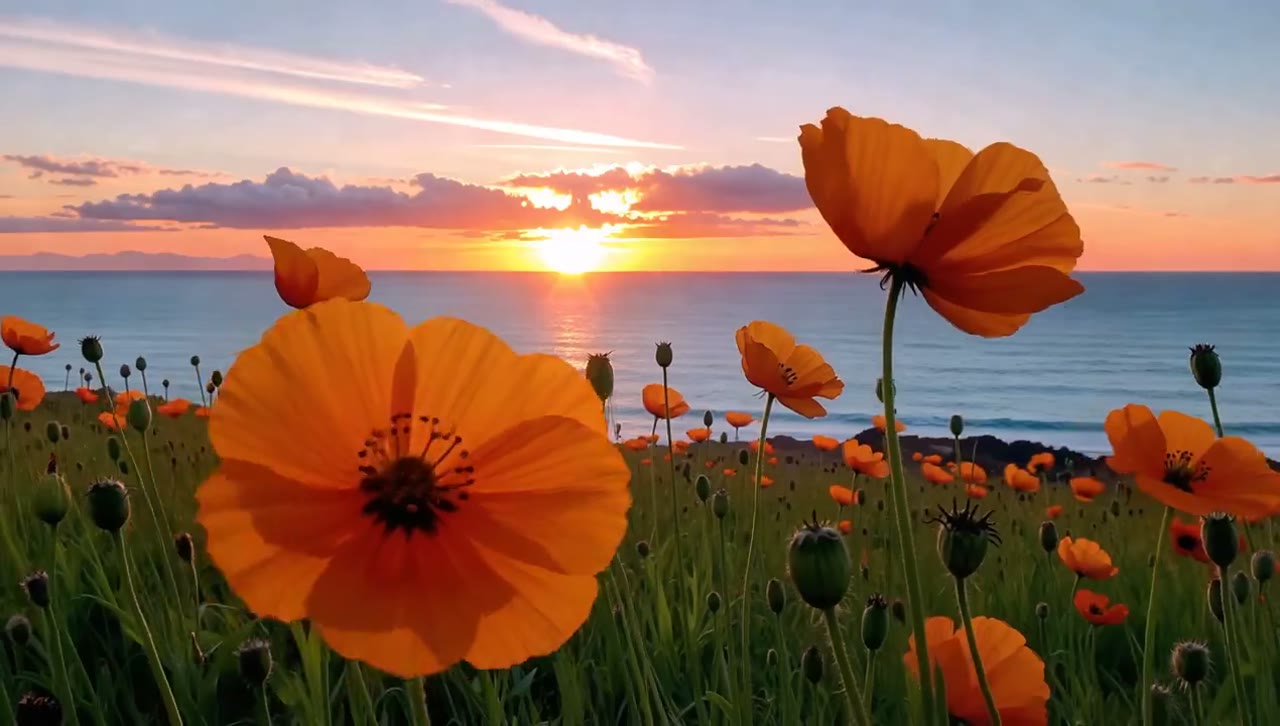
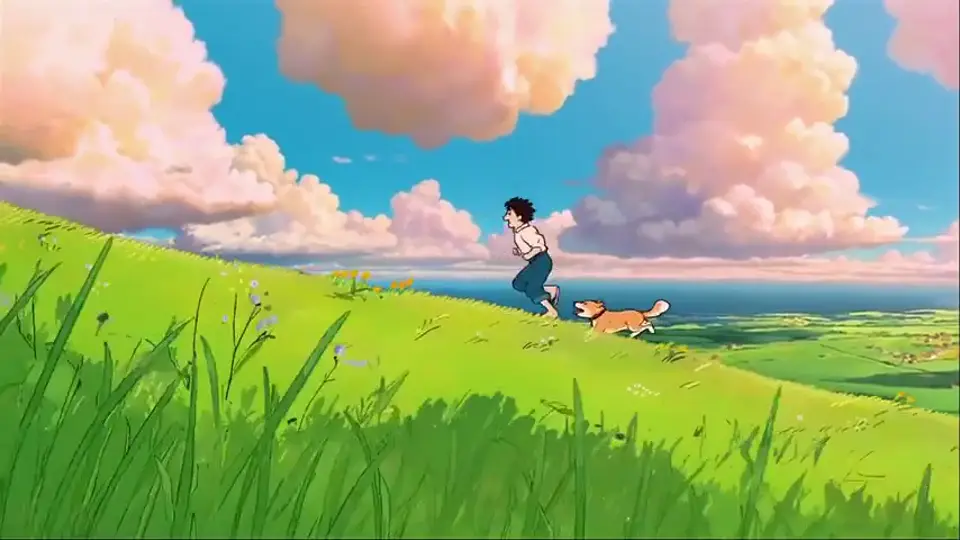
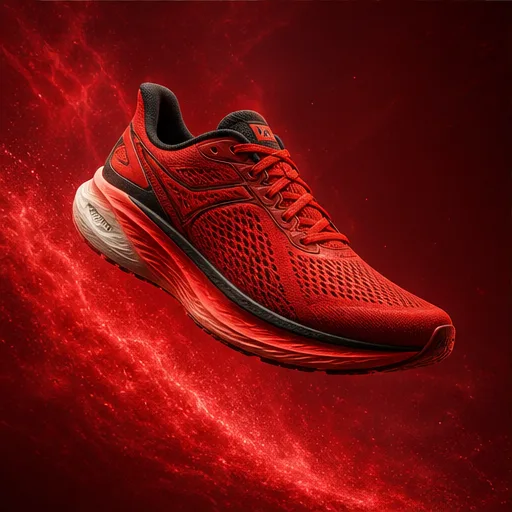
 GPT Image 2 AI Image Generator
From a simple idea to an image
Seedream 5.5 AI Image Generator
Create fashion images, product scenes, and artwork for your next project. Describe the look you want, add a reference photo, and try different colors, backgrounds, and styles.
0/1000Smart Expansion
Why choose us
Why Make Seedream 5.5 Part of Your Design Process?
Work through colors, settings, and styles while your design is still taking shape, before spending time on the final layout.
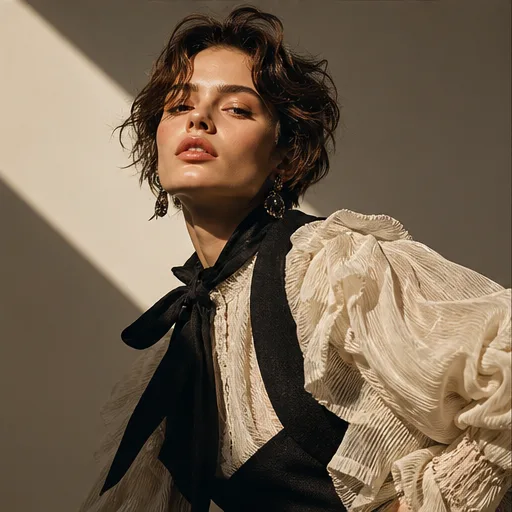
Compare looks before a photo shoot
Try a bright studio, a cozy room, or an outdoor setting for your subject. Use the images to help choose a look before preparing a shoot.
Find a color direction you like
See how warm tones, soft pastels, or a darker background change the feel of an image. Pick a direction before building the rest of your design around it.
Explore beyond your first idea
The same outfit might suit a clean studio photo or a drawn illustration. Try both looks to see which one fits the collection or story you are working on.
Bring a visual to the discussion
Download a design option for your mood board or project notes. A picture gives your client or teammate something specific to react to.
Creative inspiration
Design Inspiration for Seedream 5.5
Collect ideas for your next collection or campaign with these visual references, from everyday product scenes to fashion photography.
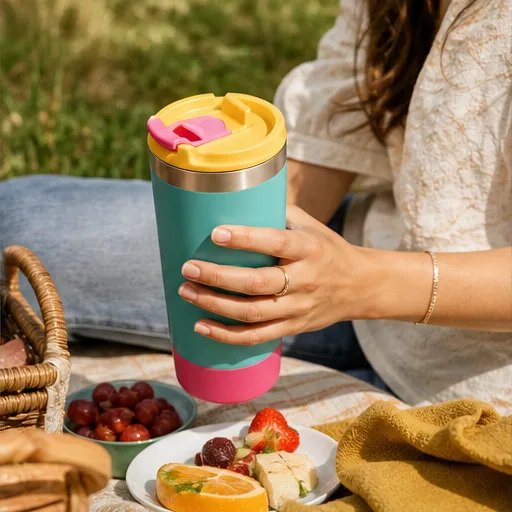
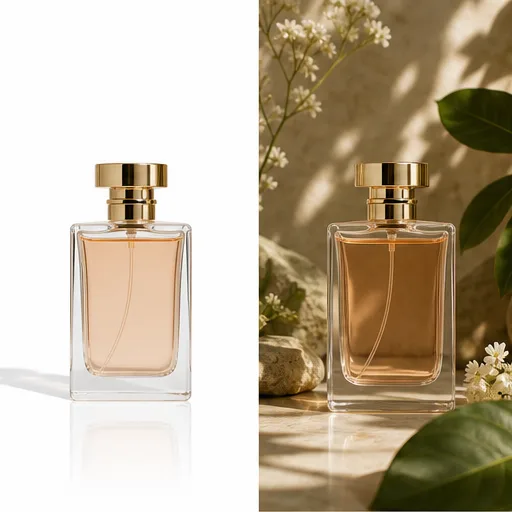
A product in everyday life
Let the surrounding materials and light set the tone.
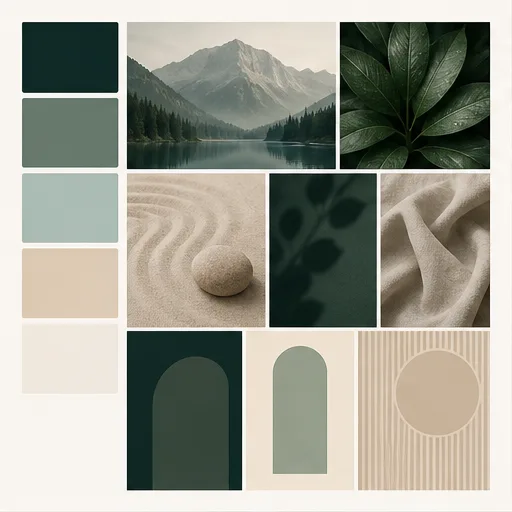
A coordinated brand mood
Start with a small set of colors and a consistent visual theme.
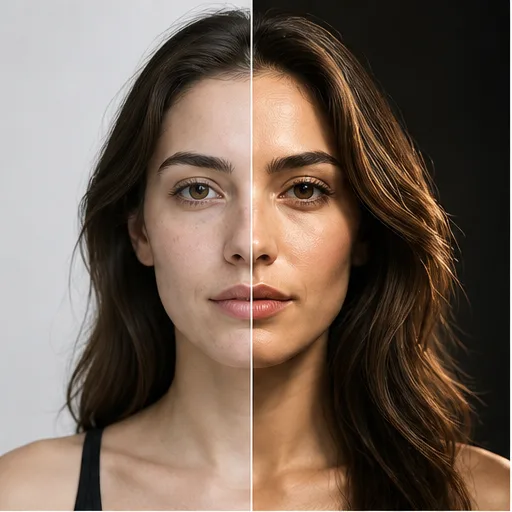
An outfit in focus
Use the pose and backdrop to help the clothing stand out.
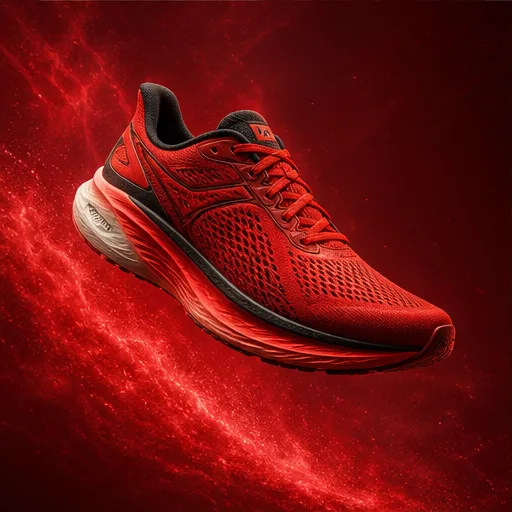
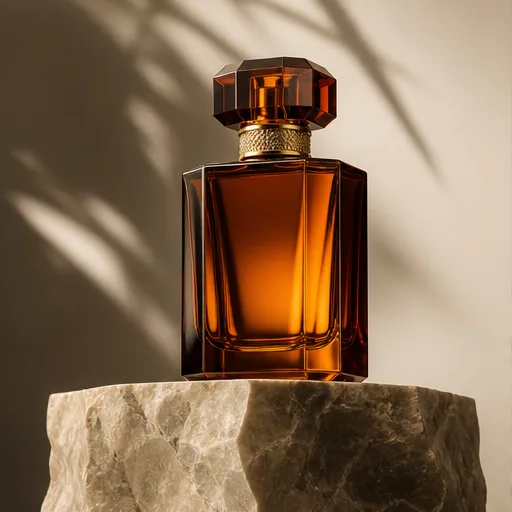
An image built around a product
Leave space for a headline and add final lettering in your design editor.
Ideas to create
What Will You Design with Seedream 5.5?
Make images for a fashion collection, an online store, an event poster, or an original story.
Fashion images
Present an outfit or accessory with a studio background, a street scene, or soft natural light.
Lifestyle product scenes
Picture how a product might look on a desk, in a home, or in an outdoor setting.
Poster backgrounds
Create a composition with open space for the event details or headline you will add afterward.
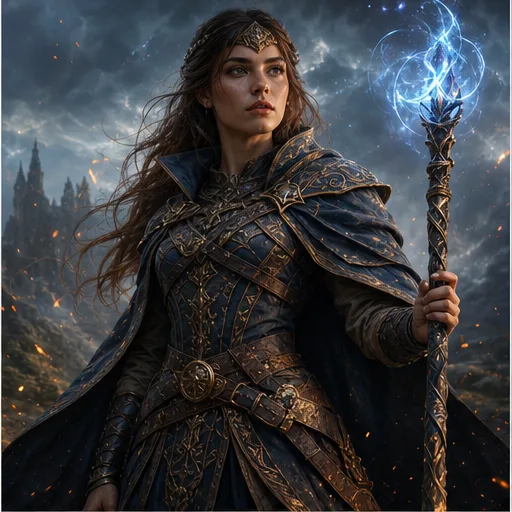
Character artwork
Explore clothing, mood, and surroundings for a character in a story or personal art project.
From idea to result
Getting Started with Seedream 5.5
Start with a description, add a reference if you have one, and choose how your image should look.
Describe the look you want
Name your subject, then add the background, colors, and lighting. A short, clear description is a good place to start.
Add a reference photo
Upload an image if you want to guide the subject or style. Explain what to keep and what you would like to change.
Set the style and generate
Pick an available image model, style, and aspect ratio. Check the required credits, then generate your image.
Save the image you like
Open the result to check faces, clothing, and other details. Download it, or adjust your description to make another version.
Made for your work
Who Is Seedream 5.5 Best Suited For?
For people shaping the look of a product, a brand, or an original creative project.
Fashion designers
Try settings and styling ideas for a new outfit or collection before planning your fashion photos.
Brand designers
Bring sample colors, lighting, and backgrounds to a client discussion before building the full set of brand images.
Event organizers
Explore a visual theme for a concert, workshop, or launch before adding dates and ticket details to the poster.
Artists and storytellers
Build visual references for characters, settings, and scenes in your own work.
Common questions
Seedream 5.5 Questions and Answers
Explore common questions about design ideas, reference photos, and image formats.
How can I describe a visual style clearly?
Use familiar terms such as studio photo, watercolor, warm light, or soft colors. Add a reference if a particular look is hard to describe.
Can I explore more than one design direction?
Change the background, style, or color instructions and generate another option. Compare the results before spending time on the final design.
Will a reference image be copied exactly?
A reference guides a request; it is not a guarantee of an exact match. Check product details, faces, and other important features in the output.
Can I make artwork for a poster?
Use a suitable image shape and ask for space around the subject. Add final lettering in an editor so you can control spelling and placement.
Does this work on a phone?
The workspace uses a responsive browser layout. You can enter a prompt and upload a reference on mobile, then review fine details on a larger screen if needed.
Which image model does this page use?
You choose the image model from the generator menu. The displayed model name identifies what will create your image, and the settings show the options for that model.
Keep creating
Continue Your Seedream 5.5 Designs with More Tools
Try another approach to product photos, portraits, or the next design in your collection.