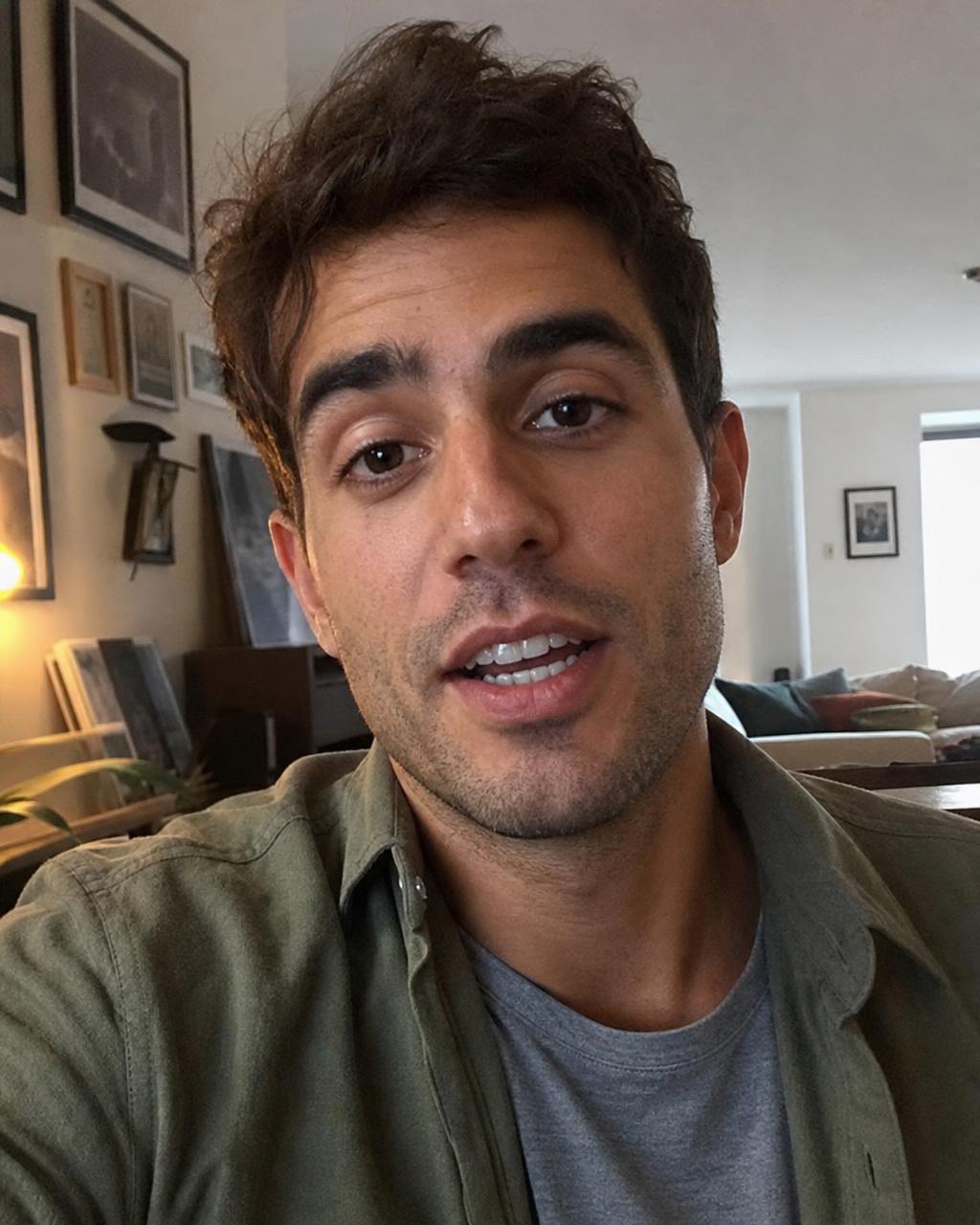
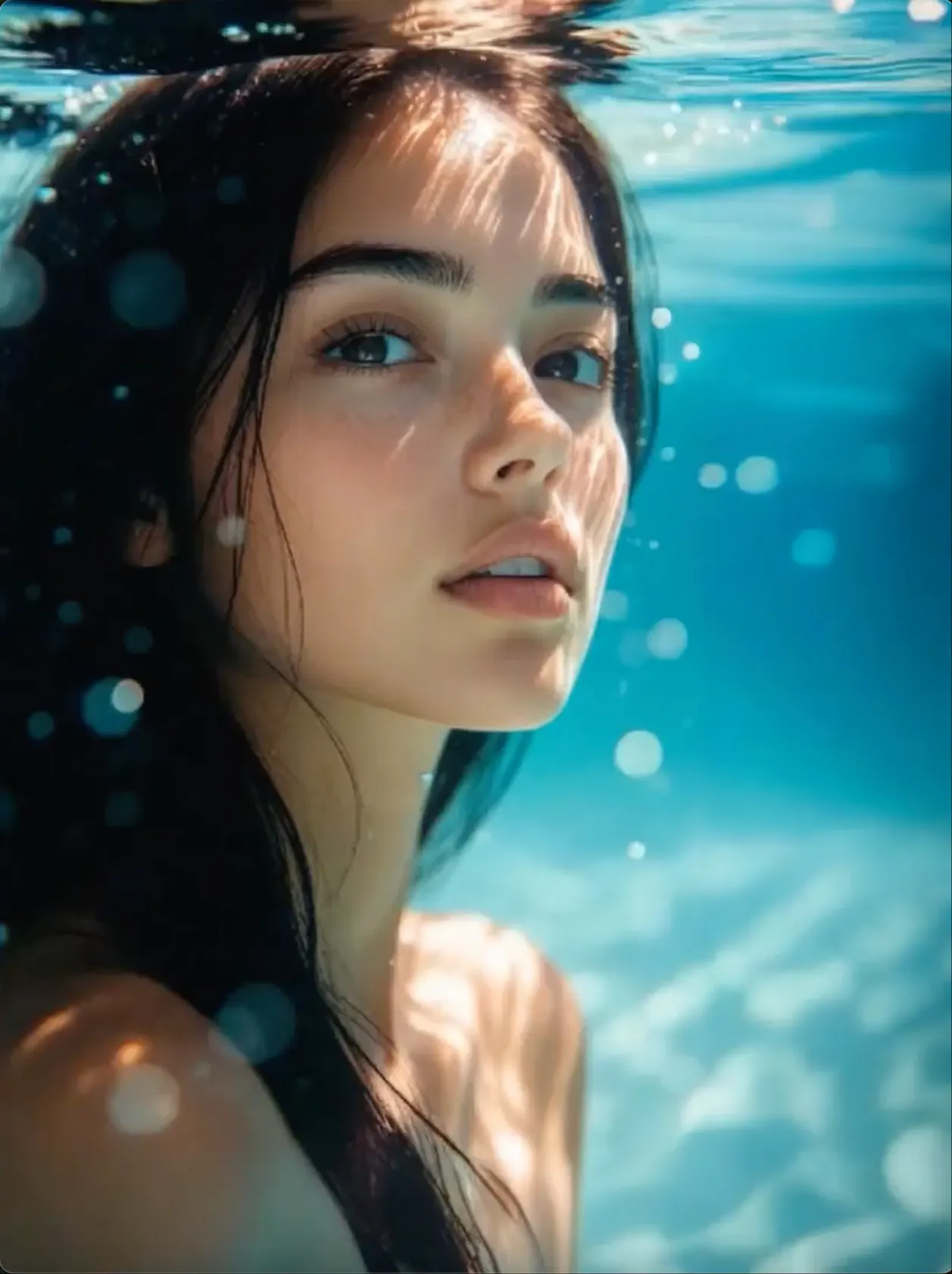
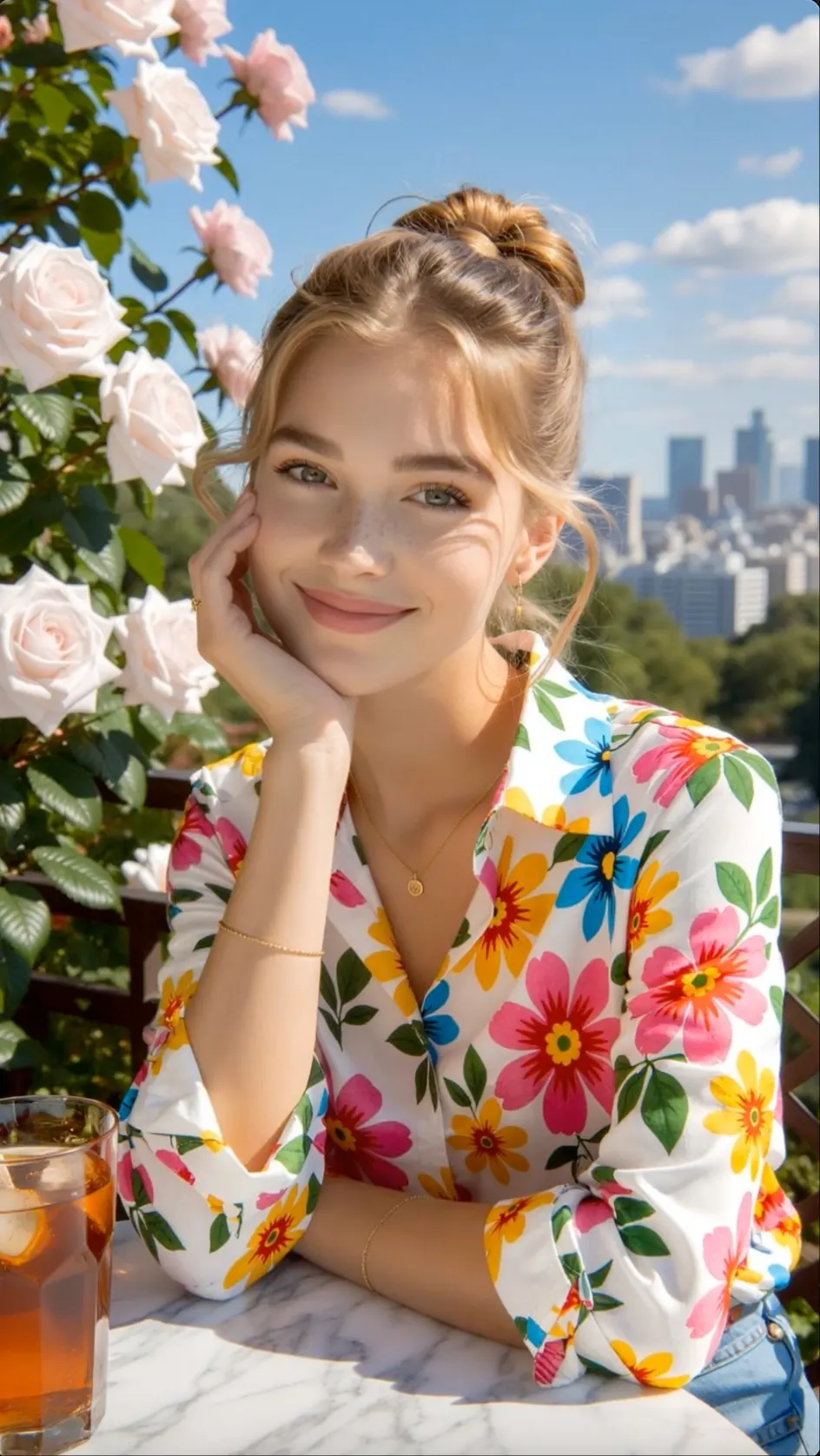
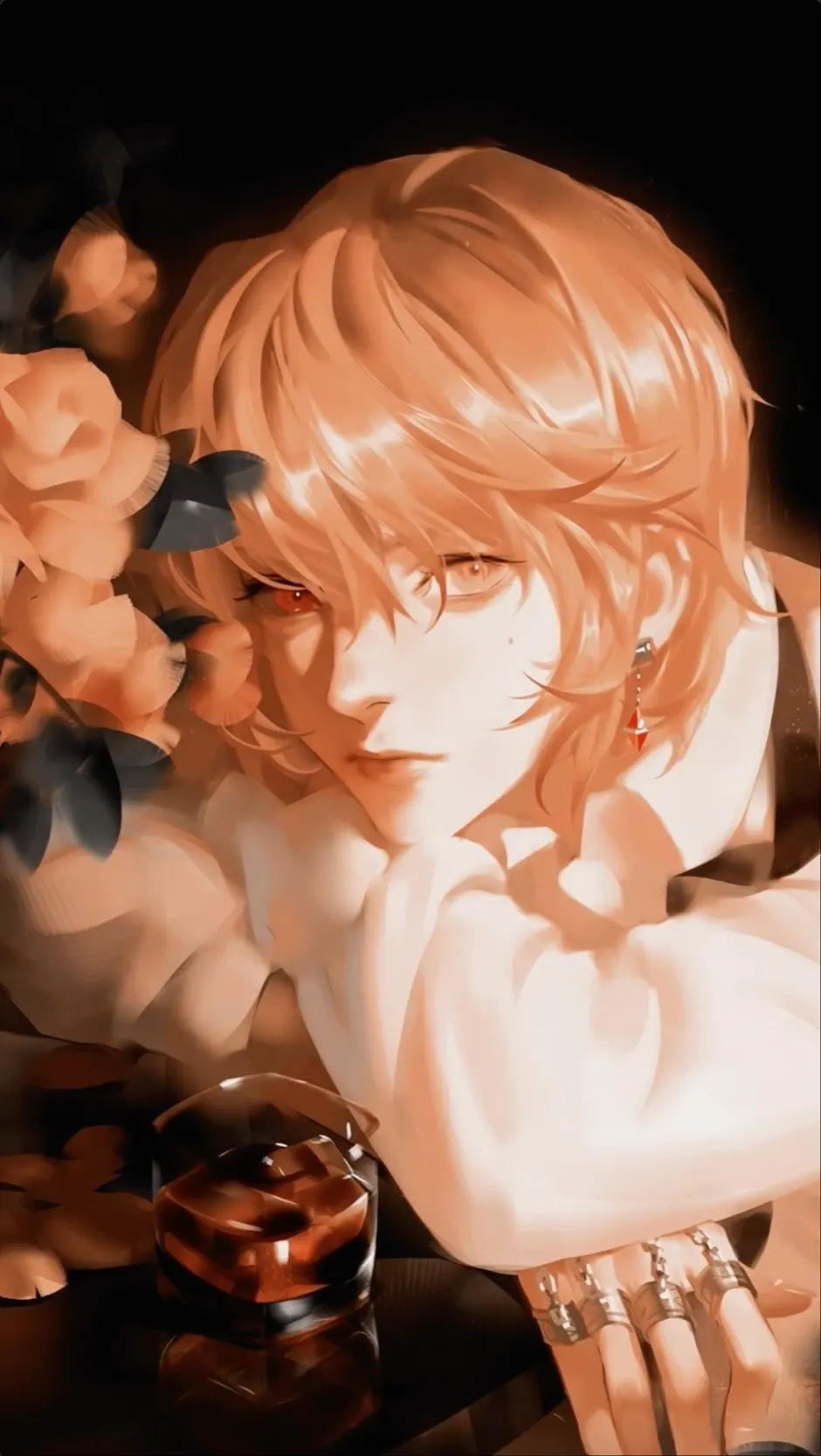
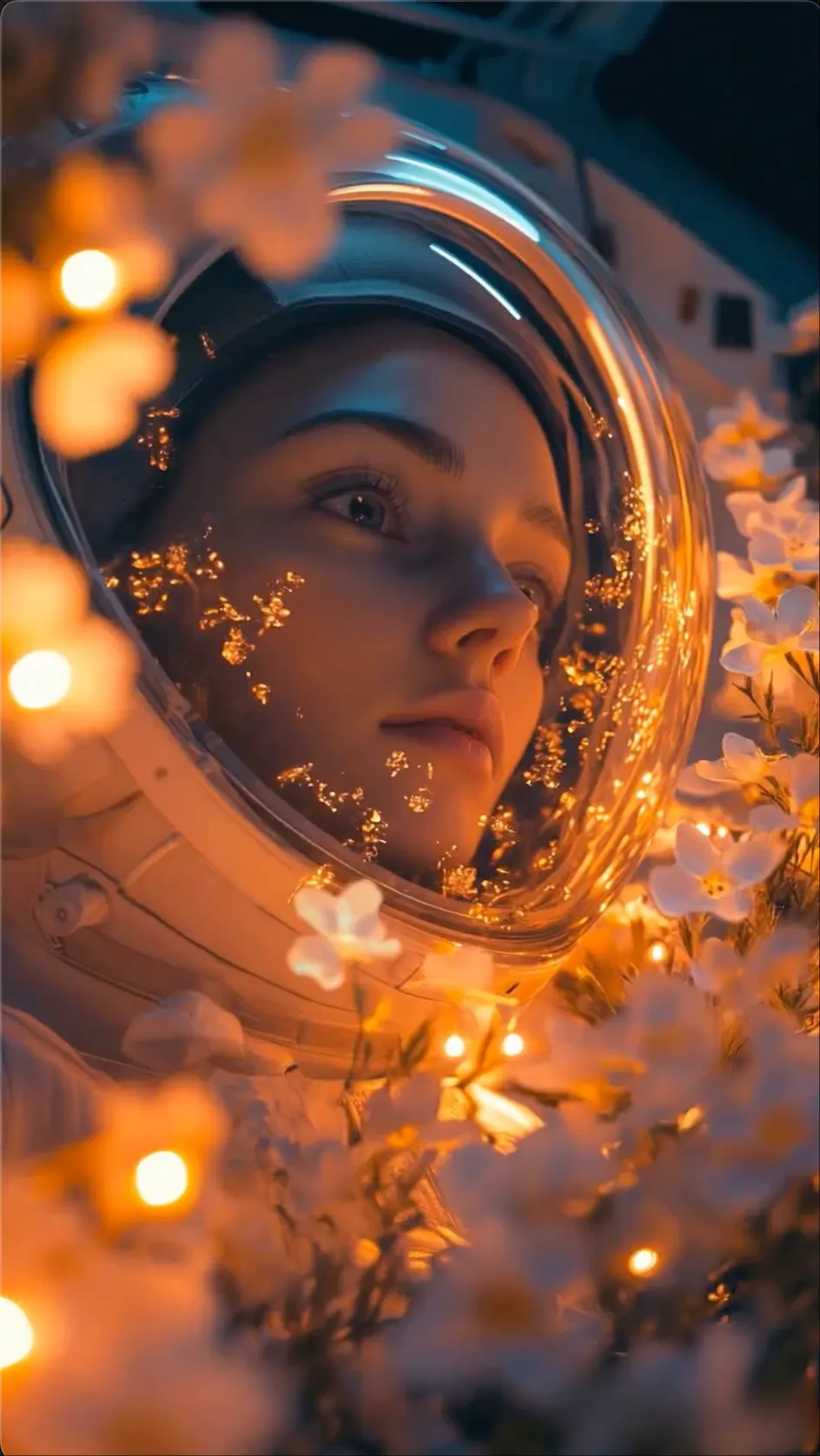
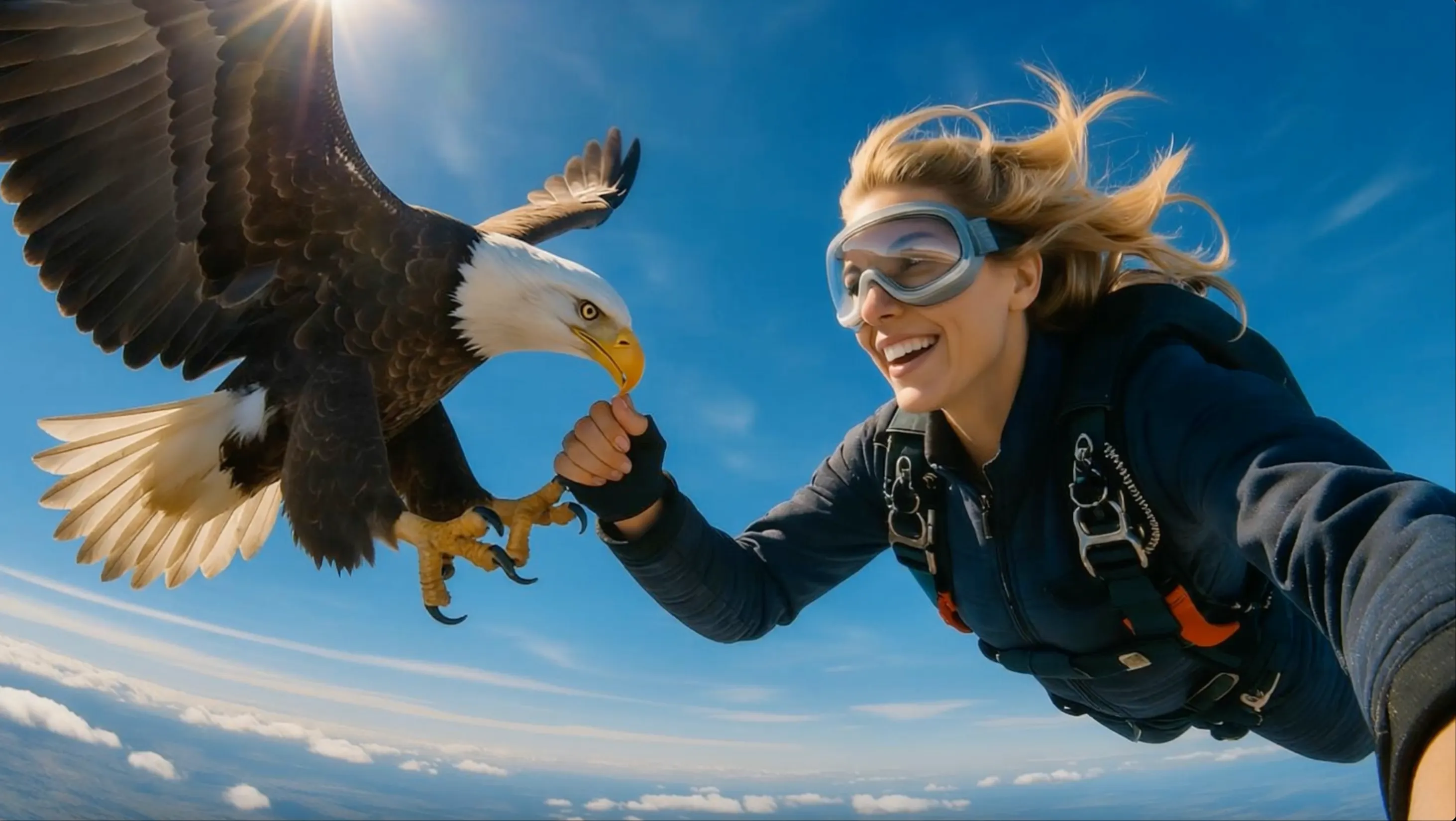
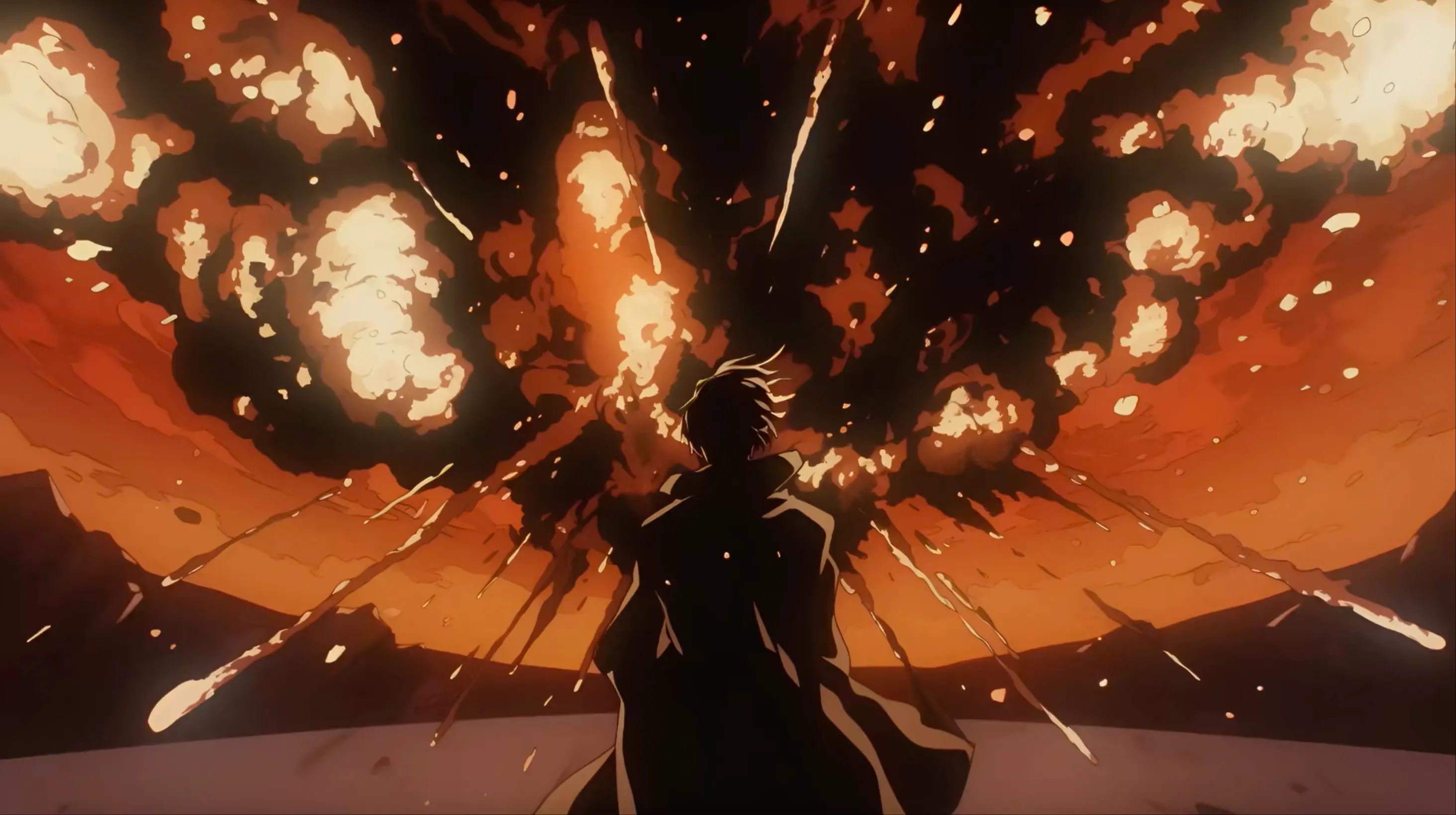
ACTION
Fast Character Motion
Direct movement, framing, and visual energy around one clear action.
 Flow Studio
Turn a text prompt or reference image into a directed AI video with motion, camera, style, and sound cues.
PIXVERSE AI VIDEO EXAMPLES
Explore motion styles for product reveals, character shots, cinematic scenes, and social video concepts.
ACTION
Direct movement, framing, and visual energy around one clear action.
CINEMATIC
Use camera movement and lighting to shape a short movie-style moment.
ANIMATION
Animate illustrated subjects while keeping the look and color direction recognizable.
SOCIAL VIDEO
Build a focused opening beat for vertical videos, campaigns, and creative tests.
PIXVERSE AI USE CASES
Make AI video effects, talking characters, image-to-video animations, product videos, and clips for TikTok, Reels, and YouTube Shorts.
Build a fast opening, a memorable key moment, and a clean ending for short videos people can watch and share.
Show a product with close-ups, camera moves, feature reveals, and simple transitions for a new launch or sale.
Add facial movement, depth, background motion, and a clear camera path to a still image.
Create action moments, dramatic entrances, background shots, and visual effects for a larger edit.
Give a character dialogue, gestures, expressions, and lip movement for an animated performance.
Make before-and-after changes, seamless loops, playful effects, and template-based clips for social posts.
 TEXT TO VIDEO + IMAGE TO VIDEO
WHY PIXVERSE AI
Create short videos quickly, apply ready-made effects and turn simple prompts or photos into content designed for social feeds.
Start with a popular effect or visual trend and adapt it to your own photo, character or content idea.
Upload a portrait, product image or illustration and describe the movement you want to see.
Make eye-catching videos for TikTok, Reels, Shorts, memes, fan content and quick campaign ideas.
Move from prompt or image to a finished clip without building a long editing timeline for every variation.
HOW PIXVERSE AI WORKS
Choose a creation mode, tell PixVerse what should happen, apply the right settings, and make your AI video.
Create a scene from words, animate an uploaded picture, or start with a ready-made effect for a fast social video.
Write a simple prompt with the main subject, action, background, and camera movement in the order you want them to appear.
Pick the available model, visual style, aspect ratio, duration, and quality for your chosen platform or project.
Make the video, watch how the effect and movement look, then improve the result or download it when it is ready to share.
WHO USES PIXVERSE AI
PixVerse AI is useful for fast, shareable video: viral effects, animated characters, product promos, music visuals and quick creative experiments.
VIRAL CONTENT
Turn a photo or prompt into eye-catching effects, loops and reaction clips for TikTok, Reels and Shorts.
PRODUCT PROMOTION
Make product reveals, sale videos and ad variations sized for the social platforms where customers shop.
CHARACTER VIDEO
Animate original characters, fan art and stylized portraits while keeping the look of the source image easy to recognize.
MUSIC VISUALS
Create visualizers, lyric-video scenes, transitions and short performance backdrops for a track or release.
LEARNING CONTENT
Add animated examples and short visual explanations to lessons, presentations and educational videos.
FAST CONCEPTING
Show clients several motion ideas early, compare directions and move the strongest concept into production.
PixVerse creator reviews
See how creators use PixVerse AI for text-to-video, image animation, video effects, product ads, character clips, and social media video.
PixVerse AI is useful when I need a strong visual hook quickly. I can test a video effect, adjust the action and camera movement, and see whether the idea works for a vertical social post.
Choose a plan based on how often you create, compare, and refine AI video concepts.
Perfect for hobbyists and beginners
Everything you need to start:
For teams and businesses
Everything in Basic, plus:
For creators and professionals
Everything in Basic, plus:
PIXVERSE AI FAQ
Straight answers about PixVerse text-to-video, image animation, viral effects, audio, prompts, video length, resolution and free credits.
PixVerse is an AI video platform that turns text, images, and supported visual references into short videos. It also offers ready-made effects and video editing tools.
Enter a short description of the subject, action, setting, camera move, lighting, and style. PixVerse uses those details to build a new video scene.
Image-to-video starts with a photo or AI image and adds motion. Your prompt tells PixVerse what the subject should do and how the camera should move.
Lead with one clear subject and action. Then add the shot type, camera movement, setting, lighting, pace, and visual style without mixing several scenes into one prompt.
Yes. PixVerse includes ready-made effects and transition tools for quick transformations, character moments, and social video ideas. The available library changes over time.
Some PixVerse models and modes support audio or speech. Check the sound option in the selected workflow because audio support is not the same for every model.
Video length, resolution, aspect ratio, and quality options depend on the model and mode. Review the current settings before you spend credits.
PixVerse has offered free credits for limited generations. Free limits and credit costs can change, so confirm the current allowance after signing in.
PixVerse works well for short visual hooks, product reveals, character clips, and vertical effects. Add captions, music, and final timing in your editor when the generated clip needs more polish.
RELATED AI VIDEO TOOLS
Discover more ways to create video from text, images, references, characters, and social content ideas.
MAKE A PIXVERSE AI VIDEO
Write a prompt, animate a picture, or choose a video effect, then set the style and format for the clip you want to share.
Generate a PixVerse Video