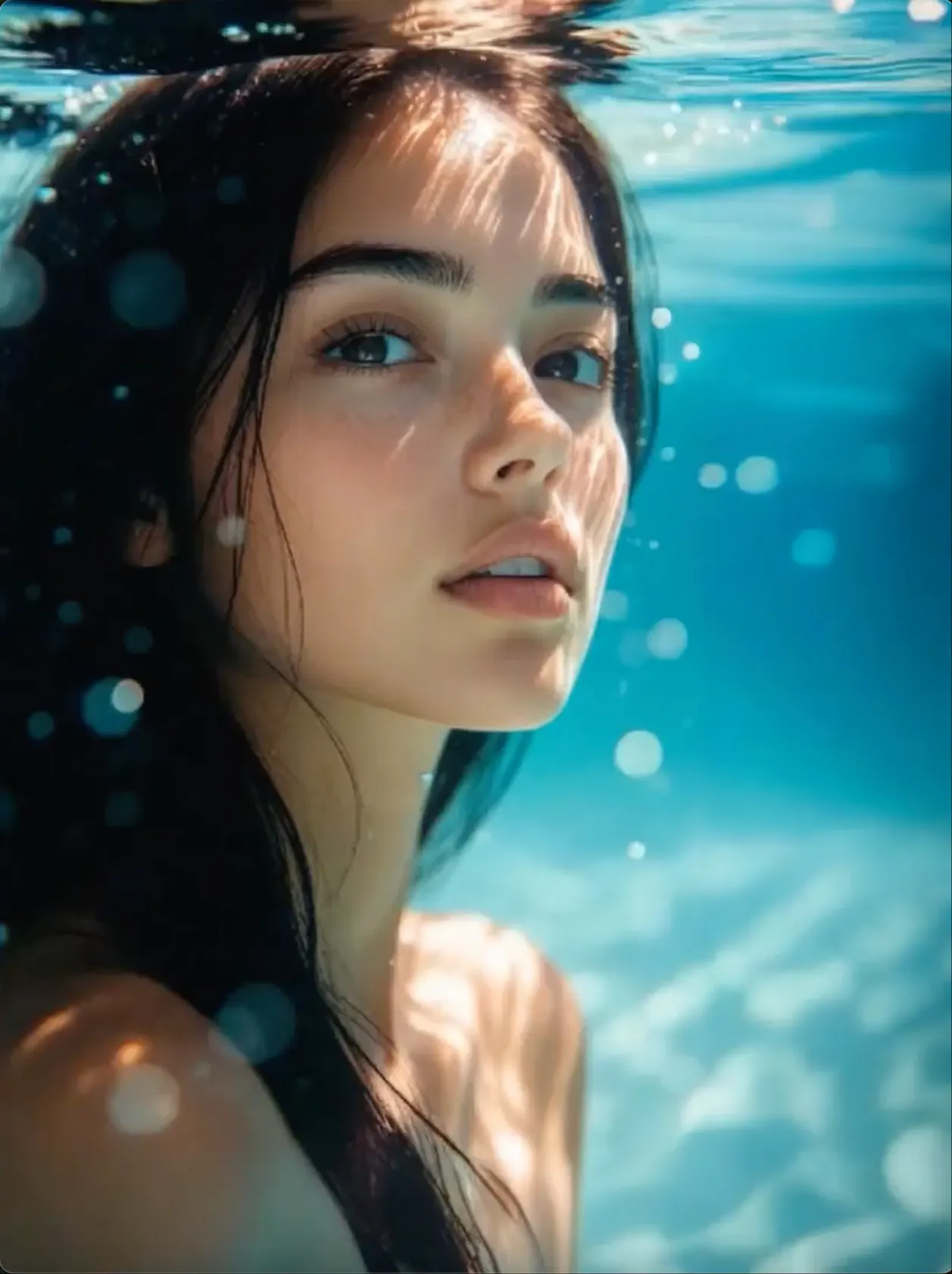
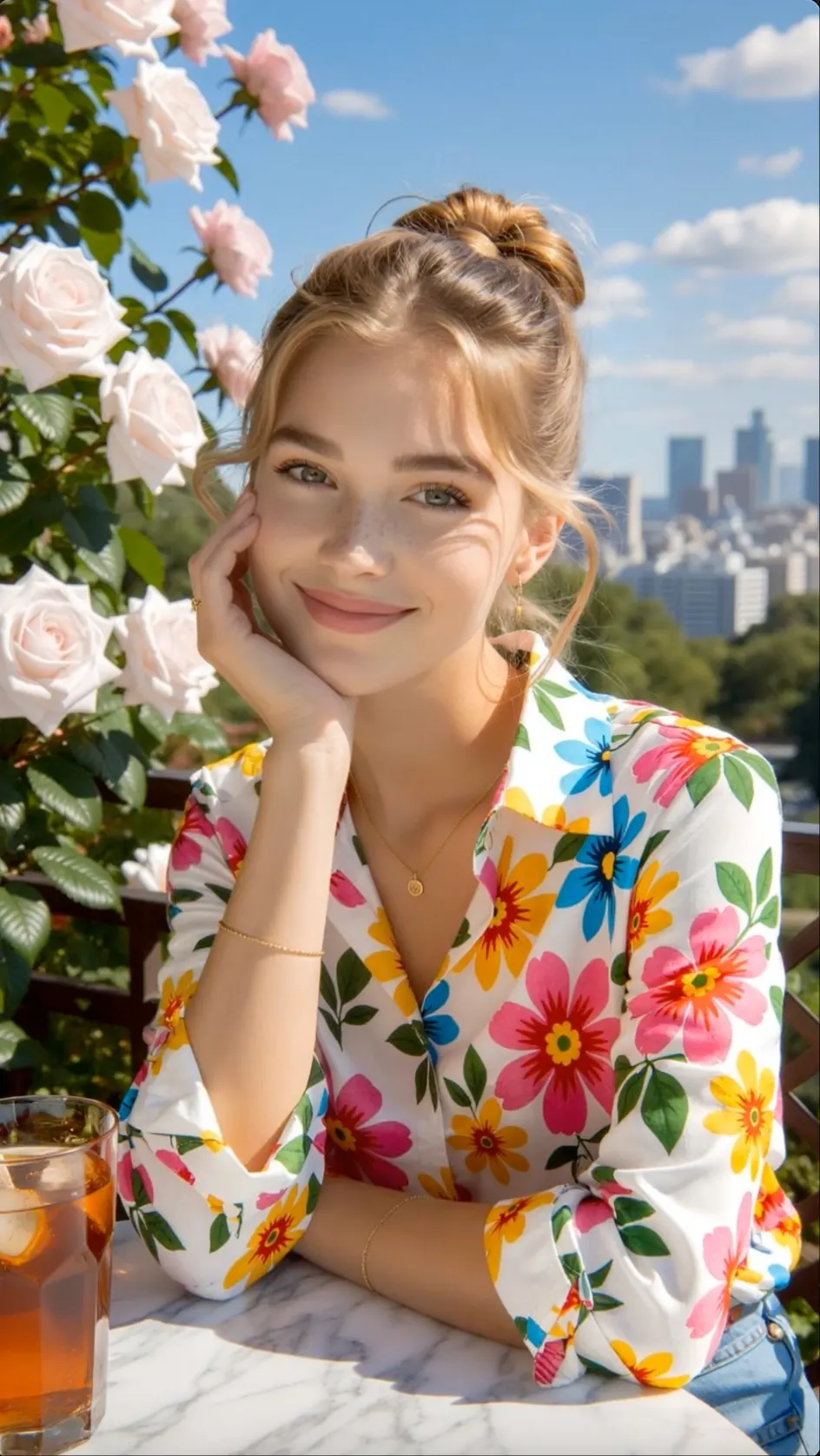
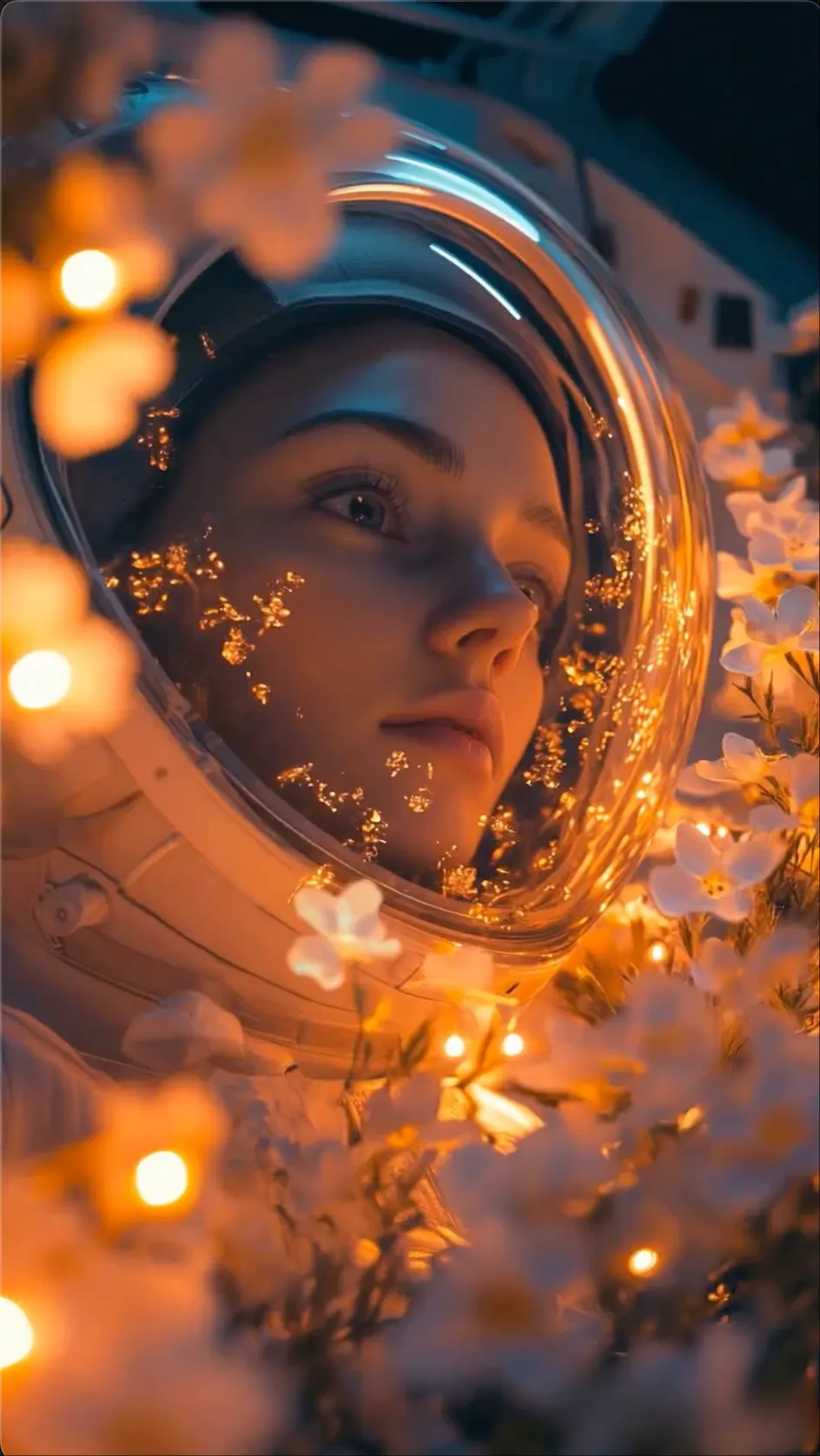
CINEMATIC MOTION
Directed Camera Movement
Shape the shot with a clear camera path, pace, subject action, and atmosphere.
 Flow Studio
Create cinematic AI video concepts from text or images with clear camera, motion, style, and scene direction.
LUMA DREAM MACHINE EXAMPLES
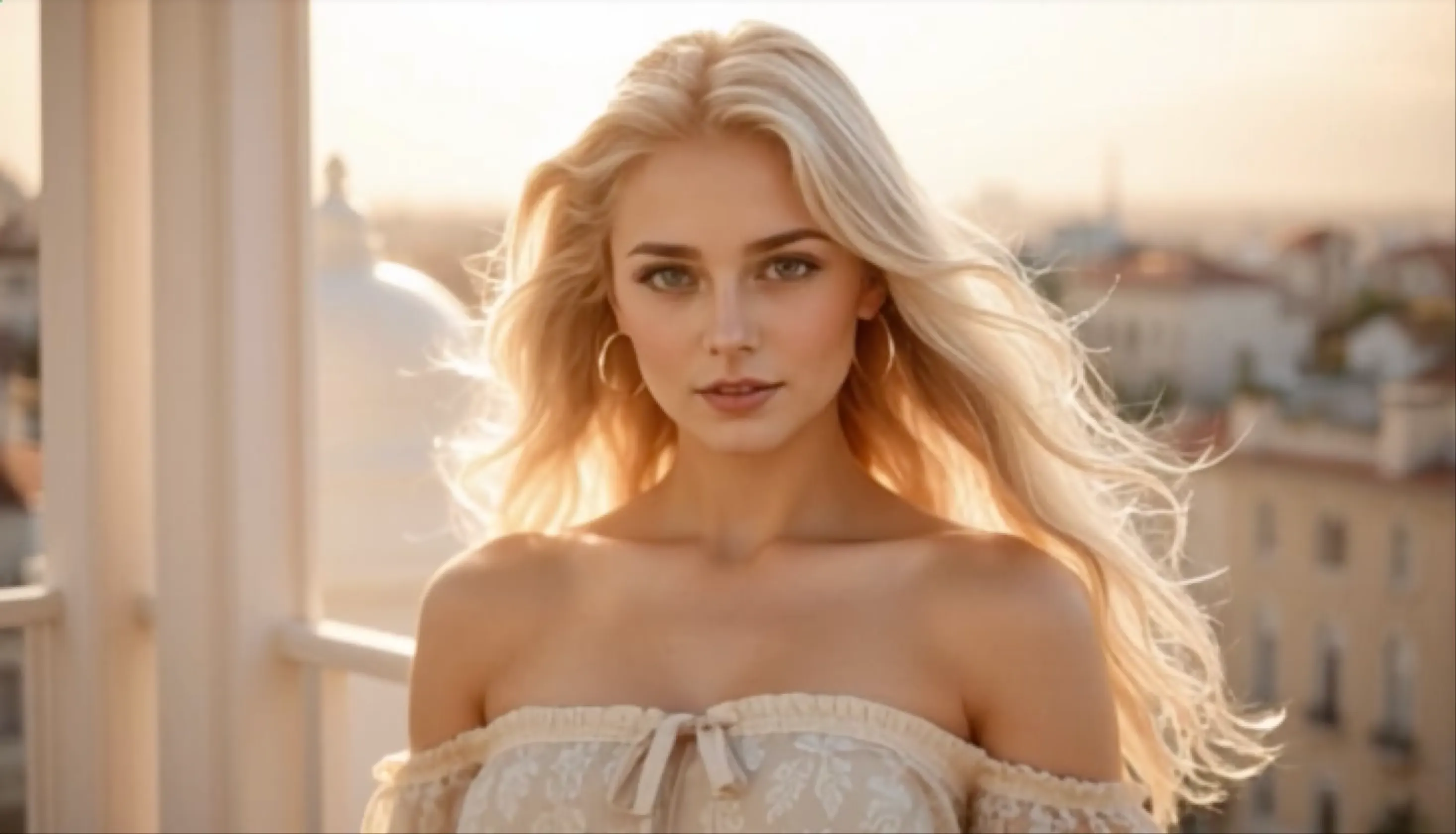
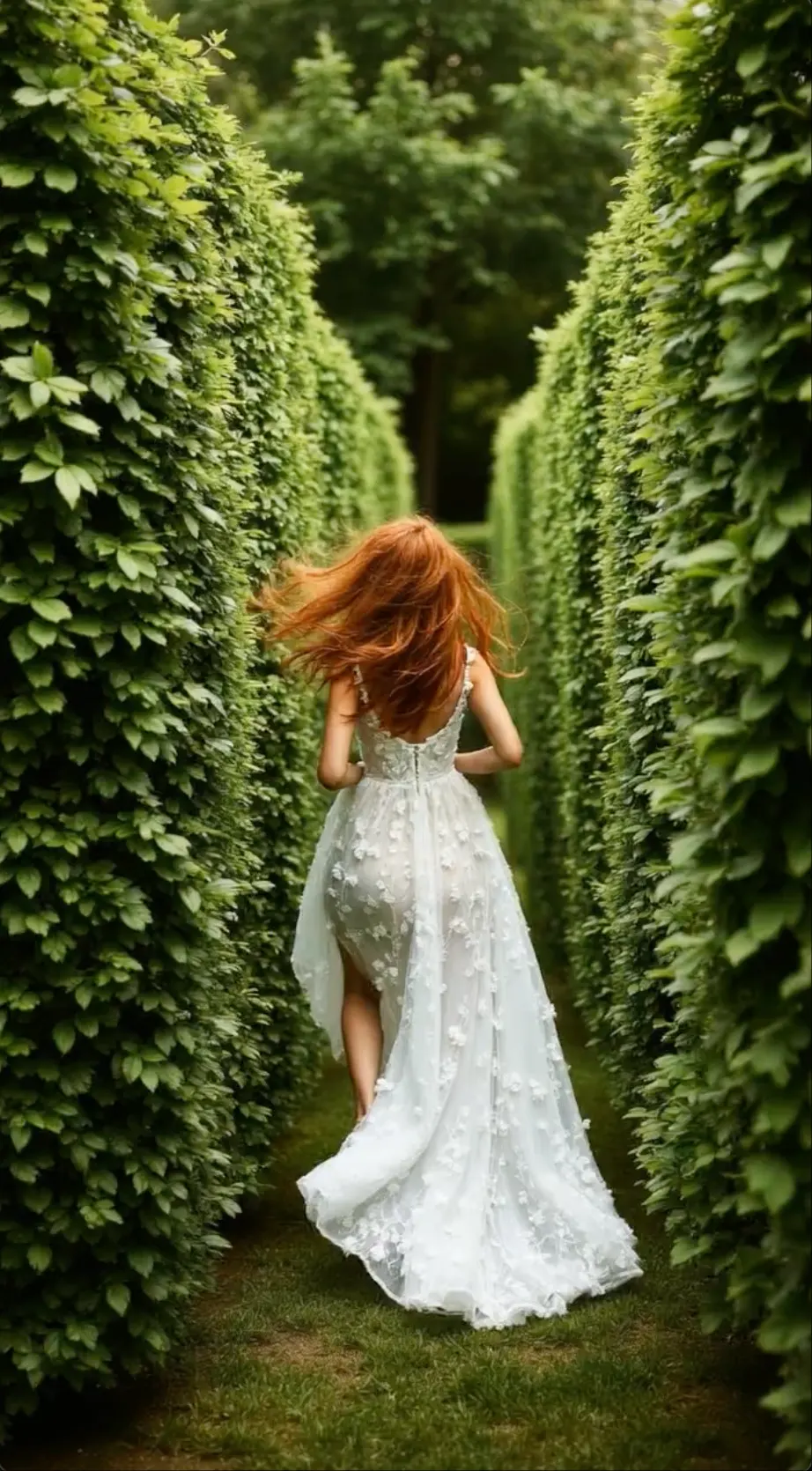
Explore cinematic movement, environmental shots, image animation, and visual ideas shaped for the screen.
CINEMATIC MOTION
Shape the shot with a clear camera path, pace, subject action, and atmosphere.
IMAGE TO VIDEO
Introduce controlled subject and environmental movement while protecting the composition.
WORLD BUILDING
Explore light, weather, texture, and camera movement around a coherent world idea.
STORY CONCEPT
Turn one visual direction into moving references for a story, campaign, or film concept.
WHY LUMA DREAM MACHINE
Build shots with realistic motion and stronger scene logic, then use keyframes and extensions to develop an idea beyond the first clip.
CINEMATIC TEXT TO VIDEO + IMAGE TO VIDEO
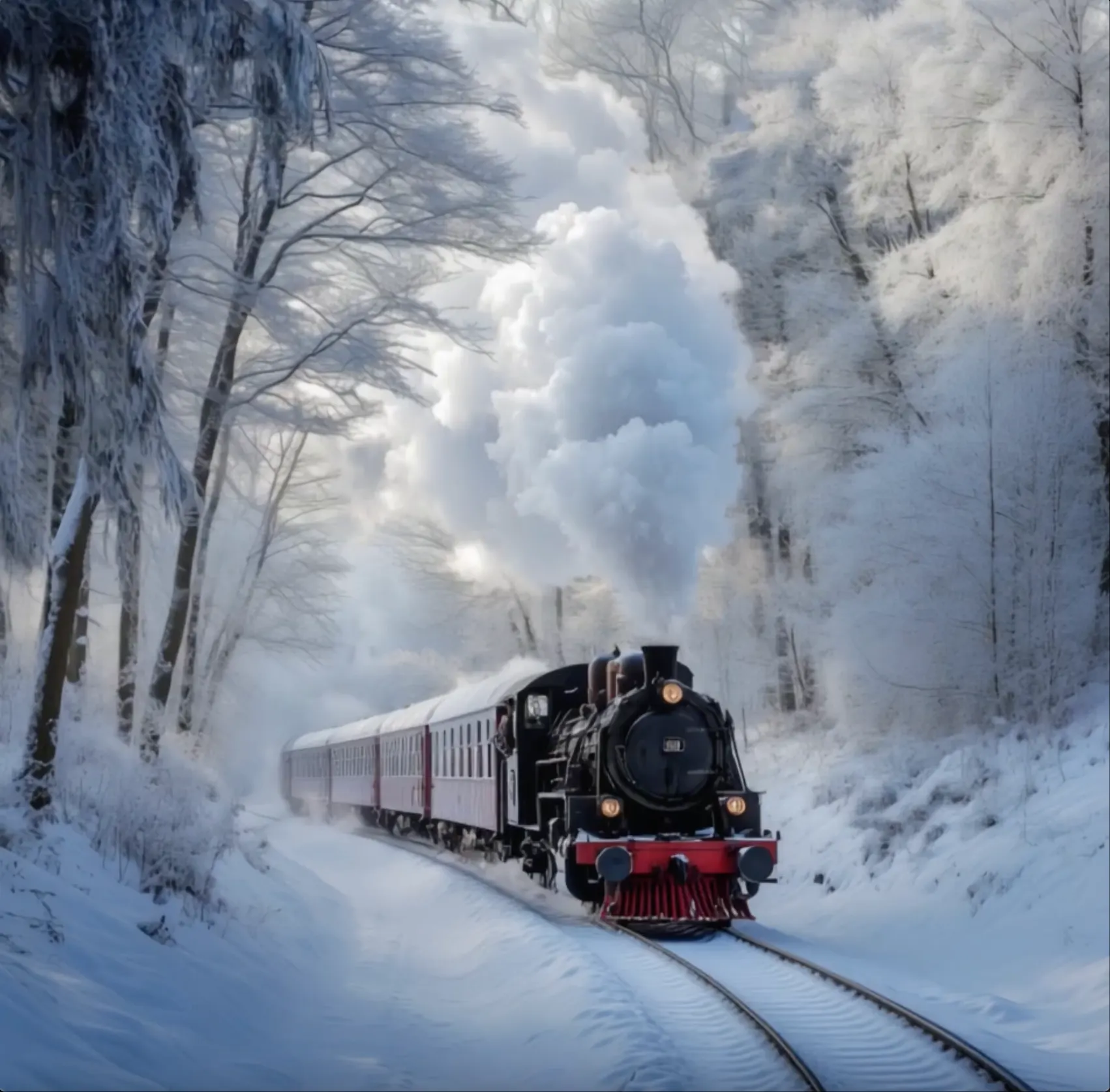
Generate people, objects and environments that move with clearer timing, weight and interaction inside the scene.
Set important visual moments so the shot moves toward the composition, action or change you have in mind.
Use visual references to carry the same character identity into new scenes, actions and camera angles.
Extend a promising result or create a smooth loop instead of rebuilding the whole idea from the beginning.
HOW LUMA DREAM MACHINE WORKS
Build an idea on a Board, choose a starting visual, animate it, and keep the version that best matches your vision.
STEP
Open a new Board to keep the prompts, images, video drafts, and later changes for one creative project together.
STEP
Upload a photo, generate a visual from text, or select an image already on the Board as the first frame for your video.
STEP
Describe the action and camera motion, then use Make Video to turn the selected image into moving footage.
STEP
Watch the generated versions, continue the strongest shot with Extend, or download and share the result from your Board.
LUMA DREAM MACHINE USE CASES
Create cinematic videos with realistic motion for film scenes, image-to-video shots, product commercials, storyboards, and social media.
CINEMATIC VIDEO
Develop establishing shots, character moments, action beats, and transitions for a film concept or trailer.
IMAGE TO VIDEO
Add depth and controlled movement to a mood board, design image, illustration, or storyboard frame.
PRODUCT VIDEO
Build polished close-ups, smooth camera moves, texture details, and campaign scenes around a product.
STORYBOARDS
Turn a script or mood board into moving examples that help a team review timing, camera angles, and style.
SUPPORTING FOOTAGE
Add landscapes, interiors, weather, travel scenes, and other supporting footage that is hard to film.
SOCIAL VIDEO
Create vertical hooks, branded loops, and short visual moments with deliberate framing and movement.
LUMA DREAM MACHINE USERS
Luma Dream Machine is aimed at visual work that needs realistic motion, cinematic framing, video transformation or rapid pre-production tests.
FILM PLANNING
Plan opening shots, action, camera angles, and scene mood before the cast and crew arrive on set.
VFX AND POST
Transform filmed footage, explore alternate looks and create elements that can continue through compositing and color work.
ARCHITECTURE
Turn a still render into a moving walkthrough with natural light, weather, people and a controlled camera path.
GAME DEVELOPMENT
Test environments, character action and cinematic sequences while a game world or trailer is still taking shape.
BRAND FILMS
Develop premium hero shots and campaign scenes for a treatment, product launch or presentation to stakeholders.
MUSIC AND CULTURE
Build surreal scenes, performance backgrounds, and supporting shots that match the tone of a song or event.
Luma creator reviews
Read how filmmakers and creative teams use Luma Dream Machine for cinematic AI video, text to video, image to video, product shots, and visual storytelling.

Luma Dream Machine helps me explore a scene before a shoot. A clear text prompt gives me enough motion, lighting, and camera direction to discuss the visual tone with the rest of the team.
Choose a plan that matches the number of scenes, variations, and creative directions you want to explore.
Perfect for hobbyists and beginners
Everything you need to start:
For teams and businesses
Everything in Basic, plus:
For creators and professionals
Everything in Basic, plus:
LUMA DREAM MACHINE FAQ
Common questions about Luma Dream Machine, Ray video models, image inputs, keyframes, extensions, watermarks and commercial use.
Dream Machine is Luma AI's web platform for creating and editing images and videos. Its Ray models support video generation from text, images, and keyframes.
Dream Machine uses Luma's Ray family of video models. The exact Ray versions and controls available depend on the current release and account plan.
Upload an image as the starting frame, then describe the subject movement, camera motion, and changes in the scene. Keep the prompt simple when the image already defines the look.
Write one focused shot in natural language. Name the subject and action first, then add the camera move, framing, lighting, speed, and mood.
Keyframes guide important visual points such as the start or end of a shot. Extend continues an existing clip from its last frames so you can build a longer sequence.
These options vary by Ray model and plan. Check the generation panel for the current clip length, resolution, and frame sizes before using credits.
Luma offers a free plan for limited personal testing. Video access, draft quality, watermarks, and generation limits depend on the current plan.
Free and Lite output may include a watermark. Luma says watermark removal and commercial use are included with eligible paid plans, so check the latest terms before publishing client work.
Commercial rights depend on the subscription used to create the video. Luma currently limits free and Lite generations to personal use, while eligible higher plans include commercial use.
MORE AI VIDEO TOOLS
Discover more ways to turn prompts, images, references, and story ideas into moving scenes.
CREATE WITH LUMA DREAM MACHINE
Choose a starting visual, describe the action and camera movement, then generate, extend, and share your Dream Machine video.
Generate a Dream Machine Video