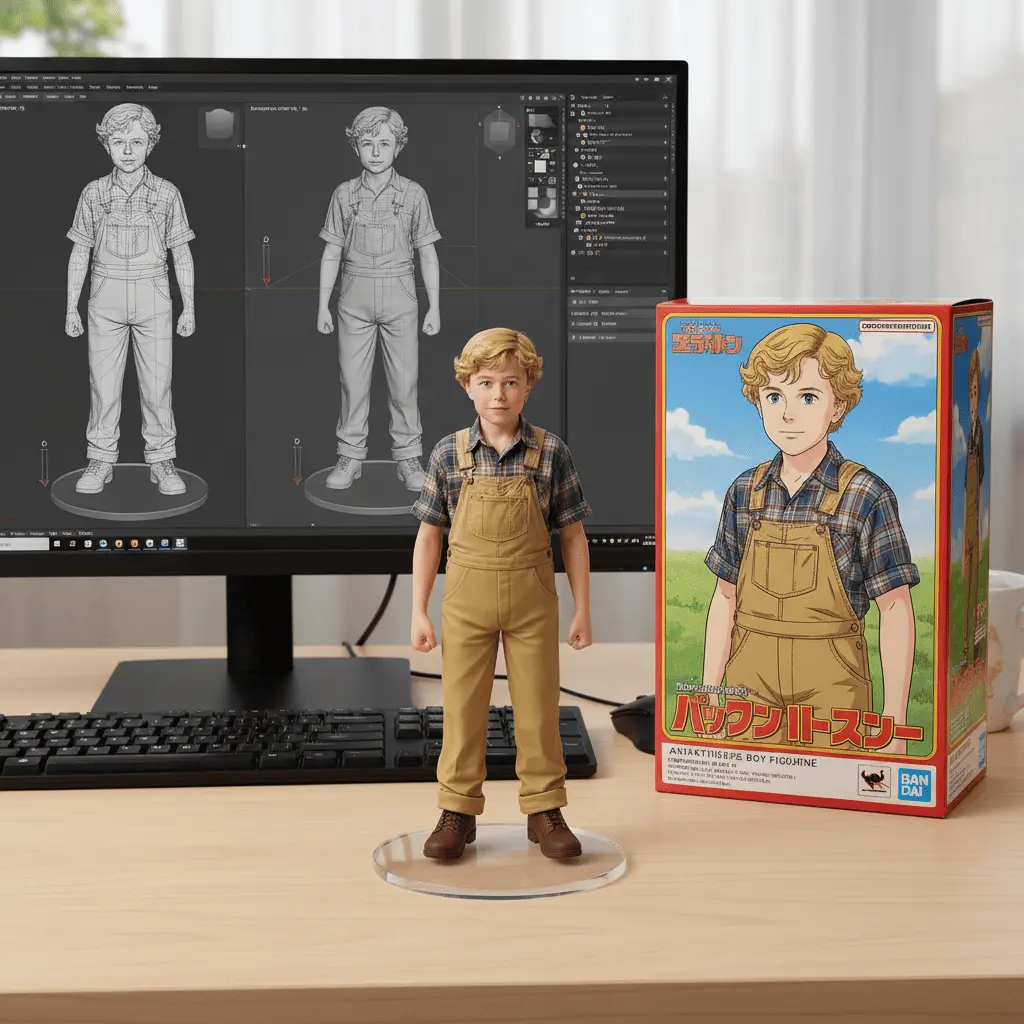
 Original character
Anime Character Art
Choose the hair, eyes, clothing, expression, pose, and accessories for an original anime character.
 Flow Studio
Create NovelAI anime characters, manga scenes, and fantasy art from a text prompt or reference image.
Anime image ideas
Explore NovelAI anime character art, manga panels, character sheets, fantasy illustrations, backgrounds, and profile pictures.
Original characterChoose the hair, eyes, clothing, expression, pose, and accessories for an original anime character.
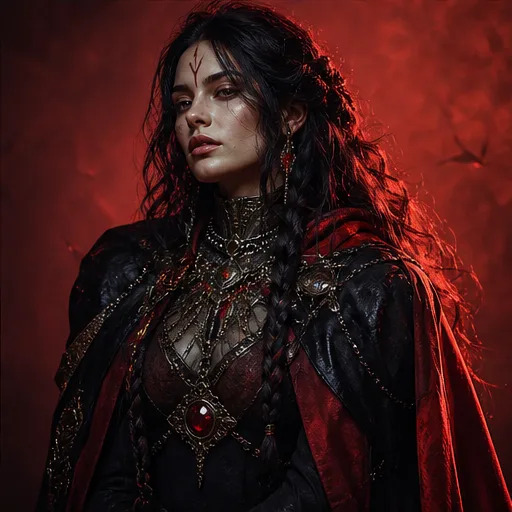 Manga panel
Create a manga panel with specific characters, dialogue space, action, camera angle, and scene layout.
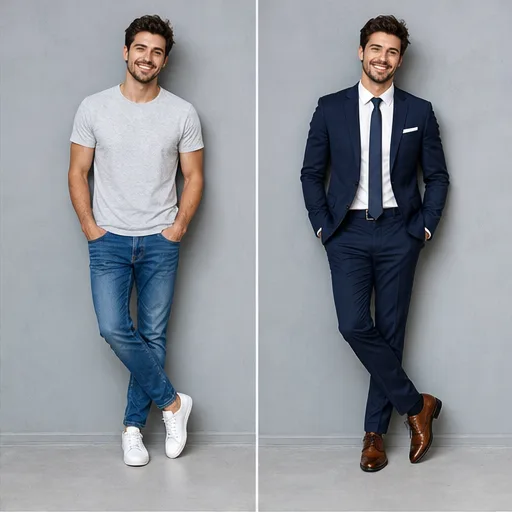 Character sheet
Generate front views, side views, expressions, outfits, and poses to plan a recurring anime character.
 Fantasy art
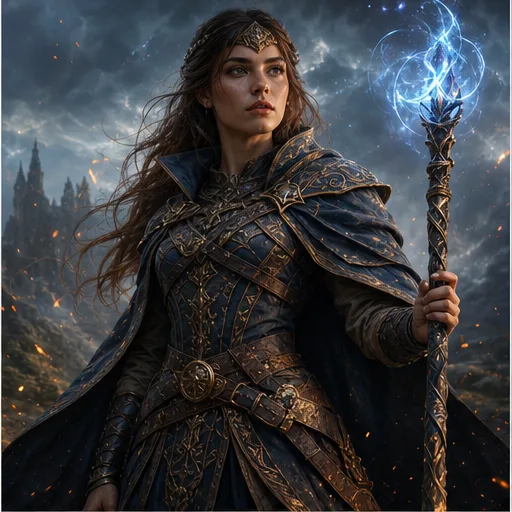
Create fantasy characters, creatures, magical landscapes, dramatic battles, and story scenes in an anime style.
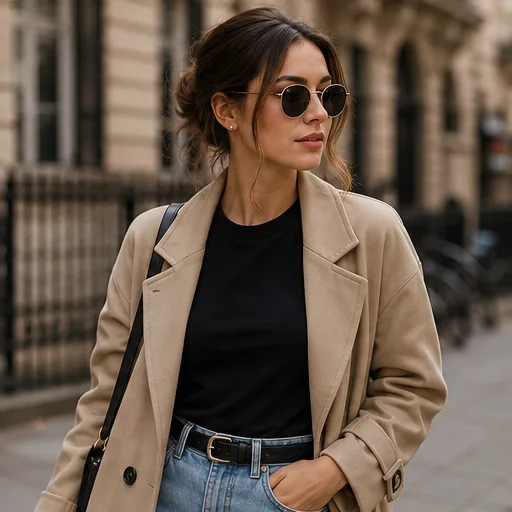 Anime background
Generate city streets, classrooms, fantasy landscapes, interiors, and wallpapers with the mood and colors you choose.
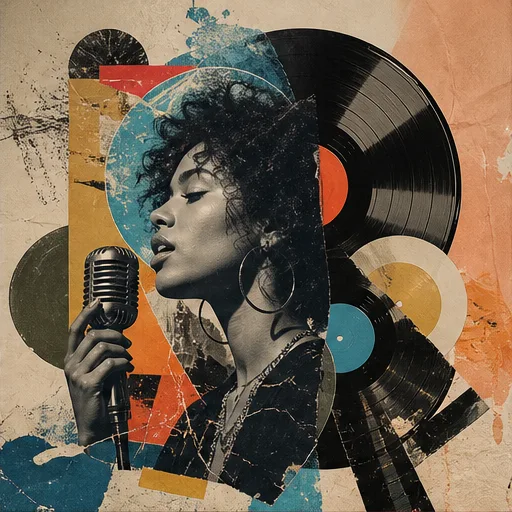 Anime avatar
Make a close-up anime portrait with a clear expression, simple background, strong colors, and square framing.
NovelAI image generator benefits
NovelAI combines tag-based prompts, character controls, reference images, flexible canvas sizes, and tools for refining anime and manga art.
Anime Tags
Describe hair, eyes, clothing, expression, pose, background, lighting, and art style with terms anime creators already use.
Reference Images
Use a clear visual reference when the face, hairstyle, outfit, colors, or overall character design needs to stay recognizable in a new scene.
Character Control
Set each character's look, expression, position, camera angle, action, and setting so a busy scene is easier to direct.
Story Art
Create portraits, manga scenes, fantasy worlds, avatars, and cover concepts in the format that fits your story or project.
Simple anime image workflow
Use NovelAI character tags, add the pose and scene, choose the image settings, then generate and refine your anime art.
Add NovelAI character tags for the number of characters, hair, eyes, expression, body details, and clothing, placing the most important tags first.
Describe the pose, action, background, camera angle, lighting, mood, and anime art style so the character fits a clear scene.
Choose portrait, square, or landscape dimensions, then adjust the available prompt guidance and generation settings for the result you want.
Review the NovelAI image, then edit the character, pose, hands, outfit, or background and create variations of the result you like best.
Who creates with NovelAI
NovelAI suits anime artists, manga creators, writers, game developers, and avatar creators who want character and story art from a prompt or reference image.
Use NovelAI to explore hairstyles, outfits, expressions, poses, accessories, and colors before finishing a new character design.
Plan character moments, action scenes, backgrounds, camera angles, and story moods for upcoming pages and chapters.
Create heroes, villains, locations, cover ideas, and key scenes for visual novels, games, and role-playing campaigns.
Develop expressive portraits, costumes, themes, and seasonal looks for a recognizable online character.
Compare available plans and credit options, then choose a setup that matches how often you create anime characters, manga scenes, and story art.
Perfect for hobbyists and beginners
Everything you need to start:
For teams and businesses
Everything in Basic, plus:
For creators and professionals
Everything in Basic, plus:
NovelAI questions
Find clear NovelAI answers about anime prompts, character references, image formats, manga art, and ways to improve your results.
NovelAI is an AI image generation platform focused on anime, manga, fantasy, and illustrated character art. It turns text prompts into images and can use visual references to guide a character or style.
Start with the subject and character count, then describe appearance, clothing, expression, pose, action, setting, camera angle, lighting, colors, and art style. Put the most important details first.
Yes. A clear character reference can guide facial features, hair, clothing, colors, and the overall look. State which details should stay recognizable when the pose or background changes.
Yes. Use scene prompts for manga-style moments and use terms such as front view, side view, expressions, multiple poses, or character sheet when planning a recurring design.
Portrait works well for full-body characters and covers, square suits avatars and profile art, and landscape gives wider scenes more room for backgrounds and multiple subjects.
Reuse a clear reference image and a stable set of character details. Keep the hair, eyes, outfit, colors, and defining accessories specific, then change the pose or scene separately.
Long or conflicting prompts can weaken important details. Remove repeated instructions, put the key character traits first, simplify the scene, and refine one problem at a time.
Yes. After generation, review the available results and download the image you want to keep. Check the current plan and usage terms for your intended project.
MORE ANIME AND AI IMAGE TOOLS
Create anime characters, manga scenes and fantasy illustrations, then explore text-to-image, photo editing, product art and image animation tools.
Create your next character
Describe your NovelAI character or scene, add a visual reference, choose the format, and start creating anime art.