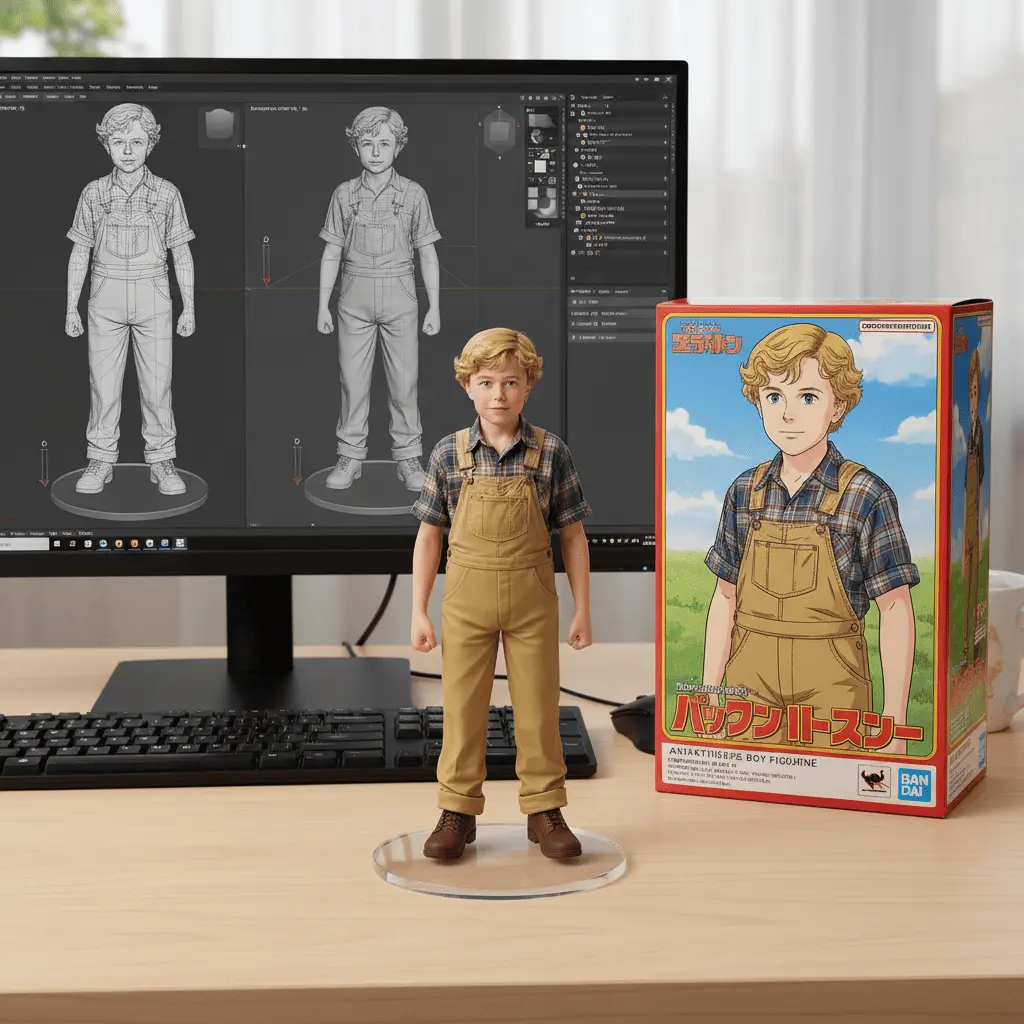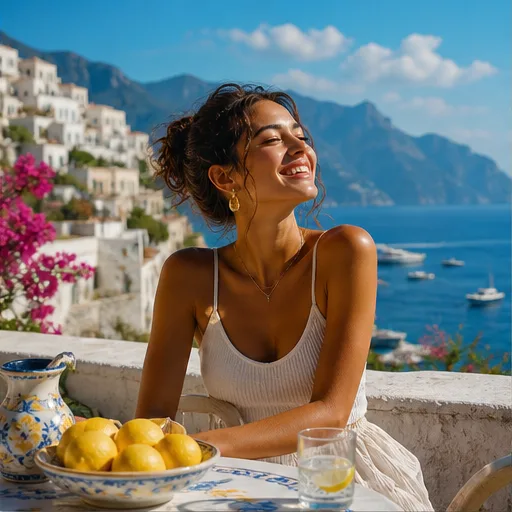
Social media image
Social Media Posts and Ad Images
Make square posts, vertical graphics, quote backgrounds, and ad images for a topic, offer, or campaign.
 Flow Studio
Create AI art, social media images, and visual concepts from a text prompt in the style and format you choose.
Popular image ideas
Generate social media images, concept art, product mockups, backgrounds, AI portraits, blog images, and YouTube thumbnails from text.
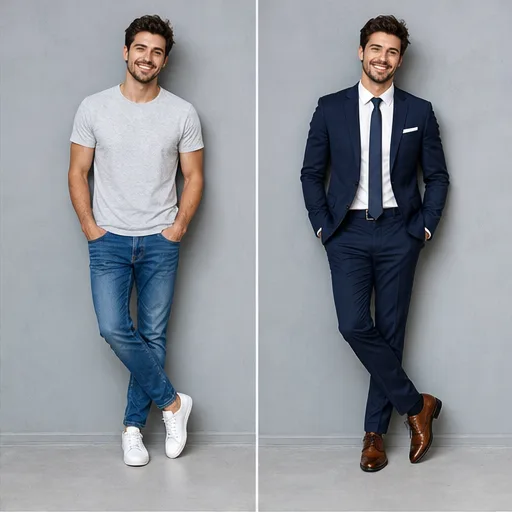
Make square posts, vertical graphics, quote backgrounds, and ad images for a topic, offer, or campaign.
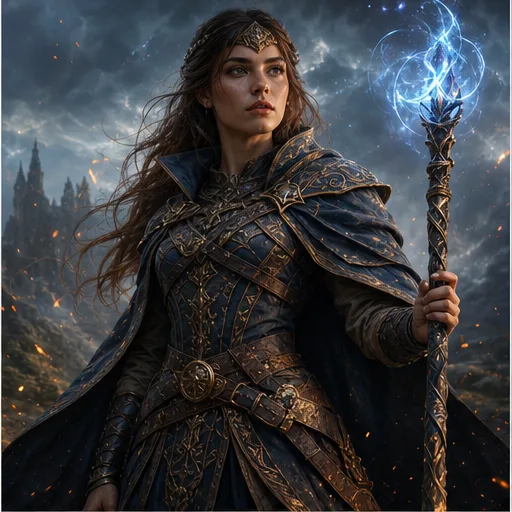
Explore characters, creatures, locations, props, and key scenes before developing a game or story further.
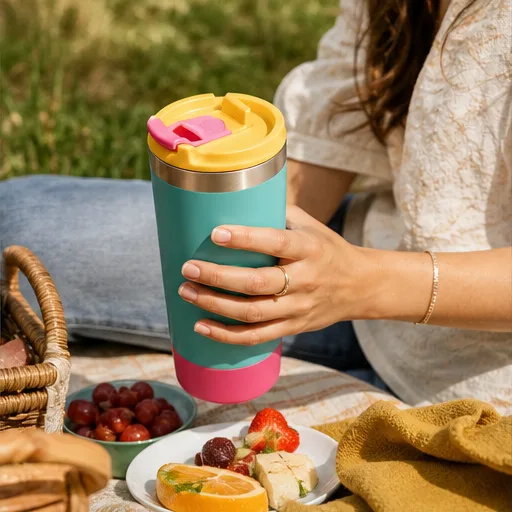
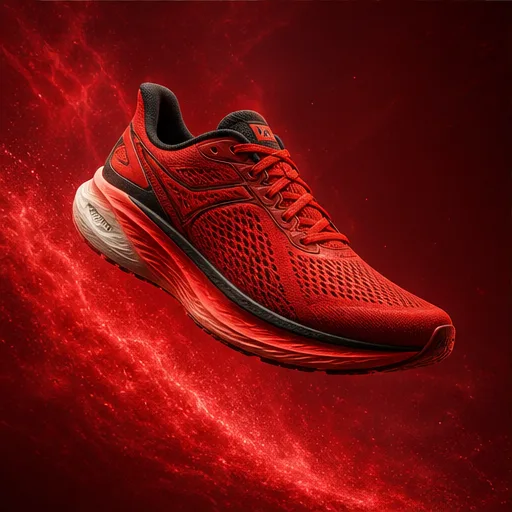
Show a product in a studio, lifestyle setting, seasonal scene, or ad concept before planning a full photo shoot.
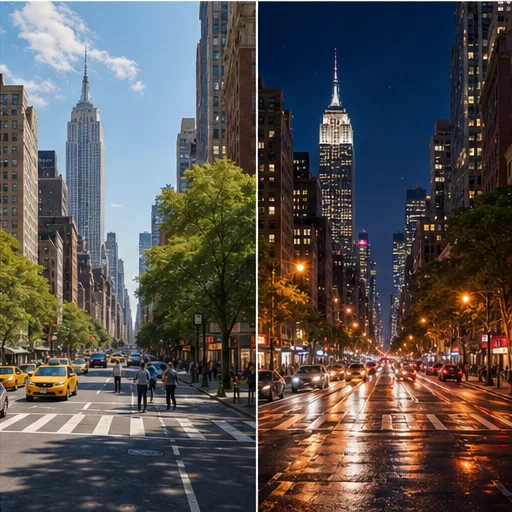
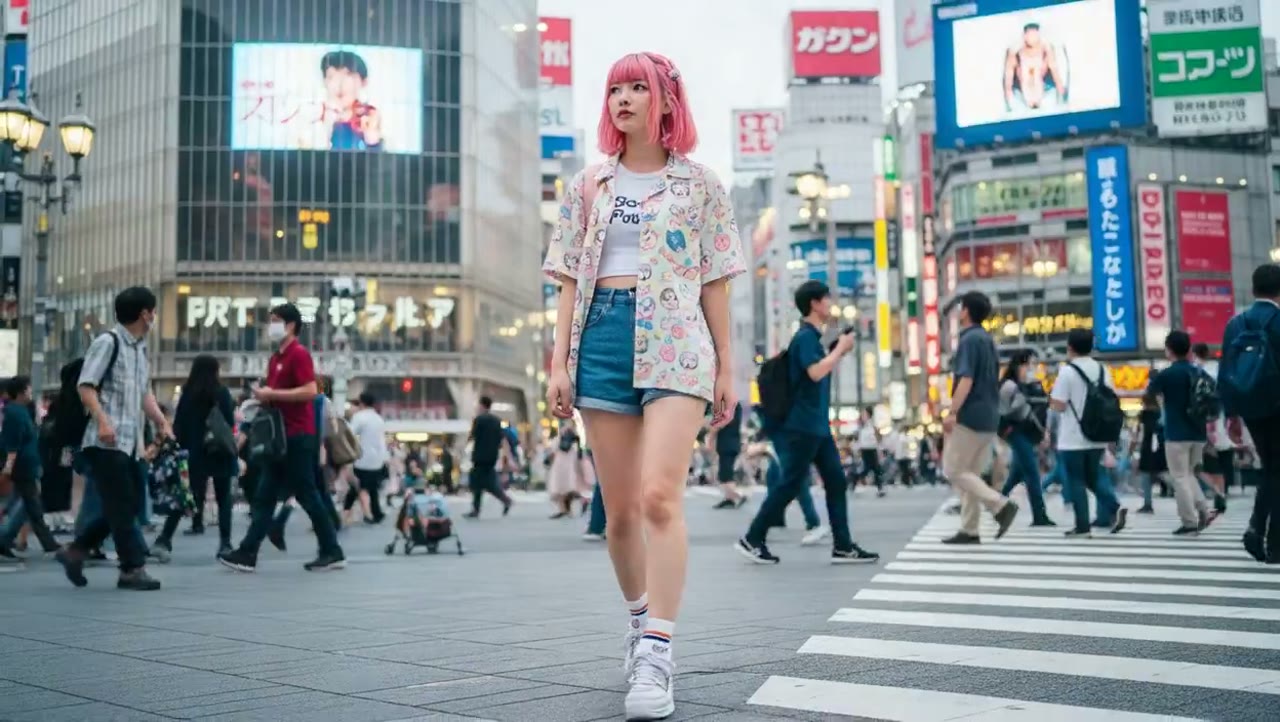
Generate city scenes, landscapes, interiors, abstract backgrounds, and wallpapers in the style and colors you choose.
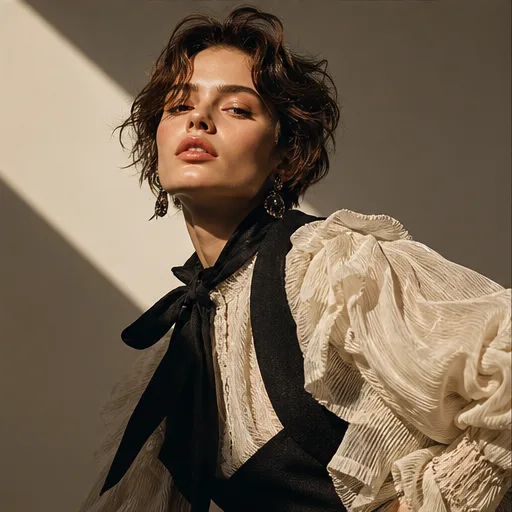
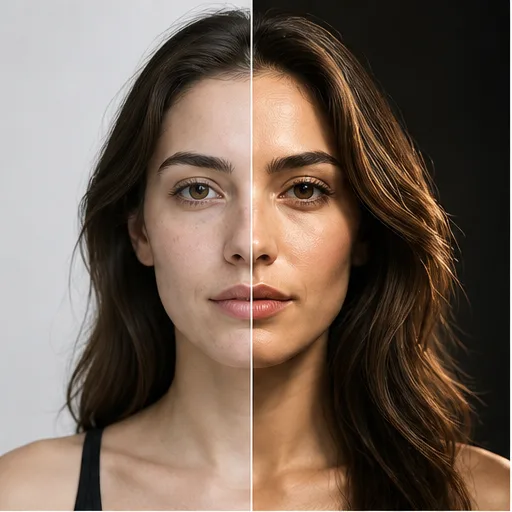
Create portraits and avatars with a chosen expression, outfit, camera angle, lighting, background, and art style.
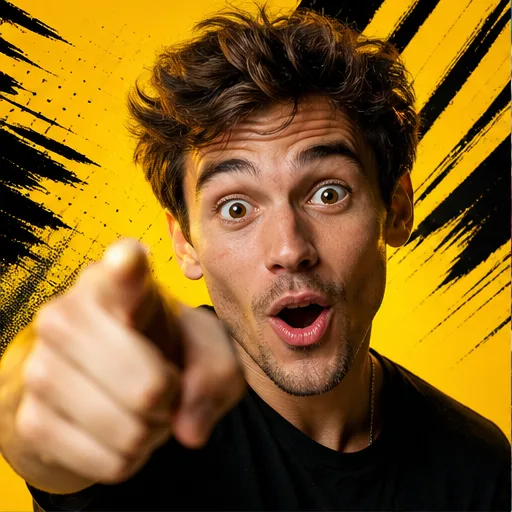
Create a blog header or video thumbnail with one clear subject, strong contrast, and space for headline text.
Deep AI image generator benefits
Turn a simple text prompt into an image, choose from popular visual styles and quality options, and create more versions in one easy workflow.
Generate an imageDescribe the subject, setting, mood, colors, and style in plain words, then turn the idea into a visual without complex design tools.
Try realistic photos, anime art, digital illustrations, fantasy scenes, product images, posters, and other popular visual styles.
Choose the quality level and a square, portrait, landscape, or wide format based on where you plan to use the image.
Keep the main idea, change one detail, and create another result so you can compare colors, backgrounds, compositions, and styles.
Four clear steps
Describe the image you want, choose an art style, generate the result, then download it or refine the prompt.
Describe the main subject, action, background, colors, lighting, and mood in simple language so the AI image generator has a clear direction.
Select the available model and a style such as photography, anime, cinematic, fantasy, illustration, or graphic design.
Generate the image and review how well the subject, composition, lighting, colors, and style match your original text prompt.
Download the result you like, or change one detail in the prompt, try another style, and generate a new version.
Who creates with Deep AI
Deep AI works for people who need quick images for social posts, articles, business content, app projects, or personal ideas.
Generate images, backgrounds, channel graphics, and simple visual ideas for social media and video content.
Turn a topic, headline, or paragraph into a header image, illustration, or visual that supports the article.
Make graphics for websites, announcements, promotions, presentations, and social channels without starting from a blank canvas.
Use text-to-image tools and APIs to test image features, prototypes, and custom creative experiences.
Review plan and credit options, then choose the setup that fits your image volume, preferred formats, and creative workflow.
Perfect for hobbyists and beginners
Everything you need to start:
For teams and businesses
Everything in Basic, plus:
For creators and professionals
Everything in Basic, plus:
Deep AI questions
Find answers about text prompts, image styles, formats, visual references, downloads, and ways to get better results.
The Deep AI image generator is a text-to-image tool that creates a new image from a written description. You can describe the subject, setting, colors, lighting, mood, and visual style.
Write a clear prompt, choose the image style and aspect ratio, set the number of outputs, and generate. Review the result and change one instruction at a time when you want another version.
Include the main subject, action, setting, camera view or composition, lighting, color palette, mood, and image style. Use specific nouns and clear visual details.
You can prompt for realistic images, digital art, illustration, fantasy scenes, product photography, posters, portraits, abstract art, and many other visual directions.
Yes. Choose an available square, portrait, landscape, or wide ratio based on whether the image is for a post, thumbnail, article, presentation, ad, or website header.
The workspace supports visual references for image-guided creation. Use a clear source image and explain whether it should guide the subject, composition, colors, or overall style.
Shorten conflicting instructions, make the main subject more specific, state the composition and lighting clearly, and adjust one weak detail before creating the next version.
Yes. Review the generated results and download the image you want to use. Confirm the current plan and usage terms for your intended personal or commercial project.
MORE TEXT-TO-IMAGE AND CREATIVE TOOLS
Turn text prompts into images, try different art styles, edit photos, build product graphics and animate still images for creative projects.
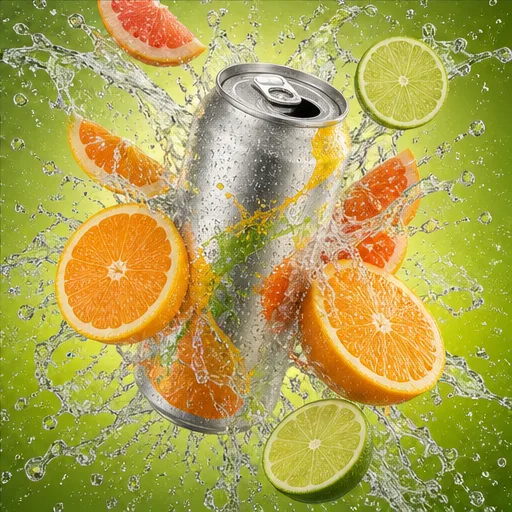
Start with one idea
Write a clear prompt, choose the style and format, and turn your idea into an image for content, marketing, design, or personal projects.